• $98.79
  • Free 30-day Returns
  • Price alert
    Shop it at NeweggBusiness.

    Meet Your Seller

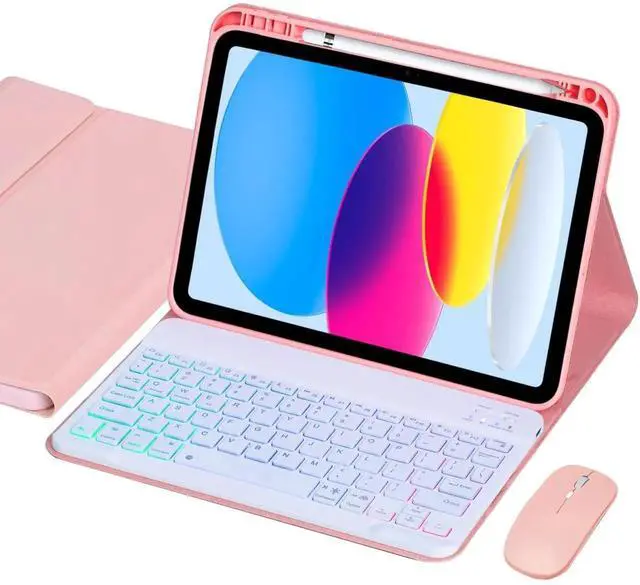
    VLEAQC Keyboard Case for iPad (A16) 11th Gen 11 Inch 2025/ 10th Gen 10.9 2022, Wireless Rainbow Backlight Detachable Keyboard with Mouse, Thin & Light, Pencil Holder (Pink)

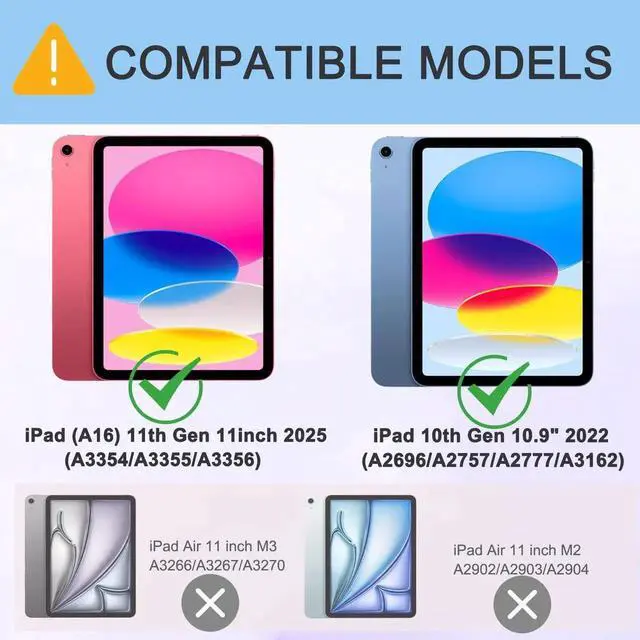
    • COMPATIBLE: Tablet Case with Keyboard for iPad 11th generation 11-inch (A16, 2025, Models: A3354/A3355/A3356) & for iPad 10th Gen 10.9-inch ( 2022, Models: A2696/A2757/A2777/A3162), Check model number before buying
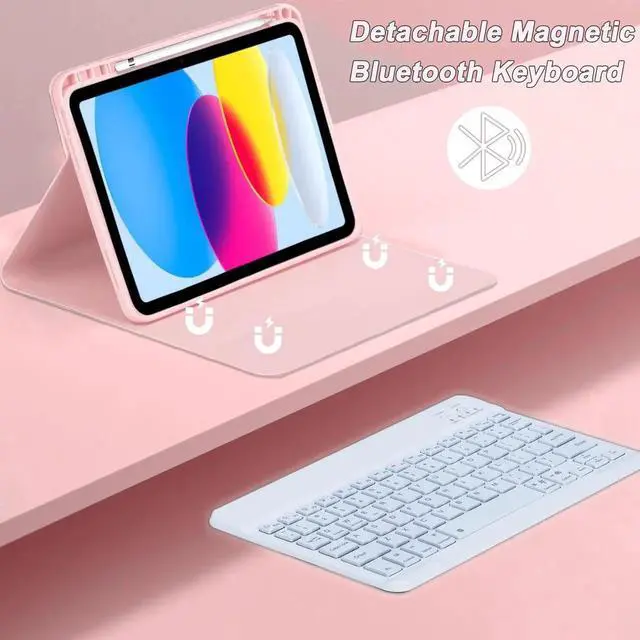
    • BACKLIGHT KEYBOARD: Effortlessly connect to your tablet via Bluetooth and experience true wireless freedom.Type comfortably anytime with 3 colorful backlight zones and 7 lighting modes. Perfect for emails, streaming, or gaming, combining style and performance wherever you are
    • BLUETOOTH MOUSE: Enhance your 10th/11th generation tablet with a rechargeable Bluetooth mouse, featuring smooth tracking, precise control, and effortless pairing. Lightweight and comfortable, it's perfect for Business, Education, Everyday Use, Multimedia, and Photo Editing
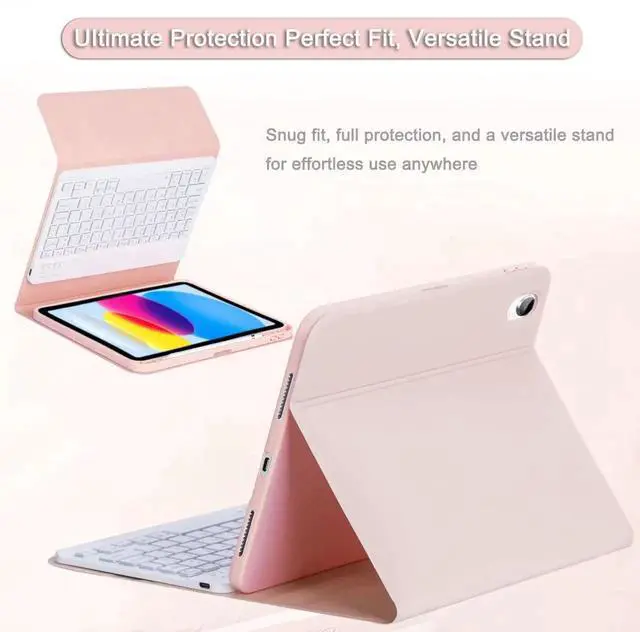
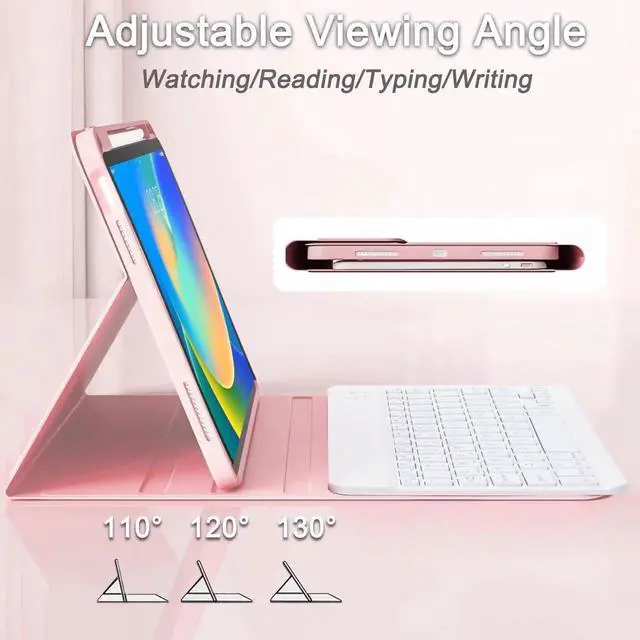
    • VERSATILE STAND CASE: This case for iPad 10th/11th gen combines a slim PU leather cover with a shock-resistant TPU honeycomb back for better airflow and protection. Designed for landscape use, it offers three adjust
    +
    +
    Overview
    Specs
    Reviews
    avatar

    Any questions? Our AI beta will help you find out quickly.

    Compatibility: for iPad 11th Gen 11" (2025, A3354/A3355/A3356) for iPad 10th Gen 10.9" (2022, A2696/A2757/A2777/A3162)

    Materials: PU leather exterior; shock-absorbent TPU inner shell with honeycomb pattern

    Keyboard Mouse Connectivity: Bluetooth

    Battery (Keyboard): 420 mAh rechargeable (up to 240 hrs continuous use) Charging Interface USB-C (cable included)

    Hotkeys: OS switch (FN+Win/Android/iOS) Package Contents 1× Case, 1× Detachable Bluetooth Keyboard 1× Bluetooth Mouse 1× USB-C Charging Cable, Keyboard User Manual

    1. Indicator Lights - **Power**

    Indicator Light: When the power switch is turned on, this light will turn on for 4 seconds and then turn off. - **WiFi** (Bluetooth Connection)

    Indicator Light: When the Connect key is pressed, this indicator will flash until the keyboard is connected to your device, then it will turn off. Bluetooth Keyboard Connection Steps

    1. Slide the power switch of the keyboard to the "ON" position. The power indicator light will turn on for 4 seconds and then turn off.

    2. Press the "Connect" key on the keyboard. The Bluetooth connection indicator light will flash, indicating that the keyboard is now in Bluetooth pairing mode and ready to connect to a tablet.

    3. Turn on the switch at the bottom of the mouse to "ON. "

    4. Open the tablet, tap the "Settings" icon. In the "Settings" menu, select "Bluetooth" to enter the Bluetooth settings interface, then turn on Bluetooth.

    5. The tablet will automatically search for activated Bluetooth devices. Once "Bluetooth Keyboard" and mouse device signals appear, tap to select and complete the pairing.

    Warranty & Returns

    Warranty, Returns, And Additional Information

    Warranty

    • Please contact the Seller directly for warranty information. Warranty information may also be found on the Manufacturer's website.
    • CONTACT

    Return Policies

    • Return for refund within: 30 days
    • Return for replacement within: 30 days
    • This item is covered by JYC - USA Return Policy

    Manufacturer Contact Info

    LOADING...