here!
here!
I’m your shopping assistant for PC builds, upgrades, and everything tech.
Got questions? Ask away!
Start a conversation
here!
I’m your shopping assistant for PC builds, upgrades, and everything tech.
Got questions? Ask away!
Start a conversation




Any questions? Ask CelesteSM will help you find out quickly.

WiWU originates from the initial letters of "Warm, inspire, Unique", which explains the unique character of the brand: "people-oriented, inspiration and be yourself"
Guided by the brand concept, WiWU continuously innovates and upgrades our products in the hope of providing customers with more practical products, making them more efficient and convenient in work and life.








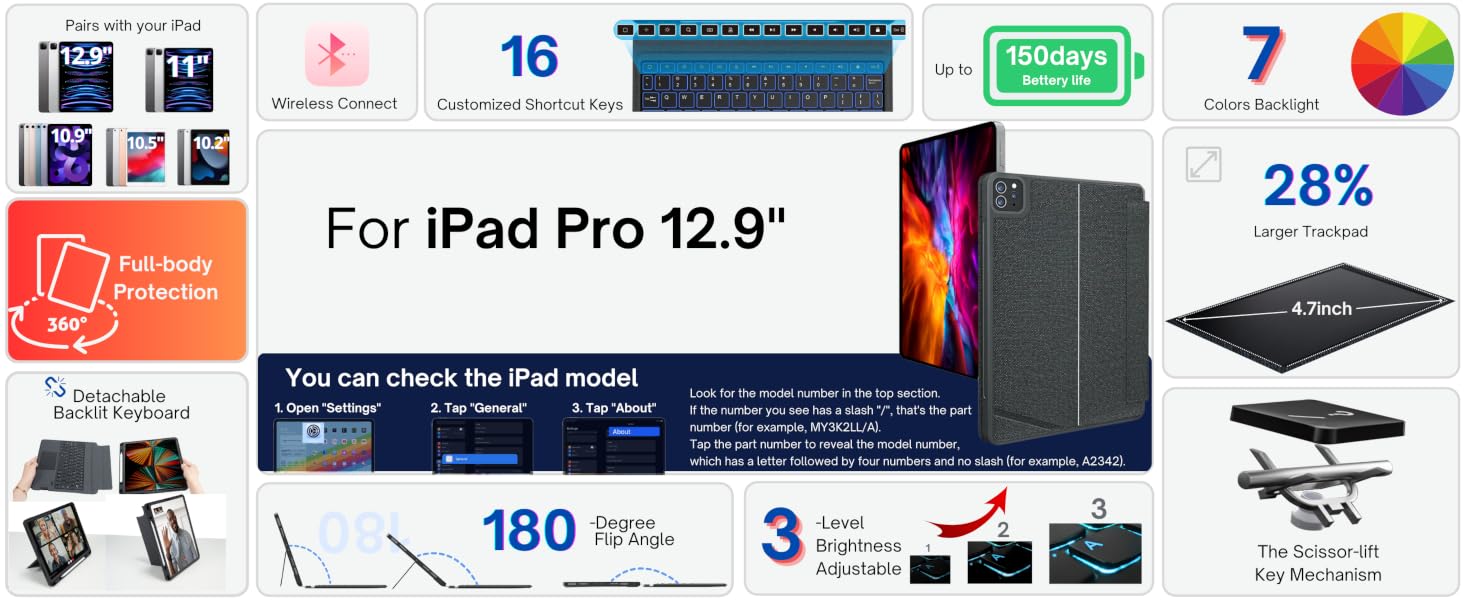
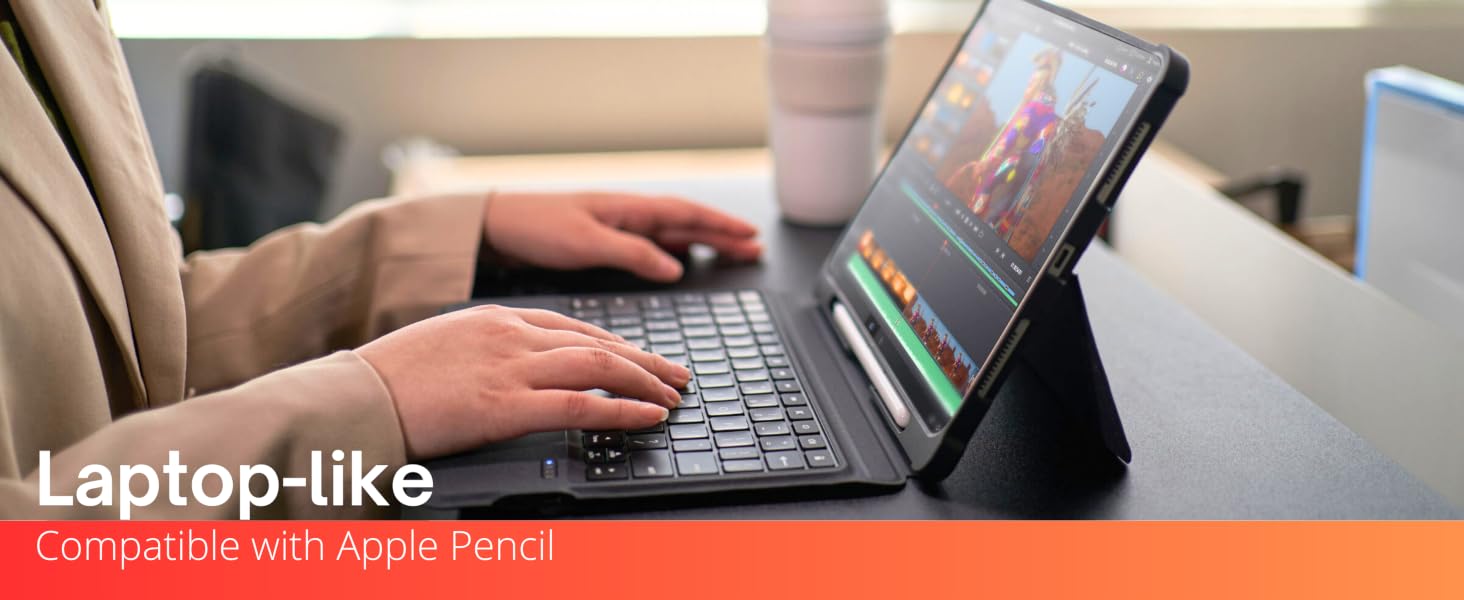
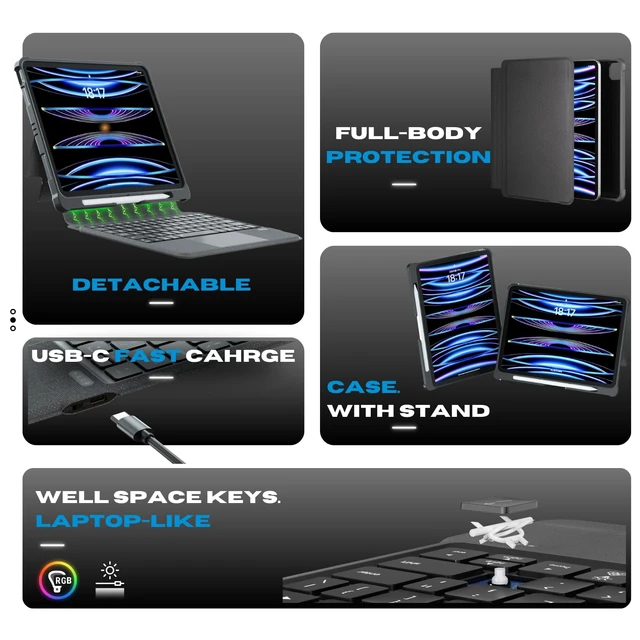
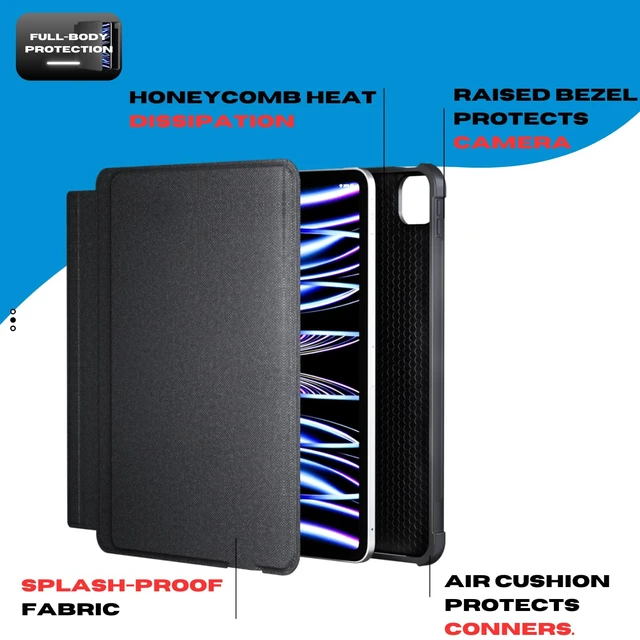
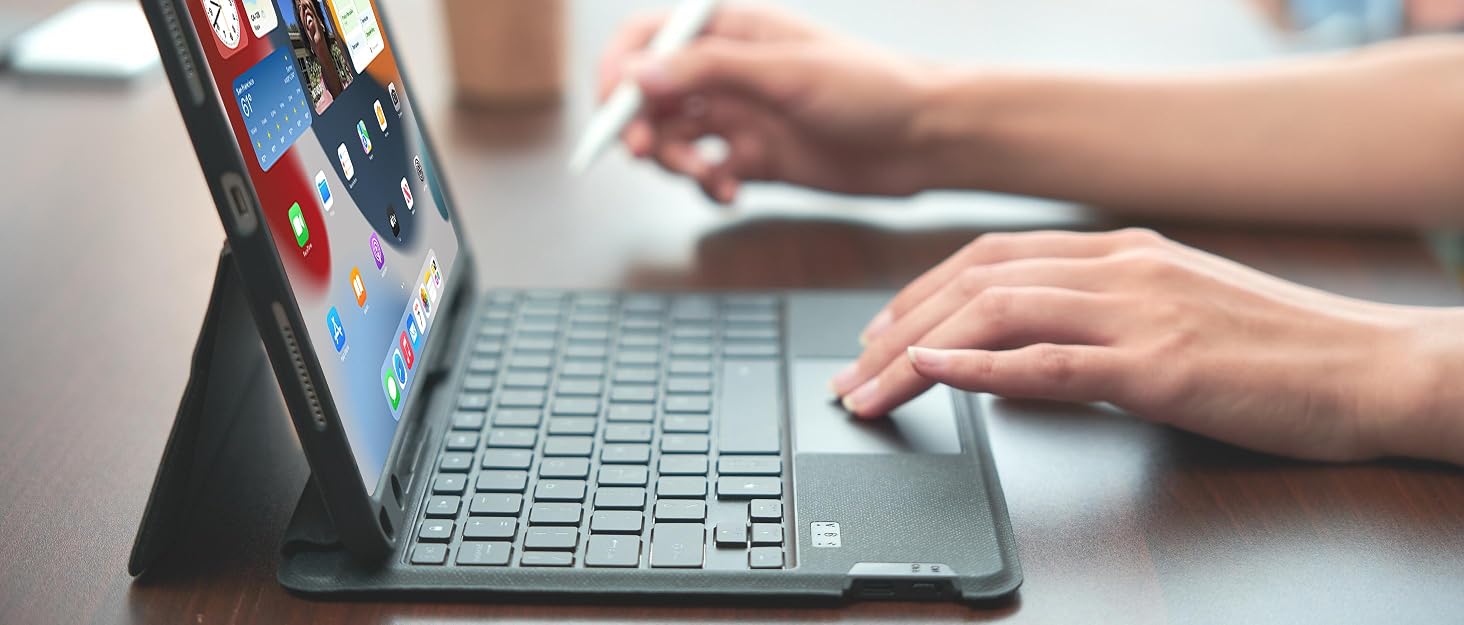
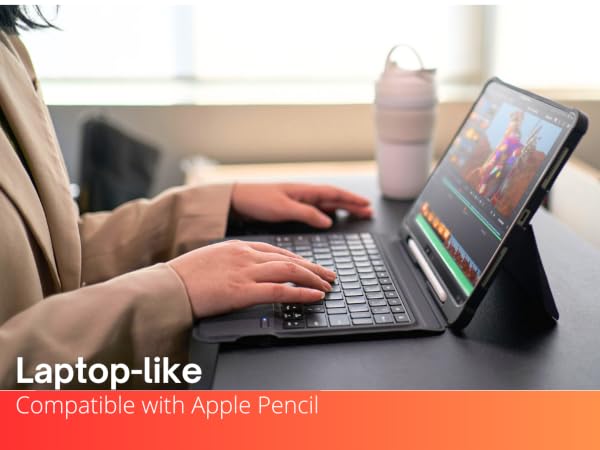
With the smooth operating WiWU iPad Pro 12.9 inch keyboard case, you can transform your iPad into a laptop-like device. Detachable, lightweight, and angle adjustable, this case is the ultimate solution for on-the-go use. Enjoy typing with ease, without the bulky feel of carrying a laptop around.
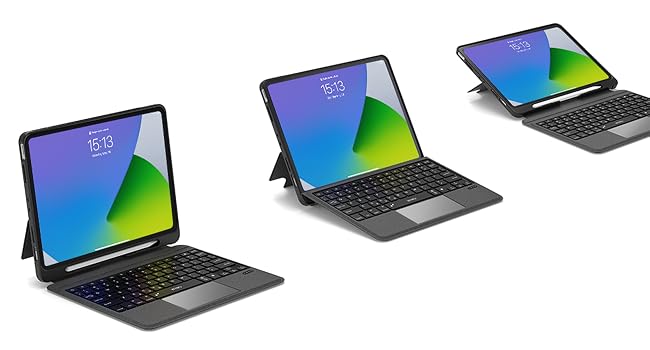
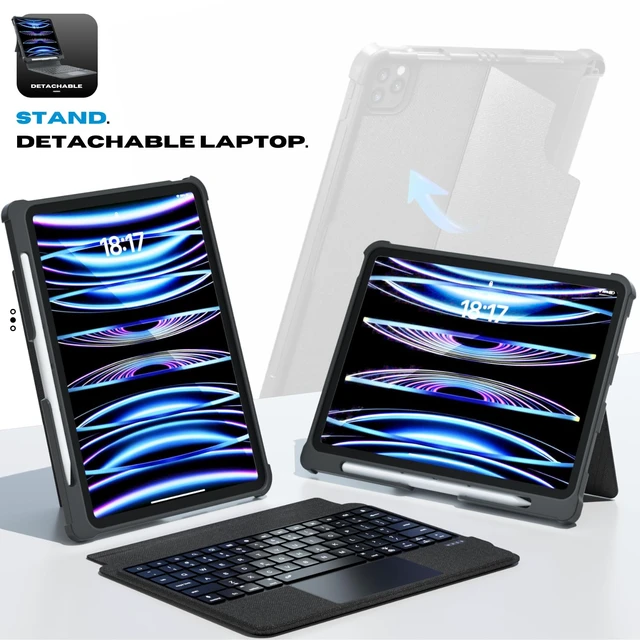
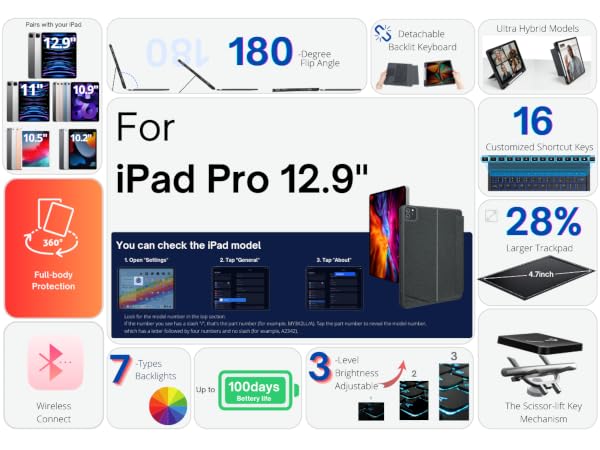
Enjoy any-angle adjustability with the 0-180 degrees. Get the perfect angle for all your tasks, whether it's work, drawing, reading, or even propping up your iPad on the desk.
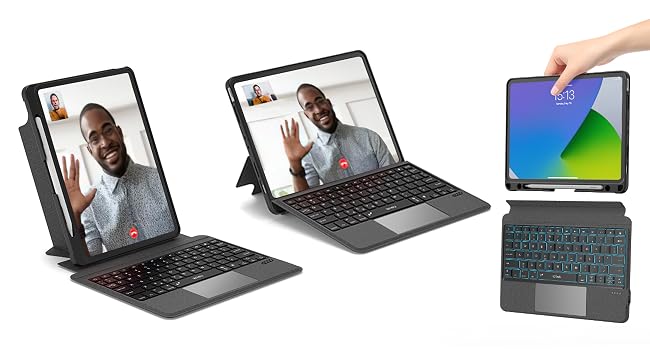
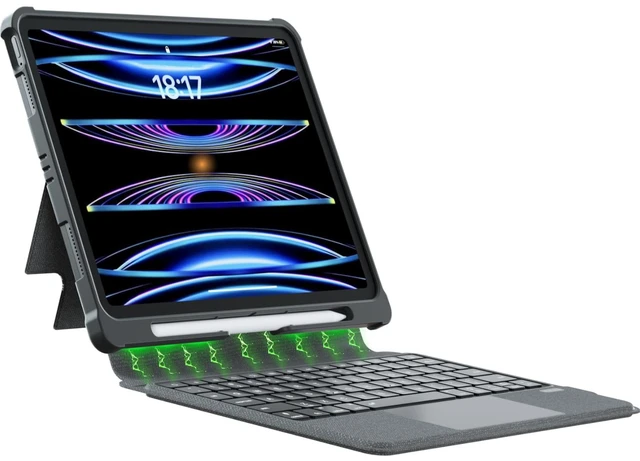
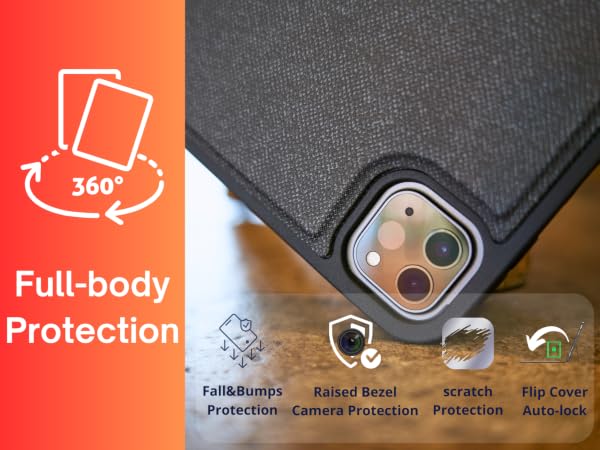
Enjoy the convenience of using the iPad Keyboard Case on-the-go, with its powerful magnetic connection allowing you to detach the keyboard when not in use. It features a back stand that can be used in both a horizontal and vertical position to provide your iPad with a secure and stable support.
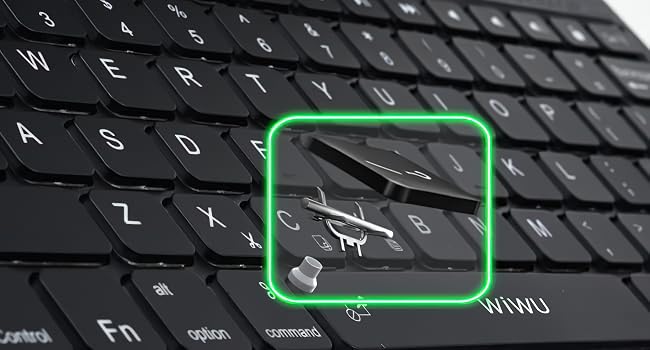
The scissor foot structure keys are more stable. The adjusted key springback brings you a more comfortable typing experience, and the noise reduction keys will not disturb your thoughts.
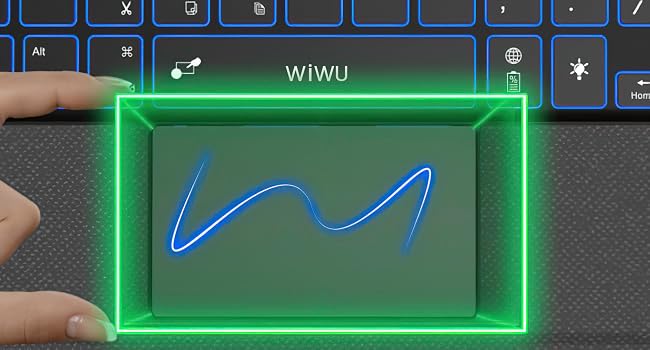
28% larger touchpad area: Improved the touchpad reporting rate and make the touchpad more responsive.
P.S. Press FN+space bar to lock the trackpad if you do not need it.
Version 1- Power on the keyboard and then press the "Fn+Z" keys. Navigate to the Bluetooth settings on your iPad, locate and click on the "Bluetooth Keyboard" in the list of available Bluetooth devices to establish the connection.
Version 2- Press the "Fn+Del"keys. Navigate to the Bluetooth settings on your iPad, locate and click on the "Bluetooth 5.1 Keyboard" in the list of available Bluetooth devices to establish the connection.
Please refer to the manual inside the package or the online electronic manual on the product page.
How to pair your iPad and the detachable keyboard?
Version 1: Press "Fn+del" button into Bluetooth matching condition, then search "Bluetooh 5.1 Keyboard" to connect
Version 2: Press "Fn+Z" button into Bluetooth matching condition, then search or "Bluetooth keyboard" to connect.
How to set the sensitivity/turn off the trackpad?
1. set the sensitivity
1) Press any key to activate the keyboard.
2) Settings > General > Trackpad & Mouse > Tracking Speed.
2. Press "Fn+space" to lock the trackpad.
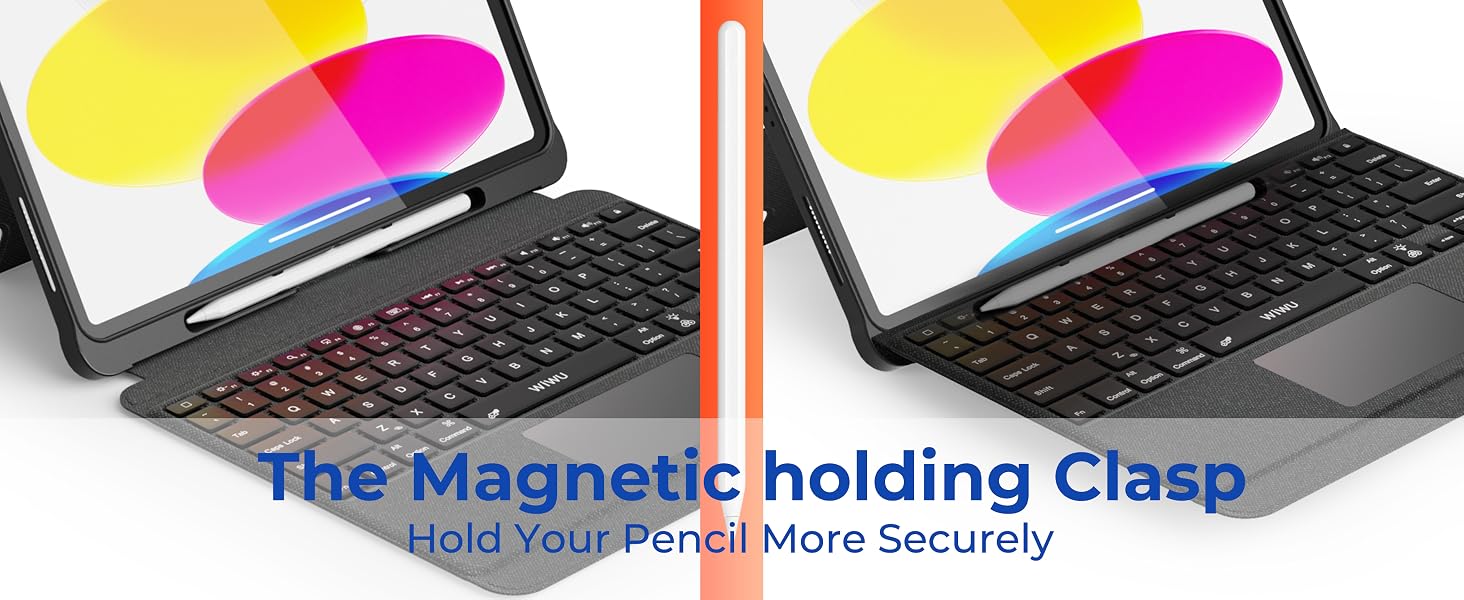
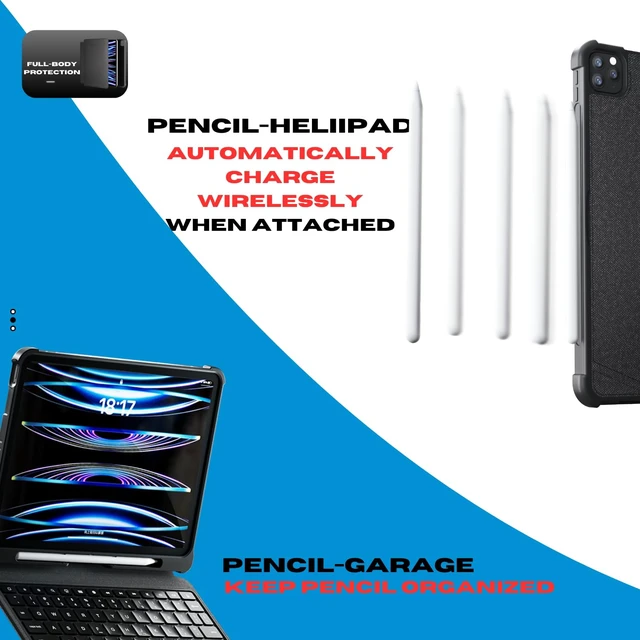
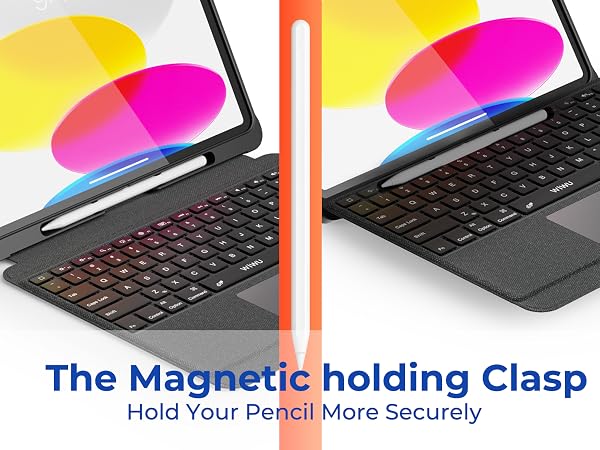
Why is the pencil holder designed under the ipad?
To ensure your pencil is secured when you are carrying your iPad keyboard case. Even if there is any gap open by accident in the case, your pencil won't be lost. And prevents pencil from overcharging when not in use.
How to switch languages using caps lock?
1) Press any key to activate the keyboard
2) General > Keyboards > Hardware Keyboard > Switch Languages using Caps Lock
What will you get?
An iPad keyboard case, an instruction manual, a USB-C charging cable and satisfactory after-sales service.
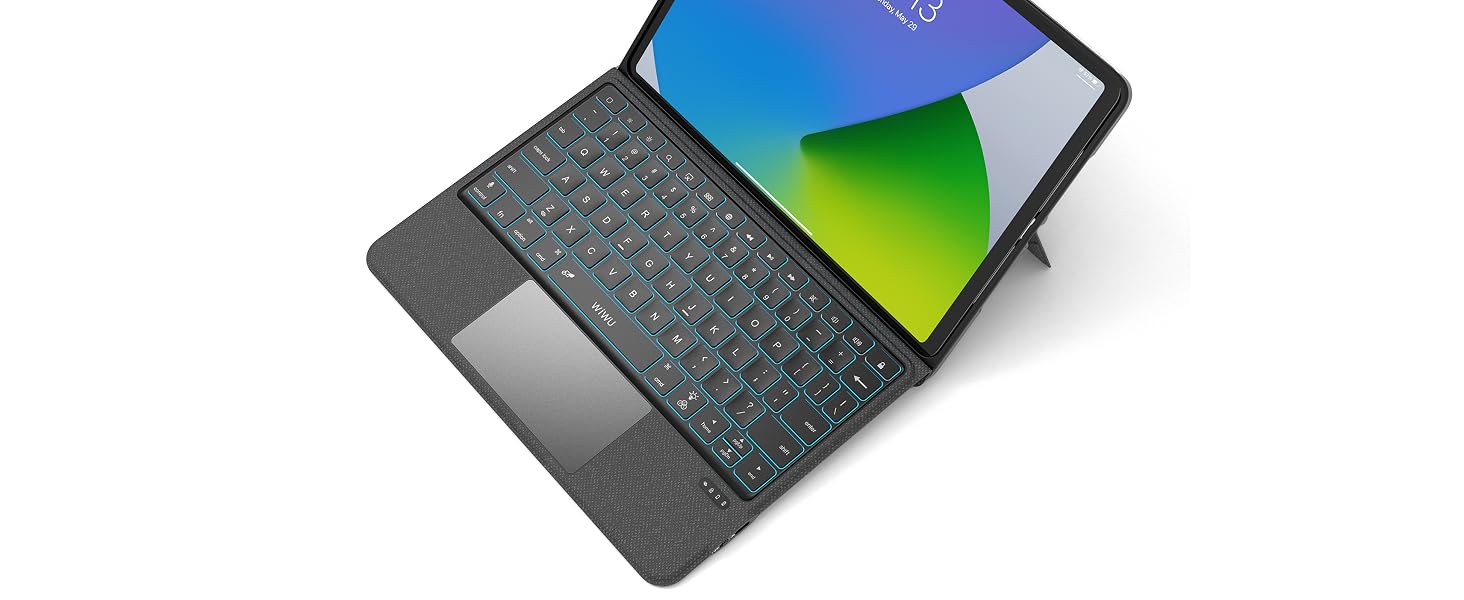
With the smooth operating WiWU iPad Pro 12.9 inch keyboard case, you can transform your iPad into a laptop-like device. Detachable, lightweight, and angle adjustable, this case is the ultimate solution for on-the-go use. Enjoy typing with ease, without the bulky feel of carrying a laptop around.
Enjoy any-angle adjustability with the 0-180 degrees. Get the perfect angle for all your tasks, whether it's work, drawing, reading, or even propping up your iPad on the desk.
Enjoy the convenience of using the iPad Keyboard Case on-the-go, with its powerful magnetic connection allowing you to detach the keyboard when not in use. It features a back stand that can be used in both a horizontal and vertical position to provide your iPad with a secure and stable support.
The scissor foot structure keys are more stable. The adjusted key springback brings you a more comfortable typing experience, and the noise reduction keys will not disturb your thoughts.
28% larger touchpad area: Improved the touchpad reporting rate and make the touchpad more responsive.
P.S. Press FN+space bar to lock the trackpad if you do not need it.

Version 1- Power on the keyboard and then press the "Fn+Z" keys. Navigate to the Bluetooth settings on your iPad, locate and click on the "Bluetooth Keyboard" in the list of available Bluetooth devices to establish the connection.
Version 2- Press the "Fn+Del"keys. Navigate to the Bluetooth settings on your iPad, locate and click on the "Bluetooth 5.1 Keyboard" in the list of available Bluetooth devices to establish the connection.
Please refer to the manual inside the package or the online electronic manual on the product page.
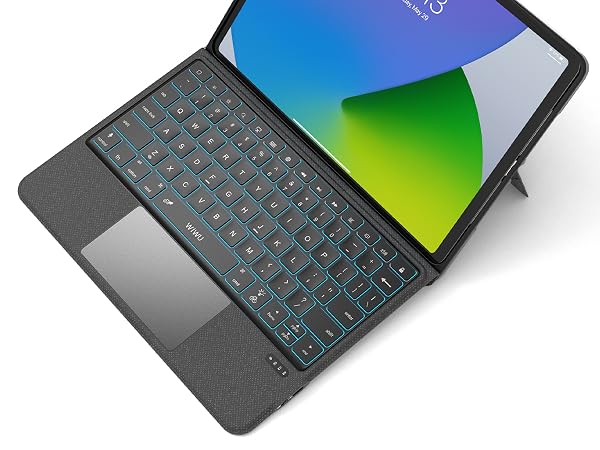
This iPad Keyboard Case features multi-gesture controls with a responsive, reliable touchpad. Easily and accurately navigate iPad apps, create documents, and build presentations quickly with ease.
Experience the high-speed performance of Type-C! With its universal design, Type-C allows you to connect devices quickly and securely. Enjoy faster charging compared to other plug-in types.
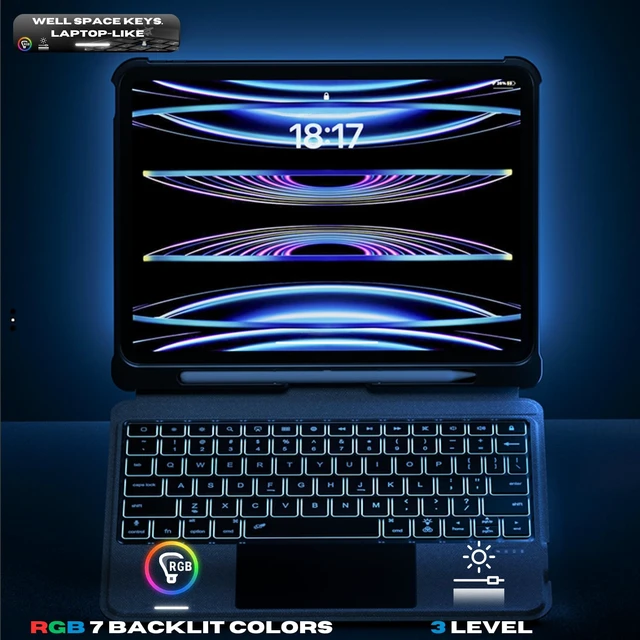
7-color backlight keys, 3 levels of brightness can be adjusted
Say goodbye to complex operations and complete the goal with one click.
Multi-angle 0-180 degree can be switched to meet your daily needs of working, drawing, reading, and even supporting your iPad upright on the desk.
This revolutionary key brings you a faster and more intuitive way to control your device. With just one press of the Fn key, you'll gain access to a myriad of shortcuts and commands on any device.
How to pair your iPad and the detachable keyboard?
Version 1: Press "Fn+del" button into Bluetooth matching condition, then search "Bluetooh 5.1 Keyboard" to connect
Version 2: Press "Fn+Z" button into Bluetooth matching condition, then search or "Bluetooth keyboard" to connect.
How to set the sensitivity/turn off the trackpad?
1. set the sensitivity
1) Press any key to activate the keyboard.
2) Settings > General > Trackpad & Mouse > Tracking Speed.
2. Press "Fn+space" to lock the trackpad.
Why is the pencil holder designed under the ipad?
To ensure your pencil is secured when you are carrying your iPad keyboard case. Even if there is any gap open by accident in the case, your pencil won't be lost. And prevents pencil from overcharging when not in use.
How to switch languages using caps lock?
1) Press any key to activate the keyboard
2) General > Keyboards > Hardware Keyboard > Switch Languages using Caps Lock
What will you get?
An iPad keyboard case, an instruction manual, a USB-C charging cable and satisfactory after-sales service.
WiWU originates from the initial letters of "Warm, inspire, Unique", which explains the unique character of the brand: "people-oriented, inspiration and be yourself"
Guided by the brand concept, WiWU continuously innovates and upgrades our products in the hope of providing customers with more practical products, making them more efficient and convenient in work and life.
iPad Pro 12.9 Case with Keyboard for 6th-2022/ 5th-2021/4th-2020/3rd-2018,WIWU Bluetooth Magnetic Detachable Keyboard TPU Silicone Protective Case with Pencil Holder,Trackpad,Backlit 12.9 inch ipad pro case with keyboard ipad 12.9 case with keyboard ipad pro 12.9 case with keyboard 5th generation 2021 ipad pro keyboard case ipad pro keyboard case 12.9 keyboard case for ipad pro 12.9