here!
here!
I’m your shopping assistant for PC builds, upgrades, and everything tech.
Got questions? Ask away!
Start a conversation
here!
I’m your shopping assistant for PC builds, upgrades, and everything tech.
Got questions? Ask away!
Start a conversation
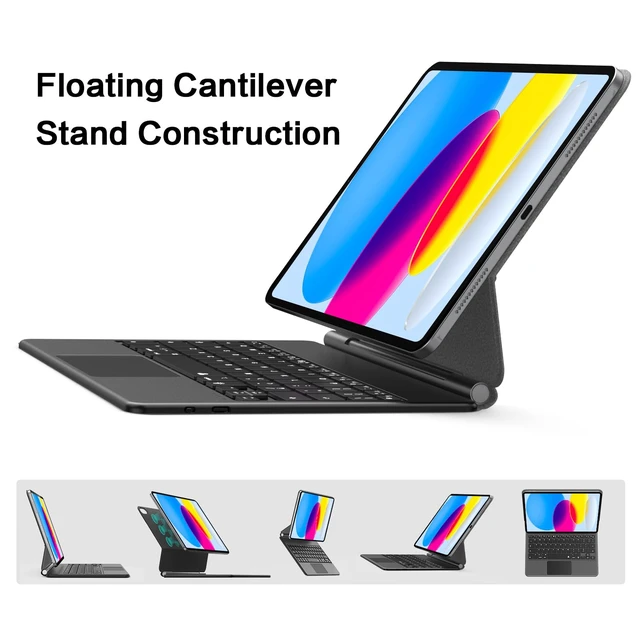
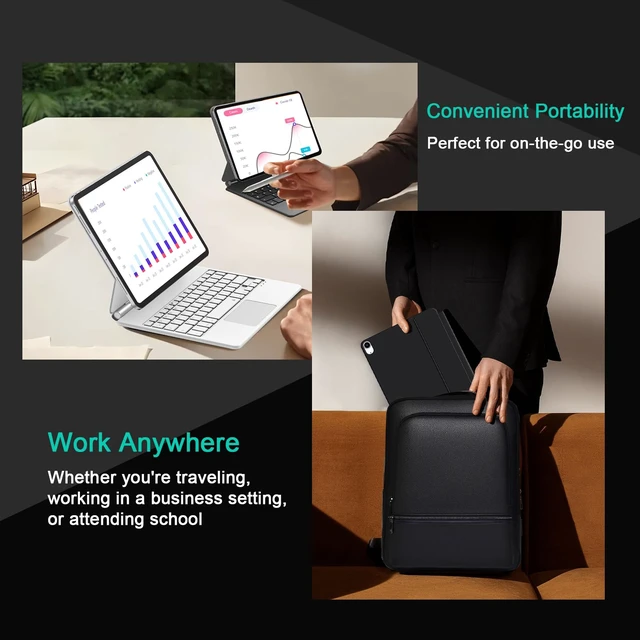



Any questions? Ask CelesteSM will help you find out quickly.
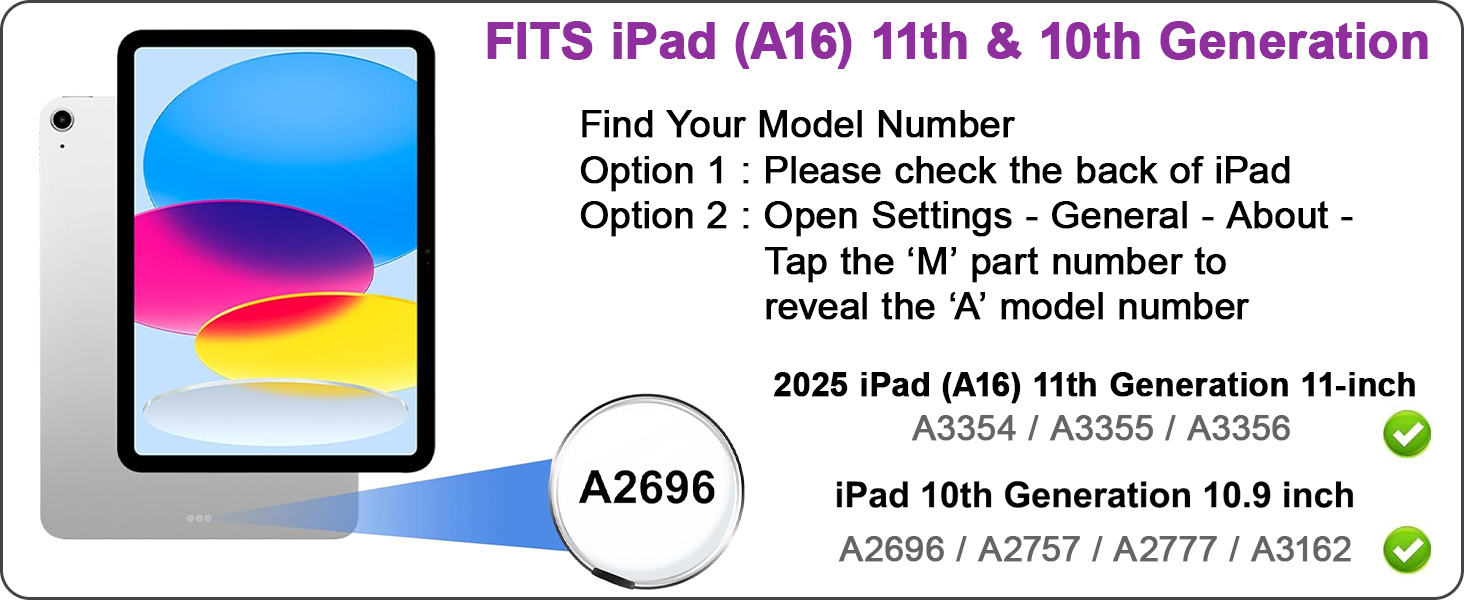
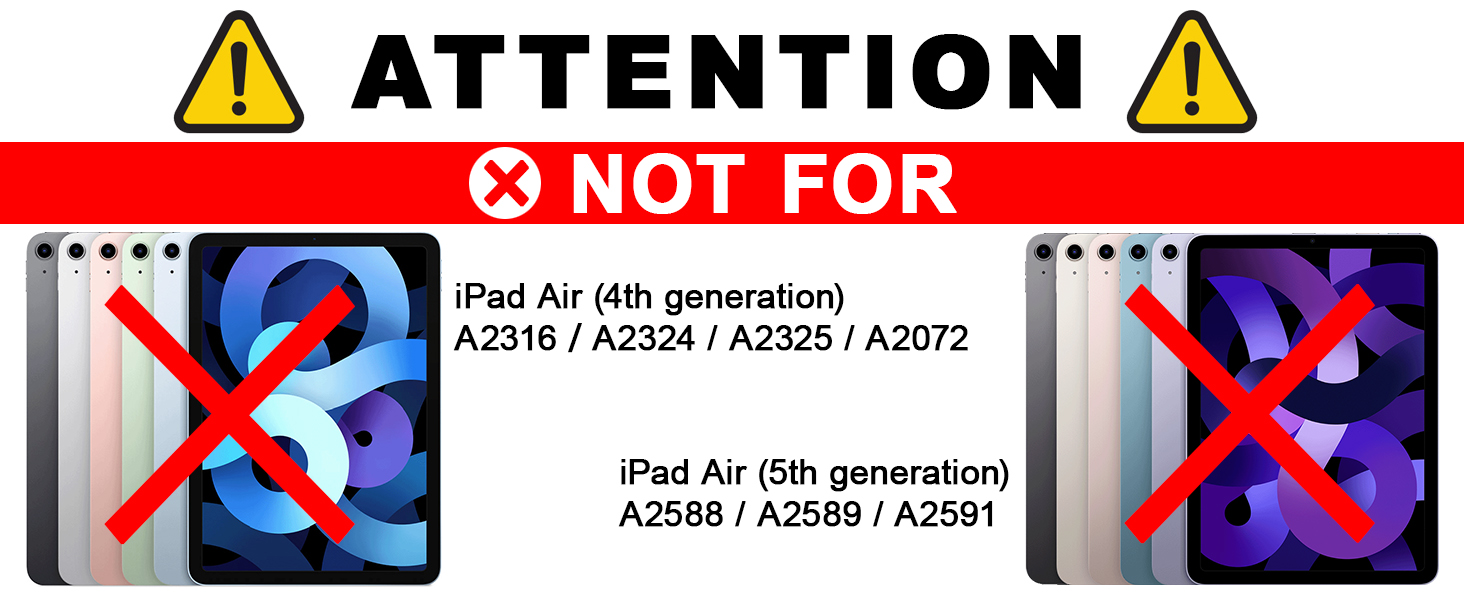


What model of ipad can Compatible with this keyboard?
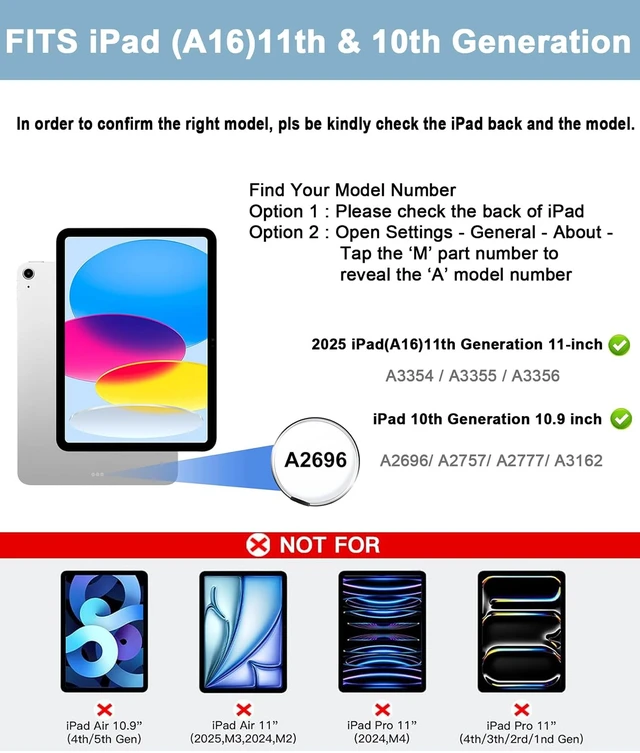
ONLY compatible with iPad 10th Generation 10.9-inch 2022 (Model: A2696, A2757, A2777),
2025 iPad (A16) 11th generation 11-inch (Model: A3355,A3356).
How to find out your model?
Find Your Model Number
Option 1 : Please check the back of iPad
Option 2 : Open Settings - General - About - Tap the ‘M’ part number
to reveal the ‘A’ model number
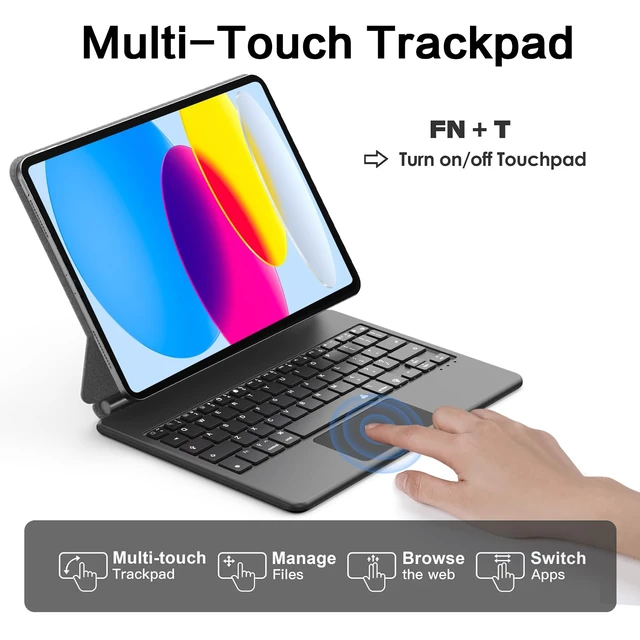
How to set the trackpad?
It is recommended to set the trackpad as tap to click on the iPad, the steps are as follows: Settings -> General -> Trackpad -> Tap to Click + TRACKING SPEED: (Customize the sensitivity of the trackpad).
How does this keyboard connect to ipad?
1. Turn on the keyboard.
2. Press the "Fn + C" buttons; the indicator will start flashing blue.
3. Open Settings > Bluetooth > My devices. Tap "Bluetooth Keyboard" to connect.
4. After a successful pairing, the indicator will turn off.
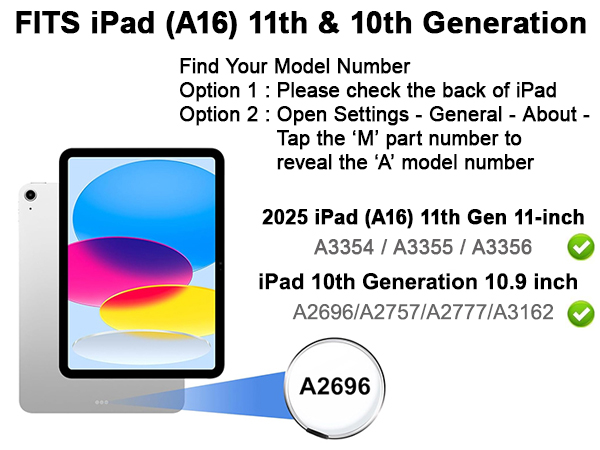
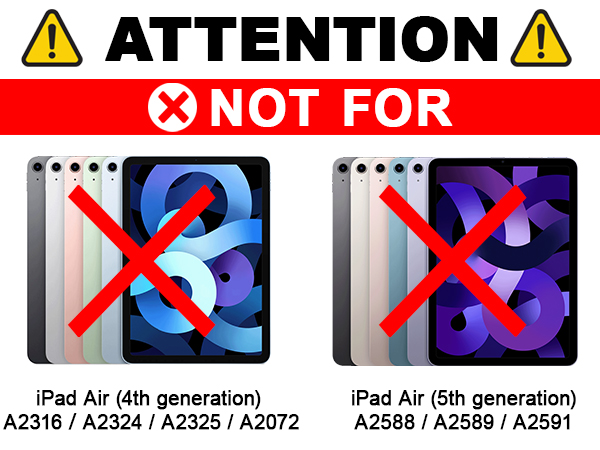

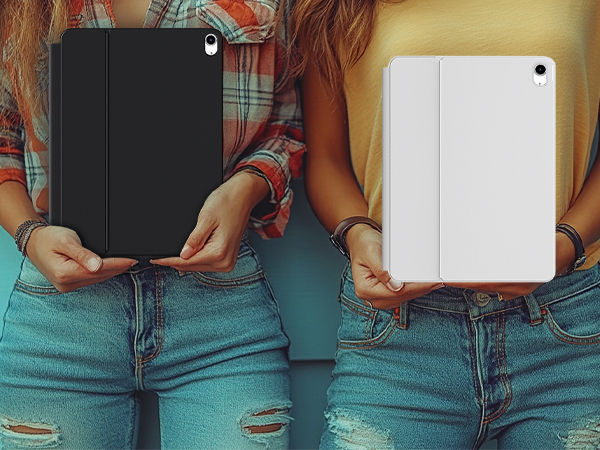
What model of ipad can Compatible with this keyboard?
ONLY compatible with iPad 10th Generation 10.9-inch 2022 (Model: A2696, A2757, A2777),
2025 iPad (A16) 11th generation 11-inch (Model: A3355,A3356).
How to find out your model?
Find Your Model Number
Option 1 : Please check the back of iPad
Option 2 : Open Settings - General - About - Tap the ‘M’ part number
to reveal the ‘A’ model number
How to set the trackpad?
It is recommended to set the trackpad as tap to click on the iPad, the steps are as follows: Settings -> General -> Trackpad -> Tap to Click + TRACKING SPEED: (Customize the sensitivity of the trackpad).
How does this keyboard connect to ipad?
1. Turn on the keyboard.
2. Press the "Fn + C" buttons; the indicator will start flashing blue.
3. Open Settings > Bluetooth > My devices. Tap "Bluetooth Keyboard" to connect.
4. After a successful pairing, the indicator will turn off.
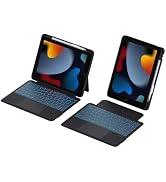
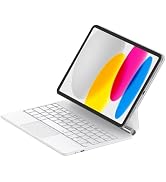

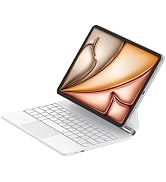
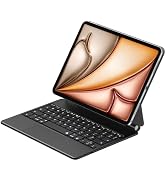
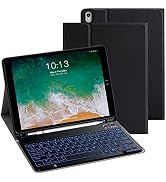
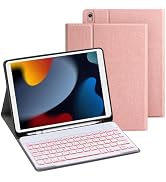
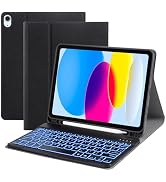
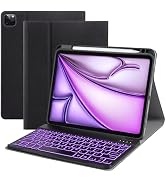

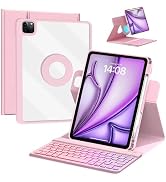
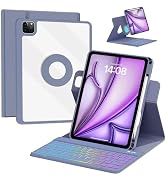

Highlight:
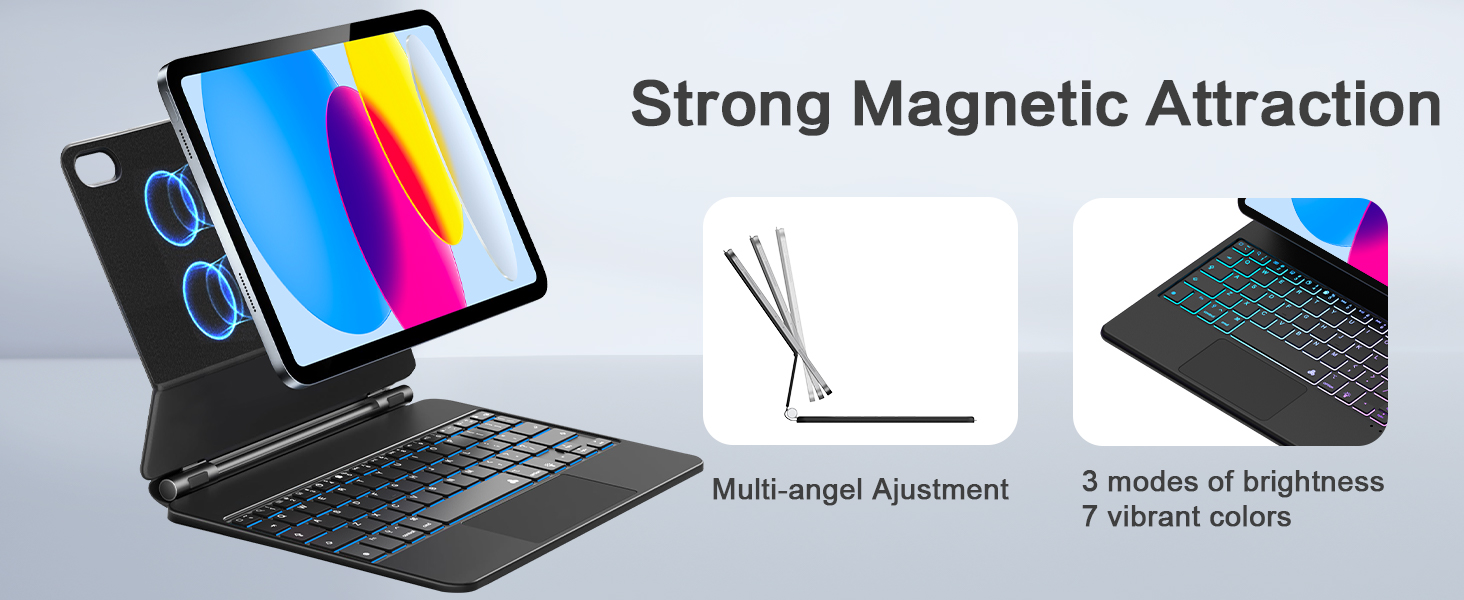
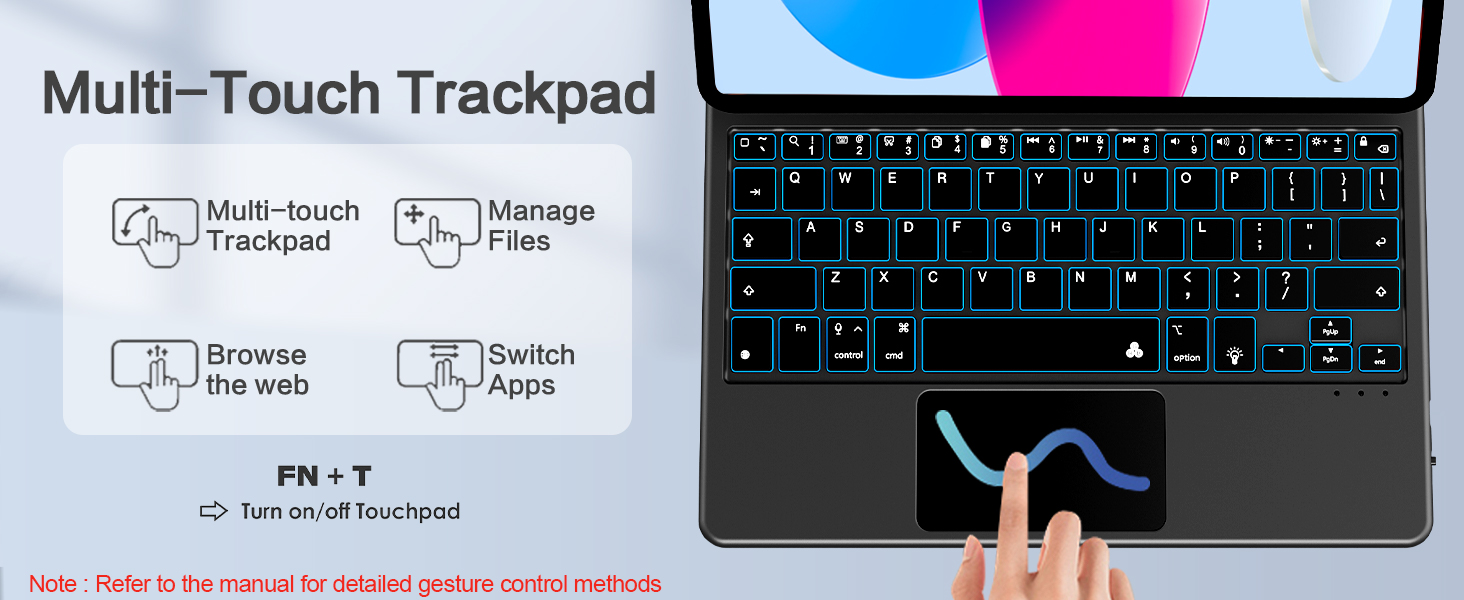
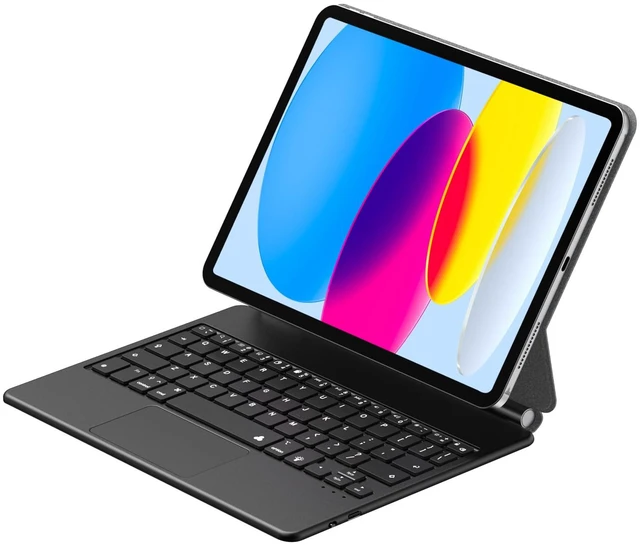
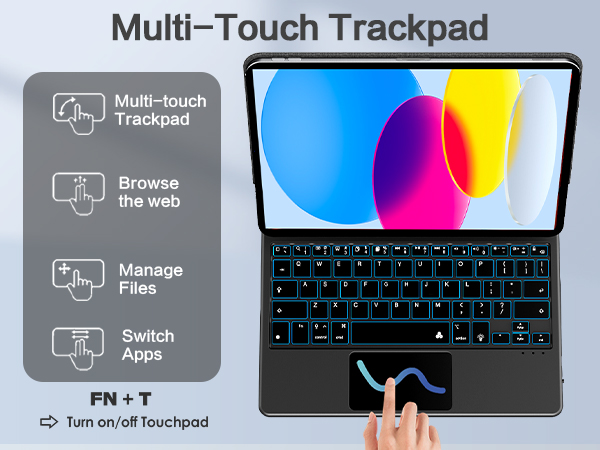
- Equipped with a Multi-Touch Trackpad, this Magic Keyboard allows for seamless navigation and precise control, enabling you to work with efficiency and precision.
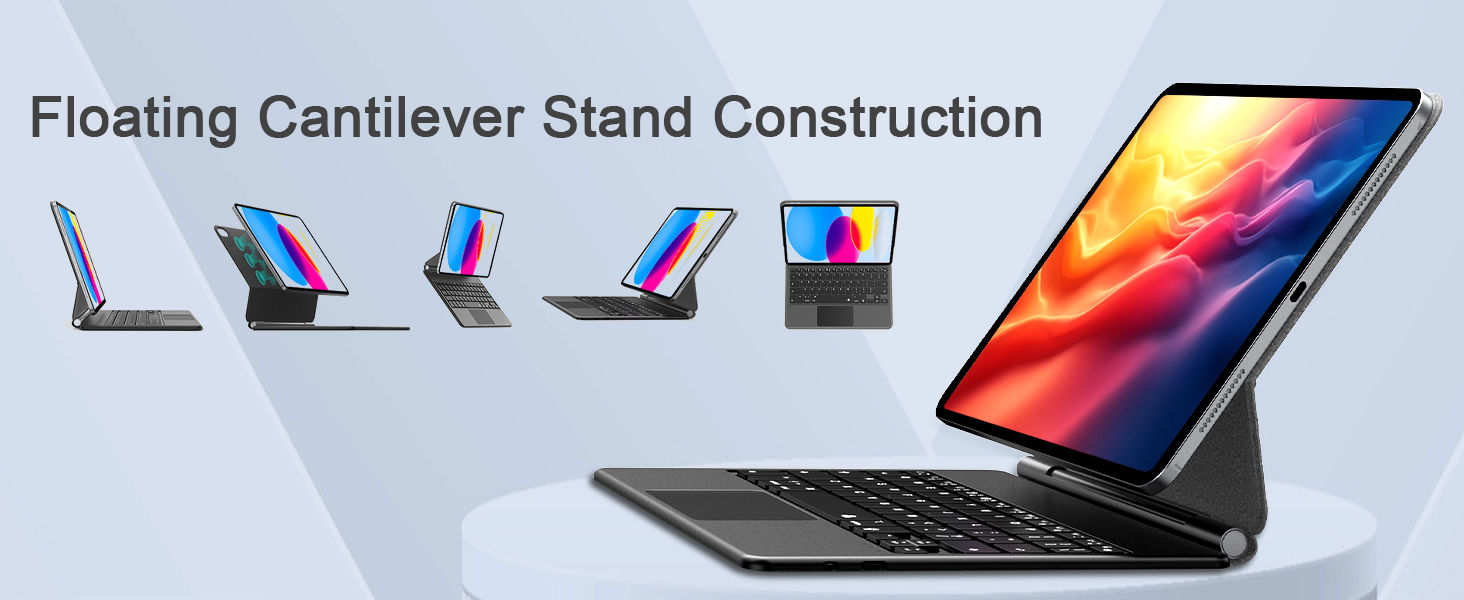
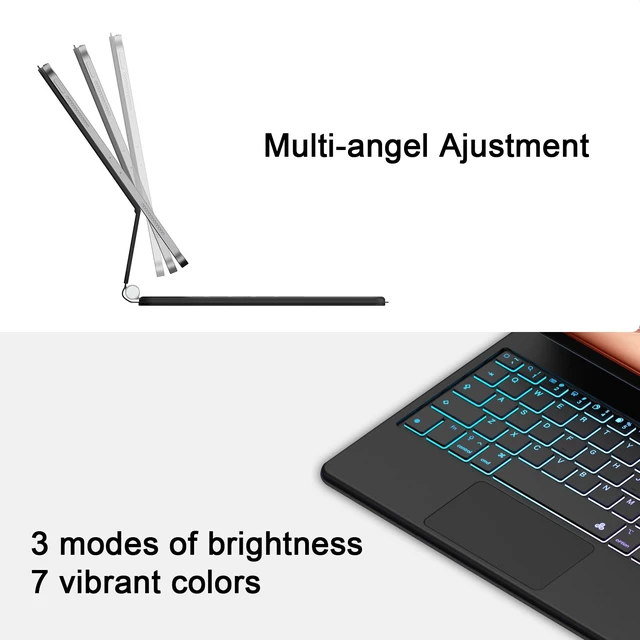
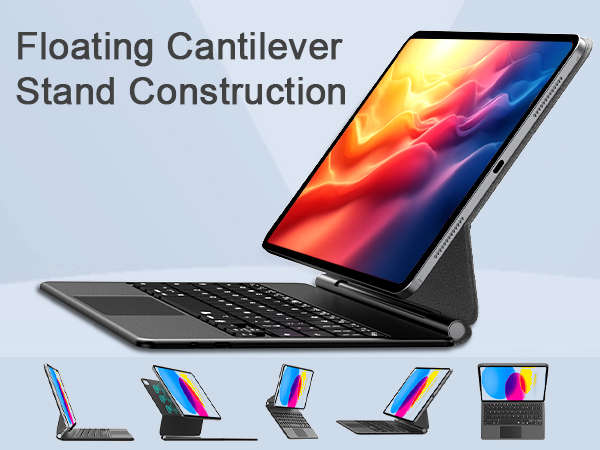
-The smooth angle adjustment feature provides you with the flexibility to find the optimal viewing angle for your needs, whether you're typing, sketching, or watching videos.
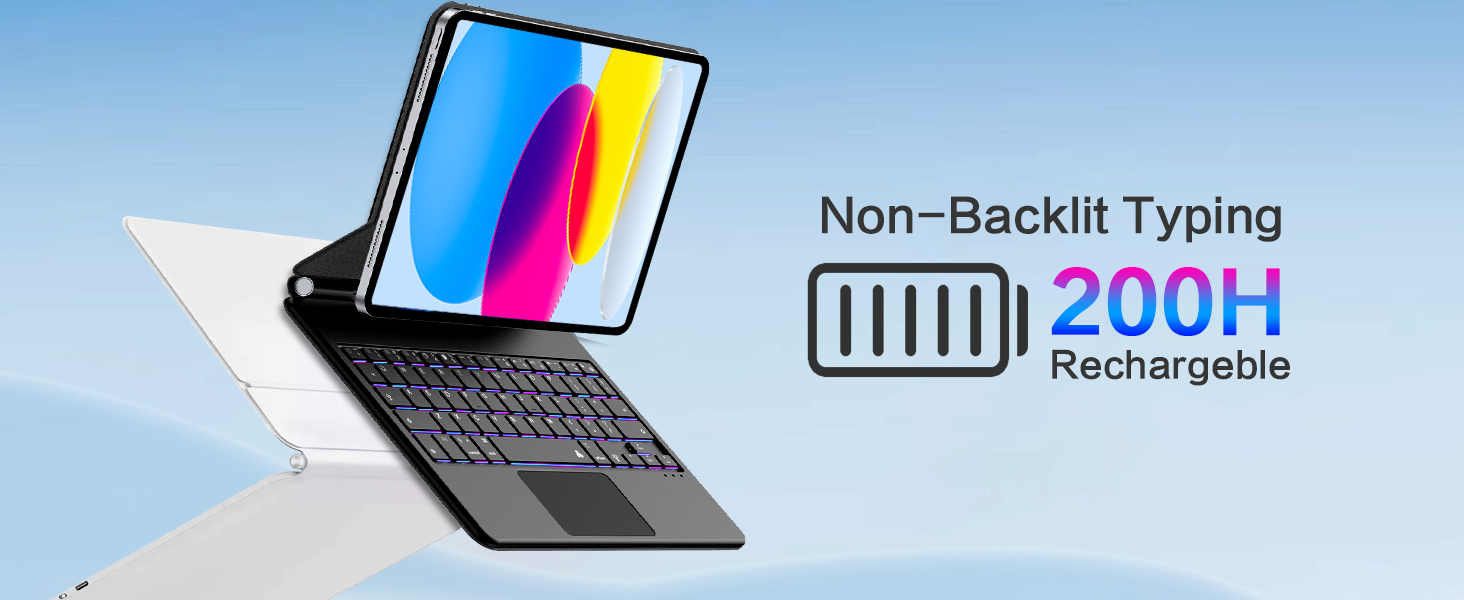
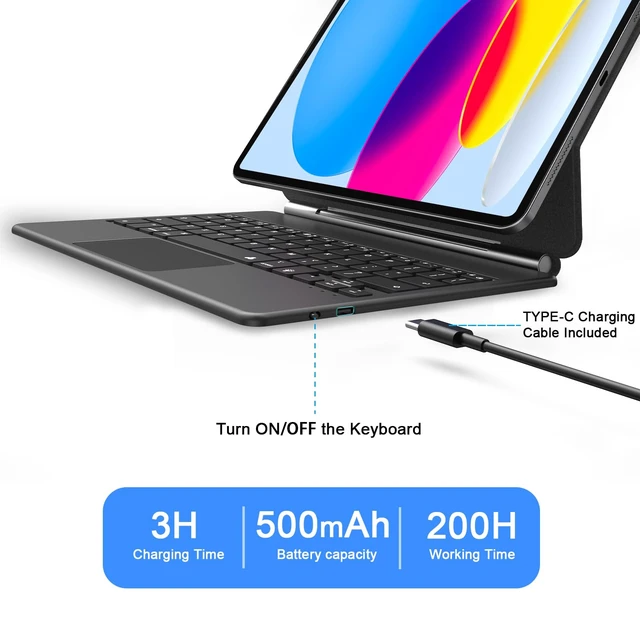
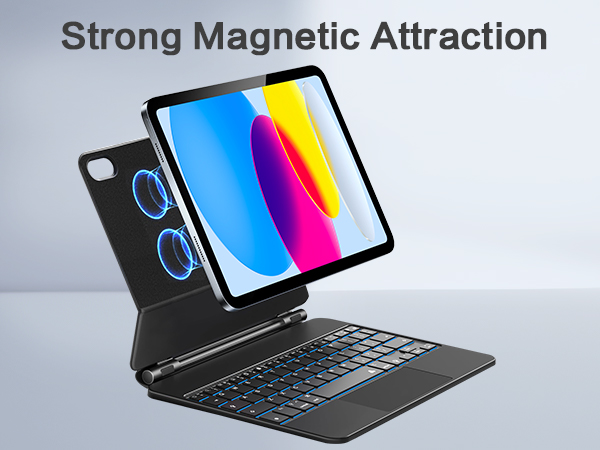
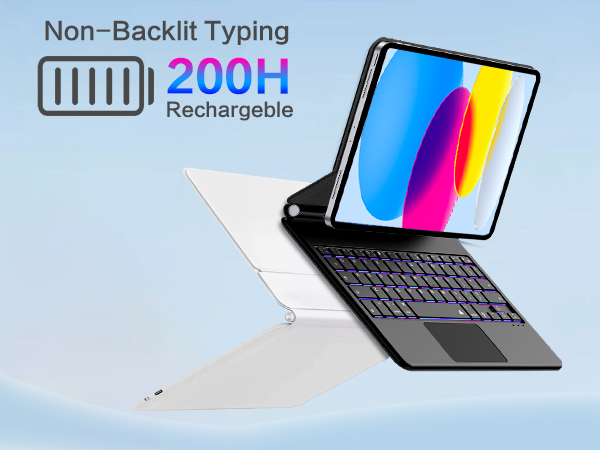
- Built-in industry-high rechargeable Li-polymer battery ensures that you can work uninterrupted for extended periods, while the magnetic attachment offers a secure connection to your iPad, providing stability and ease of use.
- The magic keyboard works with iOS, Android, and Windows. Press Fn+A/S/W to change the operating system.
- Put iPad controls at your fingertips change volume, language and more all without leaving the keyboard.
- The inclusion of 7 backlight colors and 3 brightness levels ensures that you can easily adapt to different lighting environments, making late-night work sessions comfortable and convenient.
Dimension
Keyboard:
-Color: black
-Weight: 1.9 pound
-USB charging cord length: 80 cm
-Size: 8.46*5.9*0.3 in
Keyboard Case:
-Color: black
-Weight: 0.93 pound
-Size: 10.9*8*0.8 inch
Package:
1 x 10.9 black iPad case
1 x black back-lit keyboard
1 x user guide
1 x USB-C charging cord
How to connect the bluetooth?
Please charge at least 6 hours when you first time use this keyboard.
1 - Turn on the keyboard.
2 - Press the "Connect" button to 5 seconds, the blue light blinks.
3 - open the bluetooth from settings in your ipad and find the bluetooth keyboard, then click connect(password free connection)
Note:
The vegan leather case is compatible with iPad 10th Generation 10.9-inch 2022 release (Model: A2696, A2757, A2777).
iPad pencil,cap & adapter not included.
After sales service
We provide 30 days refund or replacement and 12 months service of the quality problem.
When you encounter a product quality problem, please let us know, we will certainly solve the problem for you as soon as possible.