here!
here!
I’m your shopping assistant for PC builds, upgrades, and everything tech.
Got questions? Ask away!
Start a conversation
here!
I’m your shopping assistant for PC builds, upgrades, and everything tech.
Got questions? Ask away!
Start a conversation
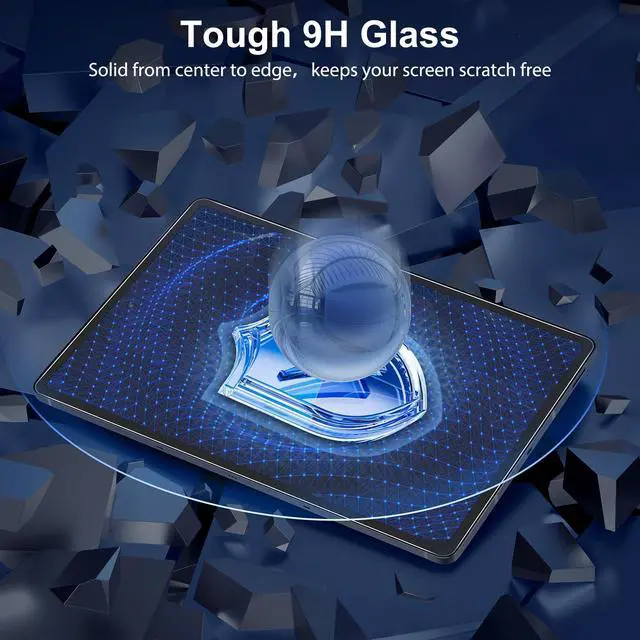
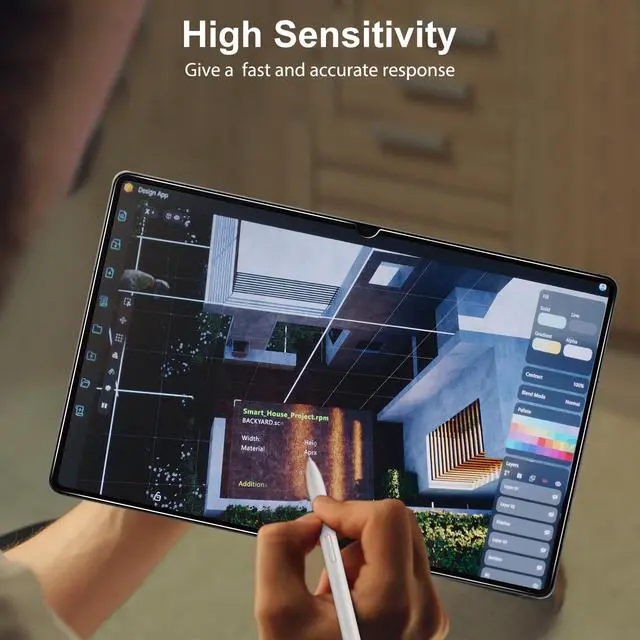
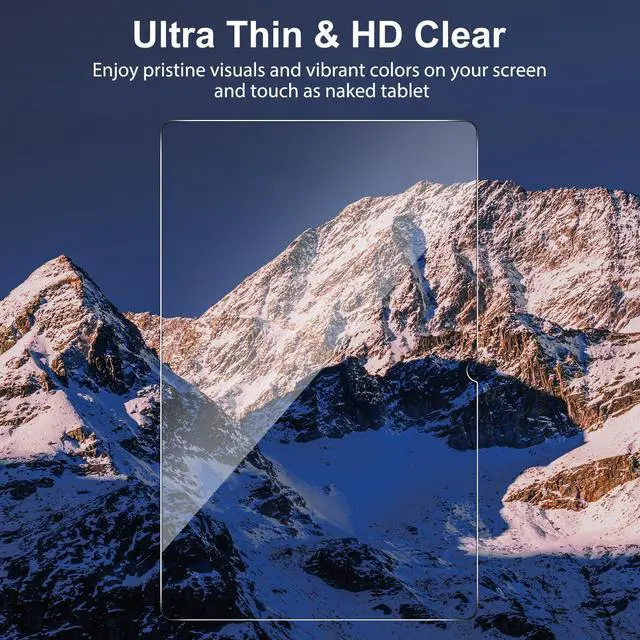



Any questions? Ask CelesteSM will help you find out quickly.
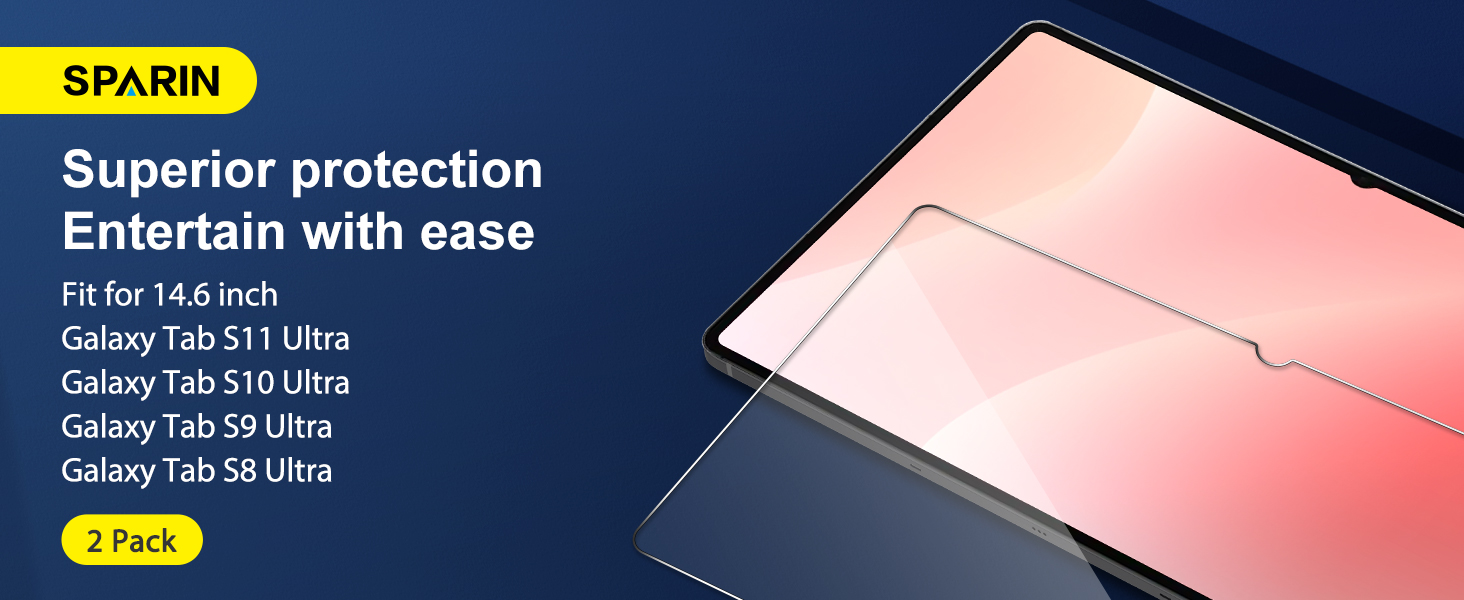
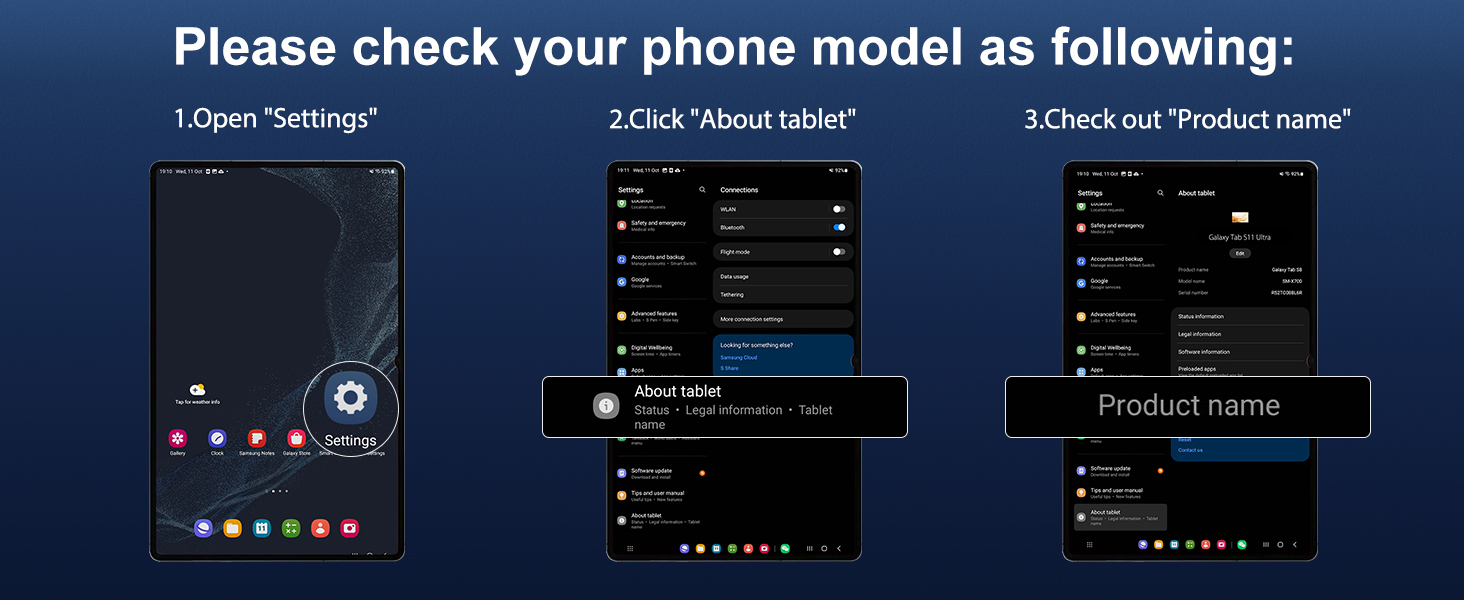

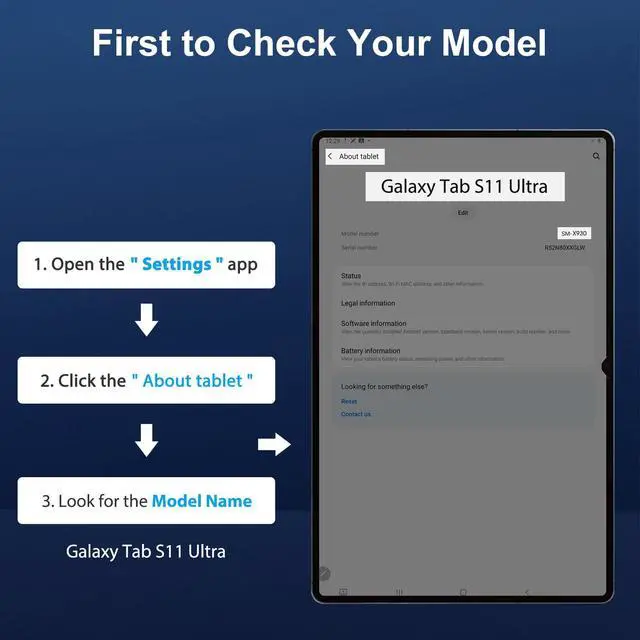
How to check your tablet model easily?
Enter the “Settings” on your tab s11 ultra device => Click the “About tablet”=> Check the Model Name/Number.
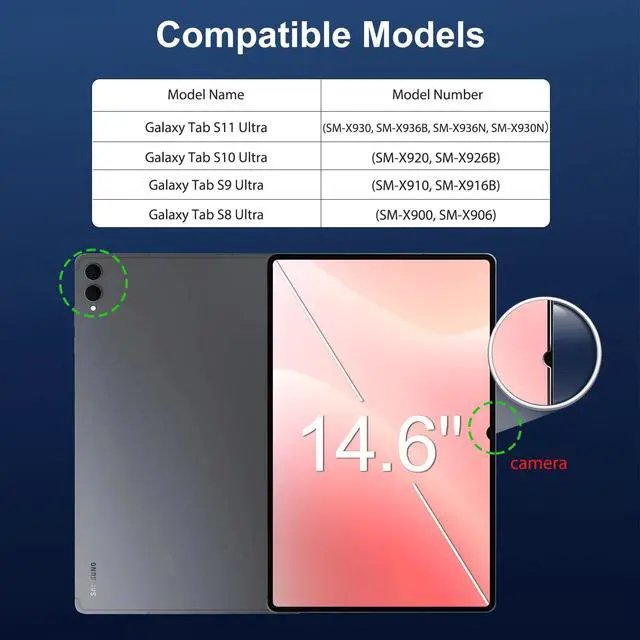
Which tablet models are this tempered films compatible with?
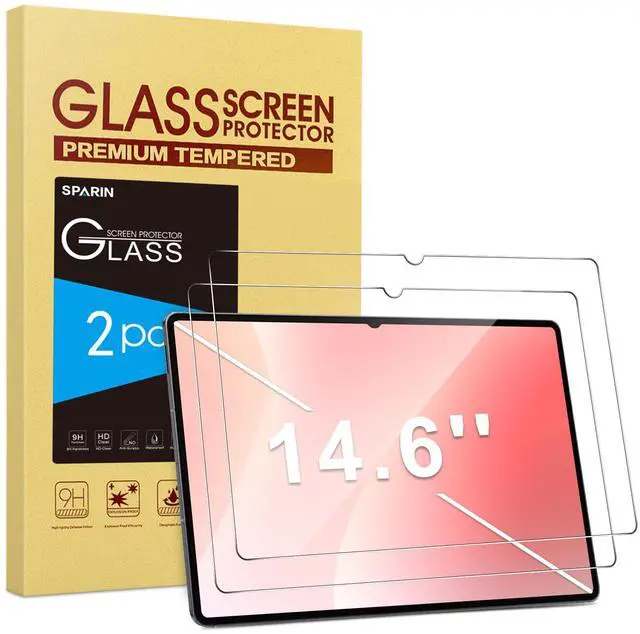
NOTE:Only fit for bellow 14.6 inch model:
Galaxy Tab S11 Ultra(SM-X930, SM-X936B, SM-X936N, SM-X930N)
Galaxy Tab S10 Ultra(SM-X920, SM-X926B)
Galaxy Tab S9 Ultra(SM-X910, SM-X916B)
Galaxy Tab S8 Ultra(SM-X900, SM-X906)
Does it affect latency on the S Pen?
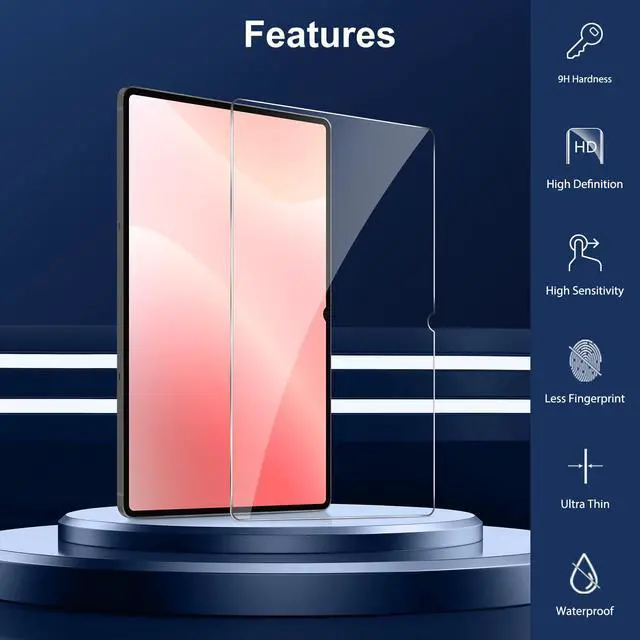
0.33mm ultra-thin and high-grade material maintains zero percent S-Pen latency and feels the same as if it didn't have the screen protector.
How do I remove bubble when in installation?
Use the "Soft Cloth" to scrape to the nearest edge until they disappear, or use a credit card slowly lift up the screen protector close to the bubble. Then removing the dust by dust-absorb, re-position it and then it will stick to the screen again.
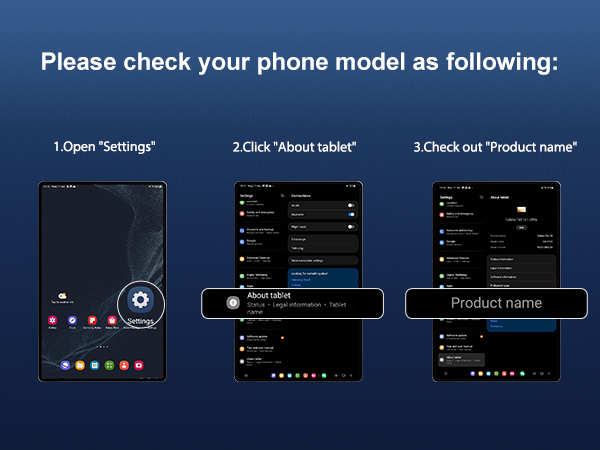

How to check your tablet model easily?
Enter the “Settings” on your tab s11 ultra device => Click the “About tablet”=> Check the Model Name/Number.
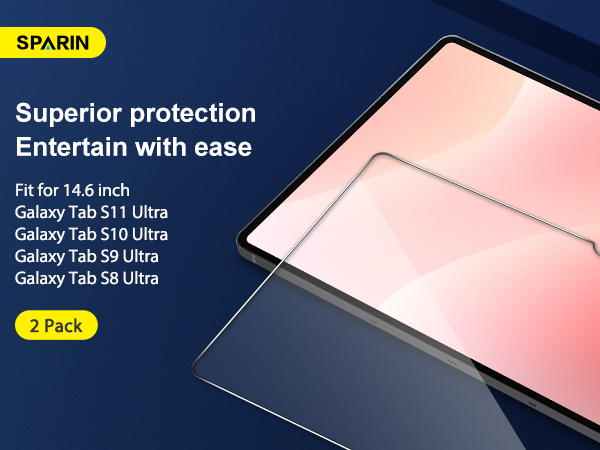
Which tablet models are this tempered films compatible with?
NOTE:Only fit for bellow 14.6 inch model:
Galaxy Tab S11 Ultra(SM-X930, SM-X936B, SM-X936N, SM-X930N)
Galaxy Tab S10 Ultra(SM-X920, SM-X926B)
Galaxy Tab S9 Ultra(SM-X910, SM-X916B)
Galaxy Tab S8 Ultra(SM-X900, SM-X906)
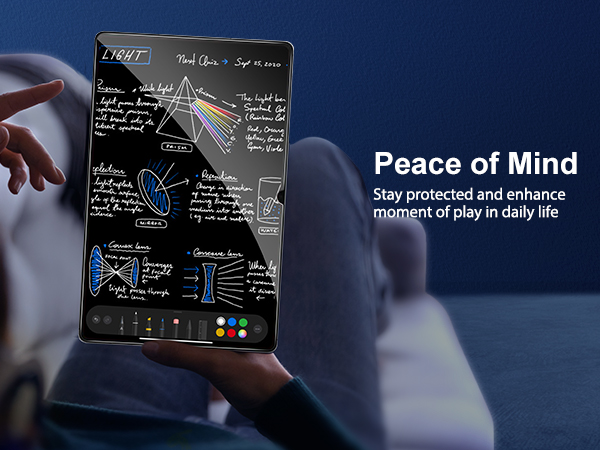
Does it affect latency on the S Pen?
0.33mm ultra-thin and high-grade material maintains zero percent S-Pen latency and feels the same as if it didn't have the screen protector.
How do I remove bubble when in installation?
Use the "Soft Cloth" to scrape to the nearest edge until they disappear, or use a credit card slowly lift up the screen protector close to the bubble. Then removing the dust by dust-absorb, re-position it and then it will stick to the screen again.