







We want you to live without the eye strain and privacy breach of where your next use screen.
Our screen protectors don't just protect your screen, provide additional features such as privacy, anti-blue light, and more, they offer the tech experience you want with zero restrictions.
We look forward to obtaining your permission and providing lifetime service on all the products we supply.
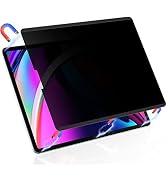
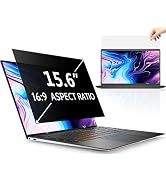
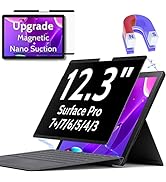
Series 6 I Privacy Protection
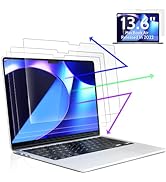
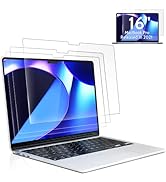
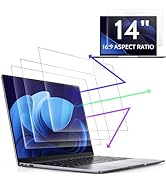
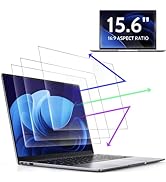
Series 5 I Eye Protection
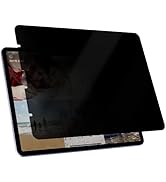
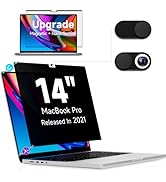
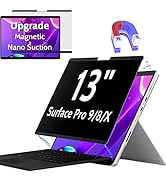
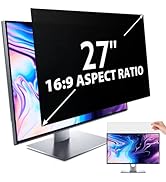
Series 6 I Privacy Protection
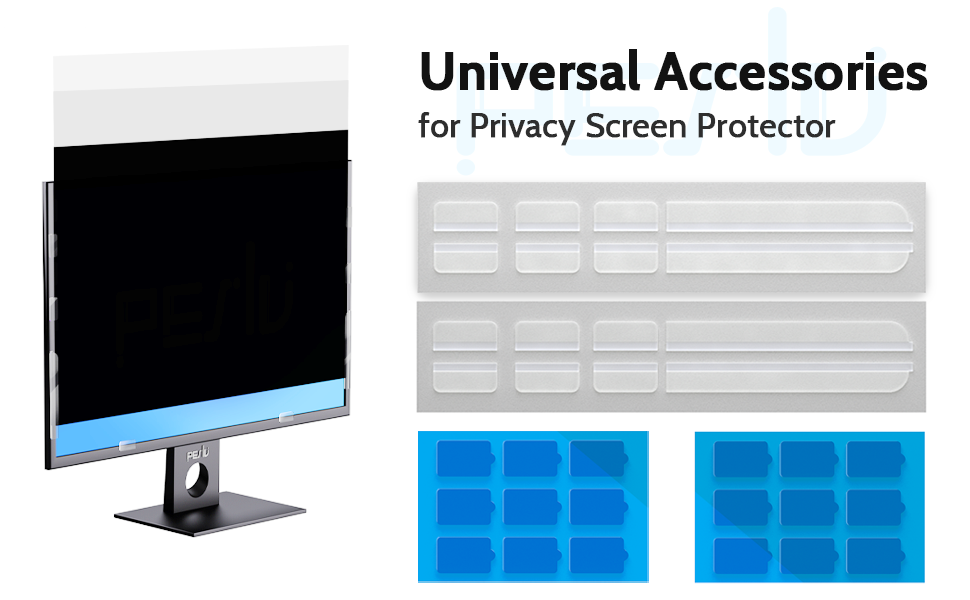
Warm Tips.
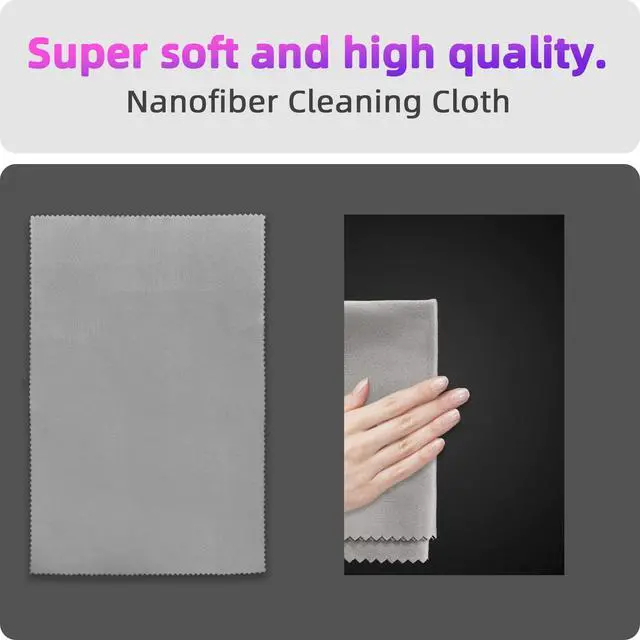
1.Before installation, please clean the screen of your computer monitor.
2.Before installation, please peel off the 2 layers of protective film of the privacy screen.
?
?
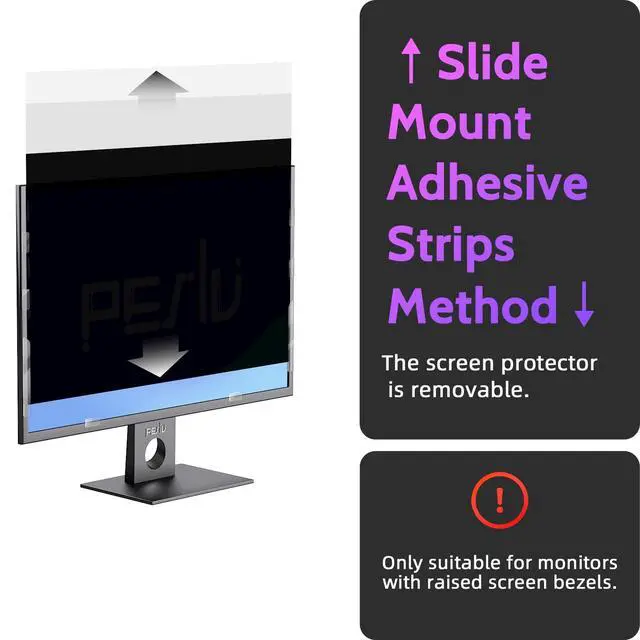
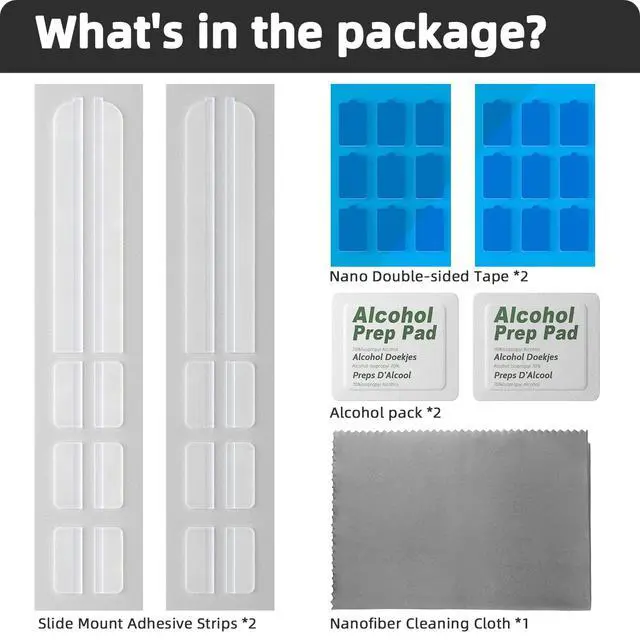
Installation option 1 - Mounting with sliders - suitable for screens with raised bezels
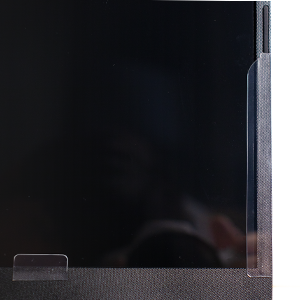
Step 1
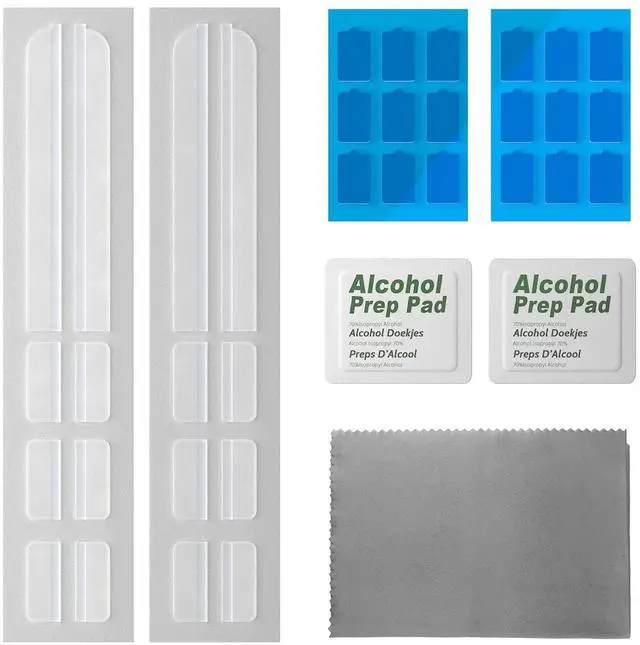
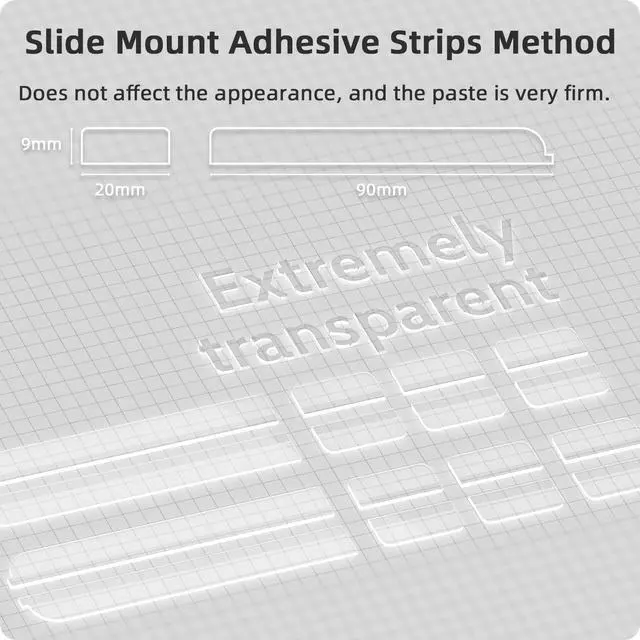
Glue the slider to the bezel of the laptop screen
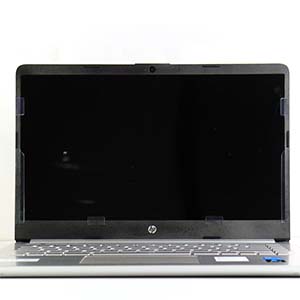
Step 2
Glue the 6 sliders as shown in the picture
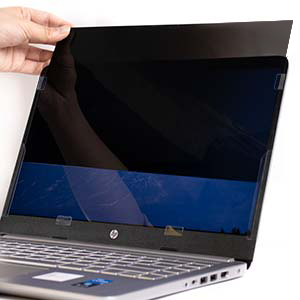
Step 3
Slide the privacy screen into
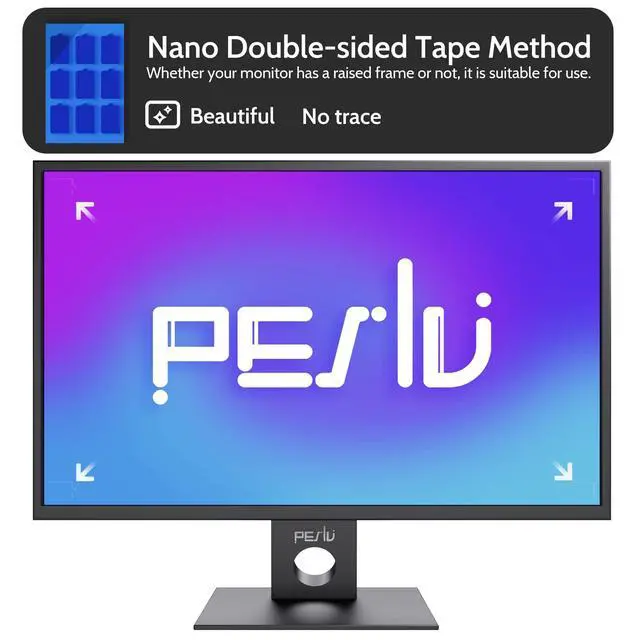
Installation option 2 - Installation with double-sided tape - This can be used regardless of whether the screen has a raised bezel or not
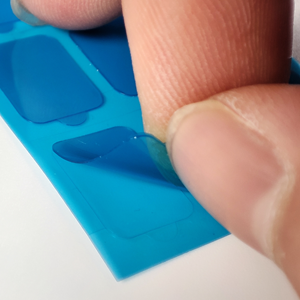
Step 1
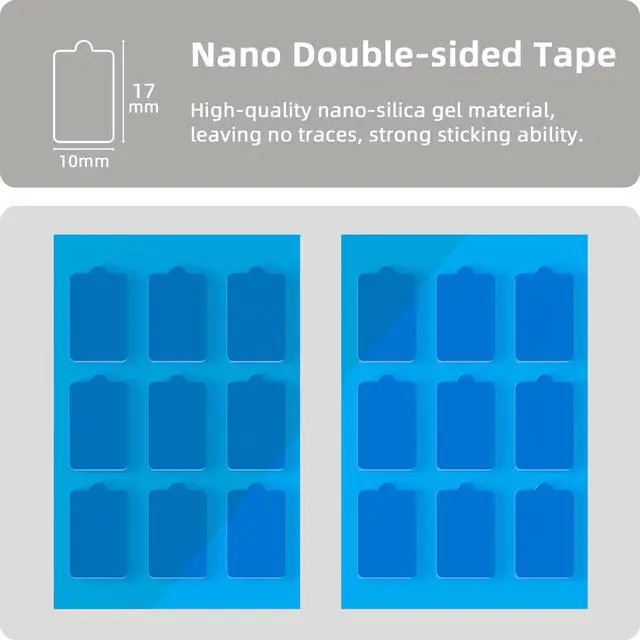
Tear off a small double-sided adhesive patch, and stick to the corner of the anti-peep film, and then tear off the other side of the double-sided adhesive patch film. (Tip: double-sided adhesive patch has a round protruding part, from where the tear will be very easy)
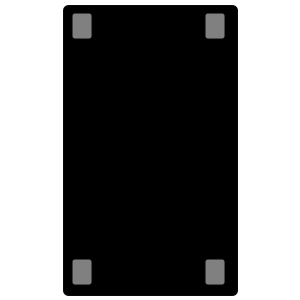
Step 2
Referring to the first step, put double-sided adhesive patches on all four corners of the anti-peep film.
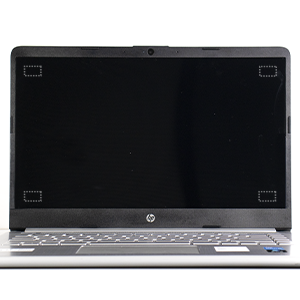
Step 3
Align the screen, glue it on, and finish the installation.
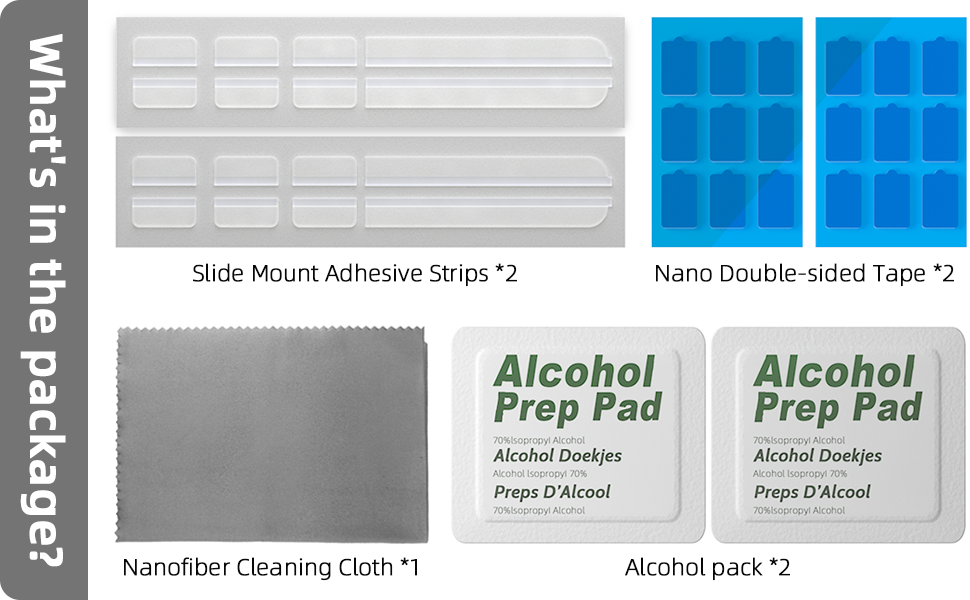
Warm Tips.
1.Before installation, please clean the screen of your computer monitor.
2.Before installation, please peel off the 2 layers of protective film of the privacy screen.
?
?
Installation option 1 - Mounting with sliders - suitable for screens with raised bezels
Step 1
Glue the slider to the bezel of the laptop screen
Step 2
Glue the 6 sliders as shown in the picture
Step 3
Slide the privacy screen into
Installation option 2 - Installation with double-sided tape - This can be used regardless of whether the screen has a raised bezel or not
Step 1
Tear off a small double-sided adhesive patch, and stick to the corner of the anti-peep film, and then tear off the other side of the double-sided adhesive patch film. (Tip: double-sided adhesive patch has a round protruding part, from where the tear will be very easy)
Step 2
Referring to the first step, put double-sided adhesive patches on all four corners of the anti-peep film.
Step 3
Align the screen, glue it on, and finish the installation.

We want you to live without the eye strain and privacy breach of where your next use screen.
Our screen protectors don't just protect your screen, provide additional features such as privacy, anti-blue light, and more, they offer the tech experience you want with zero restrictions.
We look forward to obtaining your permission and providing lifetime service on all the products we supply.
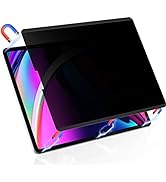
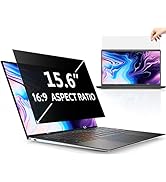
Series 6 I Privacy Protection
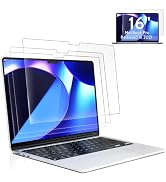
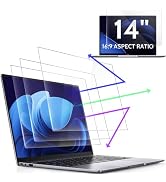
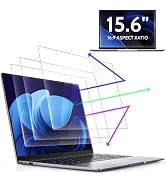
Series 5 I Eye Protection
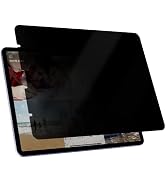
Series 6 I Privacy Protection
