





  • $25.99
  • Free 30-day Returns
  • Sold by Sxacuum

    Shipped by Sxacuum

    Price alert
    Shop it at NeweggBusiness.

    Meet Your Seller

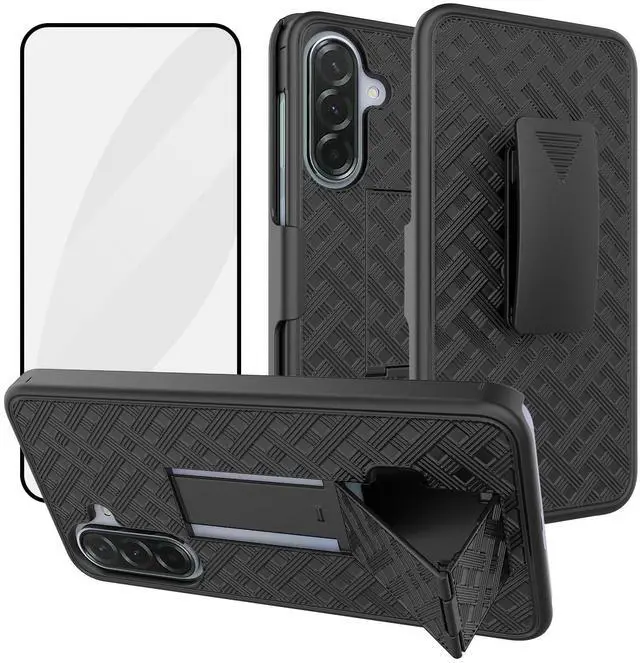
    for Samsung Galaxy A17 5G/A26 Case Holster, Screen Protector-Black

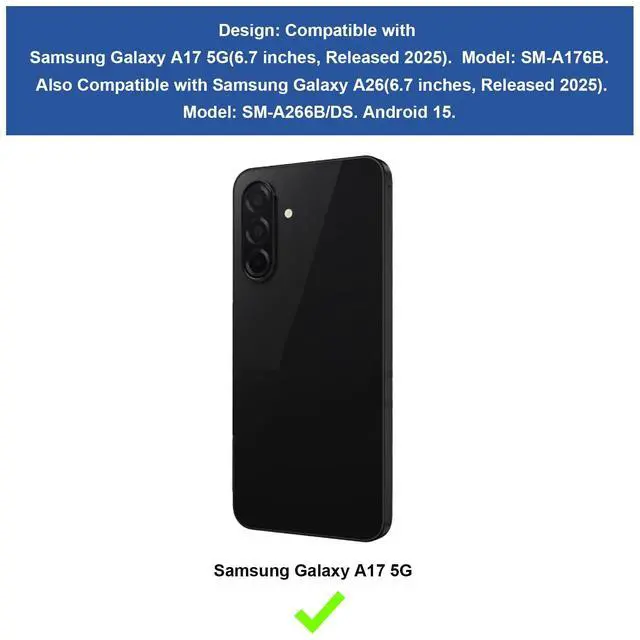
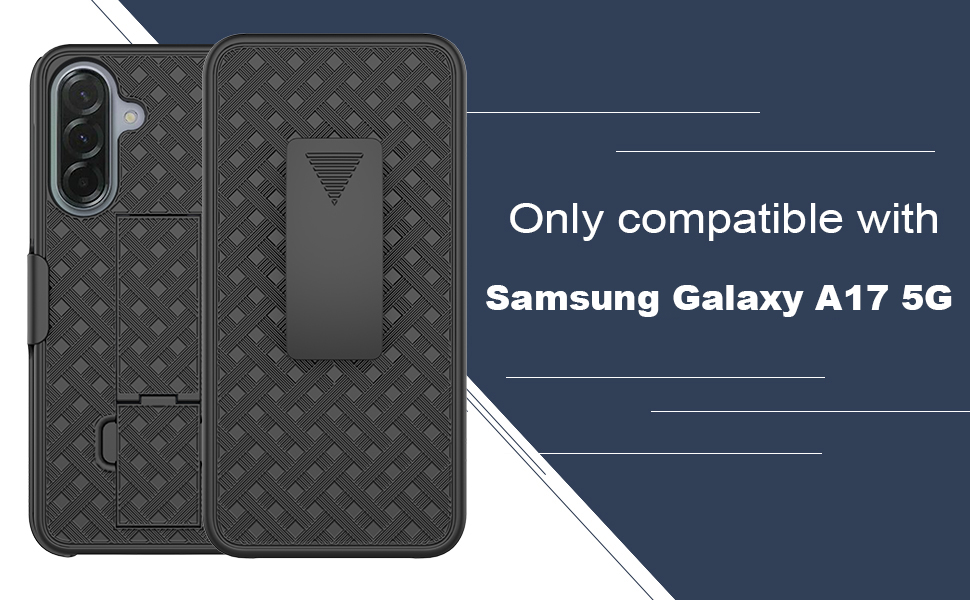
    • Design: Compatible with Samsung Galaxy A17 5G(6.7 inches, Released 2025). Model: SM-A176B. Also Compatible with Samsung Galaxy A26(6.7 inches, Released 2025).Model: SM-A266B/DS. Android 15. Snap-on installation ensures full access to ports & buttons while providing 360° protection against drops, dust, and scratches.
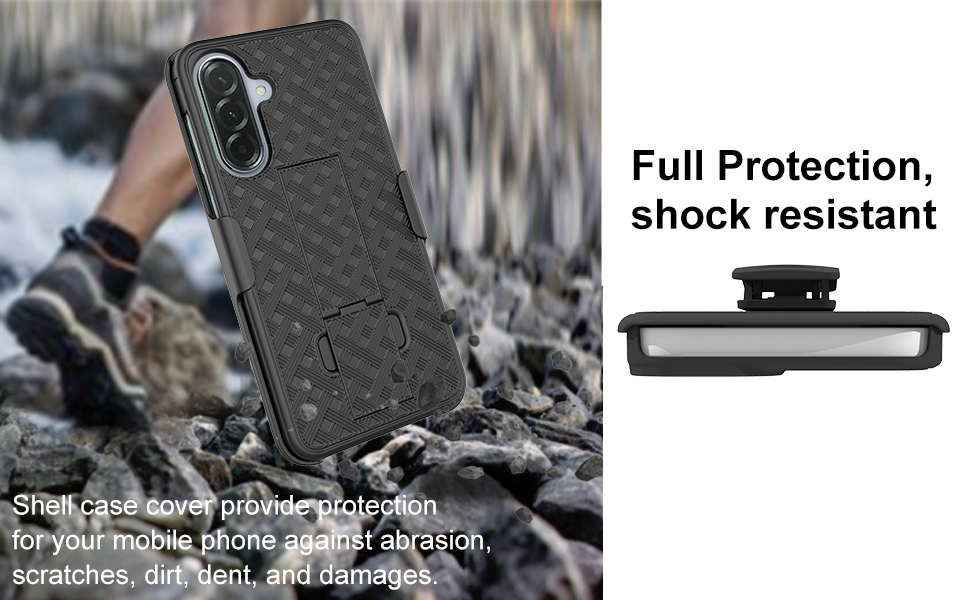
    • Dual-layer hybrid defense combines a rigid polycarbonate backplate and flexible TPU bumper for superior drop protection. The anti-slip textured grip enhances handling, while raised bezels shield the screen and camera from scratches.
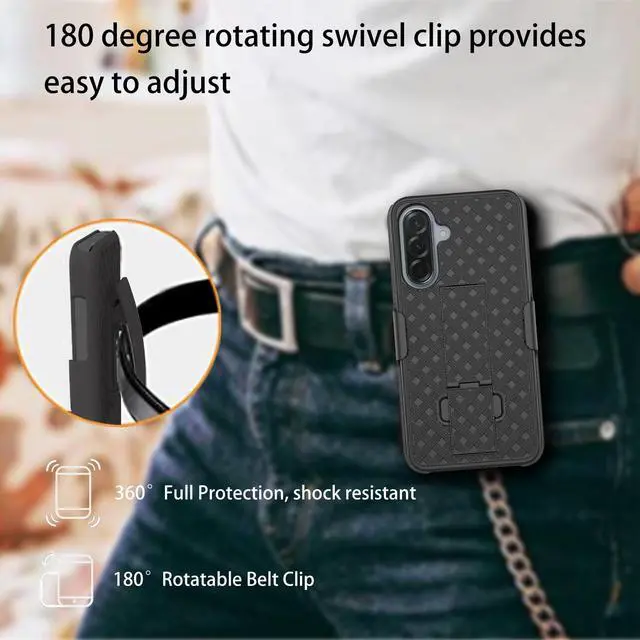
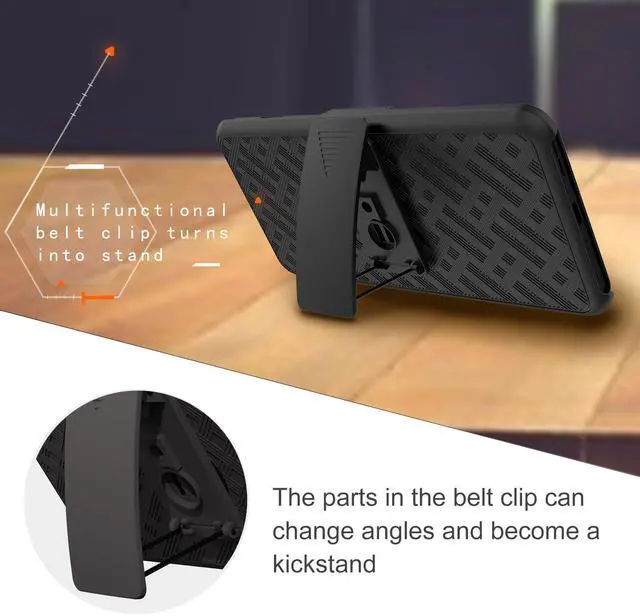
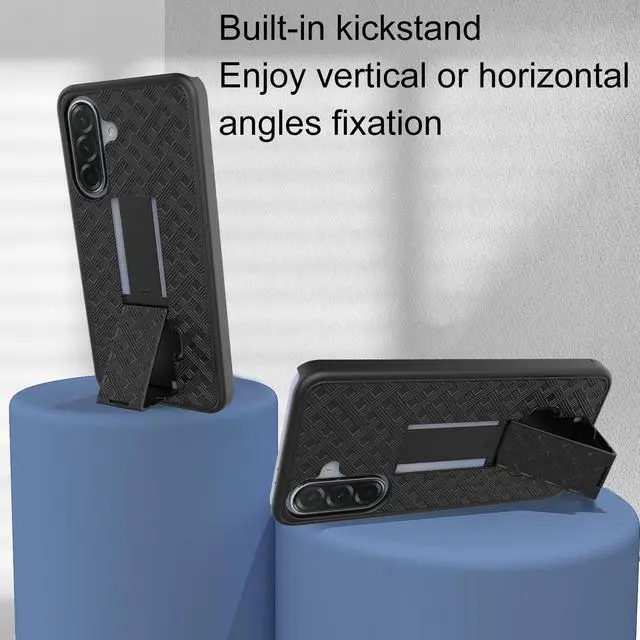
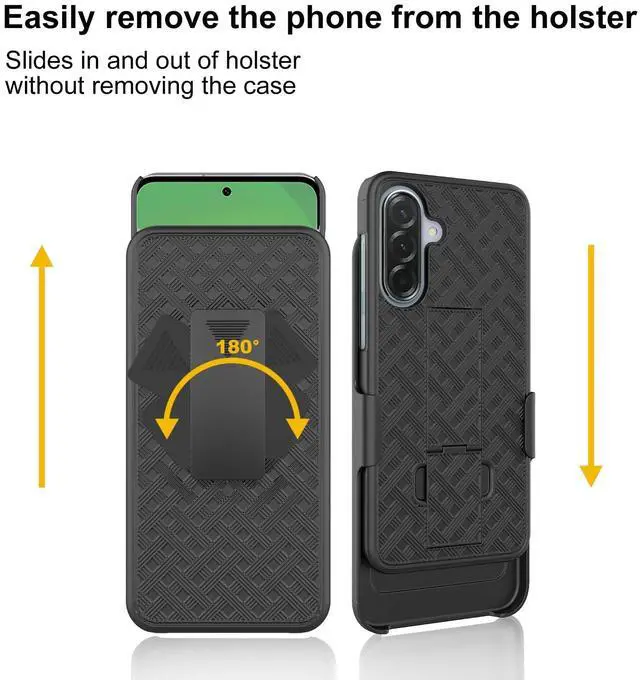
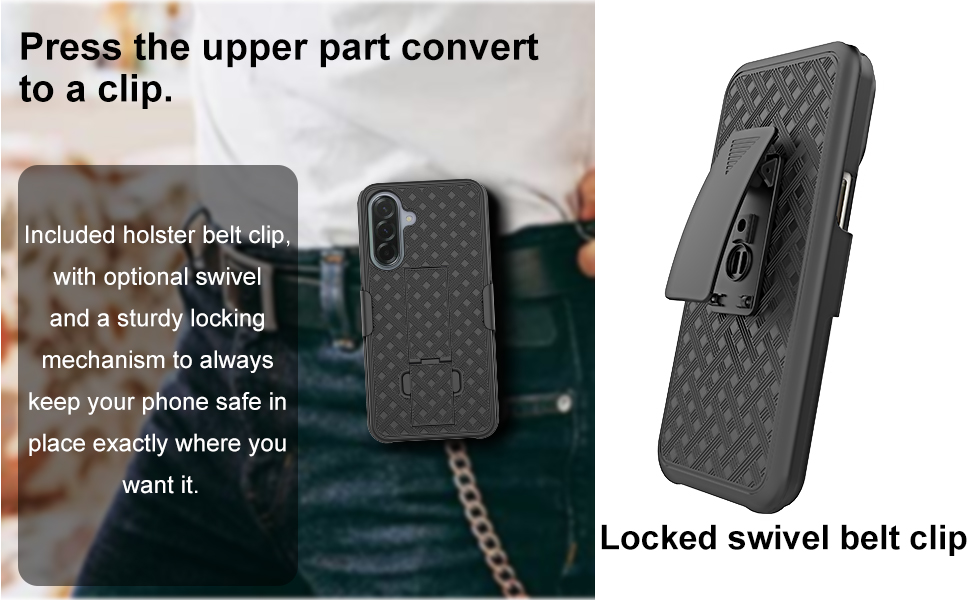
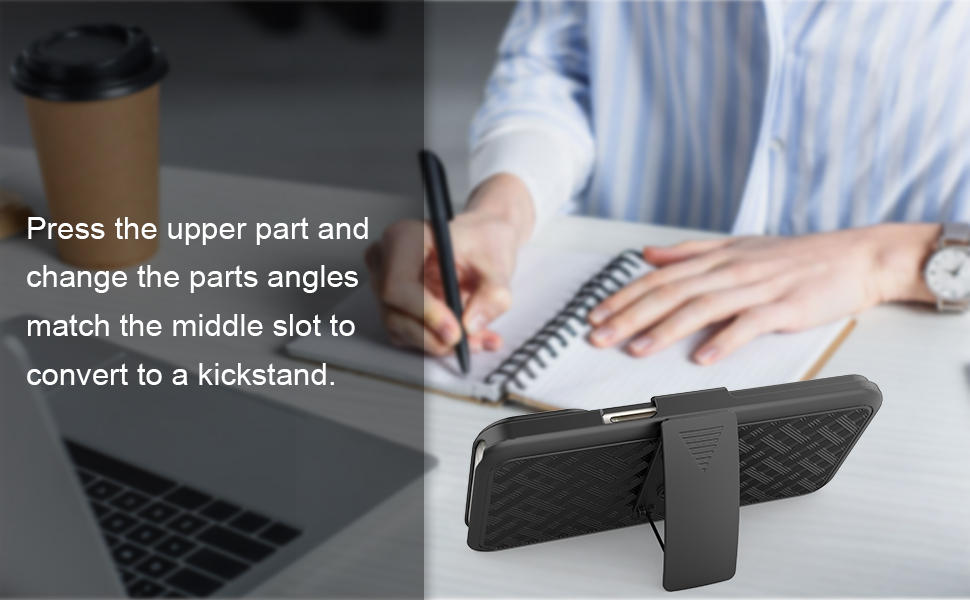
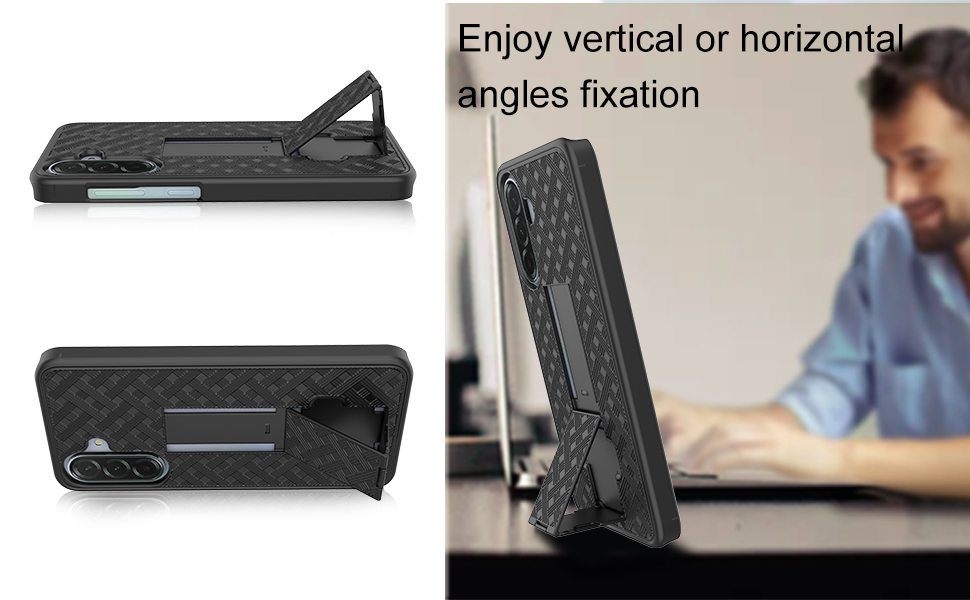
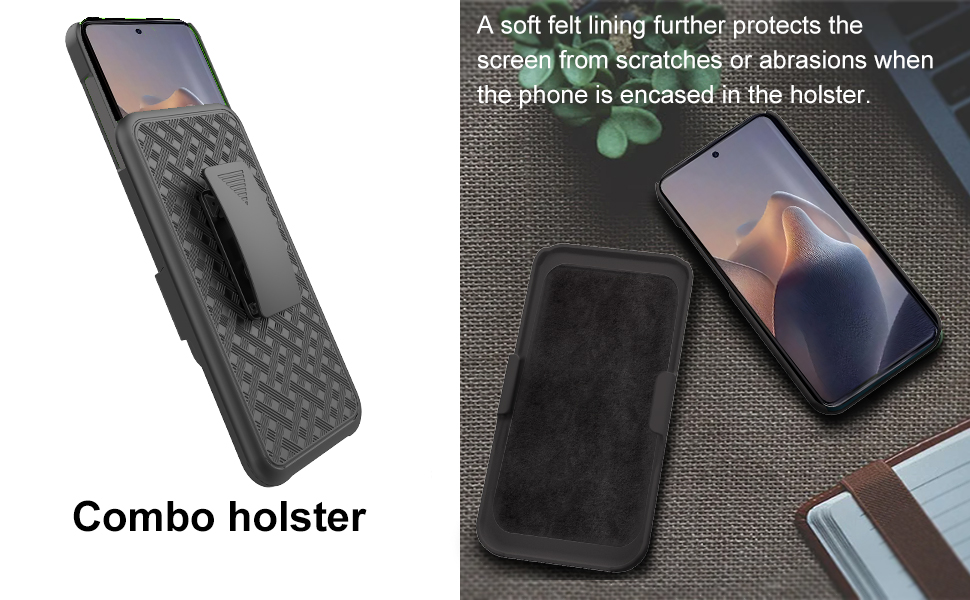
    • 2-in-1 Belt Clip & Hands-Free Kickstand: 360° rotatable holster clip securely attaches to belts/purses. Built-in stand supports landscape/portrait viewing for videos, calls, and GPS navigation. Ideal for construction, hiking, driving and outdoor work.
    • Full Coverage Screen Protector: Includes 0.33mm 9H hardness screen protector with 99% HD clarity and oleophobic coating. Bubble-free installation with alignment frame - no tools needed.
    • Slim & Durable Protection: Engineered with a sleek, low-profile design that maintains rugged drop protection. The matte black finish resists fingerprints and maintains a professional look. Features reinforced structural support without added bulk, keeping your iPhone protected while staying pocket-friendly.
    +
    +
    Overview
    Specs
    Reviews
    avatar

    Any questions? Our AI mode will help you find out quickly.

    aplus content image
    Ailiber for Samsung Galaxy A26 Phone Case Holster with Screen Protector
    Ailiber for Samsung Galaxy A26 Phone Case Holster with Screen Protector
    Ailiber for Samsung Galaxy A26 Phone Case Holster with Screen Protector
    Ailiber for Samsung Galaxy A26 Phone Case Holster with Screen Protector
    Ailiber for Samsung Galaxy A26 Phone Case Holster with Screen Protector

    Attention:If you find any crack or question about this fragile Screen Protector, please E to us first. We will provide you with a satisfactory after-sales service in 24 hours.Tips to help you better install your Screen Protector. You can search some videos about how to install screen protector first.1. Keep hands clean and dry before installation. If needed, search for the installation video on the Internet first.2. Gently pick up the Tempered Glass from the case.3. Predict installation position on the phone. (Align and Tag guide sticker)4. Make sure to clean all the Dust and Fingerprints on the screen (1)Dust absorb.5. Peel off the clear thin protective film from the screen protector back before applying on the phone.6. Put the screen protector onto the screen horizontally and slowly. Tap the middle of the screen protector. And you are DONE. Congratulations.7. Normally, the protector would be installed automatically. If there's a bubble, maybe there's dust in it. Gently scrape the bubble to the edge with your card.

    aplus content image
    Ailiber for Samsung Galaxy A26 Phone Case Holster with Screen Protector
    Ailiber for Samsung Galaxy A26 Phone Case Holster with Screen Protector
    Ailiber for Samsung Galaxy A26 Phone Case Holster with Screen Protector
    Ailiber for Samsung Galaxy A26 Phone Case Holster with Screen Protector
    Ailiber for Samsung Galaxy A26 Phone Case Holster with Screen Protector

    Attention:If you find any crack or question about this fragile Screen Protector, please E to us first. We will provide you with a satisfactory after-sales service in 24 hours.Tips to help you better install your Screen Protector. You can search some videos about how to install screen protector first.1. Keep hands clean and dry before installation. If needed, search for the installation video on the Internet first.2. Gently pick up the Tempered Glass from the case.3. Predict installation position on the phone. (Align and Tag guide sticker)4. Make sure to clean all the Dust and Fingerprints on the screen (1)Dust absorb.5. Peel off the clear thin protective film from the screen protector back before applying on the phone.6. Put the screen protector onto the screen horizontally and slowly. Tap the middle of the screen protector. And you are DONE. Congratulations.7. Normally, the protector would be installed automatically. If there's a bubble, maybe there's dust in it. Gently scrape the bubble to the edge with your card.

    for Samsung Galaxy A17 5G/A26 Case Holster, Screen Protector-Black

    Warranty & Returns

    Warranty, Returns, And Additional Information

    Warranty

    • Please contact the Seller directly for warranty information. Warranty information may also be found on the Manufacturer's website.
    • CONTACT

    Return Policies

    • Return for refund within: 30 days
    • Return for replacement within: 30 days
    • This item is covered by Sxacuum Return Policy

    Manufacturer Contact Info

    LOADING...