Your Browsing History
Meet Your Seller
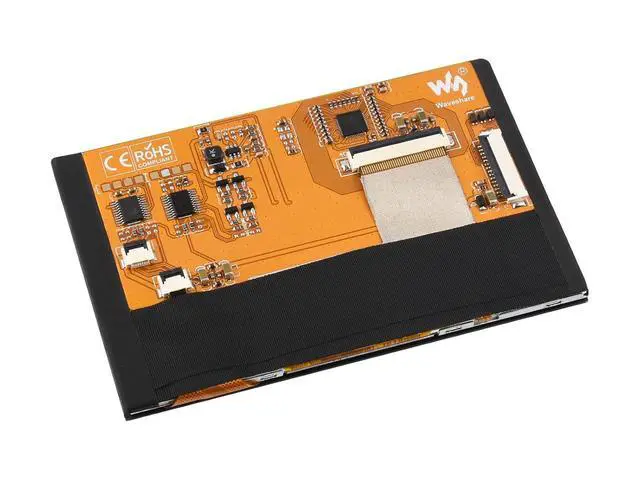
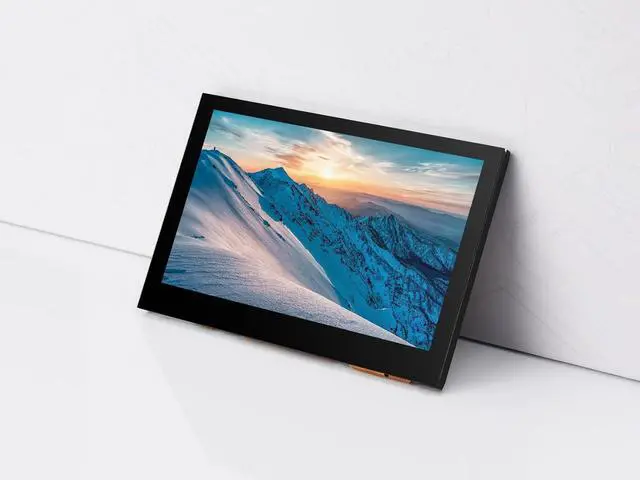
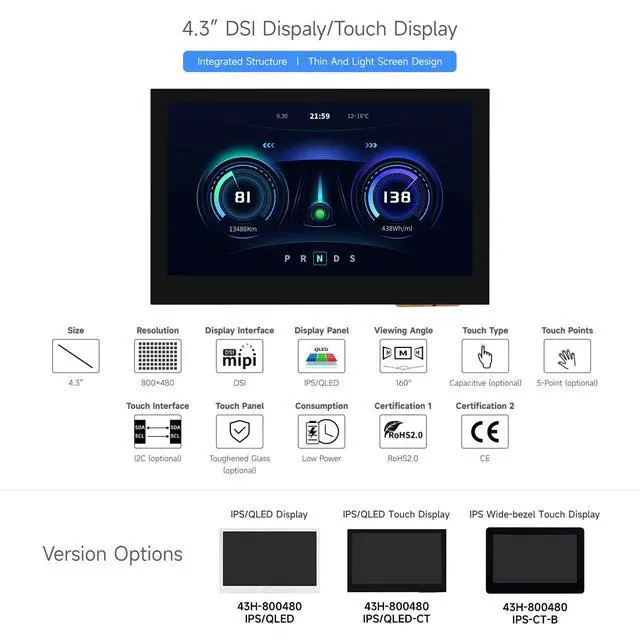
4.3inch DSI Display, 800 × 480 Resolution, IPS, Compatible with Raspberry Pi 4B/3B+/3A+/3B/2B/B+/A+, CM3/3+/4, Touch Version
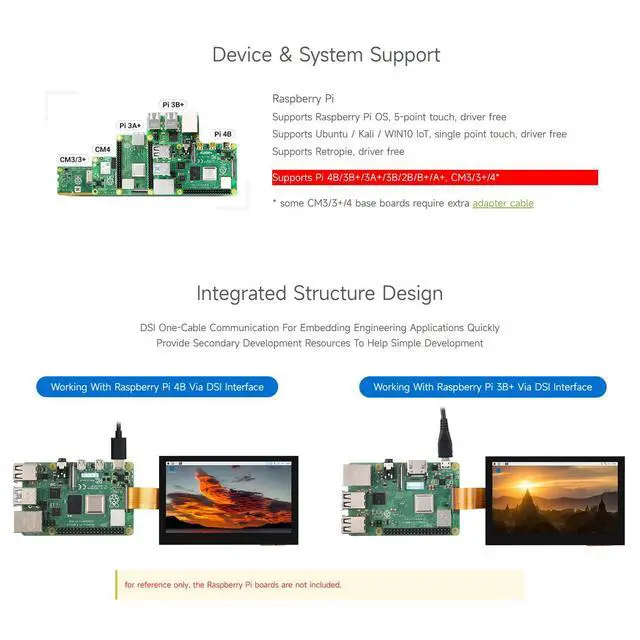
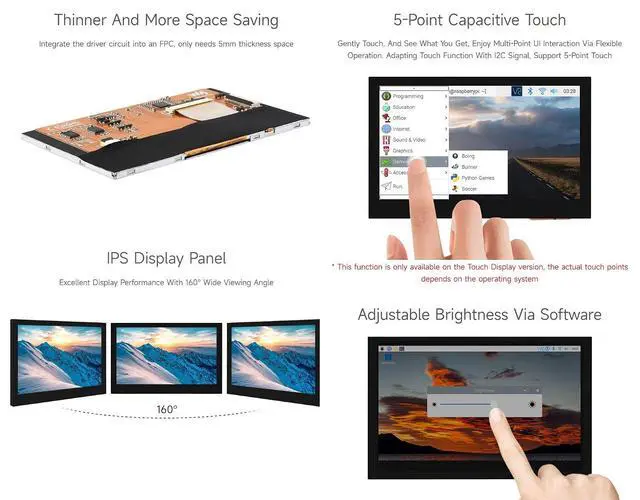
- Provide electronic development resources and manual, please check it carefully before using.; With touch-4.3inch IPS Display, 800 × 480 hardware resolution.; 5-point capacitive touch, toughed glass panel, hardness up to 6H (this function is only for the touch version).; Support Pi4B/3B+/3A+/3B/2B/B+/A+, some CM3/3+/4 expansion boards need external DSI-Cable-15cm; Directly drive the LCD via the DSI port of the Raspberry Pi, and the refreshing rate is up to 60Hz.
+
+
Overview
Specs
Reviews
Any questions? Our AI mode will help you find out quickly.
Try me now
Overview 4.3 inch DSI LCD800×480 Resolution Capacitive Touch Screen Display for Raspberry Pi,, IPS Wide Angle, MIPI DSI Interface Features 1. Supports Pi 4B/3B+/3A+/3B/2B/B+/A+, CM3/3+*, CM3/3+ requires extra adapter board 2. When working with Raspberry Pi, Support various systems. Support Raspbian, 5-points touch, driver free. Supports Ubuntu / Kali / WIN10 IoT, single point touch, driver free Supports Retropie, driver free 3. This 4.3 inch Display with DSI interface, refresh rate up to 60Hz. 4. Capacitive touch panel, support 5-point touch Package Content 4.3 inch DSI LCD x1 FPC 15PIN 1.0 pitch 50mm (opposite sides) x1 Screws pack x1 Hardware connection Connect the DSI interface of 4.3 inch DSI LCD to the DSI interface of Raspberry Pi.
For easy use, you can fix the Raspberry Pi on the backside of the 4.3 inch DSI LCD by screws Software setting Download image (Raspbian, Ubuntu, Kali or WIN 10 IOT) from the Raspberry Pi website Unzip the archive to get. img file (The installation method of WIN 10 IOT is different, please refer to its website) Insert your TF card to PC by card reader, format it firstly Write the. img file to your TF card by Win32DiskImager or Etcher After writing, insert the TF card to your Raspberry Pi Power on
Raspberry Pi Note: Technical Support is provided, please contact with us if you have any problem.

For easy use, you can fix the Raspberry Pi on the backside of the 4.3 inch DSI LCD by screws Software setting Download image (Raspbian, Ubuntu, Kali or WIN 10 IOT) from the Raspberry Pi website Unzip the archive to get. img file (The installation method of WIN 10 IOT is different, please refer to its website) Insert your TF card to PC by card reader, format it firstly Write the. img file to your TF card by Win32DiskImager or Etcher After writing, insert the TF card to your Raspberry Pi Power on
Raspberry Pi Note: Technical Support is provided, please contact with us if you have any problem.
Warranty & Returns
Warranty, Returns, And Additional Information
Warranty
- Please contact the Seller directly for warranty information. Warranty information may also be found on the Manufacturer's website.
- CONTACT
Return Policies
- Return for refund within: 30 days
- Return for replacement within: 30 days
- This item is covered by SlotNeat Return Policy
Manufacturer Contact Info
- For a directory of all our manufacturers, please click below.
- Manufacturers Directory
LOADING...