Your Browsing History
Meet Your Seller
4.3inch HDMI LCD (B) 4.3" 800x480 Touch Screen LCD Capacitive Display IPS Monito
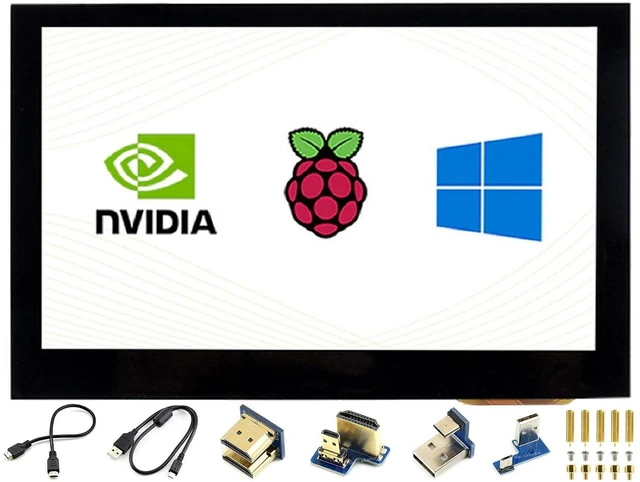
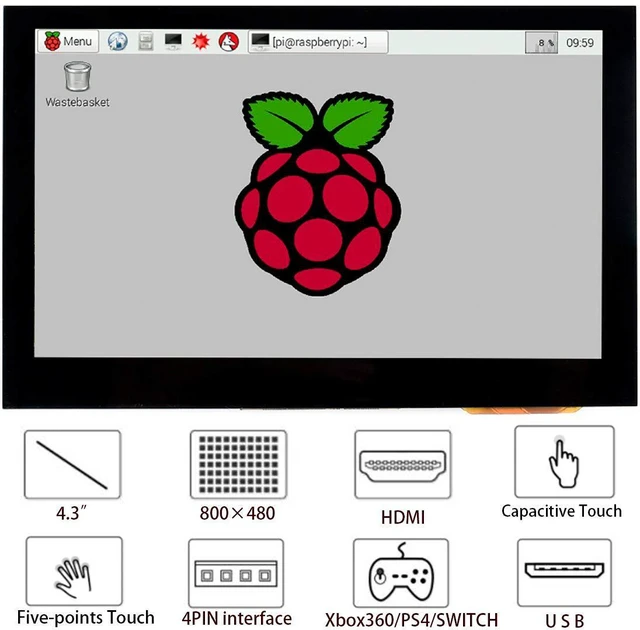
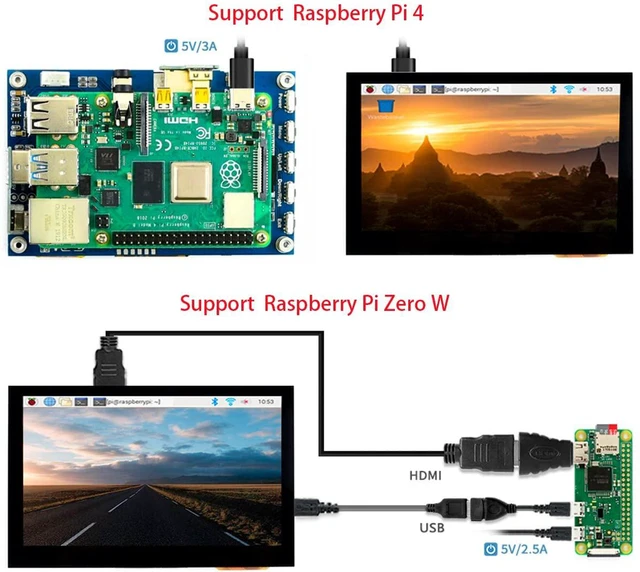
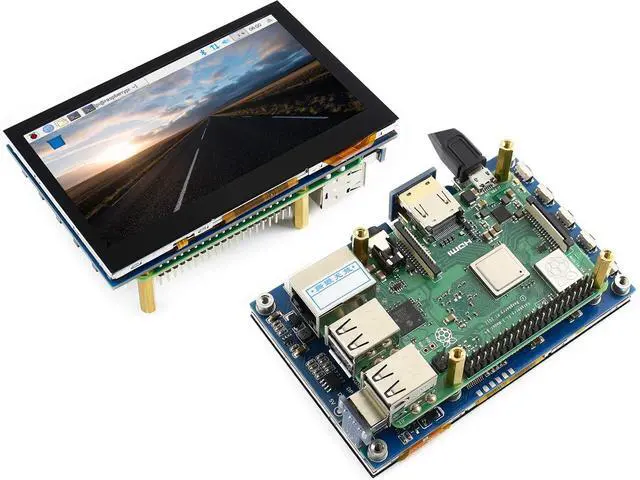
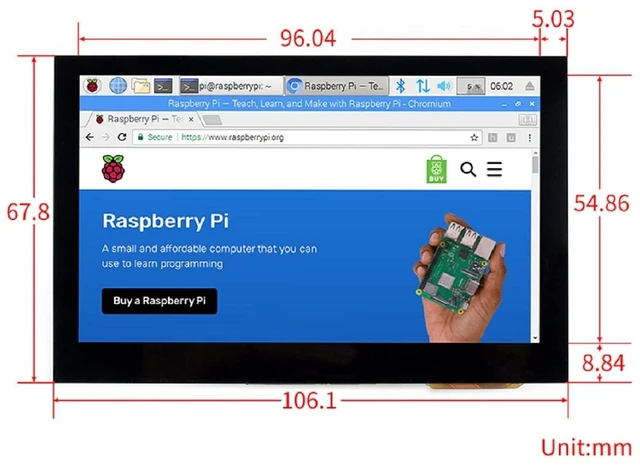
- 4.3inch Capacitive Touch Screen LCD, HDMI interface, with a resolution of 800×480 and a capacitive touch panel, which supports Raspberry Pi and can also be used as a computer monitor. Supports popular mini PCs such as Raspberry Pi,Jetson Nano, BB Black, Banana Pi, as well as general desktop computers
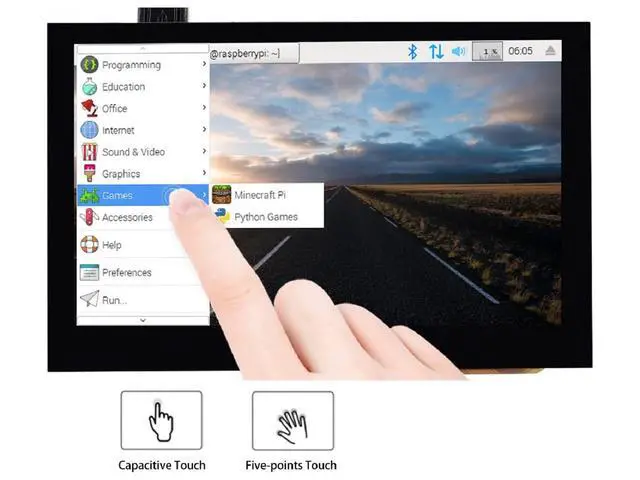
- Supports all versions of Raspberry Pi. Supports Raspbian, 5-points touch, driver free. Supports Ubuntu / Kali / WIN10 IoT, single point touch, driver free. Supports Retropie, driver free
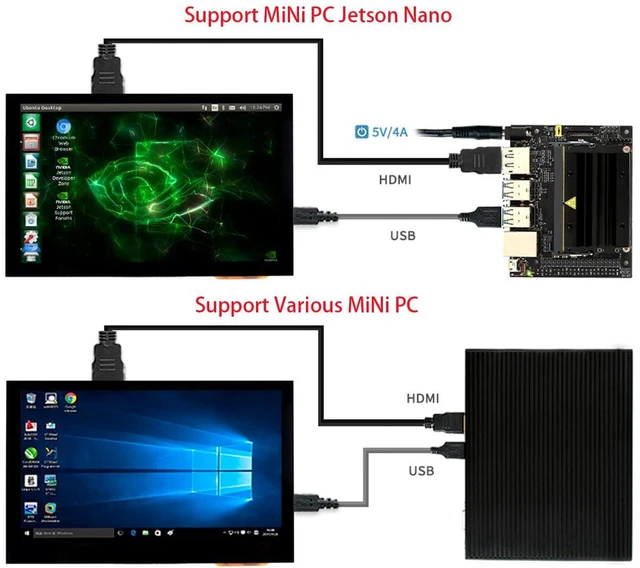
- Supports Jetson Nano,Supports Ubuntu, single point touch, driver free. Supports PC,Supports Windows 11 / 10 / 8.1 / 8 / 7, 5-points touch, driver free
- Multi languages OSD menu, for power management, brightness/contrast adjustment, etc. 3.5mm audio jack, speaker connector, supports HDMI audio output
- Keys Introduction. Power: Open/Close LCD display (backlight). Menu: Open OSD menu (It can also work as "OK button" after entering the menu ). Exit: it can also work as Return after entering the menu. You can use the "Power" button to close the LCD display for reducing consumption if it will be idle for a long time. Open the OSD menu by press the "Menu" button, then use the "OK button" and "Direction button" to change the configuration, and finally use "Return button" to exit

+
+
Overview
Specs
Reviews
Any questions? Our AI mode will help you find out quickly.
Try me now
4.3 inch Capacitive Touch Screen LCD, HDMI interface, with a resolution of 800×480 and a capacitive touch panel, which supports Raspberry Pi and can also be used as a computer monitor. Supports popular mini PCs such as Raspberry Pi, Jetson Nano, BB Black, Banana Pi, as well as general desktop computers
Supports all versions of Raspberry Pi. Supports Raspbian, 5-points touch, driver free. Supports Ubuntu / Kali / WIN10 IoT, single point touch, driver free. Supports Retropie, driver free
Supports Jetson Nano, Supports Ubuntu, single point touch, driver free. Supports PC, Supports Windows 11 / 10 / 8.1 / 8 / 7, 5-points touch, driver free
Multi languages OSD menu, for power management, brightness/contrast adjustment, etc. 3.5 mm audio jack, speaker connector, supports HDMI audio output
Keys Introduction.
Power: Open/Close LCD display (backlight).
Menu: Open OSD menu (It can also work as "OK button" after entering the menu ).
Exit: it can also work as Return after entering the menu. You can use the "Power" button to close the LCD display for reducing consumption if it will be idle for a long time. Open the OSD menu by press the "Menu" button, then use the "OK button" and "Direction button" to change the configuration, and finally use "Return button" to exit
Supports all versions of Raspberry Pi. Supports Raspbian, 5-points touch, driver free. Supports Ubuntu / Kali / WIN10 IoT, single point touch, driver free. Supports Retropie, driver free
Supports Jetson Nano, Supports Ubuntu, single point touch, driver free. Supports PC, Supports Windows 11 / 10 / 8.1 / 8 / 7, 5-points touch, driver free
Multi languages OSD menu, for power management, brightness/contrast adjustment, etc. 3.5 mm audio jack, speaker connector, supports HDMI audio output
Keys Introduction.
Power: Open/Close LCD display (backlight).
Menu: Open OSD menu (It can also work as "OK button" after entering the menu ).
Exit: it can also work as Return after entering the menu. You can use the "Power" button to close the LCD display for reducing consumption if it will be idle for a long time. Open the OSD menu by press the "Menu" button, then use the "OK button" and "Direction button" to change the configuration, and finally use "Return button" to exit
Warranty & Returns
Warranty, Returns, And Additional Information
Warranty
- Please contact the Seller directly for warranty information. Warranty information may also be found on the Manufacturer's website.
- CONTACT
Return Policies
- Return for refund within: 30 days
- Return for replacement within: 30 days
- This item is covered by GearZap Return Policy
Manufacturer Contact Info
- For a directory of all our manufacturers, please click below.
- Manufacturers Directory
LOADING...