




New Member: Kintix
Speed Redefined. Production Unleashed.
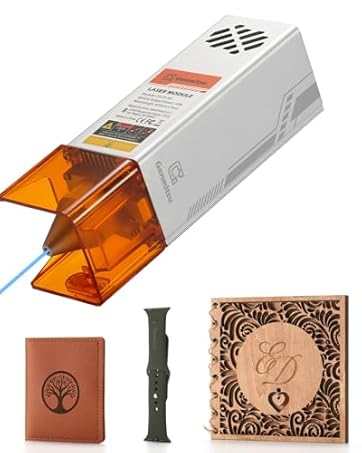
New Member: CFL10-40 Laser
Compatible With Bigger Genmitsu CNC Engraver
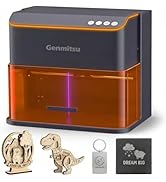
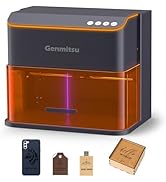
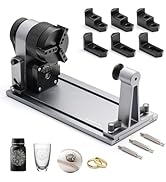
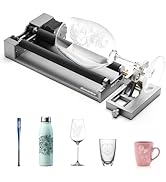
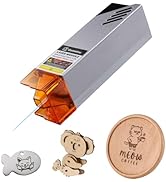
Kintix & Accessories
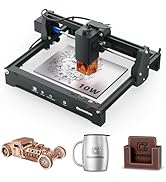
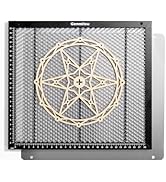
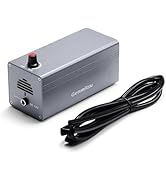
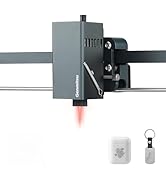
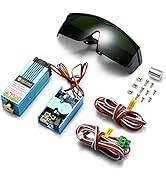
Kortek & Accessories
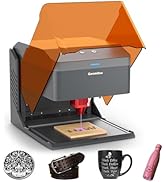
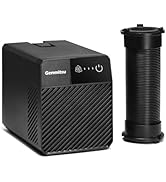
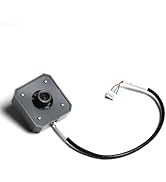
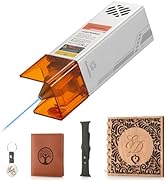
Kiosk & Accessories
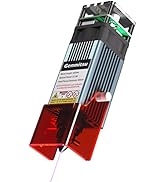
L8 & Accessories
More Accessories
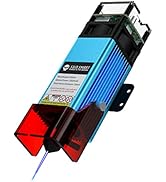

More Accessories
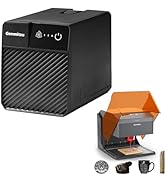
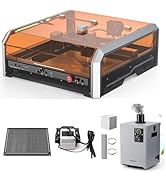
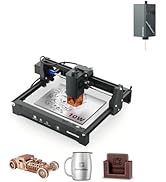
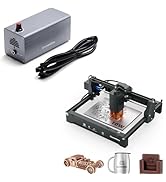
More Valuable Bundles

SainSmart Genmitsu
There are no limits to your imagination. You can easily fulfill your ideas with SainSmart Genmitsu machines.
We believe your ideas have the power to change the world, whether you're sitting in a classroom, a makerspace, or a basement workshop. Let's create a better world together.
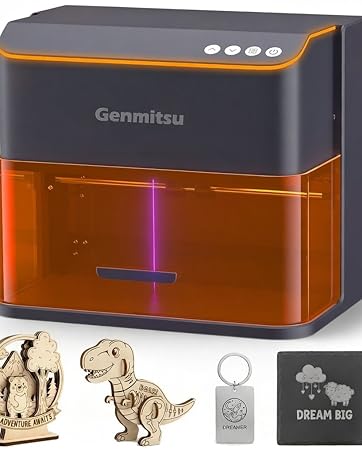
Kiosk Laser Engraver
Merchant Video


Compatible Accessories
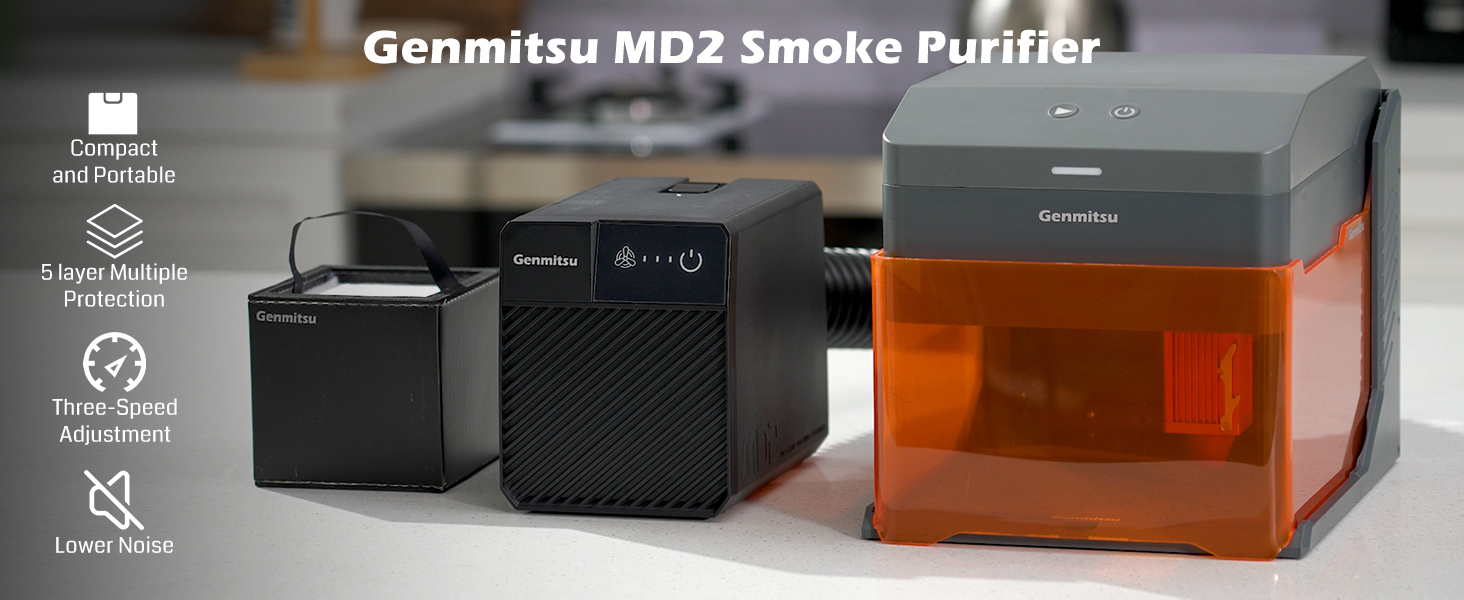
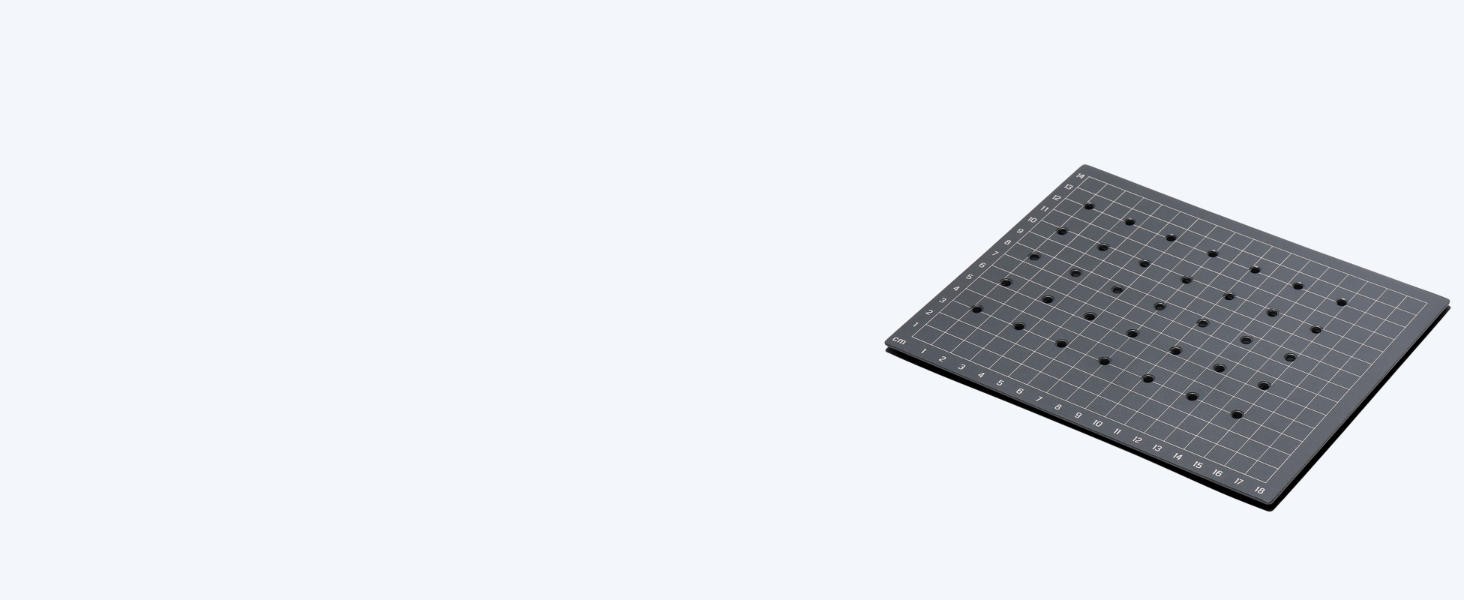
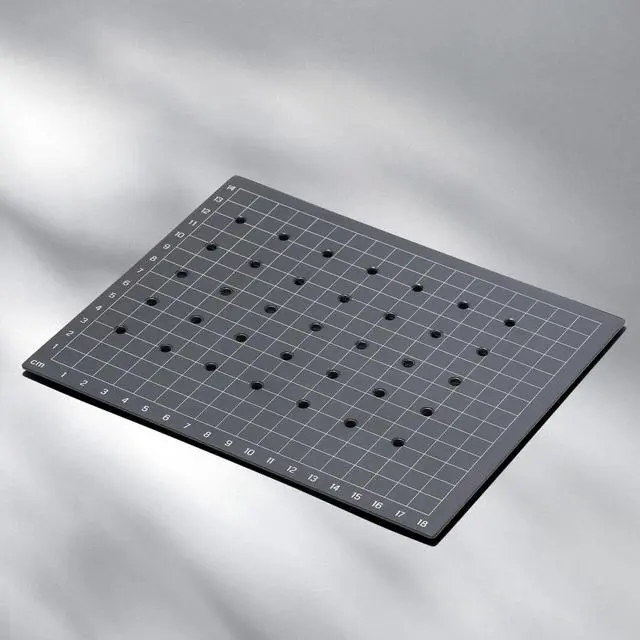
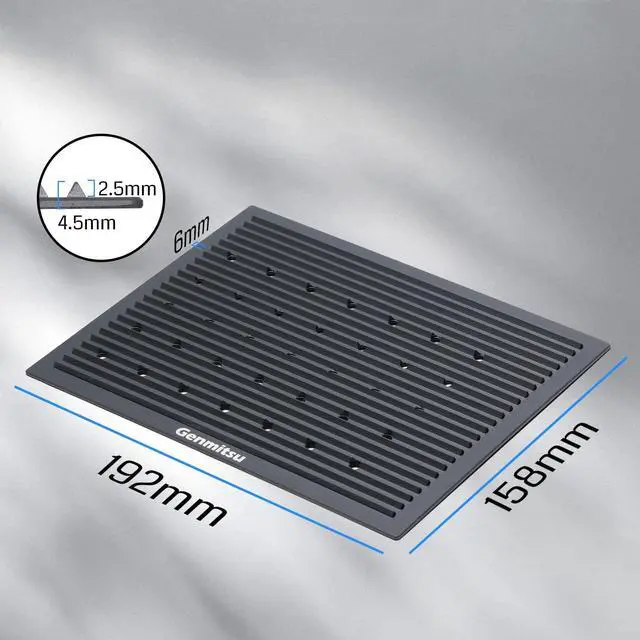
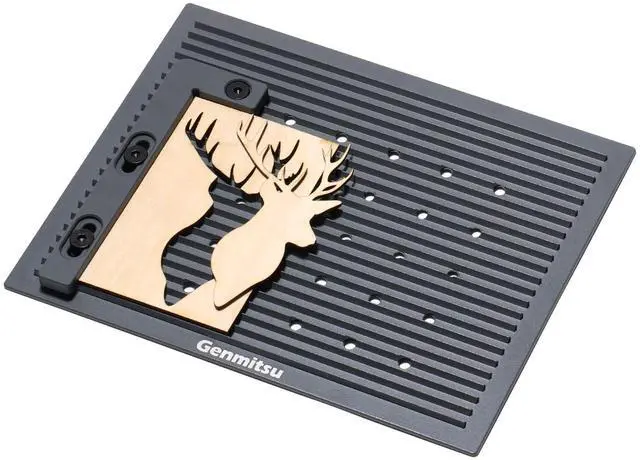
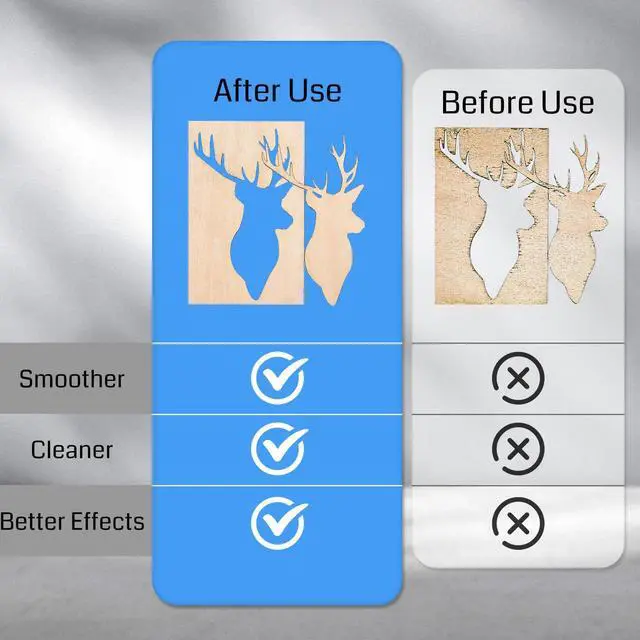
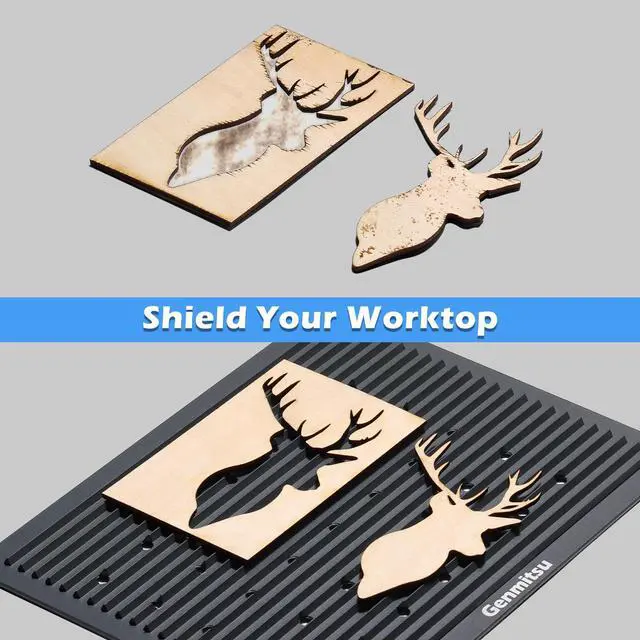
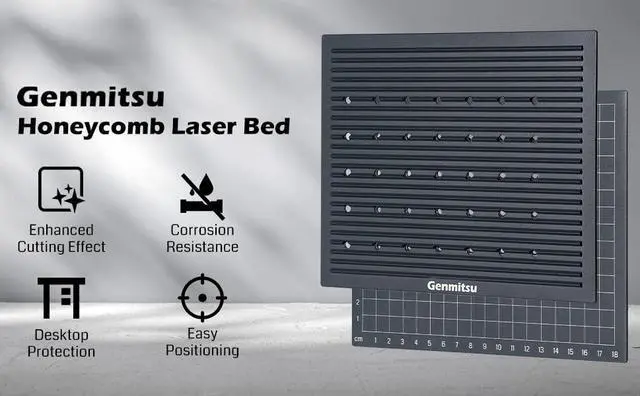
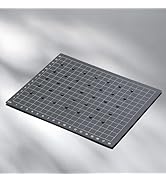
Measuring 192 x 158mm, this engraving bed is custom-sized to fit Kiosk laser engravers. Ideal for achieving optimal results in wood laser cutting and engraving projects.
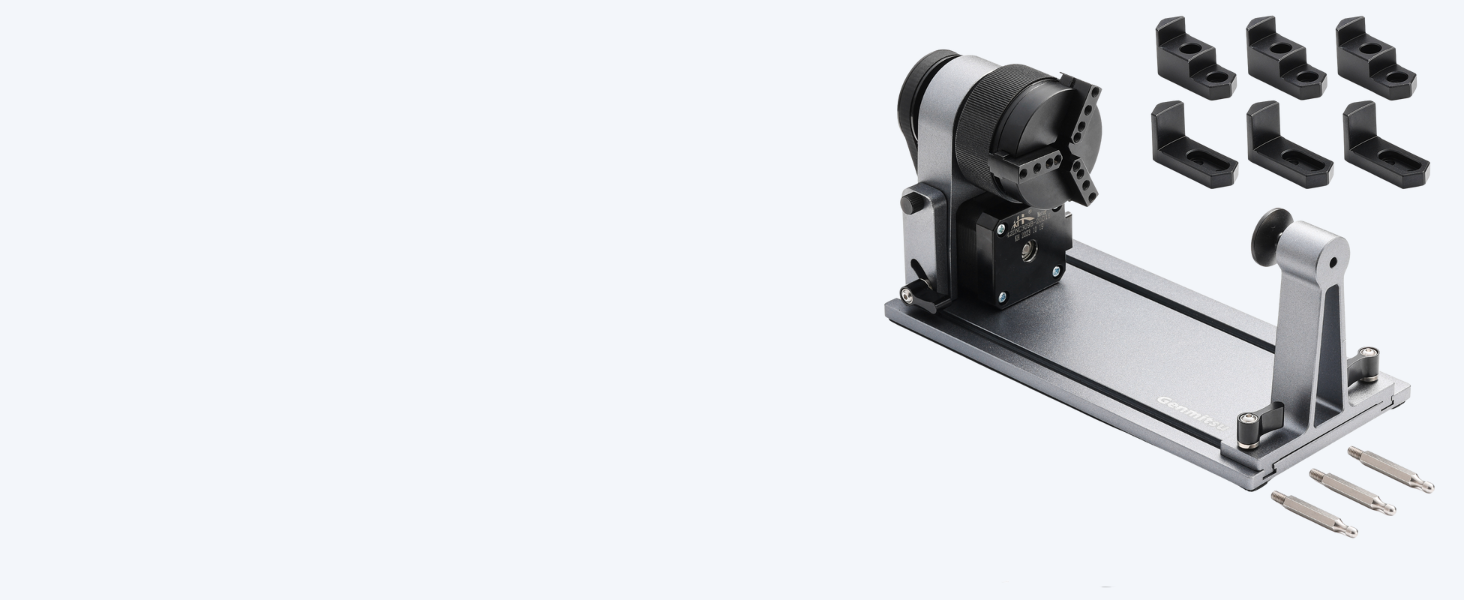
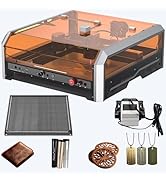
The improved compatibility ensures seamless integration with Genmitsu L8 and kiosk engraving machines and provides a USB+6PIN connection cable interface for effortless connectivity.
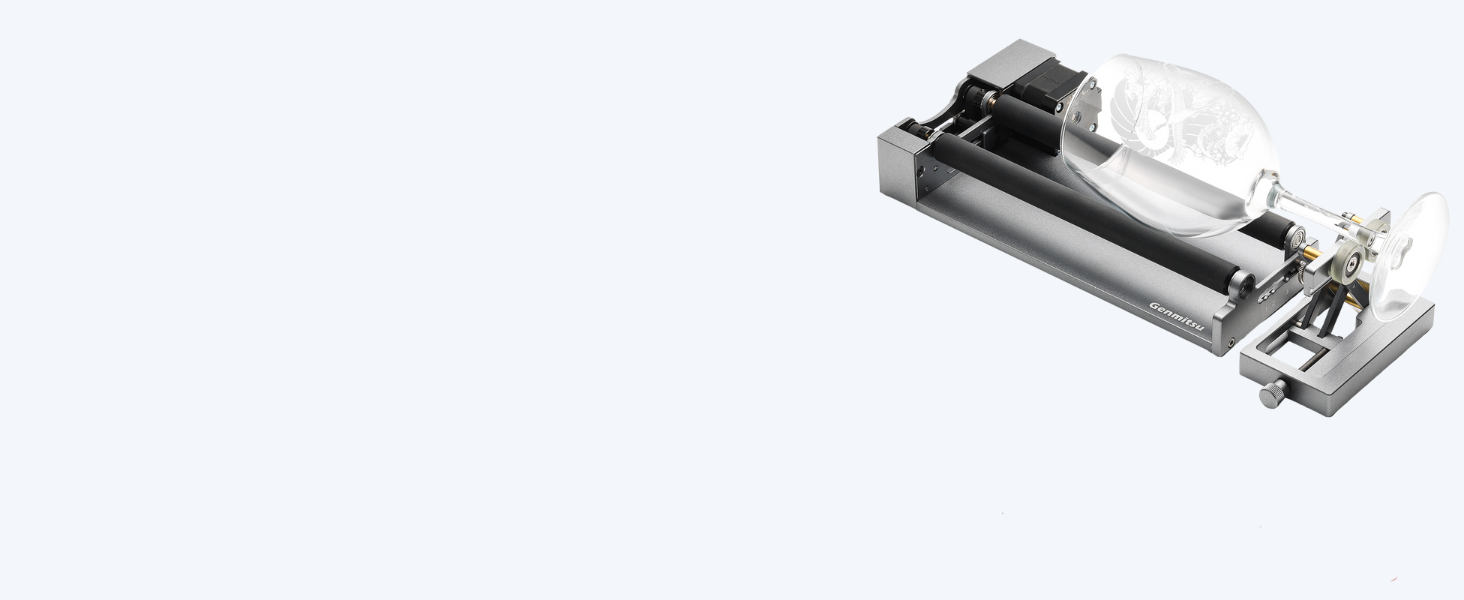
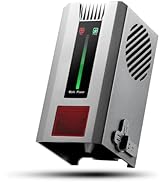
With a generous engraving area of 130*130mm and exceptional accuracy of 0.01mm, achieve speeds of up to 10,000mm/min for efficient and high-quality results across a wide range of materials.
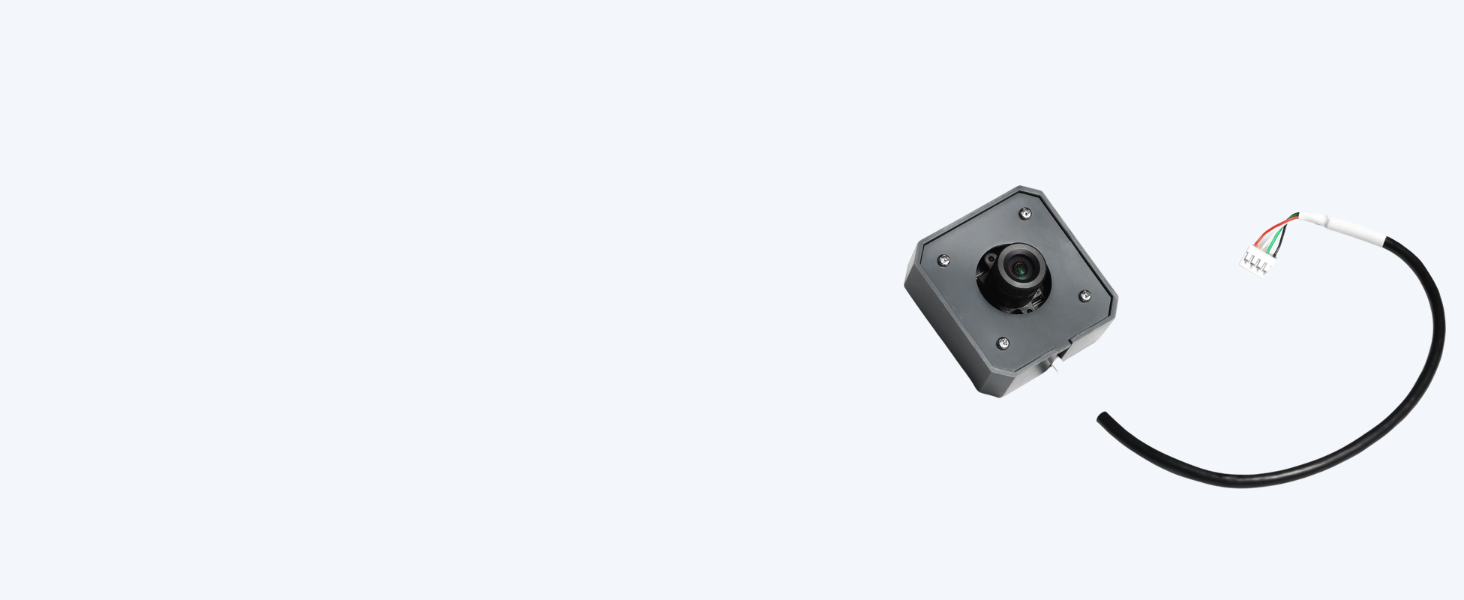
This high-precision camera, is specially designed for Kiosk laser engraving machines, compatible with LightBurn software.
More Options
 Kiosk 10W Laser |  Kiosk 5W Laser |  Kintix 10W Galvo Laser |  Kintix 5W Galvo Laser | |
|---|---|---|---|---|
Price | — | — | — | — |
Max. Speed | 12000mm/min | 12000mm/min | 90000mm/min | 90000mm/min |
Working area | 100x100mm | 100x100mm | 200x100mm | 200x100mm |
Focusing Method | Manual Focus | Manual Focus | One-Click Focus | One-Click Focus |
Motion System | XY Gantry Motion System | XY Gantry Motion System | X Motor Driven+ Y Galvo Scan | X Motor Driven+ Y Galvo Scan |
Usage Cases | DIY enthusiasts & hobbyists | DIY enthusiasts & hobbyists | Small business owners & pros | Small business owners & pros |
My computer can't connect to the machine.
Before connect to the machine, please download the driver, import the Firmware file (refer to the first cutting guide), make sure the acrylic cover is covered. Please feel free to contact support.
The direction of engraving is wrong.(reverse)
Please re-import the kiosk Firmware file.
I can't start engraving, the blue indicator light flashes.
Please double check the cover is closed or not. And make sure the cover hit the limit switch then you can engrave.
How to adjust the engraving deviation?
1.Check the belt tightness. Use finger to press the belt, it's perfect if there is a slight re-curve back.
2.Tidy up the harness.
3.Lubricate the light bar.
Are all three models of laser heads common?
Yes
New Member: Kintix
Speed Redefined. Production Unleashed.
New Member: CFL10-40 Laser
Compatible With Bigger Genmitsu CNC Engraver
Kintix & Accessories
Kortek & Accessories
Kiosk & Accessories
L8 & Accessories
More Accessories
More Accessories
More Valuable Bundles
SainSmart Genmitsu
There are no limits to your imagination. You can easily fulfill your ideas with SainSmart Genmitsu machines.
We believe your ideas have the power to change the world, whether you're sitting in a classroom, a makerspace, or a basement workshop. Let's create a better world together.
Kiosk Laser Engraver
Merchant VideoFeatures


Genmitsu APP Update


Compatible Accessories


Measuring 192 x 158mm, this engraving bed is custom-sized to fit Kiosk laser engravers. Ideal for achieving optimal results in wood laser cutting and engraving projects.
The improved compatibility ensures seamless integration with Genmitsu L8 and kiosk engraving machines and provides a USB+6PIN connection cable interface for effortless connectivity.
With a generous engraving area of 130*130mm and exceptional accuracy of 0.01mm, achieve speeds of up to 10,000mm/min for efficient and high-quality results across a wide range of materials.
This high-precision camera, is specially designed for Kiosk laser engraving machines, compatible with LightBurn software.
More Options
Kiosk 10W Laser | Kiosk 5W Laser | Kintix 10W Galvo Laser | Kintix 5W Galvo Laser |
|---|---|---|---|
| Price | |||
| — | — | — | — |
| Max. Speed | |||
| 12000mm/min | 12000mm/min | 90000mm/min | 90000mm/min |
| Working area | |||
| 100x100mm | 100x100mm | 200x100mm | 200x100mm |
| Focusing Method | |||
| Manual Focus | Manual Focus | One-Click Focus | One-Click Focus |
| Motion System | |||
| XY Gantry Motion System | XY Gantry Motion System | X Motor Driven+ Y Galvo Scan | X Motor Driven+ Y Galvo Scan |
| Usage Cases | |||
| DIY enthusiasts & hobbyists | DIY enthusiasts & hobbyists | Small business owners & pros | Small business owners & pros |
My computer can't connect to the machine.
Before connect to the machine, please download the driver, import the Firmware file (refer to the first cutting guide), make sure the acrylic cover is covered. Please feel free to contact support.
The direction of engraving is wrong.(reverse)
Please re-import the kiosk Firmware file.
I can't start engraving, the blue indicator light flashes.
Please double check the cover is closed or not. And make sure the cover hit the limit switch then you can engrave.
How to adjust the engraving deviation?
1.Check the belt tightness. Use finger to press the belt, it's perfect if there is a slight re-curve back.
2.Tidy up the harness.
3.Lubricate the light bar.
Are all three models of laser heads common?
Yes