




 here!
here!
I’m your shopping assistant for PC builds, upgrades, and everything tech.
Got questions? Ask away!
Start a conversation
here!
I’m your shopping assistant for PC builds, upgrades, and everything tech.
Got questions? Ask away!
Start a conversation
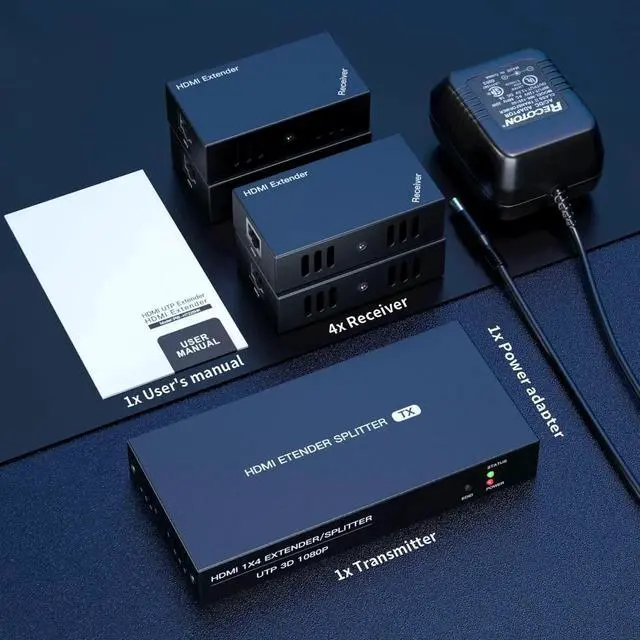
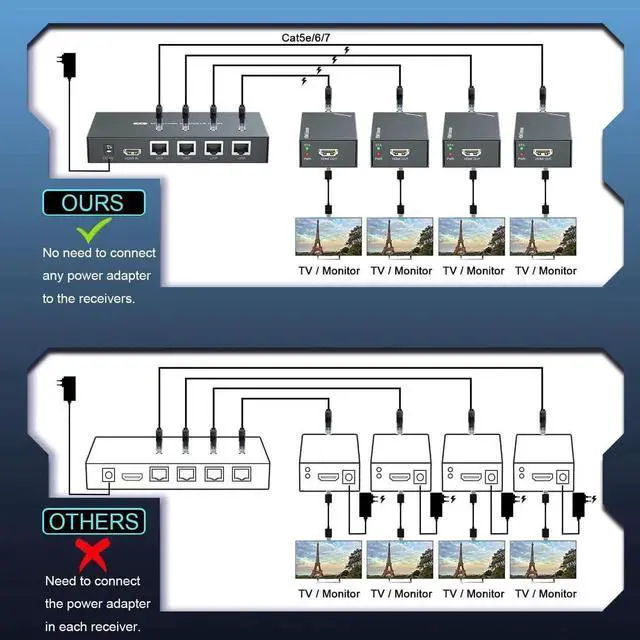



Any questions? Ask CelesteSM will help you find out quickly.
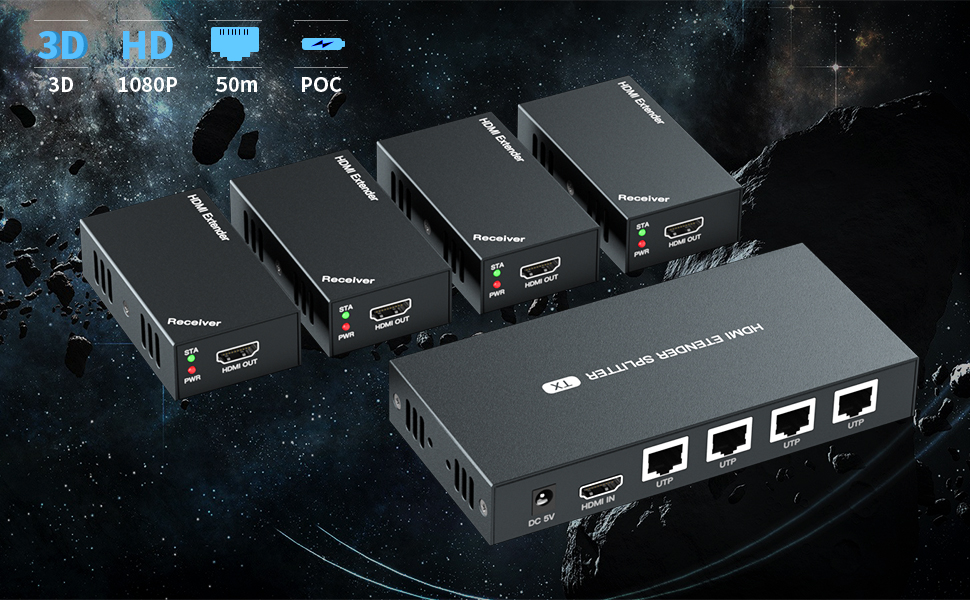
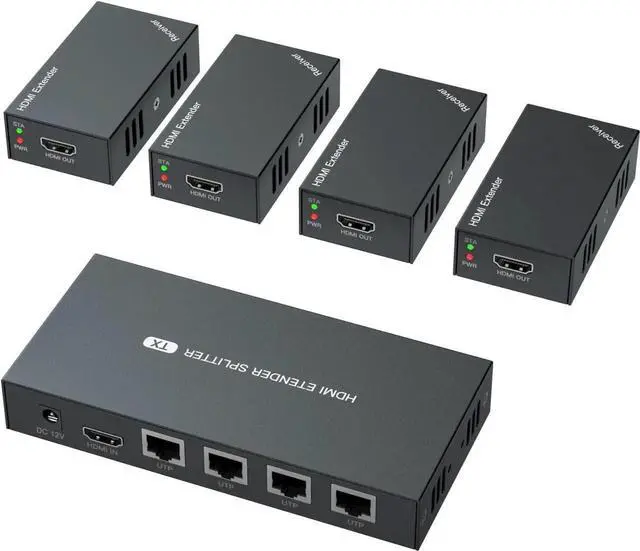
HDMI 1x4 Extender/Splitter
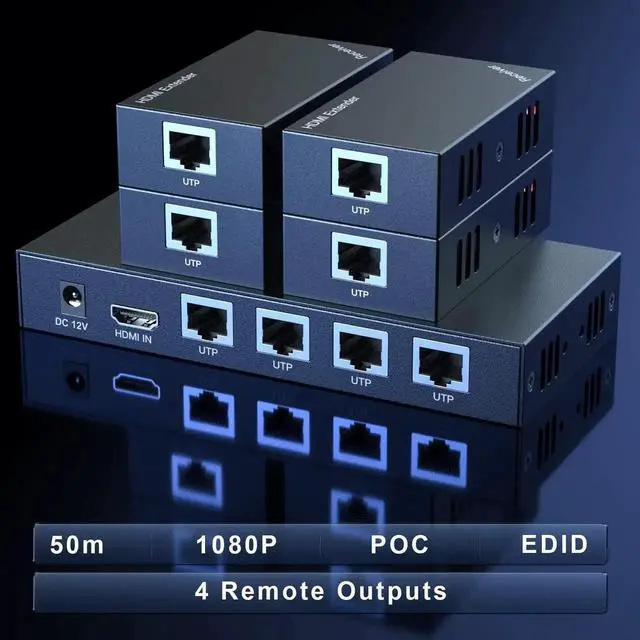
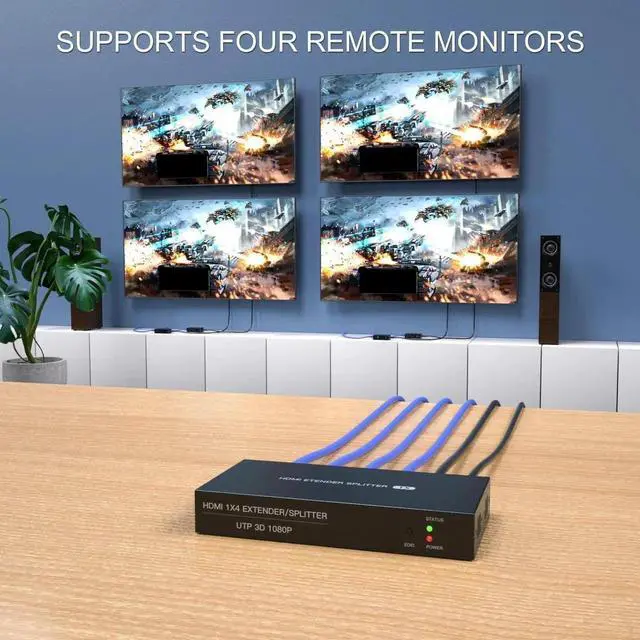
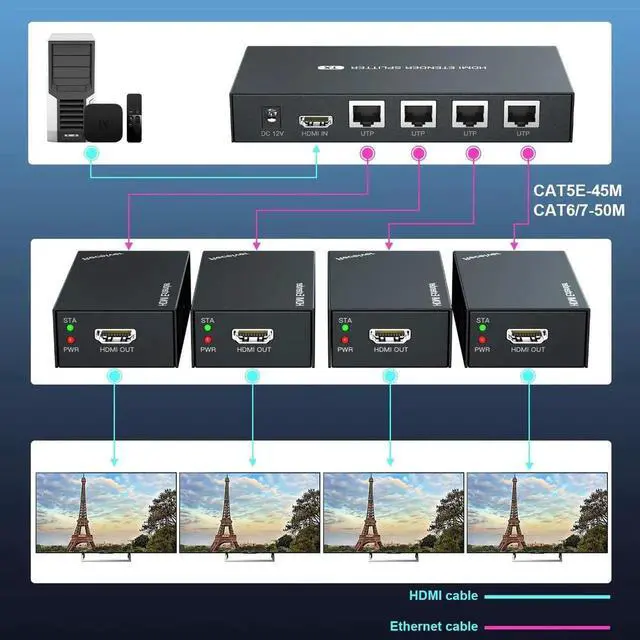
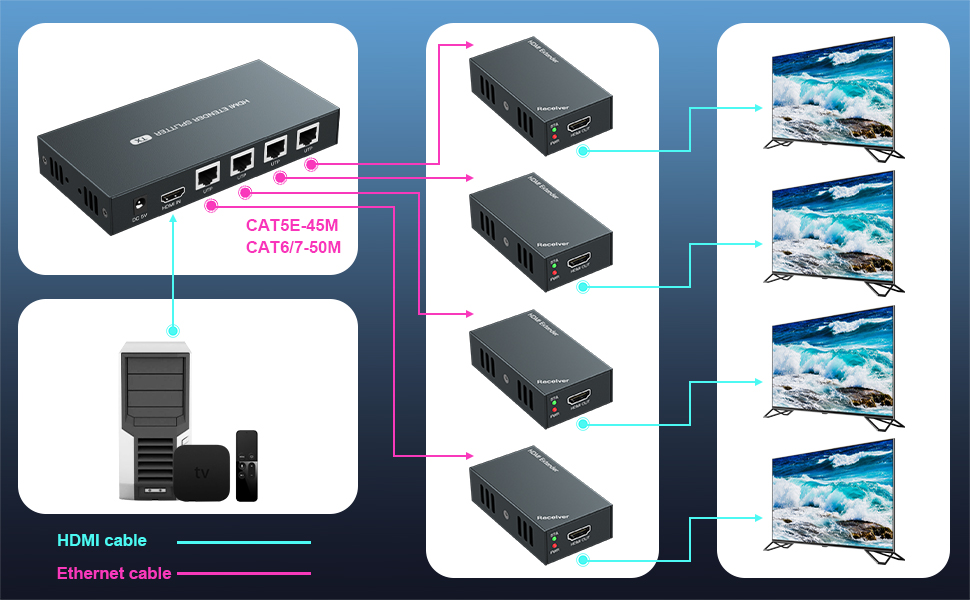
extends HDMI signal losslessly to 4 monitors via Cat5/Cat6/Cat7, sharing 4 identical video
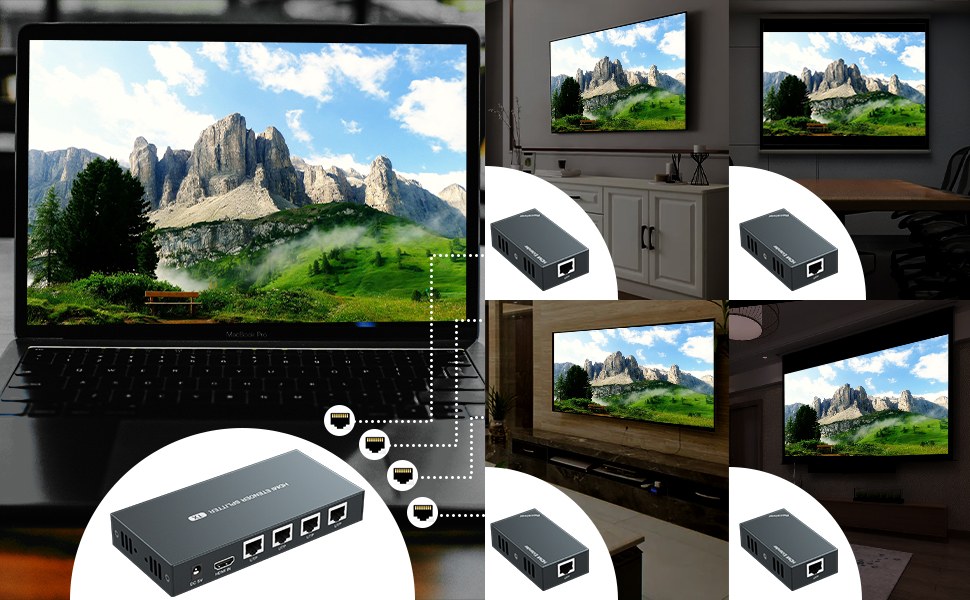
Plug the Cat5e/6/7 network cable into the RJ45 jack to instantly share audio&video in 4 rooms

| HDMI Version: | Highest HDMI 1.3 |
| HDCP Version: | Highest HDCP 1.2 |
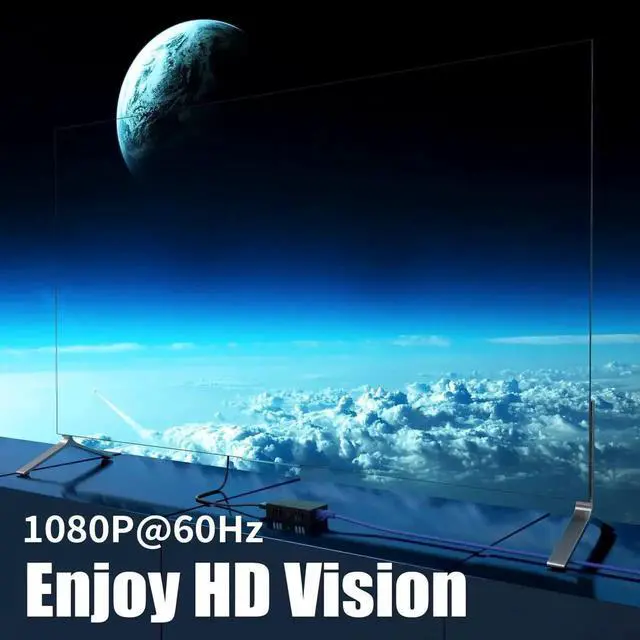
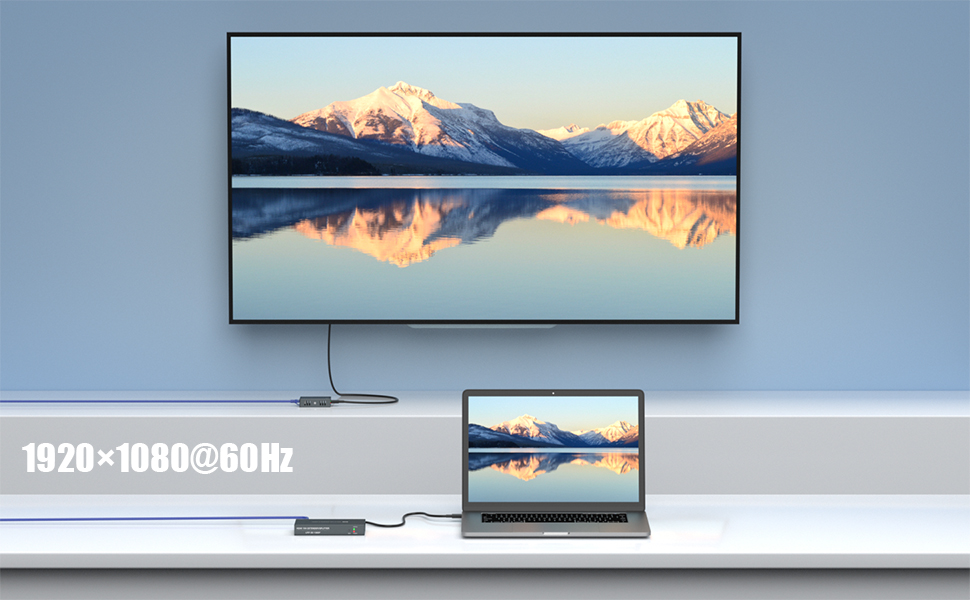
| Resolution: | Highest 1920x1080P@60Hz, compatible with 3D, 1080i, 720p etc. |
| Distance: | Max Cat6/7--50m/165ft, Cat5e--45m/147ft |
| RJ45: | Requires T568B |
About EDID:
When the EDID cannot automatically identify the monitor parameters, the image may not be displayed, please perform the following steps.
(1) Connect the monitor to the HDMI IN on transmitter with one hdmi cable
(2) Connect power and start the transmitter and monitor.
(3) Press and hold the EDID button for 3-5 seconds, complete EDID setup (green light from blinking to stop)
(4) Connect all devices normally
---
The state of the light when the device is working
PWR red power light: always on
STA green signal light: always on
---


