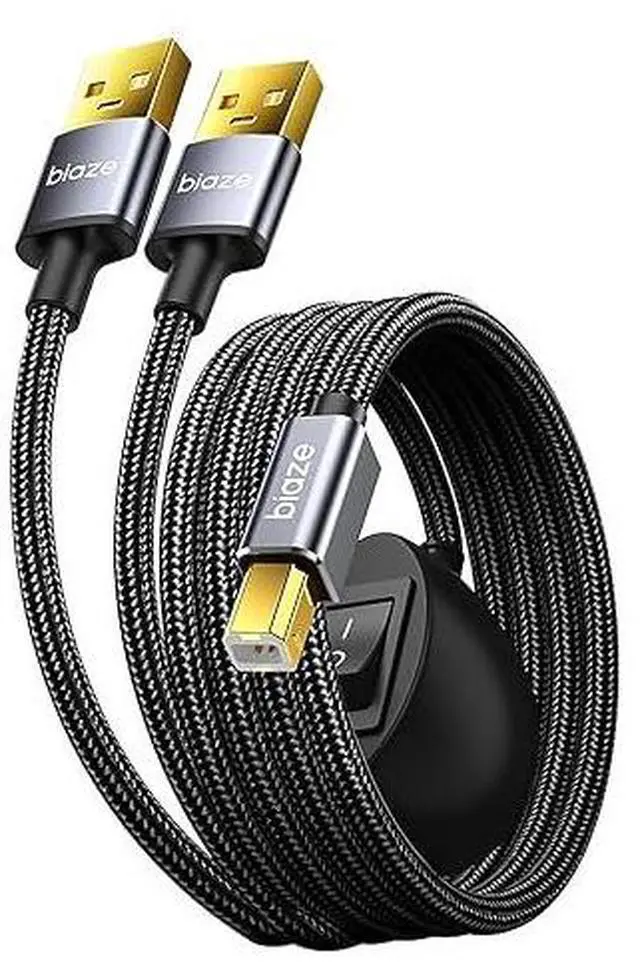
Printer Cable Splitter 2 in 1 Out, USB 2.0 Sharing Switch for Two Computers to One USB Device, 3.5m/11.5ft USB A to B Data Cable for Printer, Scanner, Keyboard, Mouse, Plug and Play
Dual-PC Sharing Made Easy: Connect two computers to one USB device like a printer, scanner, or keyboard using a single splitterswitch between PCs without replugging cables
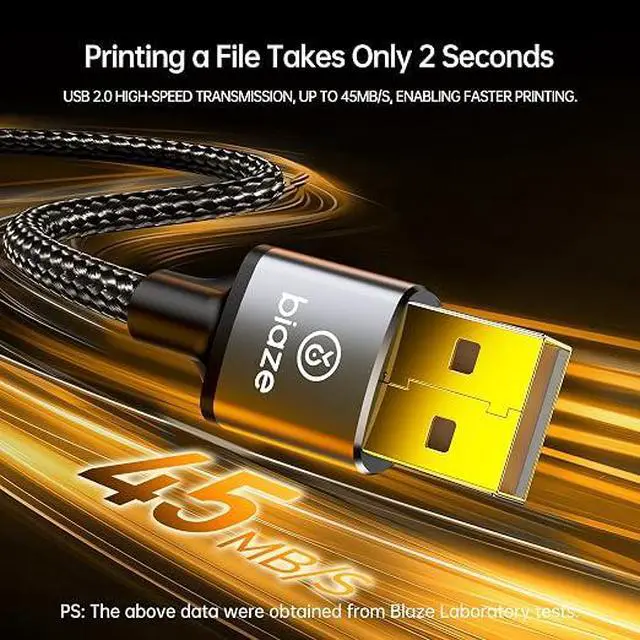
Stable & Fast USB 2.0 Transmission: Supports USB 2.0 data transfer up to 480Mbps for smooth, lag-free performance with printers, storage devices, and office peripherals
Extended 3.5m/11.5ft Cable Length: Extra-long 3.5-meter design ensures flexible desktop placement. Ideal for extended workstations, shared office setups, or home use
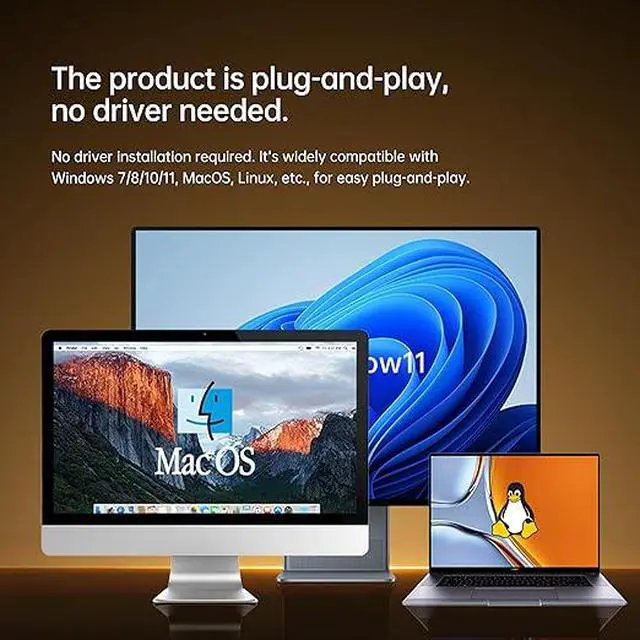
Plug and Play Convenience: No drivers or external power required. Just plug in and switchworks instantly with Windows, Mac, and Linux systems
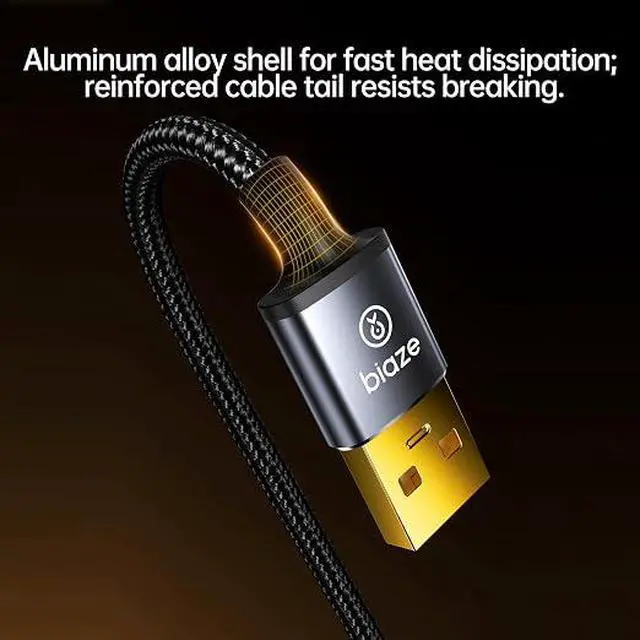
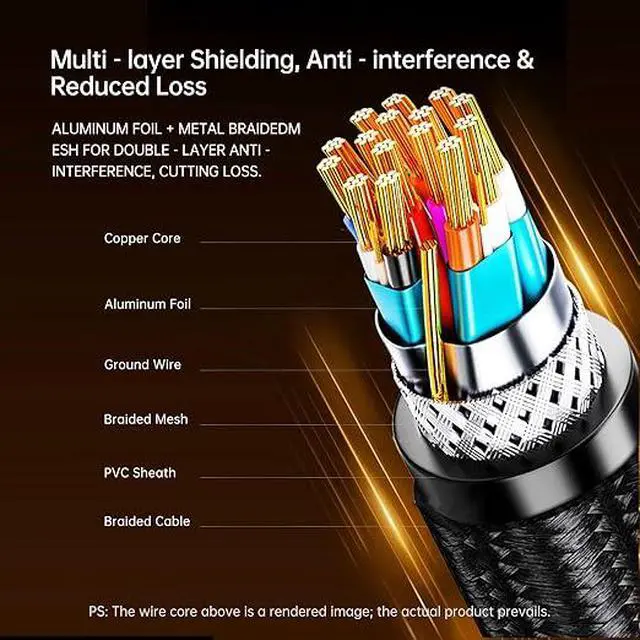
Durable & Tangle-Free Design: Reinforced connectors and flexible PVC jacket resist bending and tangling, ensuring long-lasting, stable connections
+
+
Overview
Specs
Reviews
Any questions? Our AI beta will help you find out quickly.
Try me now
Dual-PC Sharing Made Easy: Connect two computers to one USB device like a printer, scanner, or keyboard using a single splitterswitch between PCs without replugging cables
Stable & Fast USB 2.0 Transmission: Supports USB 2.0 data transfer up to 480Mbps for smooth, lag-free performance with printers, storage devices, and office peripherals
Extended 3.5m/11.5ft Cable Length: Extra-long 3.5-meter design ensures flexible desktop placement. Ideal for extended workstations, shared office setups, or home use
Plug and Play Convenience: No drivers or external power required. Just plug in and switchworks instantly with Windows, Mac, and Linux systems
Durable & Tangle-Free Design: Reinforced connectors and flexible PVC jacket resist bending and tangling, ensuring long-lasting, stable connections
Learn more about the Detailed Specifications
Additional Information
First Listed on Newegg
June 29, 2026
There are no reviews yet.
Do you own this product?
Warranty & Returns
Warranty, Returns, And Additional Information
Warranty
Please contact the Seller directly for warranty information. Warranty information may also be found on the Manufacturer's website.