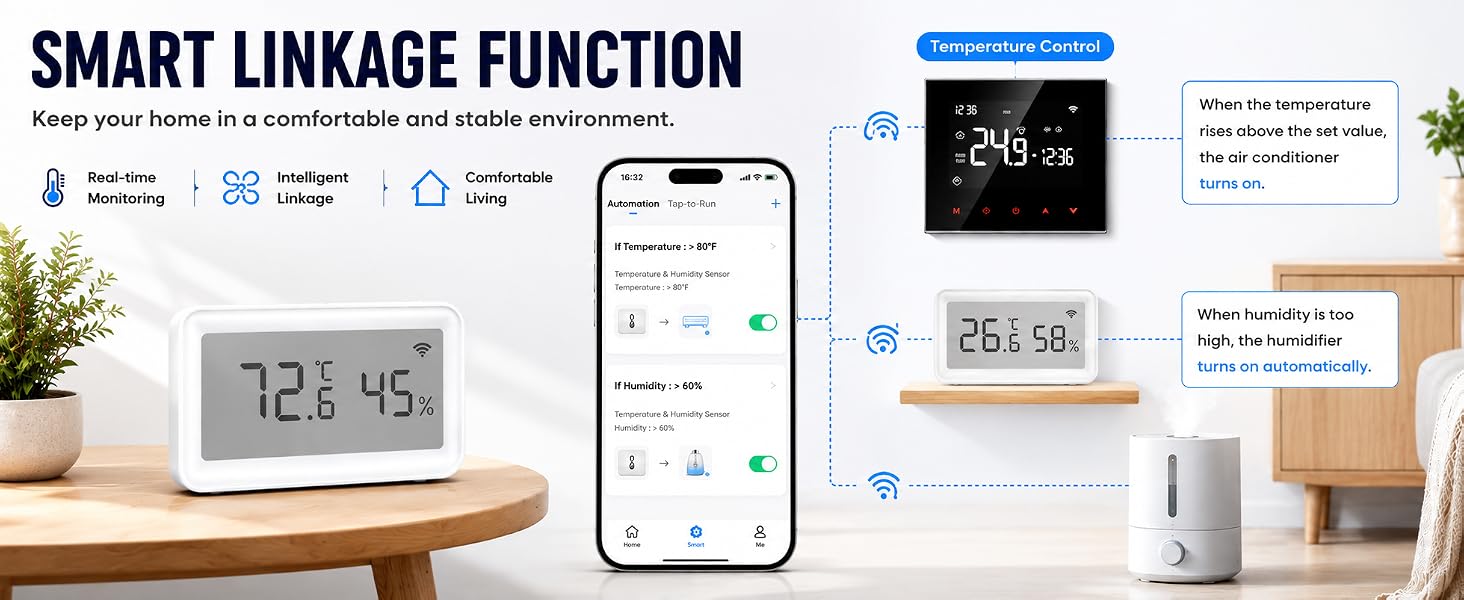
here!
here!
I’m your shopping assistant for PC builds, upgrades, and everything tech.
Got questions? Ask away!
Start a conversation
here!
I’m your shopping assistant for PC builds, upgrades, and everything tech.
Got questions? Ask away!
Start a conversation




Any questions? Ask CelesteSM will help you find out quickly.
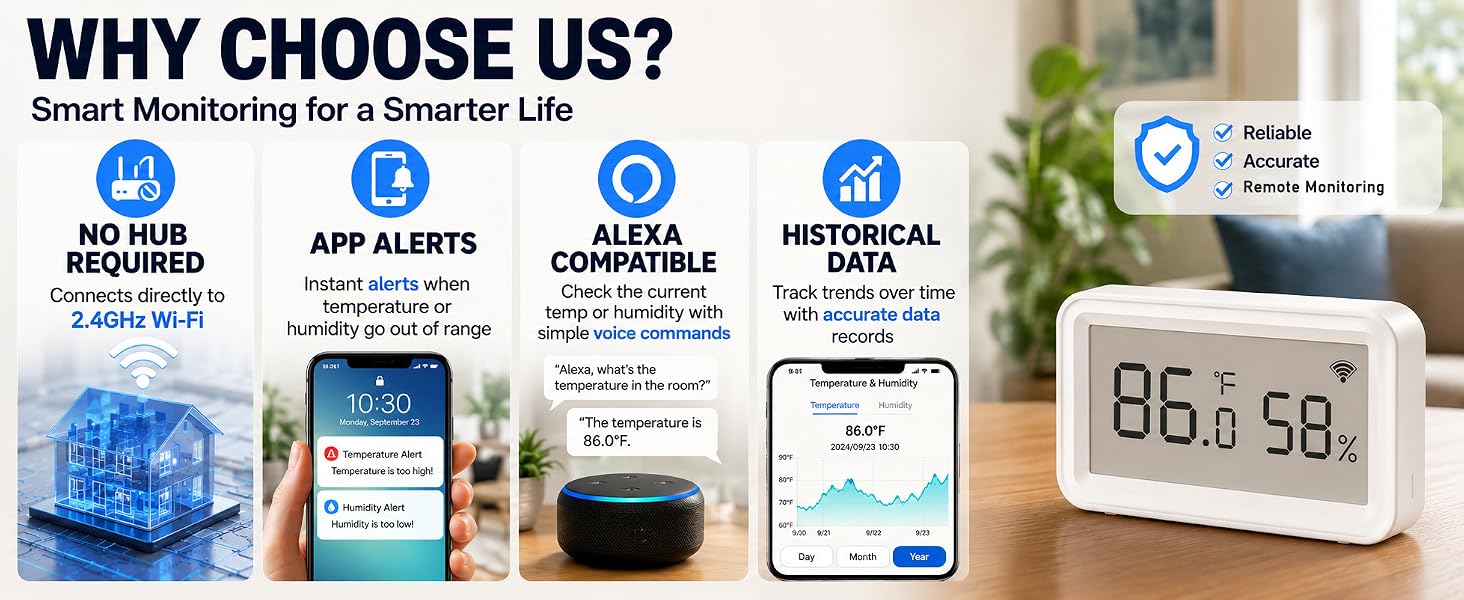
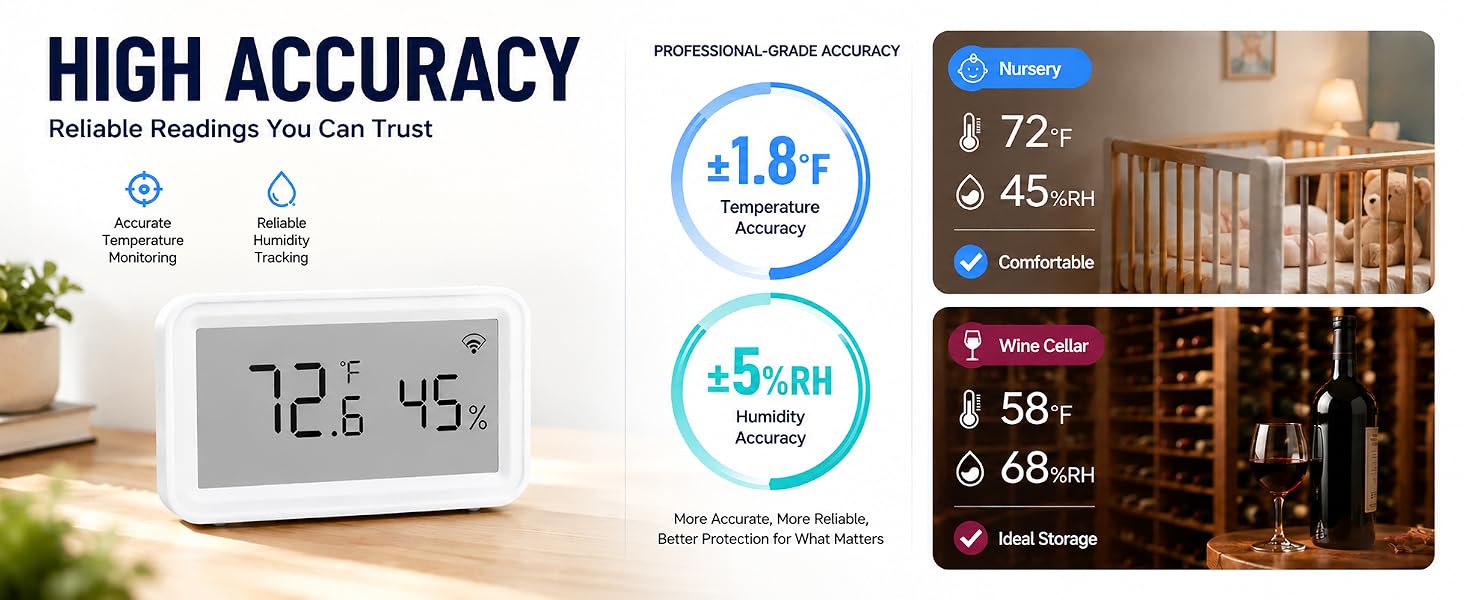
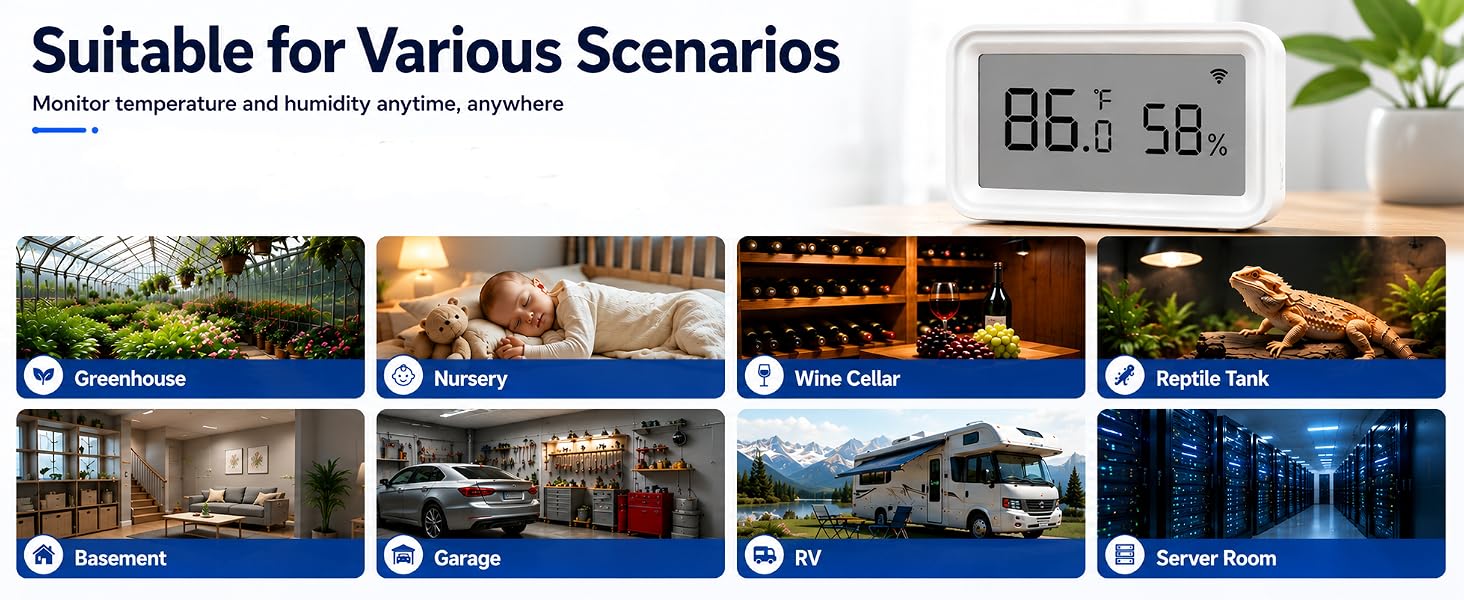
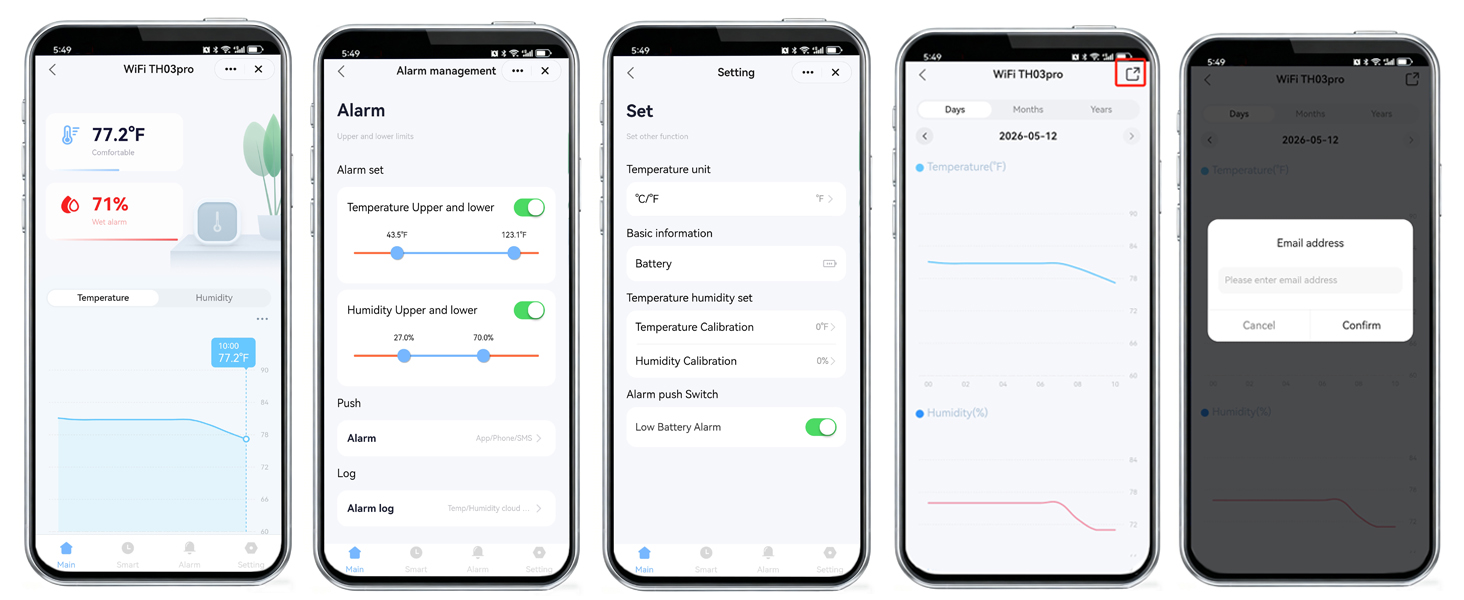
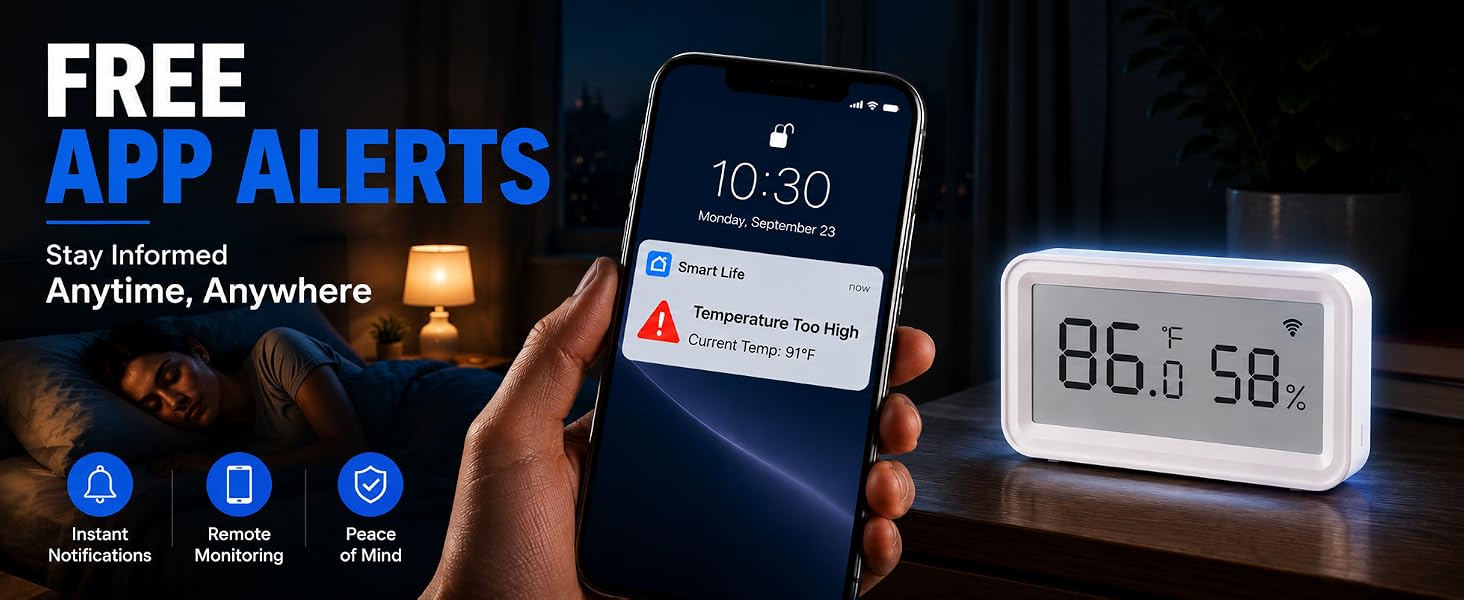
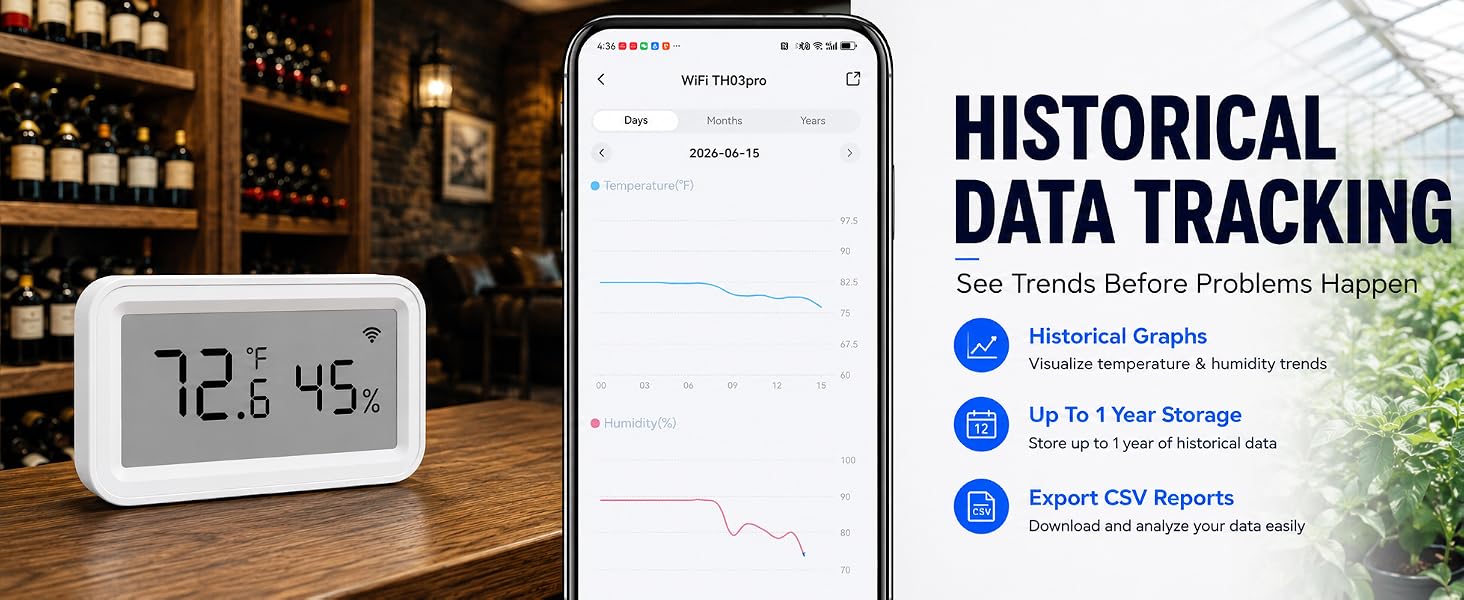
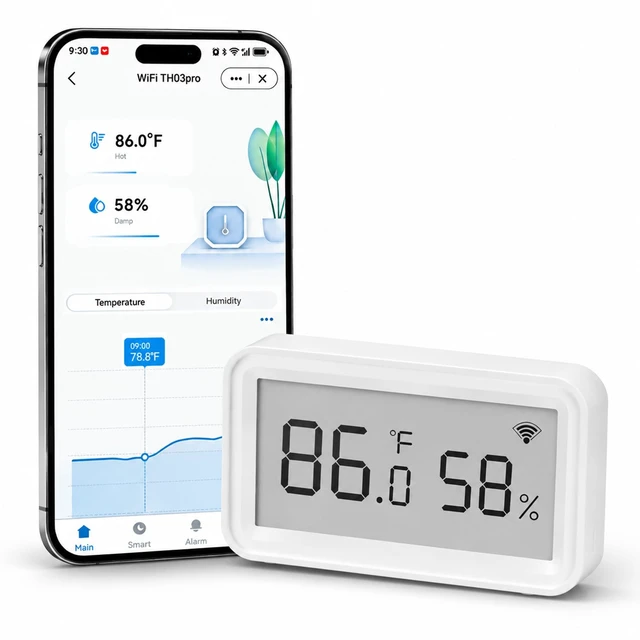
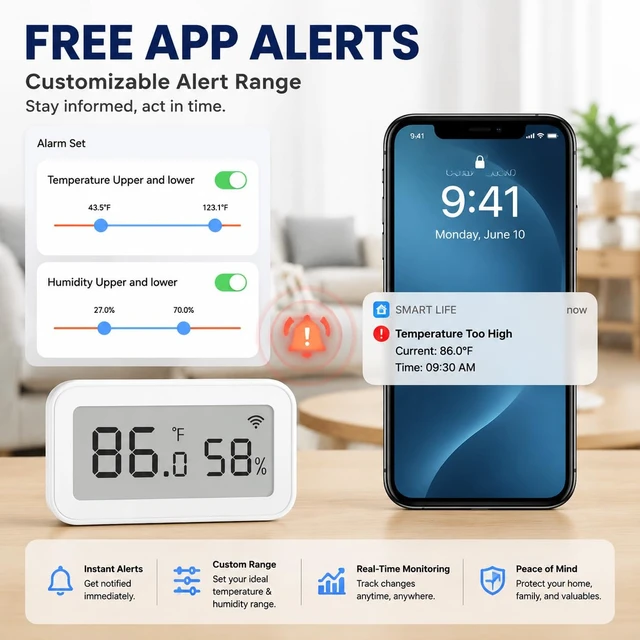
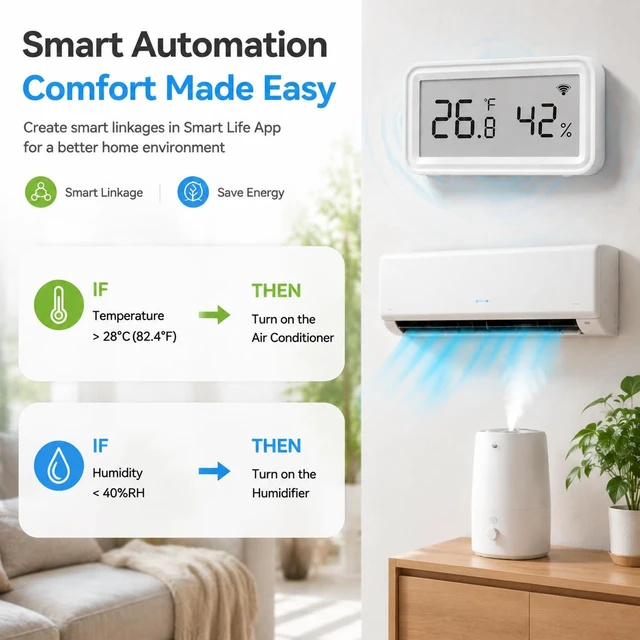
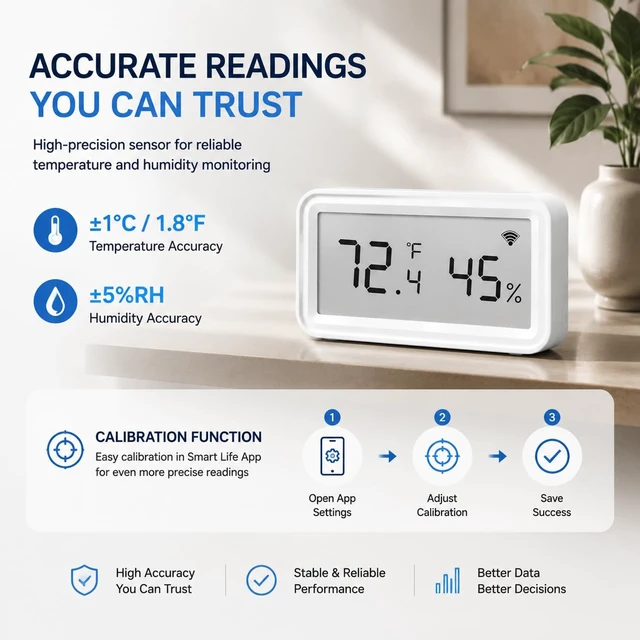
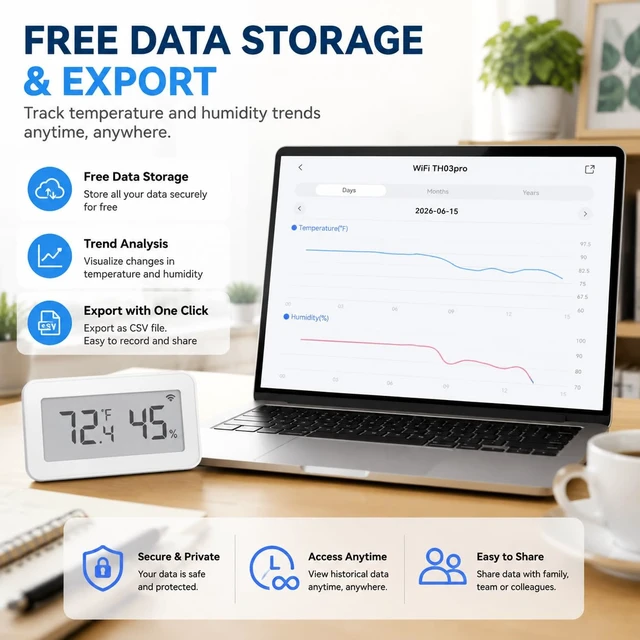
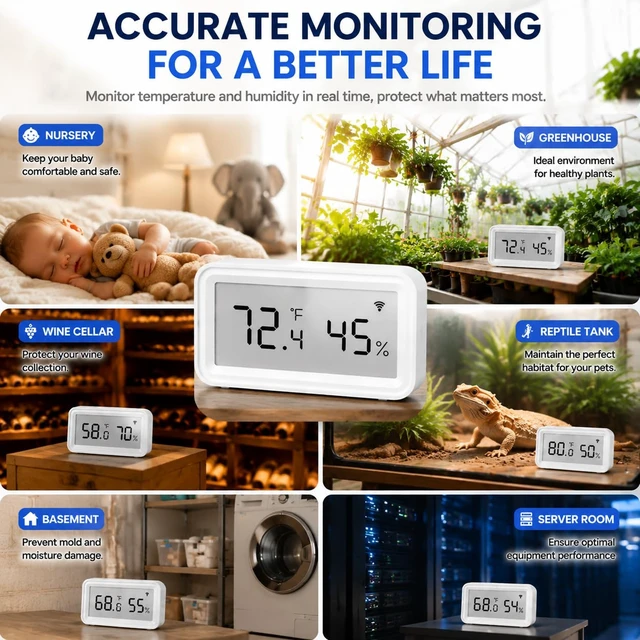
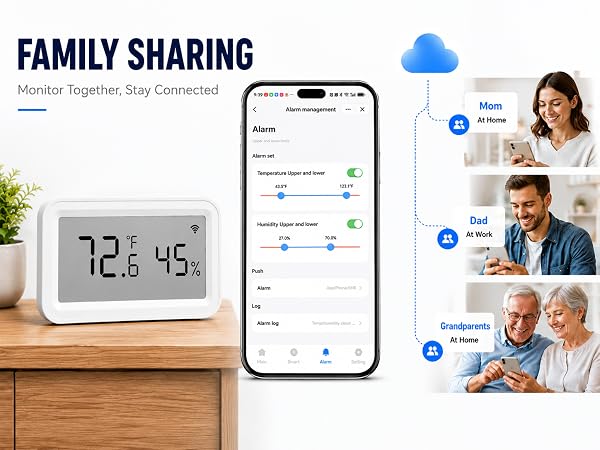
WiFi temperature sensor supports high-and-low temperature/humidity alerts and low battery alerts. Set alert thresholds on the app to receive notifications. View real-time data and historical trends anytime, anywhere. Exporting data over the past 1 year.
 home temperature monitor | 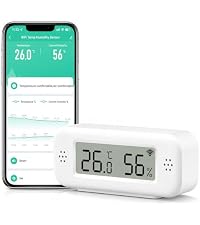 greenhouse thermometer | 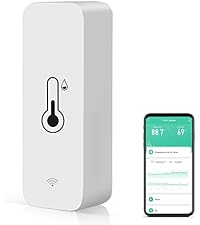 smart thermometer | 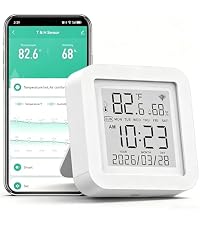 indoor thermometers |  WiFi temperature sensor |  freezer thermometer | 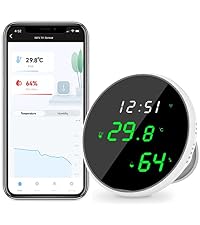 wifi thermometer for home | |
|---|---|---|---|---|---|---|---|
Customer Reviews | — | — | — | — | — | — | — |
Price | — | — | — | — | — | — | — |
WiFi | 2.4GHz | 2.4GHz | 2.4GHz | 2.4GHz | 2.4GHz | 2.4GHz | 2.4GHz |
Control Method | App | App | App | App | App | App | App |
App | Tuya/Smart life | Tuya/Smart life | Tuya/Smart life | Tuya/Smart life | Tuya/Smart life | Tuya/Smart life | Tuya/Smart life |
Alarm Mode | App Alert | App Alert | App Alert | App Alert | App Alert | App Alert | App Alert |
Power Source | 2*AAA Battery (Included) | 2*AAA Battery (Included) | 2*AAA Battery (Included) | USB | USB | UBS & Backup Battery | USB |
How do I switch temperature units?
In two steps:
1. First select the temperature unit °C/°F you need through "Settings" - "Temperature Unit" in the APP.
2. Open the battery cover of the device and double-click the black reset button inside.
Can multiple iPhones connect to one sensor?
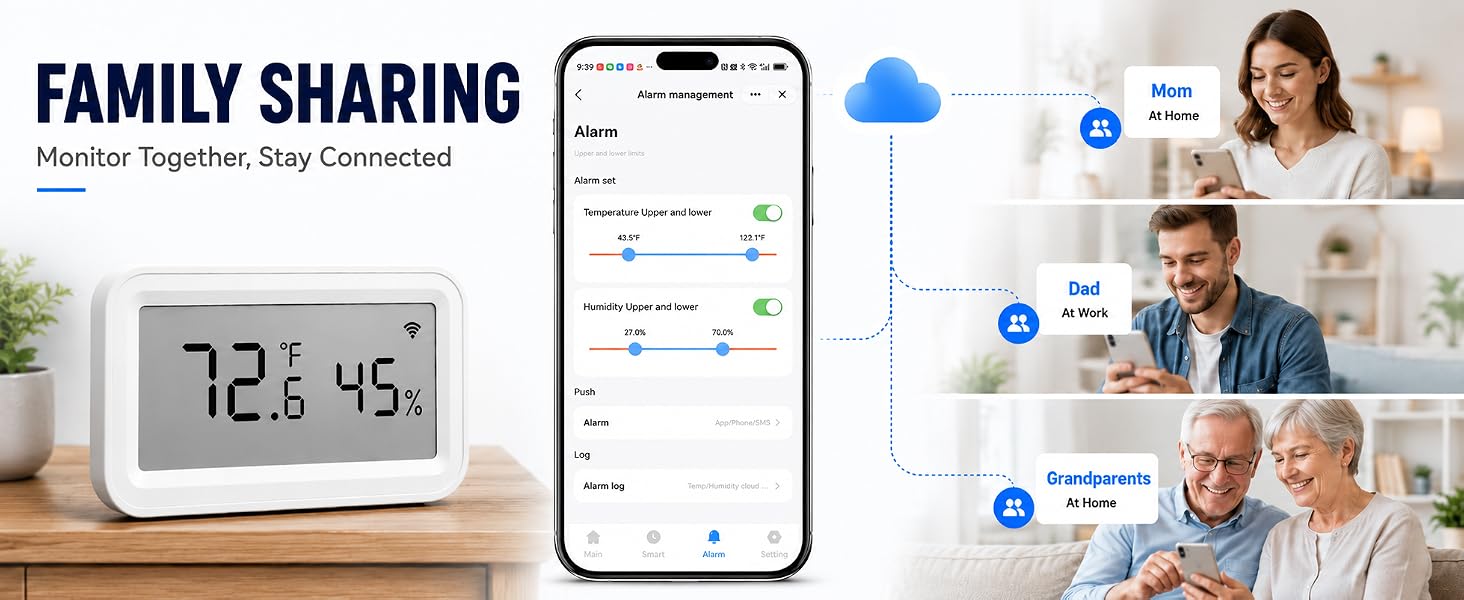
Yes, the device has sharing capabilities. After adding a device to a main account, share it with your family or friends through "Share Device" in the APP.
Why does the sensor fail to pair with the APP?
Please make sure your home network is running at 2.4GHz (the device is not compatible with 5GHz). If it is a dual-band router, please disable 5G before adding it and turn on the Bluetooth on your phone.
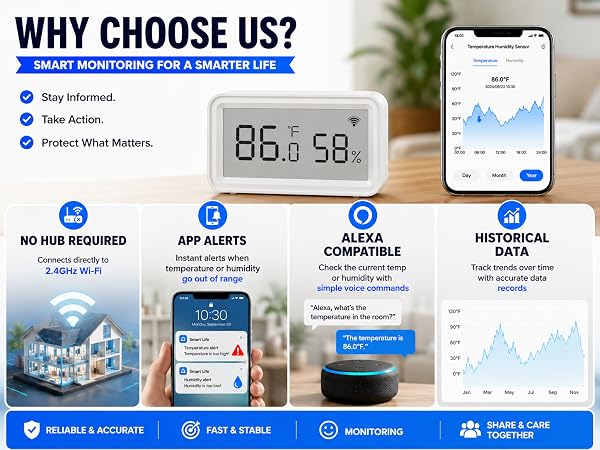
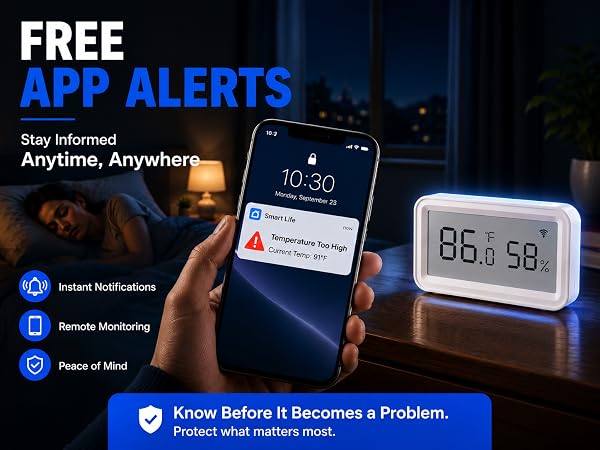
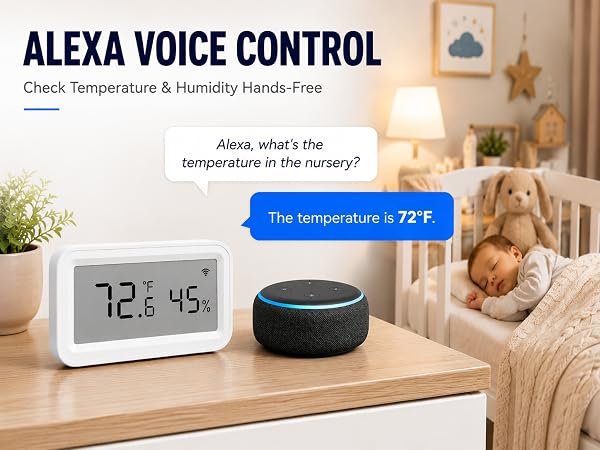
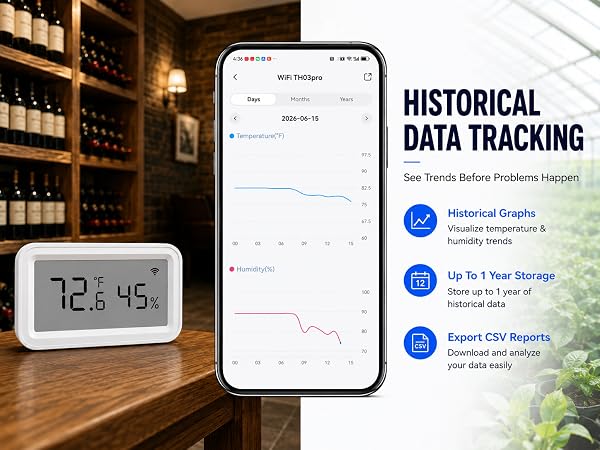
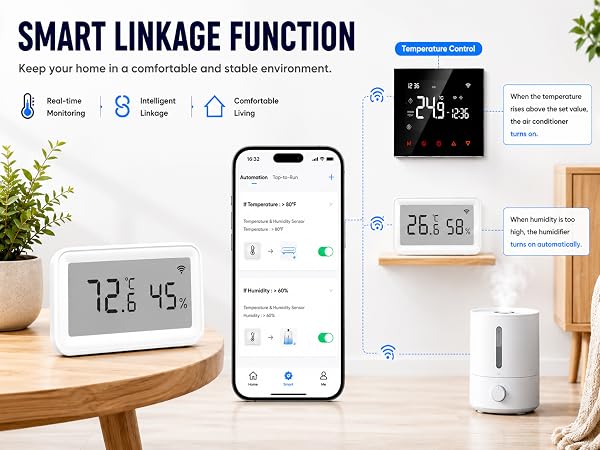
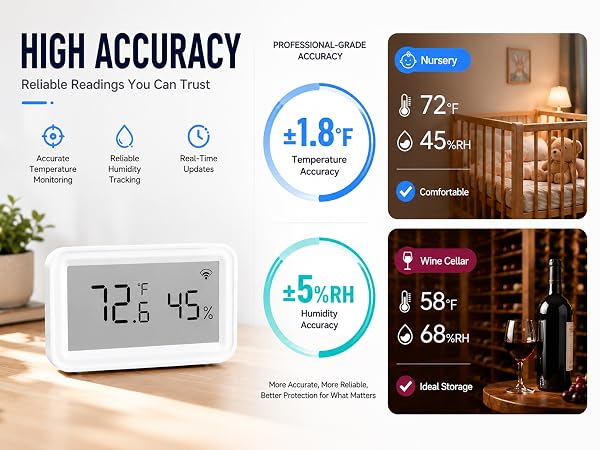
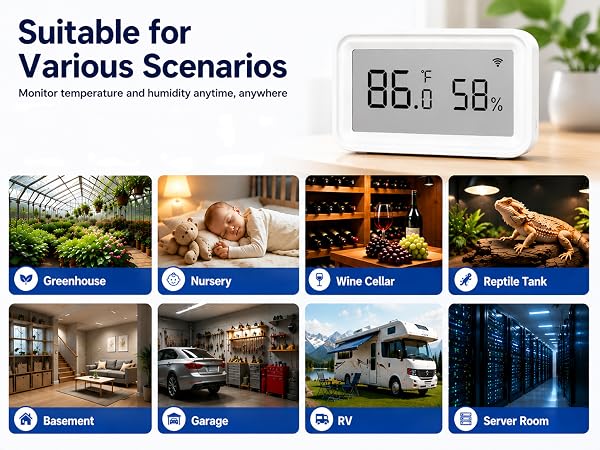
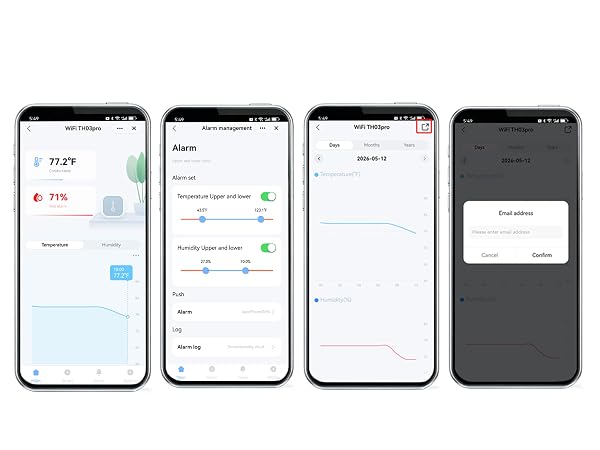
WiFi temperature sensor supports high-and-low temperature/humidity alerts and low battery alerts. Set alert thresholds on the app to receive notifications. View real-time data and historical trends anytime, anywhere. Exporting data over the past 1 year.
home temperature monitor | greenhouse thermometer | smart thermometer | indoor thermometers | WiFi temperature sensor | freezer thermometer | wifi thermometer for home |
|---|---|---|---|---|---|---|
| Customer Reviews | ||||||
| — | — | — | — | — | — | — |
| Price | ||||||
| — | — | — | — | — | — | — |
| WiFi | ||||||
| 2.4GHz | 2.4GHz | 2.4GHz | 2.4GHz | 2.4GHz | 2.4GHz | 2.4GHz |
| Control Method | ||||||
| App | App | App | App | App | App | App |
| App | ||||||
| Tuya/Smart life | Tuya/Smart life | Tuya/Smart life | Tuya/Smart life | Tuya/Smart life | Tuya/Smart life | Tuya/Smart life |
| Alarm Mode | ||||||
| App Alert | App Alert | App Alert | App Alert | App Alert | App Alert | App Alert |
| Power Source | ||||||
| 2*AAA Battery (Included) | 2*AAA Battery (Included) | 2*AAA Battery (Included) | USB | USB | UBS & Backup Battery | USB |
How do I switch temperature units?
In two steps:
1. First select the temperature unit °C/°F you need through "Settings" - "Temperature Unit" in the APP.
2. Open the battery cover of the device and double-click the black reset button inside.
Can multiple iPhones connect to one sensor?
Yes, the device has sharing capabilities. After adding a device to a main account, share it with your family or friends through "Share Device" in the APP.
Why does the sensor fail to pair with the APP?
Please make sure your home network is running at 2.4GHz (the device is not compatible with 5GHz). If it is a dual-band router, please disable 5G before adding it and turn on the Bluetooth on your phone.