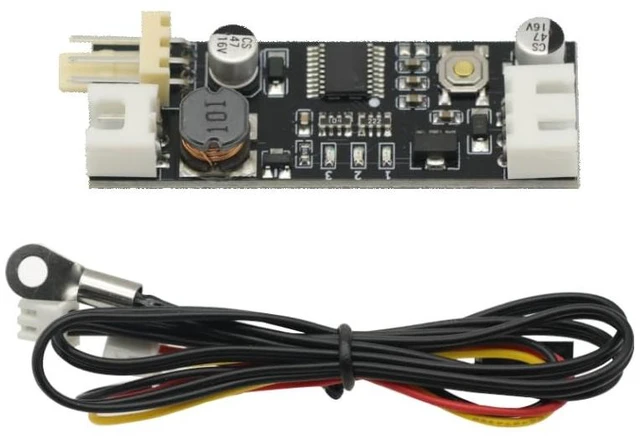
Product description
Operating Voltage:
Recommendation: DC12V (within 9-14V range)
Input reverse protection: yes
Output overload protection: no
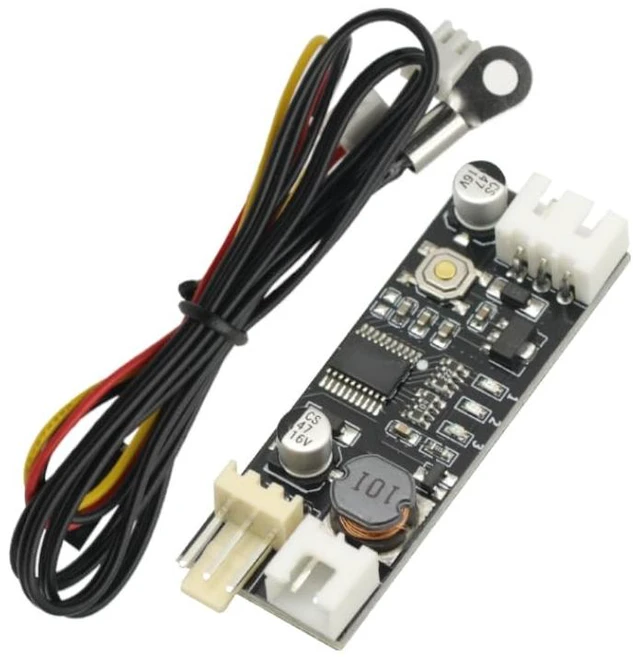
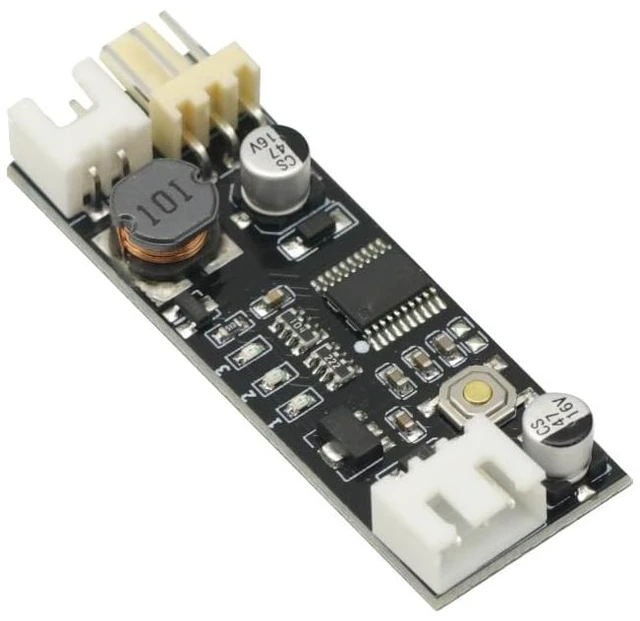
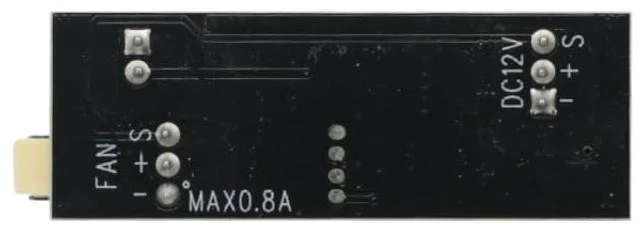
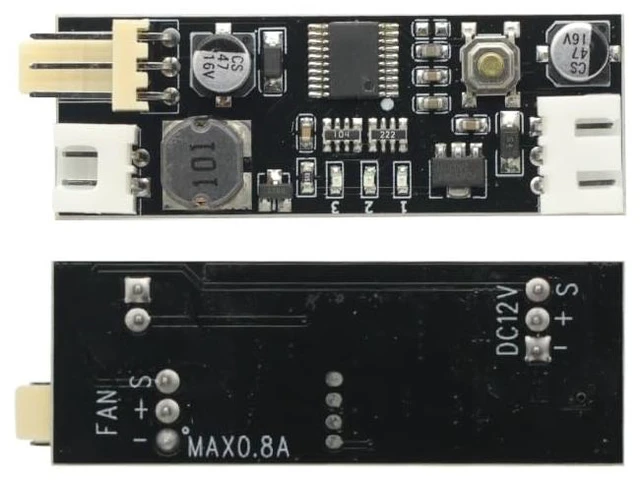
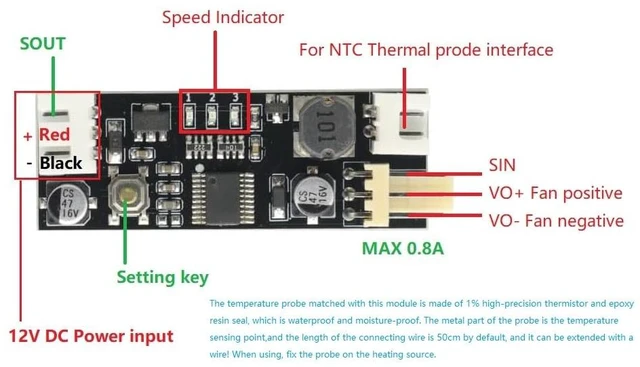
Power interface: XH-3P terminal block (pin spacing 2.54 mm)
Fan current: Within 0.8A (not overloaded)
Fan interface: KF2510-3P terminal block (pin spacing 2.54 mm)
Temperature parameters: 50K B=3950 Length 50CM
Temperature probe interface: XH-2P terminal block (pin spacing 2.54 mm)
Temperature probe resistance: Ring probe 110°C
PWM output range: 5%-100% (Some fans may not rotate when the output is low, please adjust the position where the fan can start)
Factory default value: Low speed 20%, acceleration temperature 30°C, acceleration width 5°C, output without shutting down.
Operating temperature: 20°C to 60°C
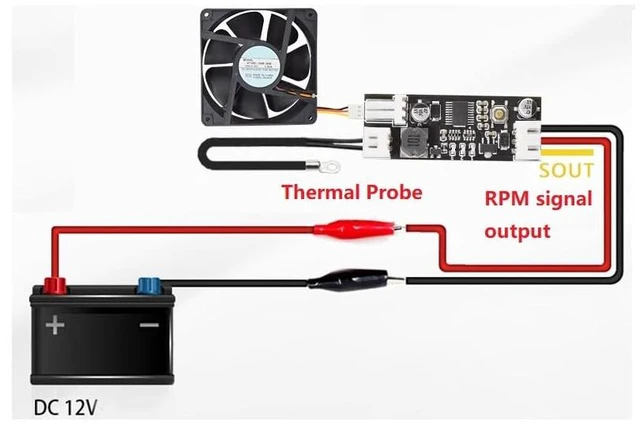
Size: 43mm18mm9mm (LWH) WIRING DEAGRAM This controller is designed as a combination of manual control and automatic temperature control:
1. It is purely manual when the temperature probe is not installed: single-click/double-click (the double-click speed should not be too fast) to increase/ decrease the gear position. Each time you change the gear position and continue to run for 20 seconds, the gear position will be automatically stored. Within 20 seconds, the No. 2 indicator light will flash rapidly (the temperature control is invalid at this time). When the flashing stops, the gear position has been stored. When in the position where it cannot continue to increase/decrease, the 3/1 indicator light will be on.
2.
Install a temperature probe: the manual speed adjustment is the initial low speed (bottom line speed). When the temperature exceeds the acceleration temperature, the fan speed will smoothly accelerate with the increase in temperature. When the temperature reaches or exceeds the sum of the acceleration temperature and the acceleration width(That is, the temperature at full speed), the fan is at full speed. The setting acceleration temperature and acceleration width parameters are detailed in the following setting diagram. The numbers 1 2 3 in the figure represent that the on (red) and off (white) states of the indicator lights on the board are displayed in binary order: During
normal operation: Click the button to increase the bottom line output by 5%, and the double-break button to decrease the bottom line output by 5%. After changing the value, run for 20 seconds. After the middle indicator light stops flashing rapidly, brake and save the parameters. Enter the temperature control setting by long pressing the button.
Temperature control setting status: Accelerate temperature setting (slow flash) by single-click double-click to increase and decrease the value respectively, long press to enter the acceleration width setting. Acceleration width setting (fast flashing) also double-click to change the value and long press to save and exit the temperature setting.
Note: If there is no operation for 20 seconds in the setting state, it will automatically exit the setting without saving the parameters.
Fan shutdown strategy setting: First, turn off the power and remove the fan, press and hold the setting button to power on the controller, keep the setting button always pressed (about 3 seconds) until the three lights become double flashing at the same time, then release the button, the indicator light becomes a single When the light flashes double, it means entering the mode setting state. The controller is divided into three working modes, corresponding to the double flashing of No. 1, 2 and 3 indicator lights, which can be switched by short pressing the button. After setting, long press the button to save and exit the setting mode and automatically return to normal working state.
The three working modes:
1. Does not shut down the output. 2. When the acceleration temperature is lower than 2 degrees Celsius, the output will be shut down.
3. When the acceleration temperature is lower than 5 degrees Celsius, the output will be shut down. For example set the acceleration temperature to 35 degrees




 here!