




 here!
here!
I’m your shopping assistant for PC builds, upgrades, and everything tech.
Got questions? Ask away!
Start a conversation
here!
I’m your shopping assistant for PC builds, upgrades, and everything tech.
Got questions? Ask away!
Start a conversation

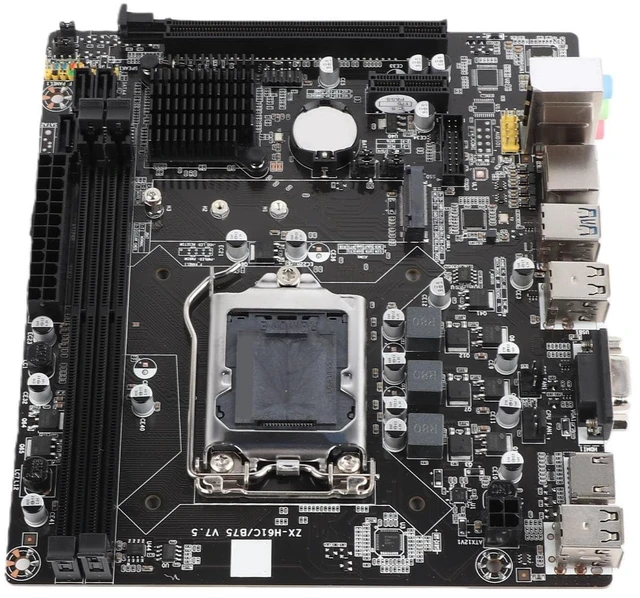
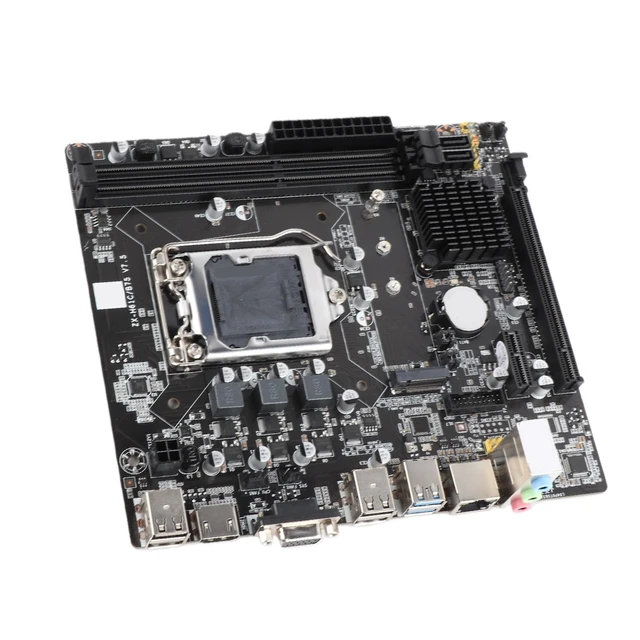
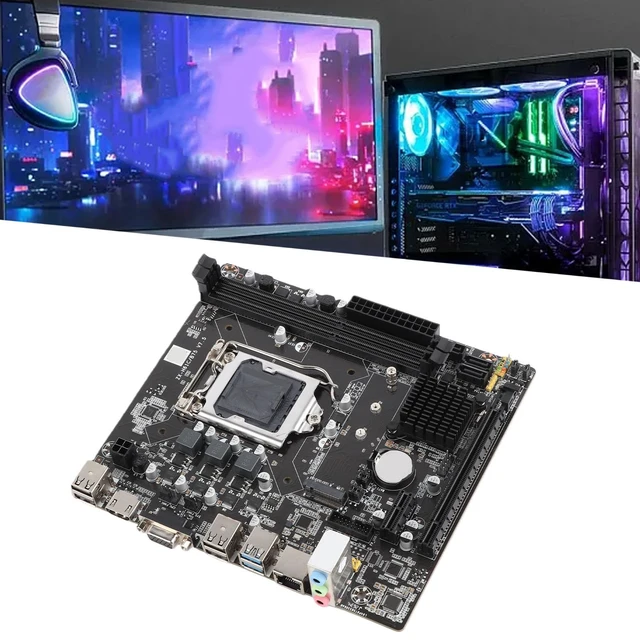
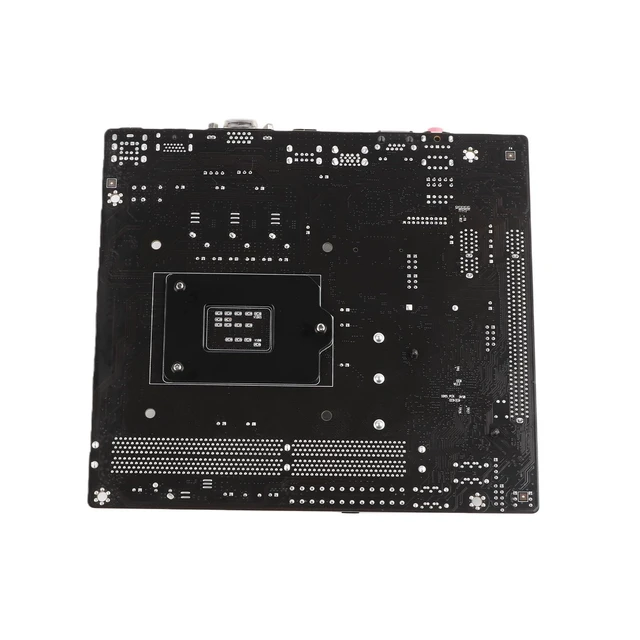



Any questions? Ask CelesteSM will help you find out quickly.
Features
Important reminder:
The color of the slot bottom plate may be different for each batch. The product is continuously optimized and upgraded, and does not affect the normal performance of the product performance and function.
Specification:
Motherboard chip:
Integrated sound card / network card
Main chipset: for INTEL B75 series
Audio chip: integrated 6-channel audio chip
NIC chip: integrated RTL8105E
Processor specifications:
CPU socket: LGA 1155
CPU type: i3 i5 and
Memory specifications:
Memory type: DDR3 1066/1333/1600MHz desktop memory
Memory slot: 2*DDR3 DIMM
Maximum memory support 8G*2
Expansion slot:
1*PCI-Ex16 graphics card slot
1*PCI-Ex1 slot
2*USB2.0 slot (1 set)
1*M.2 ports NVME/NGFF hard drives (with PCIE/SATA jumper)
2*SATA2.0 interface 1*SATA3.0 interface
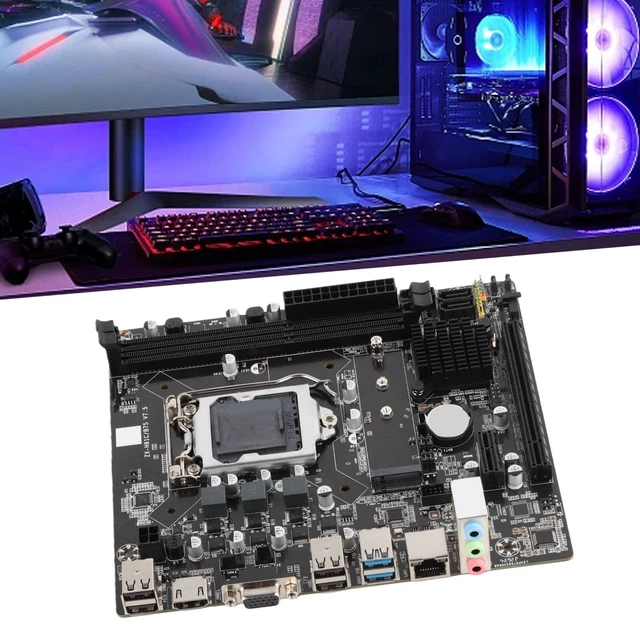
I/O interface:
USB universal interface
1*RJ45 network interface
2*USB2.0 interface
2*USB3.0 interface
Audio port
Other parameters:
Power connector 4 pin, a 24-pin power connector
Power supply mode 3 items
Size: Approx. 19 x 17 x 4cm / 7.5 x 6.7 x 1.6in
Weight: approx. 542g
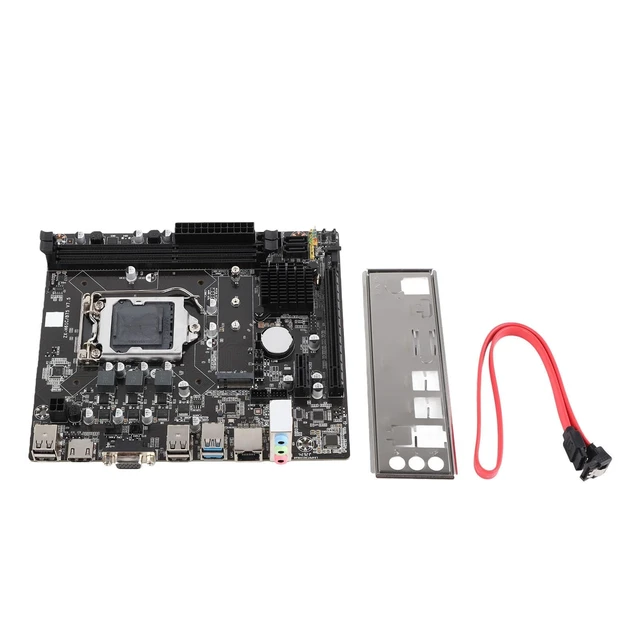
Package list:
1 x Motherboard
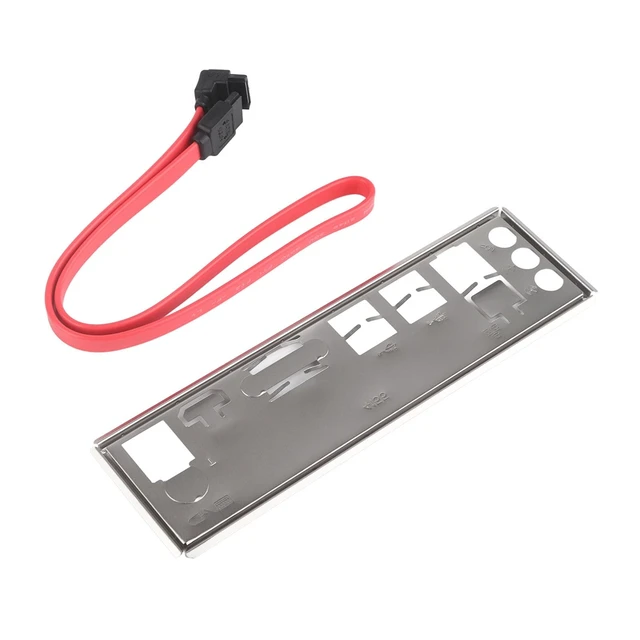
1 x SATA cable
1 x Baffle
Note:
1.It is recommended that professionals perform installation.
2. When there is no display, no boot, no picture, no network card, no sound card, etc. after the normal installation of the motherboard, it is recommended that the customer restore the factory settings (see the steps for specific methods) or find an eraser to wipe the golden finger of the memory CPU graphics card (Motherboard contact part) to improve the contact environment.
3.This product does not support adjusting the fan speed
Factory Reset Steps:
1. Shut down
2. Unplug the power cord connected to the motherboard, 24 wires and 4 wires must be removed
3. Remove the battery
4. Reverse the battery
5. Wait 10 seconds
6. Install the battery normally
7. Connect power
8. Boot


