








NOTES T0 BUY
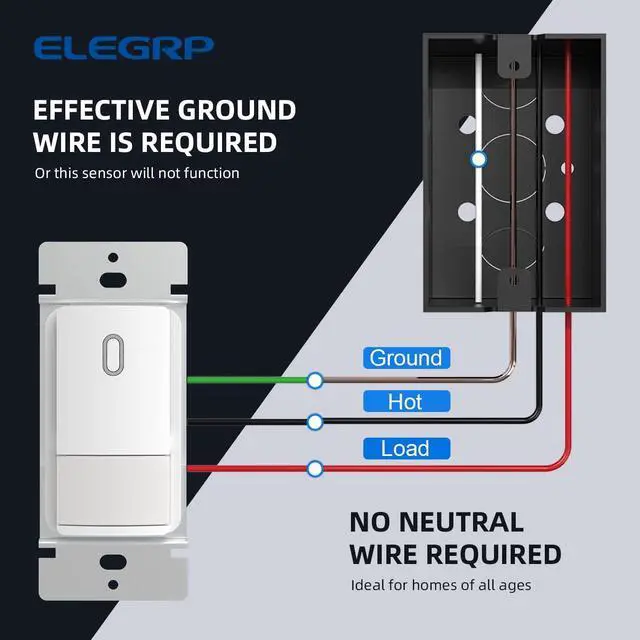
- Please make sure that your home has a ground wire and that the ground wire is working properly.
- Can be used as single-pole control. Not suitable for 2 location & 3 way circuit.
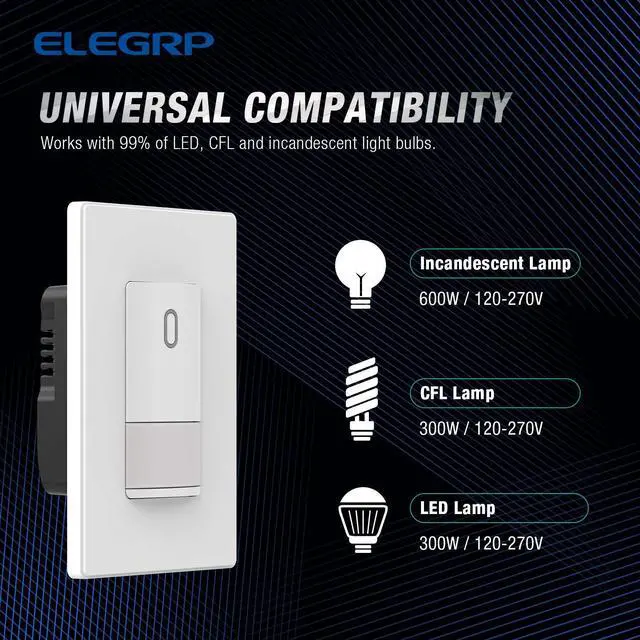
- Works with 300W LED, 300W CFL and 600W incandescent light bulbs on the market.
- Please not to connect the hot and load wires reversed.
- Please ensure that your needs and home environment are met with product installation requirements.

INNOVATIVE PIR TECHNOLOGY
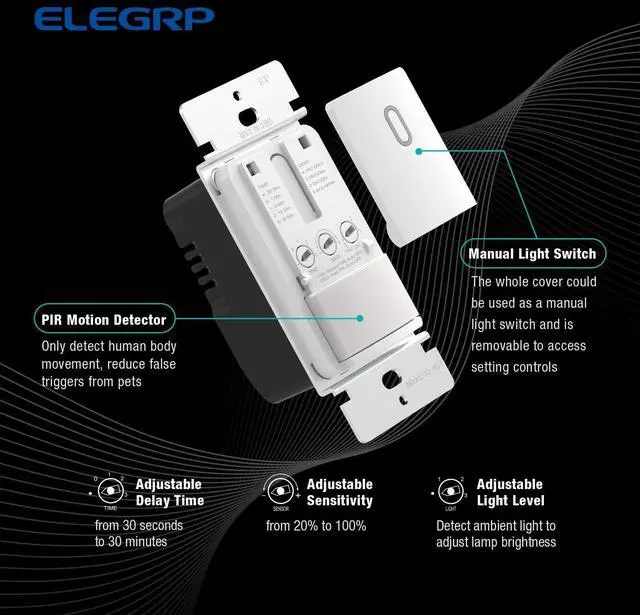
The ELEGRP motion sensor switch uses passive infrared (PIR) detection technology via a segmented Fresnel lens to monitor a room for occupancy. This specialized lens divides the field of view into sensor zones. When a person passes into or out of a sensor zone, the sensor detects motion and switches the lights on. If the sensor detects human motion before the TIME delay elapses, the sensor will re-clock for another TIME setting cycle before it automatically turns off the loads. If the sensor switch is kept being triggered by human motions, it’ll keep the light on until time delay elapses and no human motion is being detected during this period, or manually switched off.
----------------------------------------------------------------------------------------------------------------------------------------------------------------------------
- Provides an adjustable 120-degree field of view with optional adjustments for sensitivity.
- Works with 300W LED, 300W CFL and 600W incandescent light bulbs on the market.
- Extremely low standby power consumption.
- Flame resistant material has reached the highest grade of 5VA.
- UL & CUL listed.

MULTIPLE SETTING MODES
————————————————————————————————————————————————————————————————————
Set It Into An Occupancy Sensor Switch - OCC Mode: Automatic ON & Automatic OFF
- Set delay TIME to " • " , "0", “1” , “2” or "3" as desired.
- Set human body SENSOR sensitivity as desired.
- Set LIGHT sensitivity to “1”, “2” or "3" as desired. DO NOT set the LIGHT to " • ".
The device will turn on the loadsautomatically when triggered by motion andturn off the loads automatically when the time delay elapses.
------------------------------------------------------------------------------------------------------------------------------------------------------------------------------
Set It Into A Vacancy Sensor Switch - VAC Mode: Manual ON & Automatic OFF
- Set delay TIME to " • " , "0", “1” , “2” or "3" as desired.
- Set human body SENSOR sensitivity as desired.
- Set LIGHT sensitivity fully counterclockwise to " • " to disable automatic ON function.
The device will turn on the loads manually only and turn off the loads automatically when the time delay elapses.
------------------------------------------------------------------------------------------------------------------------------------------------------------------------------
————————————————————————————————————————————————————————————————————

120° SENSOR COVERAGE
Note:
- Please ensure there is no other huge furniture near the installation of the product, otherwise it will reduce the sensitivity of the induction.
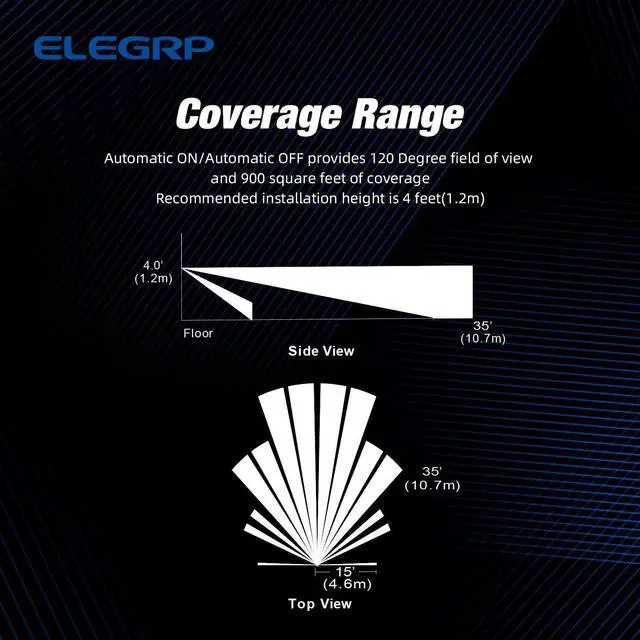
- Install the sensor switch about 4 feet from the floor to get a better experience.
- Hot objects or moving air currents can affect the performance of the sensing switch.
- The sensing switch requires an unobstructed view of room occupants to detect motion.
- The inside LED indicator will flash when the sensor detects human motions.
This motion sensor switch provides an adjustable 120-degree field of view with optional adjustments for sensitivity, ambient light override, and delayed off time. The sensor detects motion in areas up to 900 square feet and up to 35 feet from the sensor, ideal for the porch, closet, garage, hallway, stairs, basement, pantry and laundry room, etc.

Important FAQ:
1. Q: My house does not have the ground wire, can I use the neutral wire instead?
A: No! This motion sensor switch requires an effective ground wire. Check your house before ordering. The neutral wire is not required to connect.
------------------------------------------------------------------------------------------------------------------------------------------------------------------------------
2. Q: I connected all the wires, including the ground wire, but it did not work. Is the switch faulty?
Q: I connected all the wires, but the light stays on all the time, I could not turn off the light even manually. Is the switch faulty?
A: There may be 2 reasons:
1): The Hot and Load wires are reversed. Please simply reverse the black and red wiring of the sensor switch, and try again.
2): The ground wire is not connected well or the ground wire is ineffective. Please consult a professional electrician.
------------------------------------------------------------------------------------------------------------------------------------------------------------------------------
3. Q: How do I know if it is wired correctly or not?
A: Please check if the LED indicator inside the motion sensor switch flashed or not when you approached it?
1) If yes, it means that this motion sensor switch was wired correctly.
2) If not, it means that this motion sensor switch was false wired or un-grounded. Please rewire the sensor switch. If the LED inside the motion sensor still doesn't flash, the most probable cause is that the ground wire is ineffective, please consult a professional electrician.
-----------------------------------------------------------------------------------------------------------------------------------------------------------------------------
Note: Please do not press the switch button continuously. Press it once every 3 seconds.

4. Q: Why my product won't shut off?
A: There may be 2 reasons:
1): Check the installation location for interference, such as small animals, air conditioning drafts, or wind from outside the window. If there are interference factors, remove them before try again. If there are no interference factors, adjust the sensor, for example, to the middle position or pointing at the “-” position, and try again.
2): Confirm the time setting. If it has been adjusted, try setting it to the . or 0 position and test again.
------------------------------------------------------------------------------------------------------------------------------------------------------------------------------
 Motion Sensor Light Switch |  Digital Slide Dimmer Switch |  Smart Sensor Switch |  Smart Dimmer Switch |  Smart Light Switch | |
|---|---|---|---|---|---|
| Customer Reviews | — | — | — | — | — |
| Price | — | — | — | — | — no data |
| Single Pole | ? | ? | ? | ? | ? |
| 3-way | Not for 3-way | ? | B0BHQVTHK3 | B0BHQW5J58 | B0BHQWZ23H |
| Maximum Load | 300W Dimmable LED, 300W CFL, 600W Incandescent | 300W Dimmable LED, 300W CFL, 600W Incandescent | 150W LED/CFL, 450W INC/HAL | 150W LED/CFL, 450W INC/HAL | 150W LED/CFL, 600W INC/HAL |
| Wall Plate | Standard size screwless wall plate | Standard size screwless wall plate | Standard size screwless wall plate | Standard size screwless wall plate | Standard size screwless wall plate |

ELEGRP
Professional Dimming Solutions for Every Home.

ELEGRP believes in providing friendly solutions by adopting a consumer-centric and efficient problem-solving approach. Going above and beyond in the future continuously in electrical safety use and smart home appliance, ELEGRP will constantly make explorations and innovations to meet the ever-changing demand of our consumers.
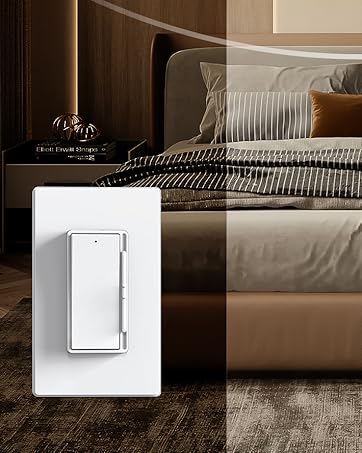
Rocker Dimmers
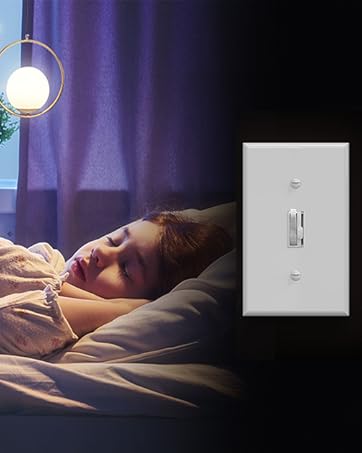
Toggle Dimmers
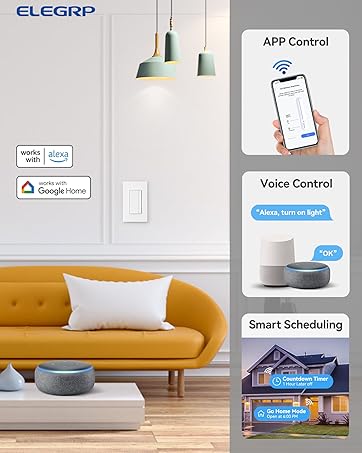
Smart Light Controls

Smart Rotary Dimmers
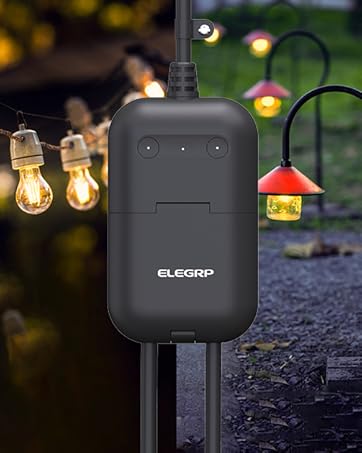
Smart Outdoor Dimmer Plug

Motion Sensor Switches
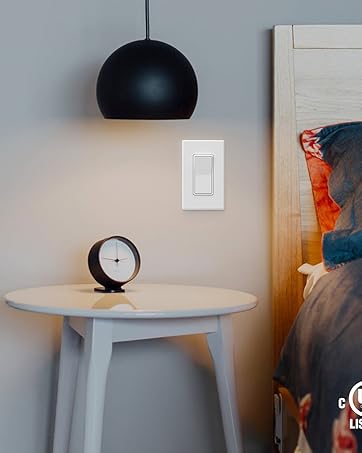
Light Switches
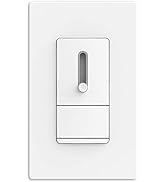
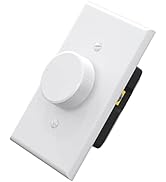
Dimmers
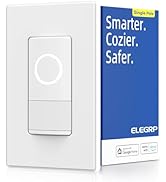
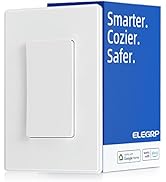
Smart Series
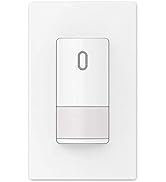
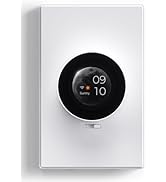
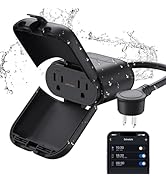
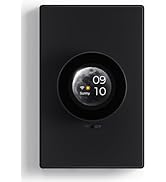
Sensor and Smart Series
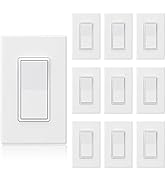
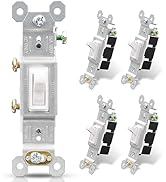
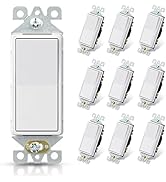
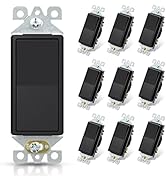
Standard Light Switch
NOTES T0 BUY
- Please make sure that your home has a ground wire and that the ground wire is working properly.
- Can be used as single-pole control. Not suitable for 2 location & 3 way circuit.
- Works with 300W LED, 300W CFL and 600W incandescent light bulbs on the market.
- Please not to connect the hot and load wires reversed.
- Please ensure that your needs and home environment are met with product installation requirements.
INNOVATIVE PIR TECHNOLOGY
The ELEGRP motion sensor switch uses passive infrared (PIR) detection technology via a segmented Fresnel lens to monitor a room for occupancy. This specialized lens divides the field of view into sensor zones. When a person passes into or out of a sensor zone, the sensor detects motion and switches the lights on. If the sensor detects human motion before the TIME delay elapses, the sensor will re-clock for another TIME setting cycle before it automatically turns off the loads. If the sensor switch is kept being triggered by human motions, it’ll keep the light on until time delay elapses and no human motion is being detected during this period, or manually switched off.
----------------------------------------------------------------------------------------------------------------------------------------------------------------------------
- Provides an adjustable 120-degree field of view with optional adjustments for sensitivity.
- Works with 300W LED, 300W CFL and 600W incandescent light bulbs on the market.
- Extremely low standby power consumption.
- Flame resistant material has reached the highest grade of 5VA.
- UL & CUL listed.
MULTIPLE SETTING MODES
————————————————————————————————————————————————————————————————————
Set It Into An Occupancy Sensor Switch - OCC Mode: Automatic ON & Automatic OFF
- Set delay TIME to " • " , "0", “1” , “2” or "3" as desired.
- Set human body SENSOR sensitivity as desired.
- Set LIGHT sensitivity to “1”, “2” or "3" as desired. DO NOT set the LIGHT to " • ".
The device will turn on the loadsautomatically when triggered by motion andturn off the loads automatically when the time delay elapses.
------------------------------------------------------------------------------------------------------------------------------------------------------------------------------
Set It Into A Vacancy Sensor Switch - VAC Mode: Manual ON & Automatic OFF
- Set delay TIME to " • " , "0", “1” , “2” or "3" as desired.
- Set human body SENSOR sensitivity as desired.
- Set LIGHT sensitivity fully counterclockwise to " • " to disable automatic ON function.
The device will turn on the loads manually only and turn off the loads automatically when the time delay elapses.
------------------------------------------------------------------------------------------------------------------------------------------------------------------------------
————————————————————————————————————————————————————————————————————
120° SENSOR COVERAGE
Note:
- Please ensure there is no other huge furniture near the installation of the product, otherwise it will reduce the sensitivity of the induction.
- Install the sensor switch about 4 feet from the floor to get a better experience.
- Hot objects or moving air currents can affect the performance of the sensing switch.
- The sensing switch requires an unobstructed view of room occupants to detect motion.
- The inside LED indicator will flash when the sensor detects human motions.
This motion sensor switch provides an adjustable 120-degree field of view with optional adjustments for sensitivity, ambient light override, and delayed off time. The sensor detects motion in areas up to 900 square feet and up to 35 feet from the sensor, ideal for the porch, closet, garage, hallway, stairs, basement, pantry and laundry room, etc.
Important FAQ:
1. Q: My house does not have the ground wire, can I use the neutral wire instead?
A: No! This motion sensor switch requires an effective ground wire. Check your house before ordering. The neutral wire is not required to connect.
------------------------------------------------------------------------------------------------------------------------------------------------------------------------------
2. Q: I connected all the wires, including the ground wire, but it did not work. Is the switch faulty?
Q: I connected all the wires, but the light stays on all the time, I could not turn off the light even manually. Is the switch faulty?
A: There may be 2 reasons:
1): The Hot and Load wires are reversed. Please simply reverse the black and red wiring of the sensor switch, and try again.
2): The ground wire is not connected well or the ground wire is ineffective. Please consult a professional electrician.
------------------------------------------------------------------------------------------------------------------------------------------------------------------------------
3. Q: How do I know if it is wired correctly or not?
A: Please check if the LED indicator inside the motion sensor switch flashed or not when you approached it?
1) If yes, it means that this motion sensor switch was wired correctly.
2) If not, it means that this motion sensor switch was false wired or un-grounded. Please rewire the sensor switch. If the LED inside the motion sensor still doesn't flash, the most probable cause is that the ground wire is ineffective, please consult a professional electrician.
-----------------------------------------------------------------------------------------------------------------------------------------------------------------------------
Note: Please do not press the switch button continuously. Press it once every 3 seconds.
4. Q: Why my product won't shut off?
A: There may be 2 reasons:
1): Check the installation location for interference, such as small animals, air conditioning drafts, or wind from outside the window. If there are interference factors, remove them before try again. If there are no interference factors, adjust the sensor, for example, to the middle position or pointing at the “-” position, and try again.
2): Confirm the time setting. If it has been adjusted, try setting it to the . or 0 position and test again.
------------------------------------------------------------------------------------------------------------------------------------------------------------------------------
Motion Sensor Light Switch | Digital Slide Dimmer Switch | Smart Sensor Switch | Smart Dimmer Switch | Smart Light Switch | |
|---|---|---|---|---|---|
| Customer Reviews | — | — | — | — | — |
| Price | — | — | — | — | — no data |
| Single Pole | ? | ? | ? | ? | ? |
| 3-way | Not for 3-way | ? | B0BHQVTHK3 | B0BHQW5J58 | B0BHQWZ23H |
| Maximum Load | 300W Dimmable LED, 300W CFL, 600W Incandescent | 300W Dimmable LED, 300W CFL, 600W Incandescent | 150W LED/CFL, 450W INC/HAL | 150W LED/CFL, 450W INC/HAL | 150W LED/CFL, 600W INC/HAL |
| Wall Plate | Standard size screwless wall plate | Standard size screwless wall plate | Standard size screwless wall plate | Standard size screwless wall plate | Standard size screwless wall plate |
ELEGRP
Professional Dimming Solutions for Every Home.
ELEGRP believes in providing friendly solutions by adopting a consumer-centric and efficient problem-solving approach. Going above and beyond in the future continuously in electrical safety use and smart home appliance, ELEGRP will constantly make explorations and innovations to meet the ever-changing demand of our consumers.
Rocker Dimmers
Toggle Dimmers
Smart Light Controls
Smart Rotary Dimmers
Smart Outdoor Dimmer Plug
Motion Sensor Switches
Light Switches
Dimmers
Smart Series
Sensor and Smart Series
Standard Light Switch