




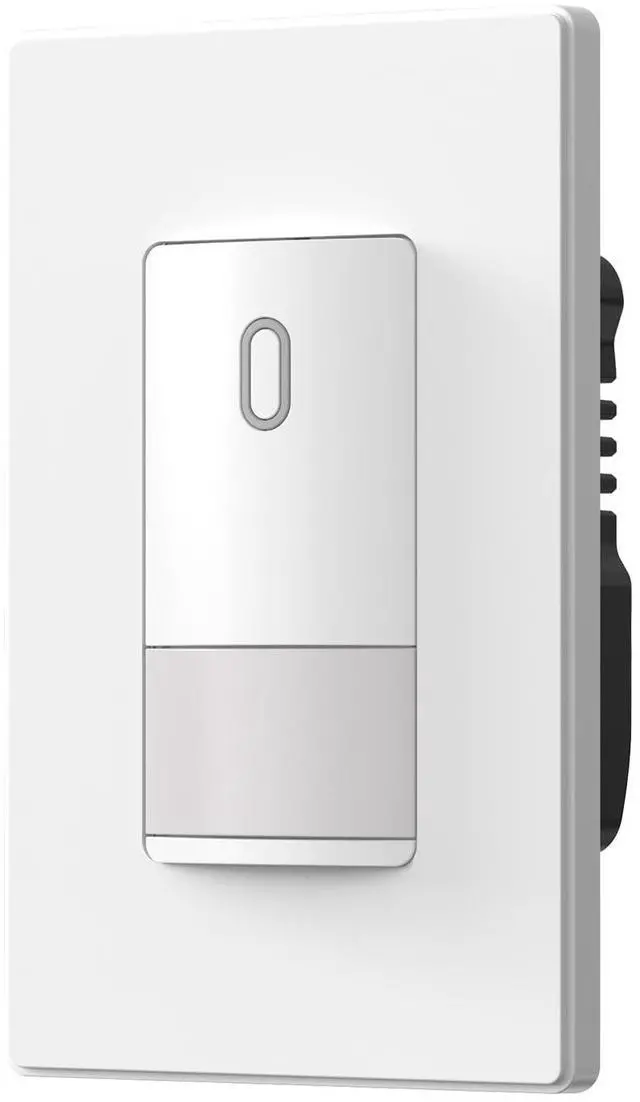




ELEGRP LIGHTING CONTROLS--Motion Sensor Light Switches

INNOVATIVE PIR TECHNOLOGY
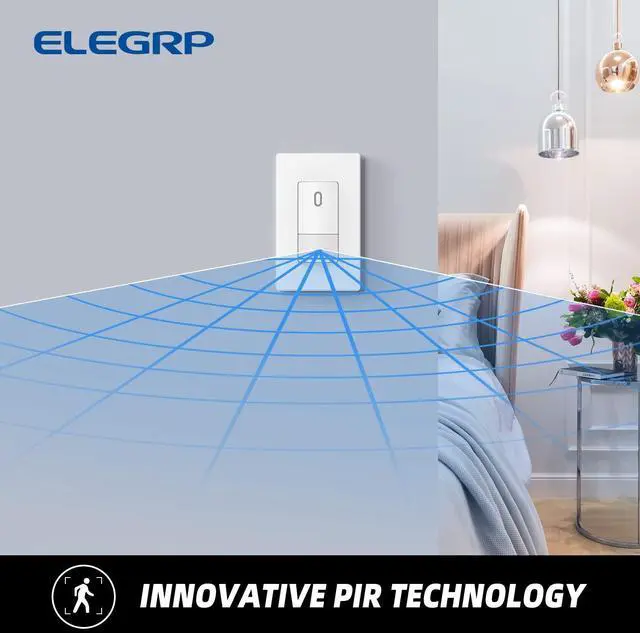
The ELEGRP motion sensor switch uses passive infrared (PIR) detection technology via a segmented Fresnel lens to monitor a room for occupancy. This specialized lens divides the field of view into sensor zones. When a person passes into or out of a sensor zone, the sensor detects motion and switches the lights on. If the sensor detects human motion before the TIME delay elapses, the sensor will re-clock for another TIME setting cycle before it automatically turns off the loads. If the sensor switch is kept being triggered by human motions, it’ll keep the light on until time delay elapses and no human motion is being detected during this period, or manually switched off.
----------------------------------------------------------------------------------------------------------------------------------------------------------------------------
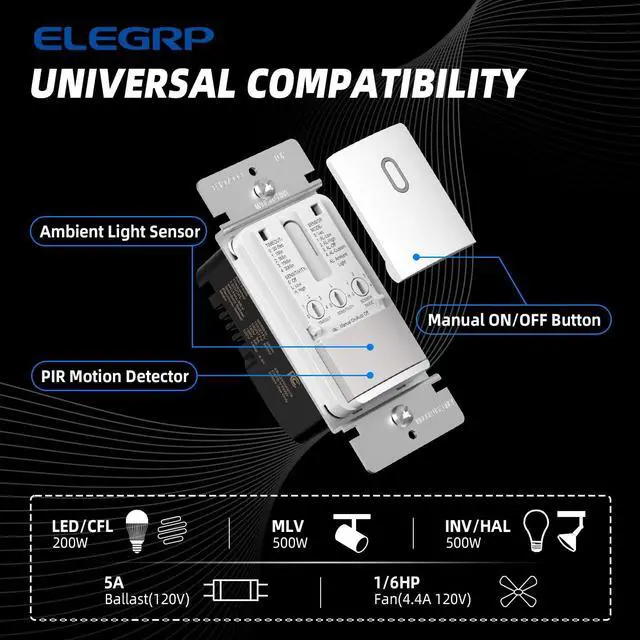
- Applicable load types (200W for LED/CFL, 500W for MLV/, 500W for INC/HAL, 5A for Ballast(120V), 1/6HP Fan(4.4A 120V).
- Extremely low standby power consumption.
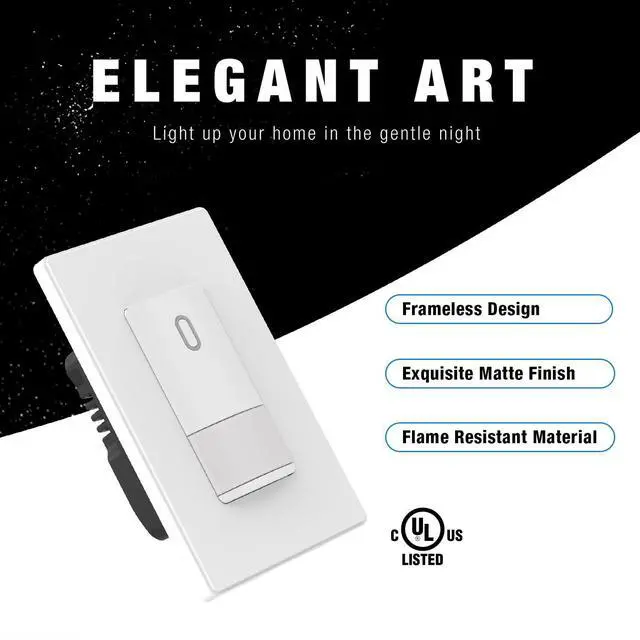
- Flame resistant material has reached the highest grade of 5VA.
- UL & CUL listed.

MULTIPLE SETTING MODES - Features multiple setting modes for different usage scenarios at home
————————————————————————————————————————————————————————————————————
Timeout* *"Timeout" is the delay before light turns off after the room is empty.
(0) 30 seconds (1) 1 minute (2) 5 minutes (3) 15 minutes (4) 30 minutes
------------------------------------------------------------------------------------------------------------------------------------------------------------------------------
PIR Sensitivity
(0)Motion Sensor Off Manual-On/Manual-Off.
(L) Motion Sensitivity Low
(H)Motion Sensitivity High
------------------------------------------------------------------------------------------------------------------------------------------------------------------------------
Ambient Light Sensor Mode
(0) Vac(Vacancy Mode) Manual-On/Auto-Off.
(1) AL-Low (Ambient Light Low) Auto-Off/Auto-On when Ambient Light is dark.
(2) AL-High (Ambient Light High) Auto-Off/Auto-On when Ambient Light is bright.
(3) AL-OFF (Ambient Light Sensor Off/Occupancy Mode) Auto-On and Auto-Off regardless of ambient Light level.
(4) AL-Custom (Ambient Light Custom Settings) Auto-Off/Auto-On when Ambient Light level is lower than the level set by customer.

LARGE COVERAGE
This motion sensor switch provides an adjustable 120-degree field of view with optional adjustments for sensitivity, ambient light override, and delayed off time. The sensor detects motion in areas up to 900 square feet and up to 35 feet from the sensor, ideal for the porch, closet, garage, hallway, stairs, basement, pantry and laundry room, etc.
-------------------------------------------------------------------------------------------------------------------------------------------------------------------------------
The inside LED indicator will flash when the sensor detects human motions.
Install the sensor switch about 4 feet from the floor to get a better experience.
Hot objects or moving air currents can affect the performance of the sensing switch.
The sensing switch requires an unobstructed view of room occupants to detect motion.
—————————————————————————————————————————————————————————————————————
Enjoy Energy Saving, Convenient and Safe Life

Energy Savings
Save cost and energy by having the unused lights and fans turned OFF automatically, preventing the light from turning on if it is already bright. Never leave a light on by mistake again.
Vacancy mode’s manual-ON feature saves further energy by ensuring lights are only turned on when needed.

Hands Free
Keep your lighting control hands-free as you walk into your home with groceries or into the laundry room with a full basket. The motion sensor switch is ideal for rooms you typically enter with your hands full, regardless of whether they are located in the home or workplace.

Safety
ELEGRP EKA23 motion sensor light switch is the safe choice for seniors, children, and employees, making sure that lights automatically turn ON allowing occupants to see where they are going to reduce the risk of trip-and-fall accidents.

Important FAQ:
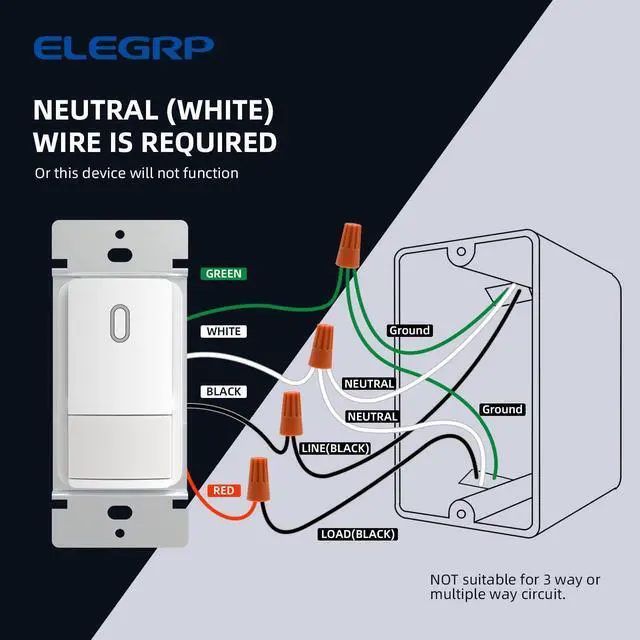
1. Q: My house does not have the neutral (white) wire or only have one neutral (white) wire, can I use the device?
A: No! This device will not function if there is no white (Neutral) wire or only one white wire in the wall box.
------------------------------------------------------------------------------------------------------------------------------------------------------------------------------
2. Q: Why LED Indicator does not flash or light does not turn on automatically when power has been restored?
A: There may be 2 reasons:
1): Ensure there are Neutral (white) wires in wall box and they had been connected with white wire from sensor switch.
2): Ensure Line (usually Black) wire in wall box has been connected with Black wire from sensor switch and Load (usually Black) wire in wall box has been connected with red wire from sensor switch. Try to swap two black wiresif the symptom still exists.
------------------------------------------------------------------------------------------------------------------------------------------------------------------------------
3. Q: Why the Lights do not turn on when space is occupied?
A: There may be 3 reasons:
1) Ensure PIR Sensitivity is not set to Motion Sensor Off (“0”) position.
2) Ensure Ambient Light Sensor Mode is not set to Vacancy (“0”) position.
3) Ambient Light Sensor Mode may be set to “AL- Low”, which will not turn on the light if there is enough natural light in the room. Set Sensor Mode to AL-OFF mode.
———————————————————————————————————————————————————————————————————
PRODUCT SPECIFICATION

 Motion Sensor Light Switch |  Digital Slide Dimmer Switch |  Motion Sensor Light Switch |  Smart Sensor Switch |  Smart Dimmer Switch |  Smart Light Switch | |
|---|---|---|---|---|---|---|
| Customer Reviews | — | — | — | — | — | — |
| Price | — | — | — | — | — | — no data |
| Single Pole | ? | ? | ? | ? | ? | ? |
| 3-way | Not for 3-way | ? | Not for 3-way | Not for 3-way | ? | ? |
| Maximum Load | 300W Dimmable LED, 300W CFL, 600W Incandescent | 300W Dimmable LED, 300W CFL, 600W Incandescent | 200W LED/CFL 500W MLV 500W INC/HAL 5A Ballast(120V) 1/6HP Fan(4.4A 120V) | 150W LED/CFL, 450W INC/HAL | 150W LED/CFL, 450W INC/HAL | 150W LED/CFL, 600W INC/HAL |
| Wall Plate | Standard size screwless wall plate | Standard size screwless wall plate | Standard size screwless wall plate | Standard size screwless wall plate | Standard size screwless wall plate | Standard size screwless wall plate |
| Note | Grounding Wire is Required | no data | Neutral Wire is Required | no data | no data | no data |

ELEGRP
Professional Dimming Solutions for Every Home.

ELEGRP believes in providing friendly solutions by adopting a consumer-centric and efficient problem-solving approach. Going above and beyond in the future continuously in electrical safety use and smart home appliance, ELEGRP will constantly make explorations and innovations to meet the ever-changing demand of our consumers.
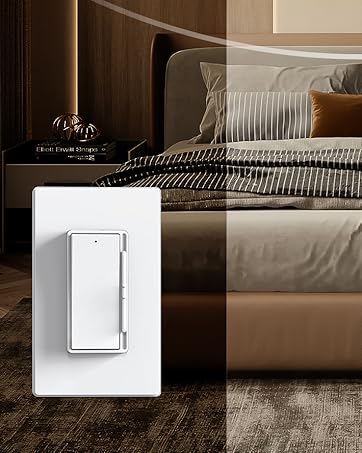
Rocker Dimmers
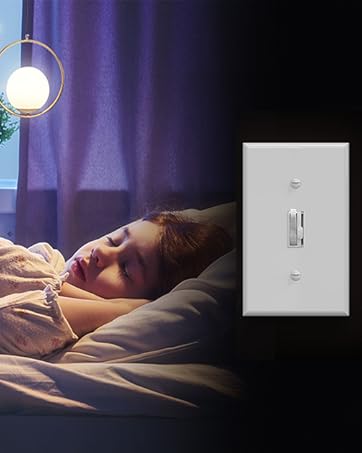
Toggle Dimmers
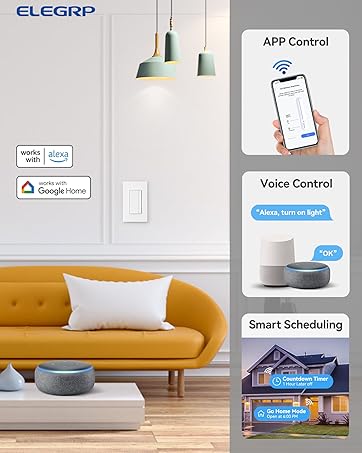
Smart Light Controls
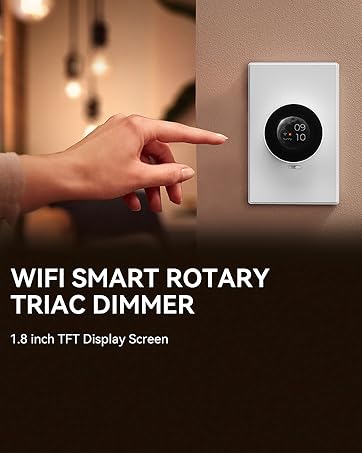
Smart Rotary Dimmers
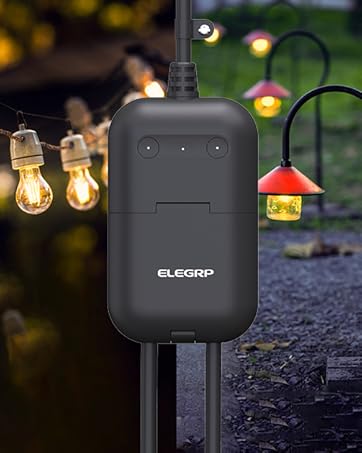
Smart Outdoor Dimmer Plug

Motion Sensor Switches
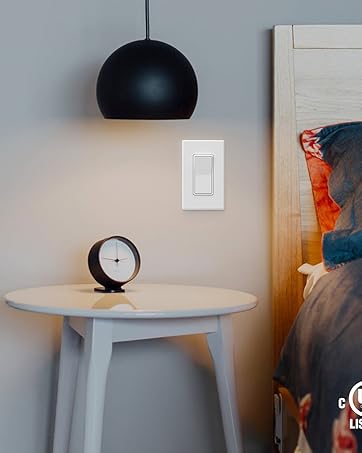
Light Switches
Dimmers
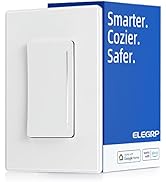
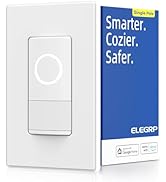
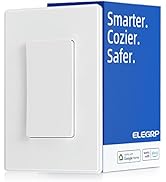
Smart Series
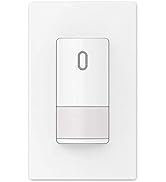
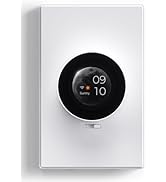
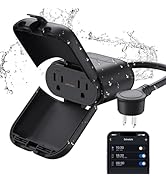
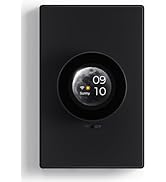
Sensor and Smart Series
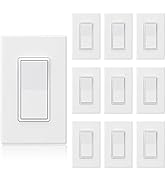
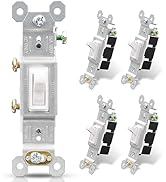
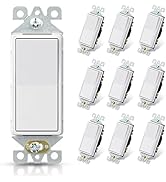
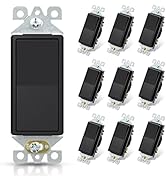
Standard Light Switch

ELEGRP LIGHTING CONTROLS--Motion Sensor Light Switches
INNOVATIVE PIR TECHNOLOGY
The ELEGRP motion sensor switch uses passive infrared (PIR) detection technology via a segmented Fresnel lens to monitor a room for occupancy. This specialized lens divides the field of view into sensor zones. When a person passes into or out of a sensor zone, the sensor detects motion and switches the lights on. If the sensor detects human motion before the TIME delay elapses, the sensor will re-clock for another TIME setting cycle before it automatically turns off the loads. If the sensor switch is kept being triggered by human motions, it’ll keep the light on until time delay elapses and no human motion is being detected during this period, or manually switched off.
----------------------------------------------------------------------------------------------------------------------------------------------------------------------------
- Applicable load types (200W for LED/CFL, 500W for MLV/, 500W for INC/HAL, 5A for Ballast(120V), 1/6HP Fan(4.4A 120V).
- Extremely low standby power consumption.
- Flame resistant material has reached the highest grade of 5VA.
- UL & CUL listed.
MULTIPLE SETTING MODES - Features multiple setting modes for different usage scenarios at home
————————————————————————————————————————————————————————————————————
Timeout* *"Timeout" is the delay before light turns off after the room is empty.
(0) 30 seconds (1) 1 minute (2) 5 minutes (3) 15 minutes (4) 30 minutes
------------------------------------------------------------------------------------------------------------------------------------------------------------------------------
PIR Sensitivity
(0)Motion Sensor Off Manual-On/Manual-Off.
(L) Motion Sensitivity Low
(H)Motion Sensitivity High
------------------------------------------------------------------------------------------------------------------------------------------------------------------------------
Ambient Light Sensor Mode
(0) Vac(Vacancy Mode) Manual-On/Auto-Off.
(1) AL-Low (Ambient Light Low) Auto-Off/Auto-On when Ambient Light is dark.
(2) AL-High (Ambient Light High) Auto-Off/Auto-On when Ambient Light is bright.
(3) AL-OFF (Ambient Light Sensor Off/Occupancy Mode) Auto-On and Auto-Off regardless of ambient Light level.
(4) AL-Custom (Ambient Light Custom Settings) Auto-Off/Auto-On when Ambient Light level is lower than the level set by customer.
LARGE COVERAGE
This motion sensor switch provides an adjustable 120-degree field of view with optional adjustments for sensitivity, ambient light override, and delayed off time. The sensor detects motion in areas up to 900 square feet and up to 35 feet from the sensor, ideal for the porch, closet, garage, hallway, stairs, basement, pantry and laundry room, etc.
-------------------------------------------------------------------------------------------------------------------------------------------------------------------------------
The inside LED indicator will flash when the sensor detects human motions.
Install the sensor switch about 4 feet from the floor to get a better experience.
Hot objects or moving air currents can affect the performance of the sensing switch.
The sensing switch requires an unobstructed view of room occupants to detect motion.
—————————————————————————————————————————————————————————————————————
Enjoy Energy Saving, Convenient and Safe Life
Energy Savings
Save cost and energy by having the unused lights and fans turned OFF automatically, preventing the light from turning on if it is already bright. Never leave a light on by mistake again.
Vacancy mode’s manual-ON feature saves further energy by ensuring lights are only turned on when needed.
Hands Free
Keep your lighting control hands-free as you walk into your home with groceries or into the laundry room with a full basket. The motion sensor switch is ideal for rooms you typically enter with your hands full, regardless of whether they are located in the home or workplace.
Safety
ELEGRP EKA23 motion sensor light switch is the safe choice for seniors, children, and employees, making sure that lights automatically turn ON allowing occupants to see where they are going to reduce the risk of trip-and-fall accidents.
Important FAQ:
1. Q: My house does not have the neutral (white) wire or only have one neutral (white) wire, can I use the device?
A: No! This device will not function if there is no white (Neutral) wire or only one white wire in the wall box.
------------------------------------------------------------------------------------------------------------------------------------------------------------------------------
2. Q: Why LED Indicator does not flash or light does not turn on automatically when power has been restored?
A: There may be 2 reasons:
1): Ensure there are Neutral (white) wires in wall box and they had been connected with white wire from sensor switch.
2): Ensure Line (usually Black) wire in wall box has been connected with Black wire from sensor switch and Load (usually Black) wire in wall box has been connected with red wire from sensor switch. Try to swap two black wiresif the symptom still exists.
------------------------------------------------------------------------------------------------------------------------------------------------------------------------------
3. Q: Why the Lights do not turn on when space is occupied?
A: There may be 3 reasons:
1) Ensure PIR Sensitivity is not set to Motion Sensor Off (“0”) position.
2) Ensure Ambient Light Sensor Mode is not set to Vacancy (“0”) position.
3) Ambient Light Sensor Mode may be set to “AL- Low”, which will not turn on the light if there is enough natural light in the room. Set Sensor Mode to AL-OFF mode.
———————————————————————————————————————————————————————————————————
PRODUCT SPECIFICATION
Motion Sensor Light Switch | Digital Slide Dimmer Switch | Motion Sensor Light Switch | Smart Sensor Switch | Smart Dimmer Switch | Smart Light Switch | |
|---|---|---|---|---|---|---|
| Customer Reviews | — | — | — | — | — | — |
| Price | — | — | — | — | — | — no data |
| Single Pole | ? | ? | ? | ? | ? | ? |
| 3-way | Not for 3-way | ? | Not for 3-way | Not for 3-way | ? | ? |
| Maximum Load | 300W Dimmable LED, 300W CFL, 600W Incandescent | 300W Dimmable LED, 300W CFL, 600W Incandescent | 200W LED/CFL 500W MLV 500W INC/HAL 5A Ballast(120V) 1/6HP Fan(4.4A 120V) | 150W LED/CFL, 450W INC/HAL | 150W LED/CFL, 450W INC/HAL | 150W LED/CFL, 600W INC/HAL |
| Wall Plate | Standard size screwless wall plate | Standard size screwless wall plate | Standard size screwless wall plate | Standard size screwless wall plate | Standard size screwless wall plate | Standard size screwless wall plate |
| Note | Grounding Wire is Required | no data | Neutral Wire is Required | no data | no data | no data |
ELEGRP
Professional Dimming Solutions for Every Home.
ELEGRP believes in providing friendly solutions by adopting a consumer-centric and efficient problem-solving approach. Going above and beyond in the future continuously in electrical safety use and smart home appliance, ELEGRP will constantly make explorations and innovations to meet the ever-changing demand of our consumers.
Rocker Dimmers
Toggle Dimmers
Smart Light Controls
Smart Rotary Dimmers
Smart Outdoor Dimmer Plug
Motion Sensor Switches
Light Switches
Dimmers
Smart Series
Sensor and Smart Series
Standard Light Switch