here!
here!
I’m your shopping assistant for PC builds, upgrades, and everything tech.
Got questions? Ask away!
Start a conversation
here!
I’m your shopping assistant for PC builds, upgrades, and everything tech.
Got questions? Ask away!
Start a conversation



Any questions? Ask CelesteSM will help you find out quickly.
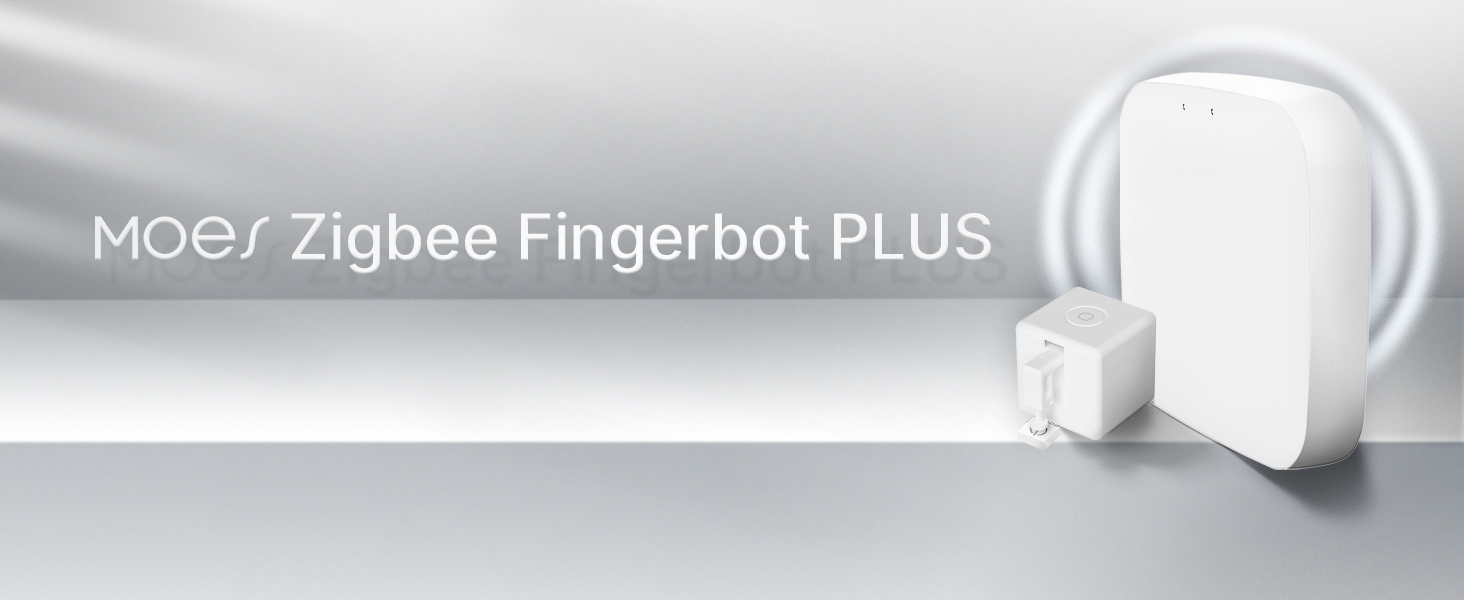
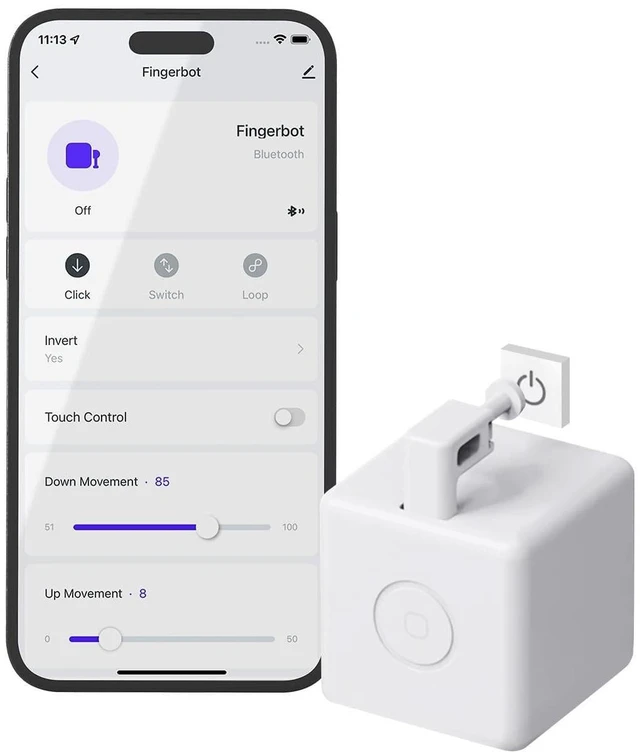
Fingerbot is the world’s smallest robot for smartly controlling different types of buttons and switches.
It can control your existing home appliances with robotic clicks.
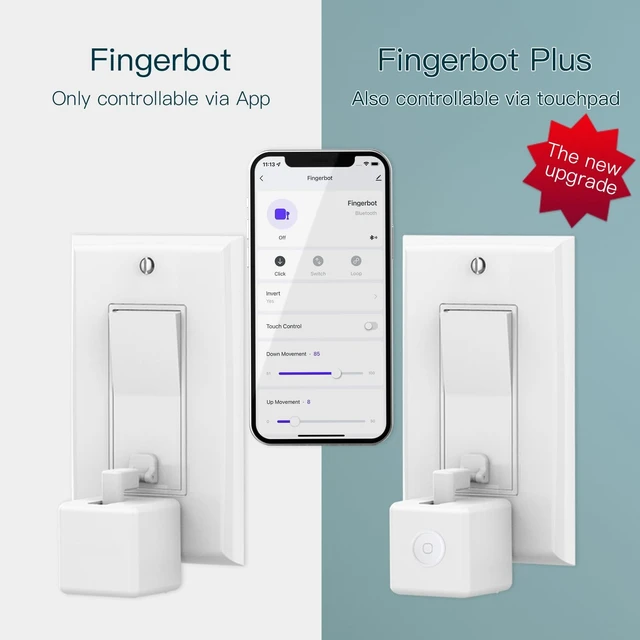
MOES Fingerbot has been upgraded on top of that.
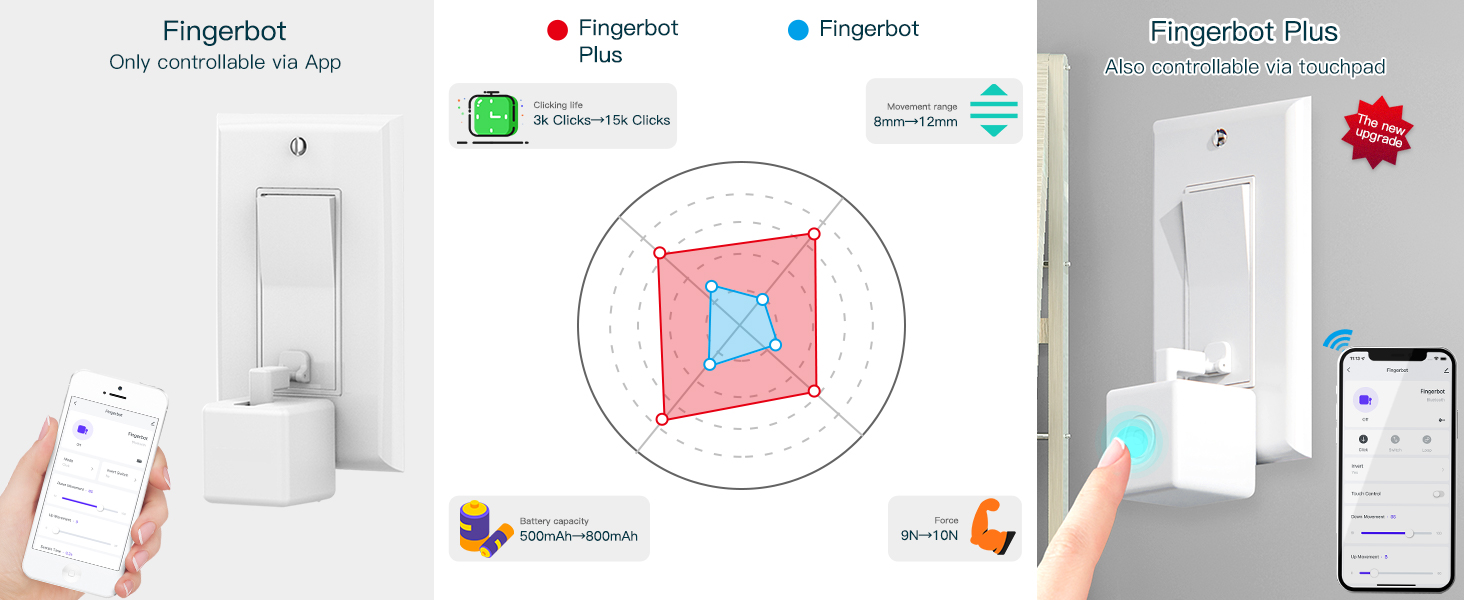
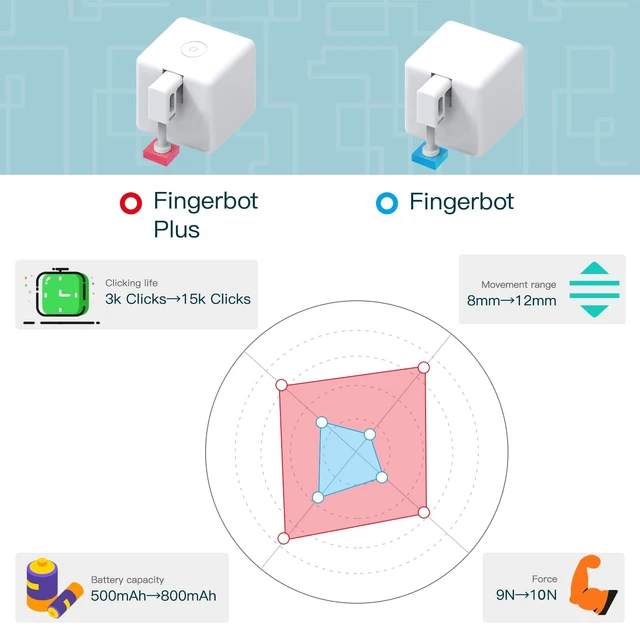
The latest version of the Fingerbot has added new touch buttons and increased the clicking life of the Finger Robot from 3K to 15K.
In addition, the movement range of the arm can be reached, which was originally only 8mm, has now been increased to 12mm.
More updates are waiting for you to discover!
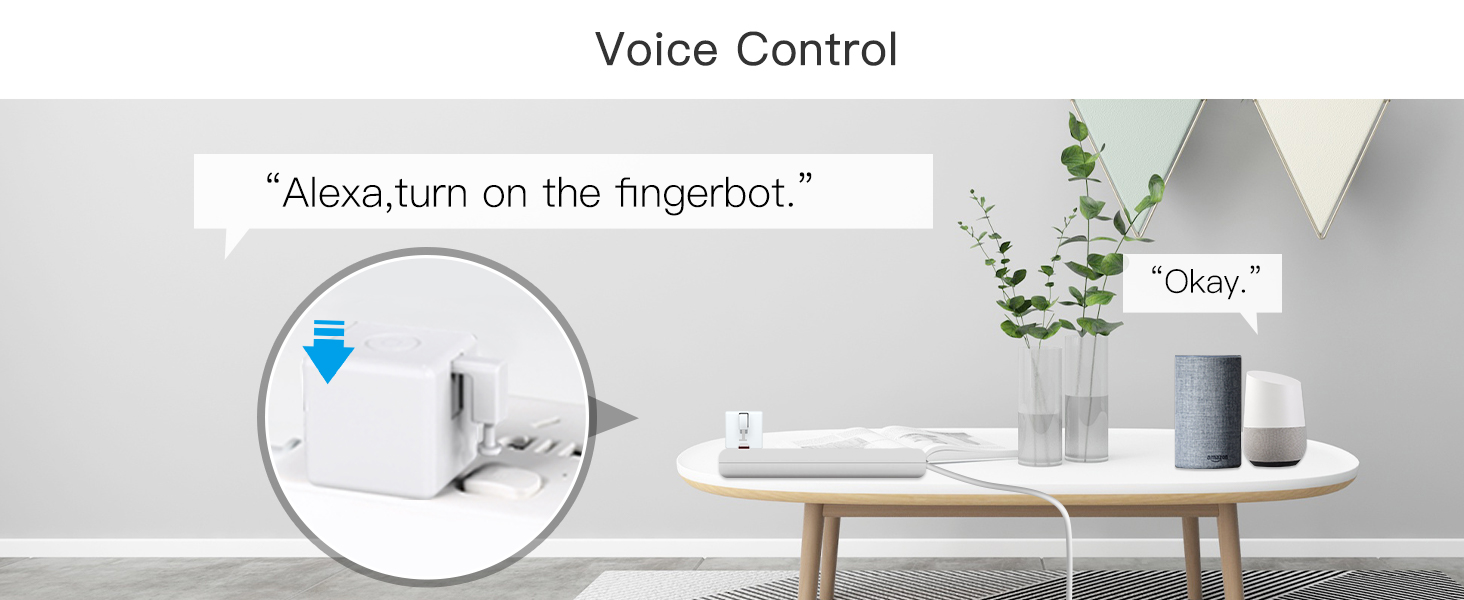
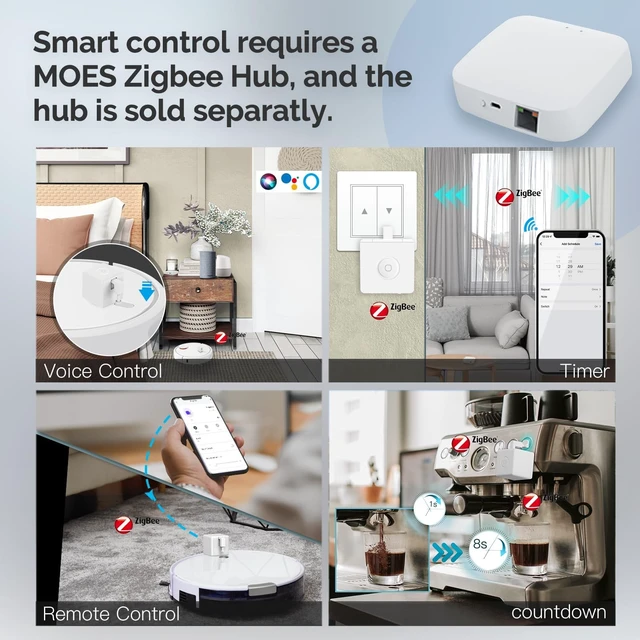
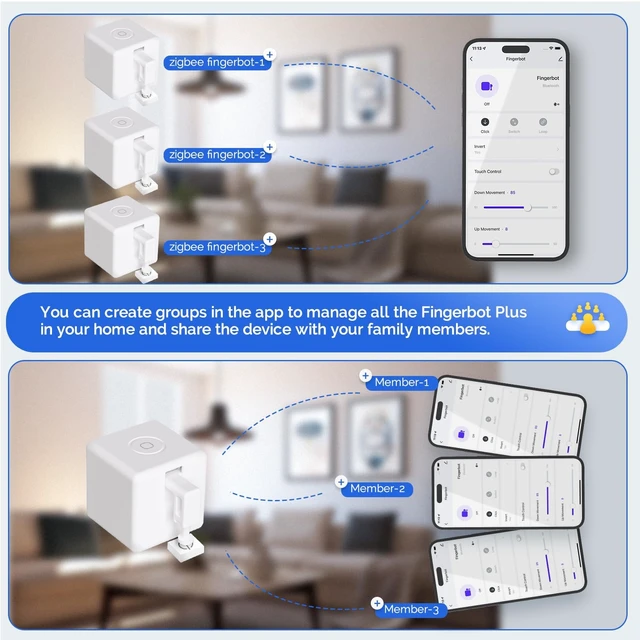
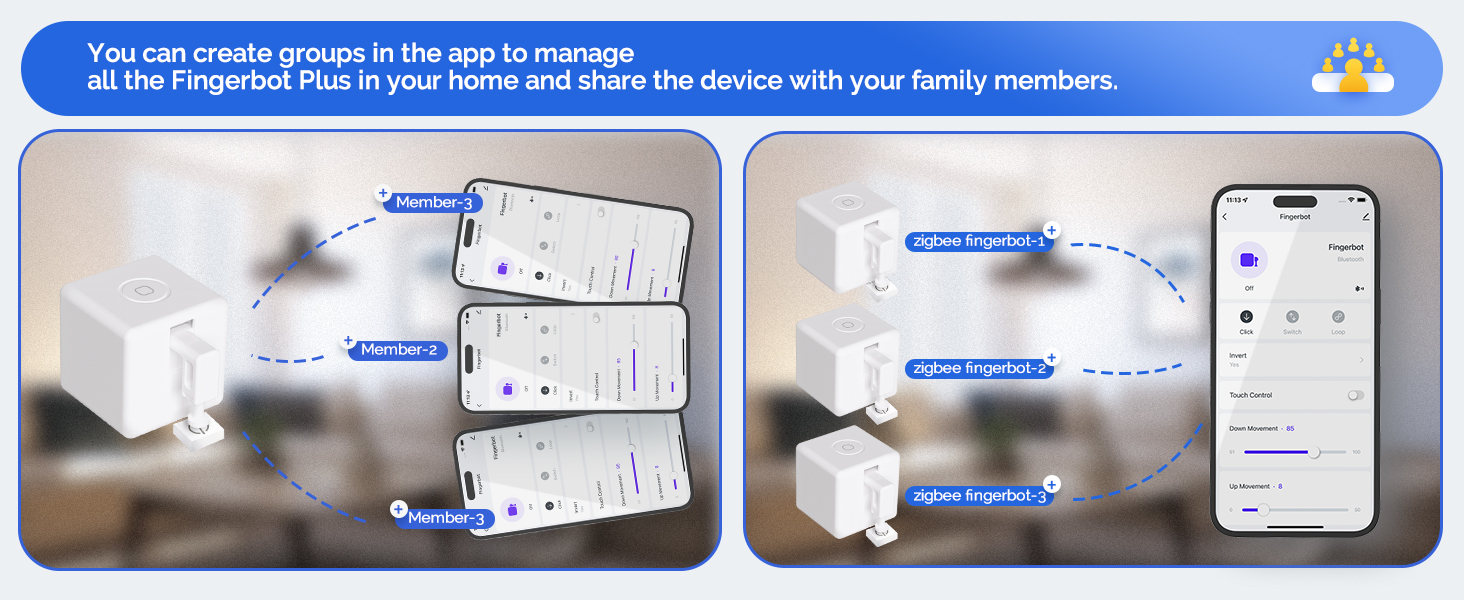
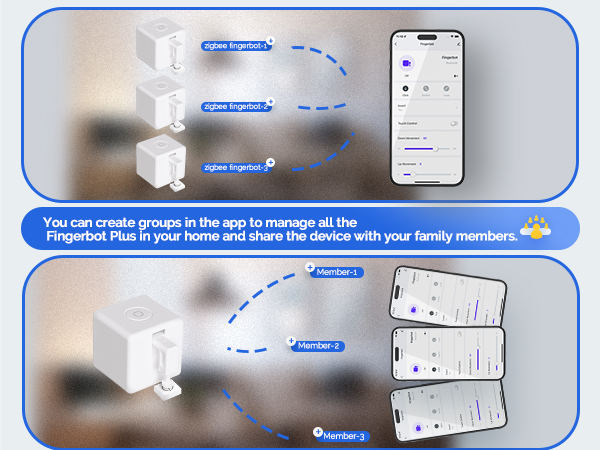
This finger robot not only supports alexa voice control, but also allows timer countdown, app remote control, and scene linkage with moes other smart devices.
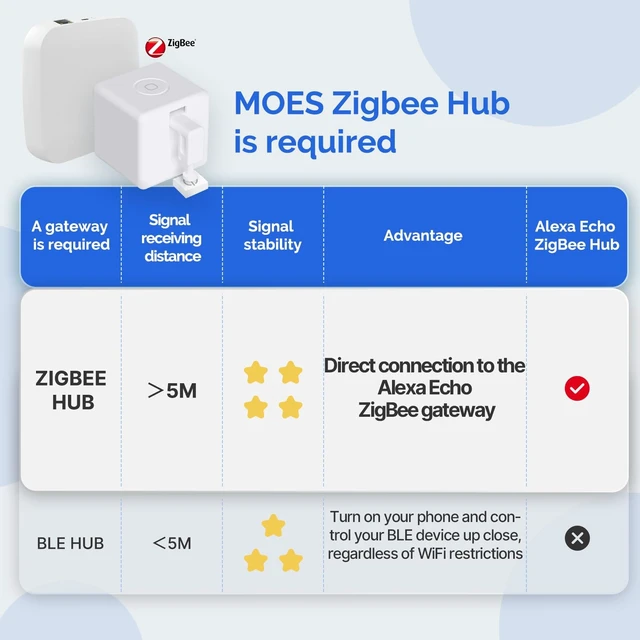
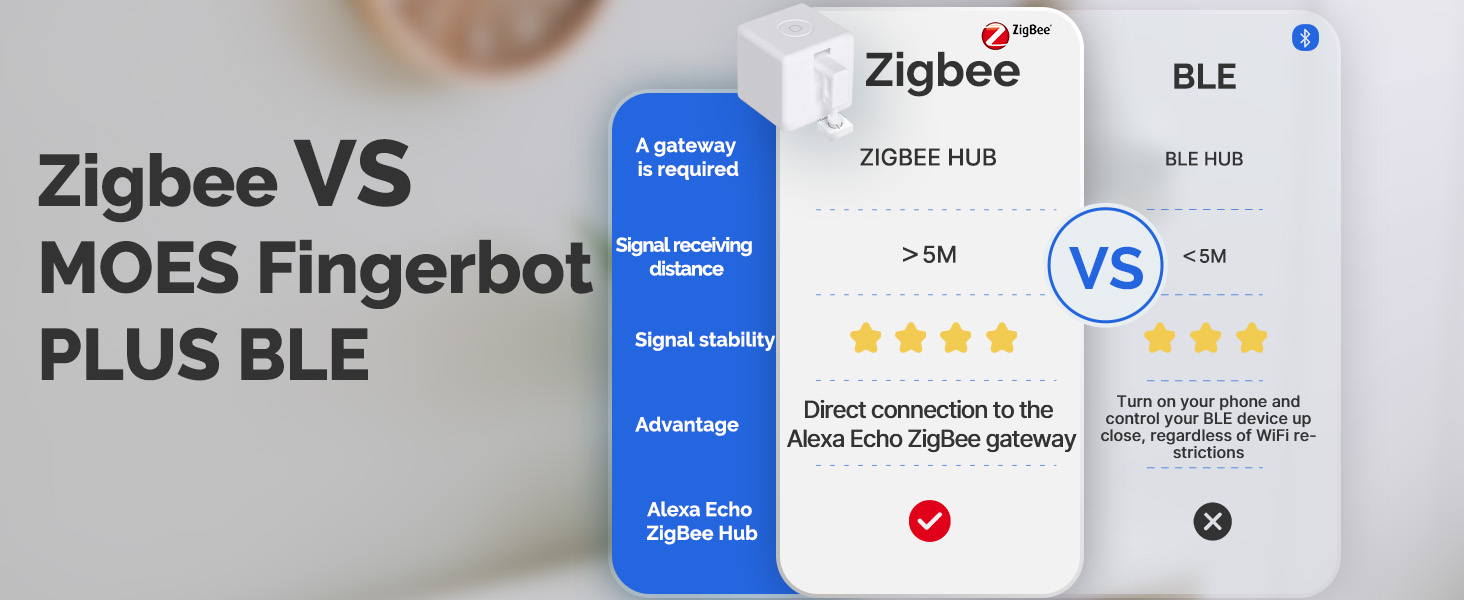
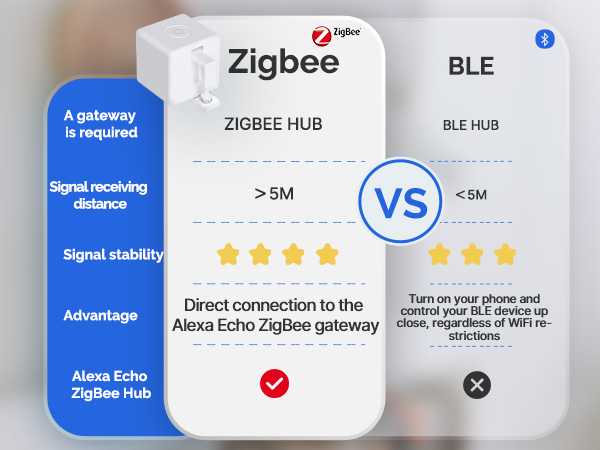
All of the above smart features require the finger bot switch to connect to the MOES Zigbee Gateway,
PS: The Zigbee Hub is sold separately.
If you want to use the intelligent functions of this zigbee switch, such as voice control, remote control, etc., you need to use it in conjunction with the MOES Zigbee Gateway.
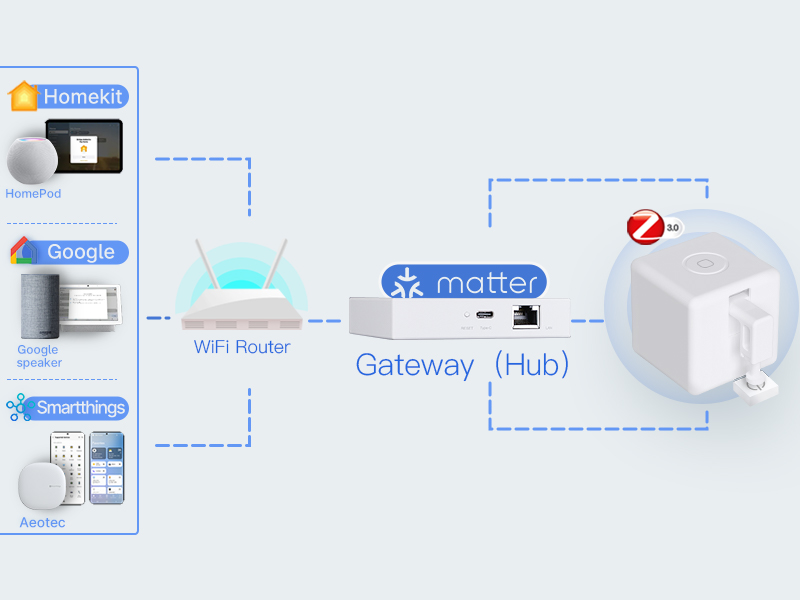
And connecting to the Matter-Zigbee Gateway allows MOES Zigbee devices to function on third-party platform, such as SmartThings and Homekit, breaking down barriers between platforms.
Search for B0CX19179H to buy matter hub separatly.
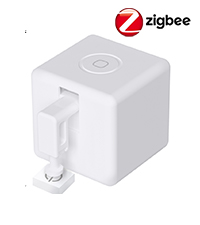 Fingerbot Pusher Switch | 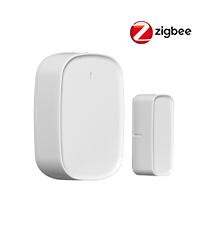 Door and Window Sensor | 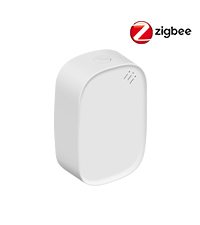 Temp & Humidty Sensor | 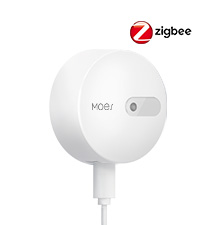 Human Presence Sensor | 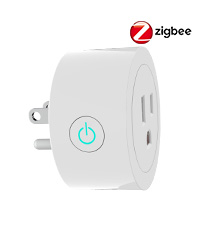 Energy Monitor Plug | 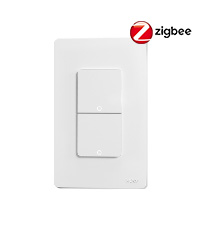 Double Light Switch | 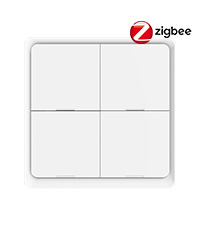 Smart Scene Switch | |
|---|---|---|---|---|---|---|---|
Customer Reviews | — | — | — | — | — | — | — |
Price | — | — | — | — | — | — | — |
WiFi Connection | Only 2.4GHz | Only 2.4GHz | Only 2.4GHz | Only 2.4GHz | Only 2.4GHz | Only 2.4GHz | Only 2.4GHz |
Gateway Require | MOES Zigbee Hub | MOES Zigbee Hub | MOES Zigbee Hub | MOES Zigbee Hub | MOES Zigbee Hub | MOES Zigbee Hub | MOES Zigbee Hub |
Power On | Batteray | Batteray | Batteray | Type-C Charging Cable | Plug in | Neutral or no Neutral both ok | Batteray |
Alexa Support | ? | ? | ? | ? | ? | ? | ? |
MOES App Control | ? | ? | ? | ? | ? | ? | ? |
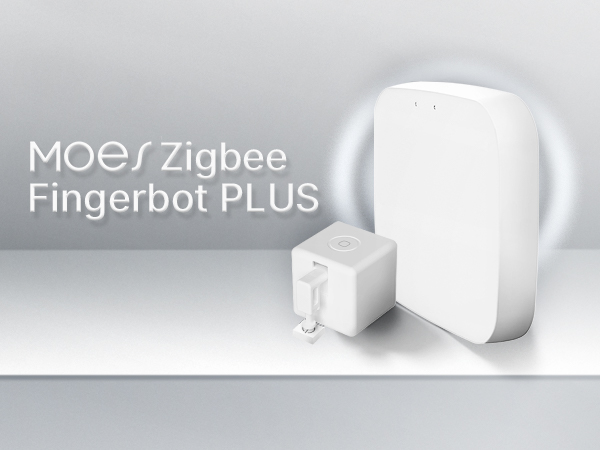
Fingerbot is the world’s smallest robot for smartly controlling different types of buttons and switches.
It can control your existing home appliances with robotic clicks.
MOES Fingerbot has been upgraded on top of that.
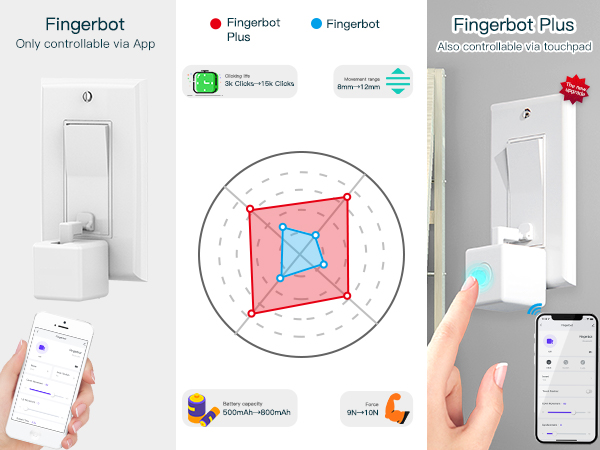
The latest version of the Fingerbot has added new touch buttons and increased the clicking life of the Finger Robot from 3K to 15K.
In addition, the movement range of the arm can be reached, which was originally only 8mm, has now been increased to 12mm.
More updates are waiting for you to discover!
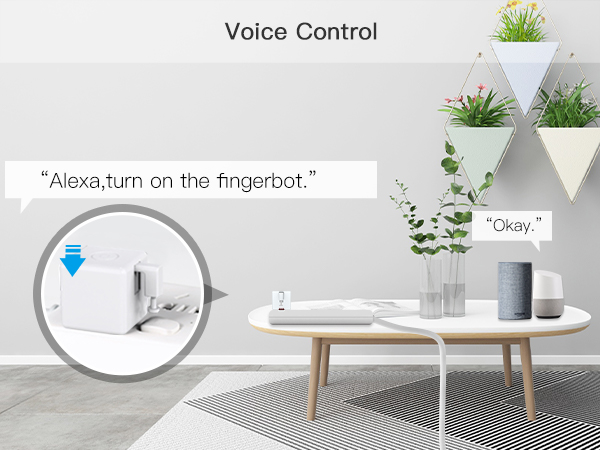
This finger robot not only supports alexa voice control, but also allows timer countdown, app remote control, and scene linkage with moes other smart devices.
All of the above smart features require the finger bot switch to connect to the MOES Zigbee Gateway,
PS: The Zigbee Hub is sold separately.
If you want to use the intelligent functions of this zigbee switch, such as voice control, remote control, etc., you need to use it in conjunction with the MOES Zigbee Gateway.
And connecting to the Matter-Zigbee Gateway allows MOES Zigbee devices to function on third-party platform, such as SmartThings and Homekit, breaking down barriers between platforms.
Search for B0CX19179H to buy matter hub separatly.
Fingerbot Pusher Switch | Door and Window Sensor | Temp & Humidty Sensor | Human Presence Sensor | Energy Monitor Plug | Double Light Switch | Smart Scene Switch |
|---|---|---|---|---|---|---|
| Customer Reviews | ||||||
| — | — | — | — | — | — | — |
| Price | ||||||
| — | — | — | — | — | — | — |
| WiFi Connection | ||||||
| Only 2.4GHz | Only 2.4GHz | Only 2.4GHz | Only 2.4GHz | Only 2.4GHz | Only 2.4GHz | Only 2.4GHz |
| Gateway Require | ||||||
| MOES Zigbee Hub | MOES Zigbee Hub | MOES Zigbee Hub | MOES Zigbee Hub | MOES Zigbee Hub | MOES Zigbee Hub | MOES Zigbee Hub |
| Power On | ||||||
| Batteray | Batteray | Batteray | Type-C Charging Cable | Plug in | Neutral or no Neutral both ok | Batteray |
| Alexa Support | ||||||
| ? | ? | ? | ? | ? | ? | ? |
| MOES App Control | ||||||
| ? | ? | ? | ? | ? | ? | ? |