

Your Browsing History




USB 2.0 Printer Switch 2-in-1-out, Manual Button Switch, Share One Printer Between Two Computers, for Home & Office
Limited time offer, ends 08/23 By StarVelocity Technology
- 2-in-1-out USB Switch: Connect two computers to one printer, scanner, or USB deviceshare a single peripheral between two PCs without unplugging cables.
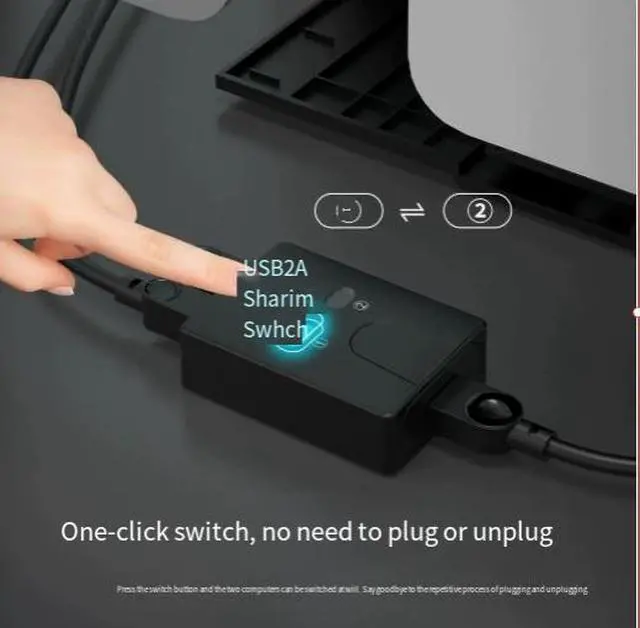
- Manual Button Switching: Easy one-button switching between Computer A and Computer Bno software, no drivers, no complex setup.
- Plug-and-Play Simplicity: No drivers or software requiredsimply connect your devices and switch with the press of a button.
- Universal Compatibility: Works with all USB printers, scanners, external hard drives, and other USB peripheralscompatible with Windows, macOS, Linux.
- Compact & Durable Design: Eco-friendly ABS housing with black finishcompact size fits easily on desks, in offices, and home workspaces.
+
+
Overview
Specs
Reviews

Any questions? Our AI mode will help you find out quickly.
Try me now
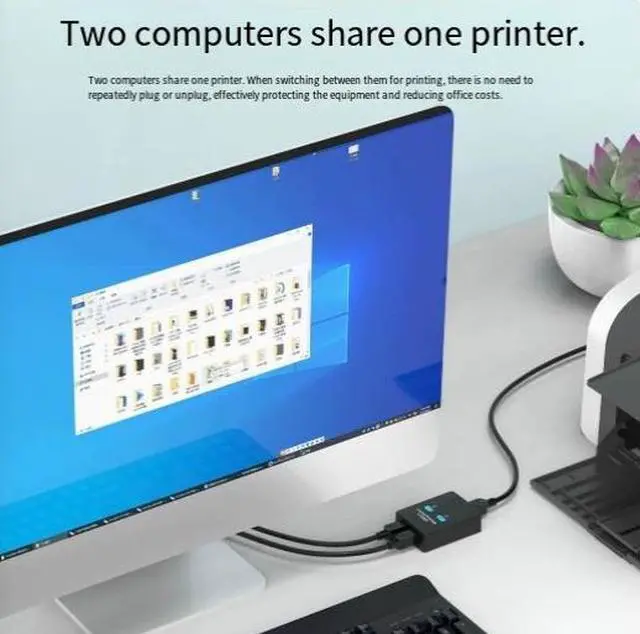
Share a single printer between two computers with this USB 2.0 Printer Switch. This compact 2-in-1-out switch allows you to connect two computers to one printer, scanner, or USB deviceno more unplugging and re-plugging cables. With simple one-button switching, its the perfect solution for home offices, shared workspaces, and small businesses.
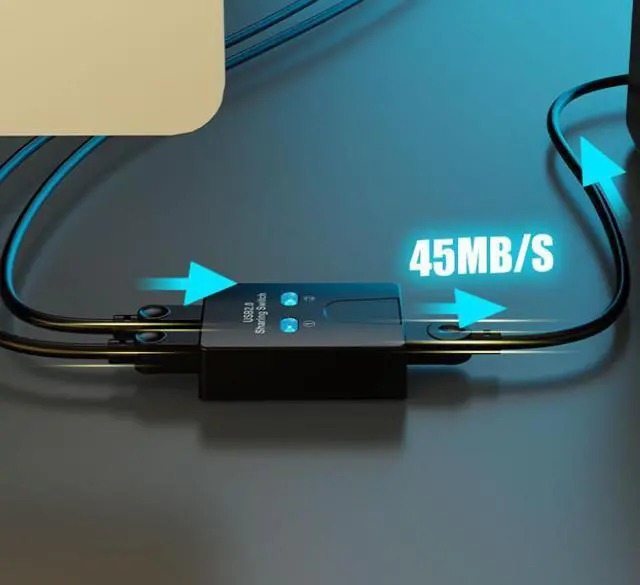
2-in-1-out USB Sharing
One device, two computers:
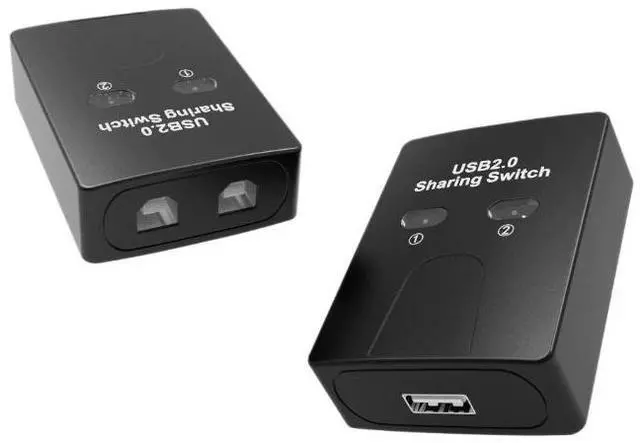
- 2 USB Type-B inputs connect two computers (PC1 and PC2)
- 1 USB Type-A output connect to printer, scanner, or USB device
two inputs, one output
- Share peripherals printer, scanner, external hard drive, or other USB devices
Warranty & Returns
Warranty, Returns, And Additional Information
Warranty
- Please contact the Seller directly for warranty information. Warranty information may also be found on the Manufacturer's website.
- CONTACT
Return Policies
- Return for refund within: 30 days
- Return for replacement within: 30 days
- This item is covered by StarVelocity Technology Return Policy
Manufacturer Contact Info
- For a directory of all our manufacturers, please click below.
- Manufacturers Directory
LOADING...