





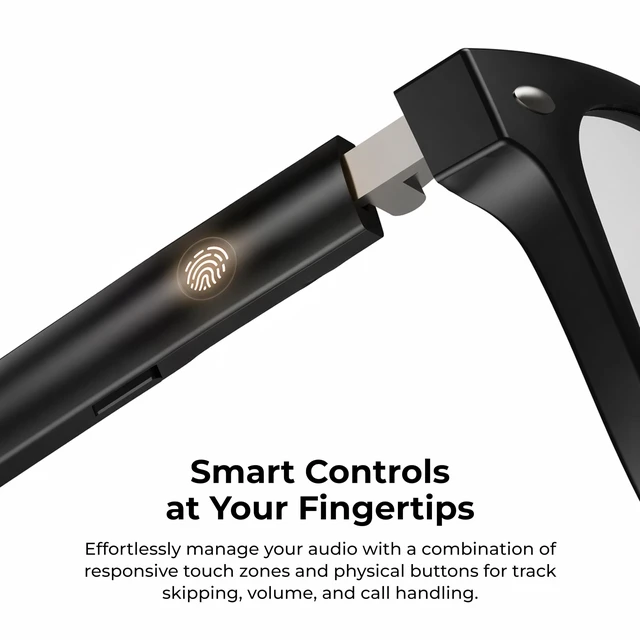



Touch Control
Seamless touch control for quick, convenient access.
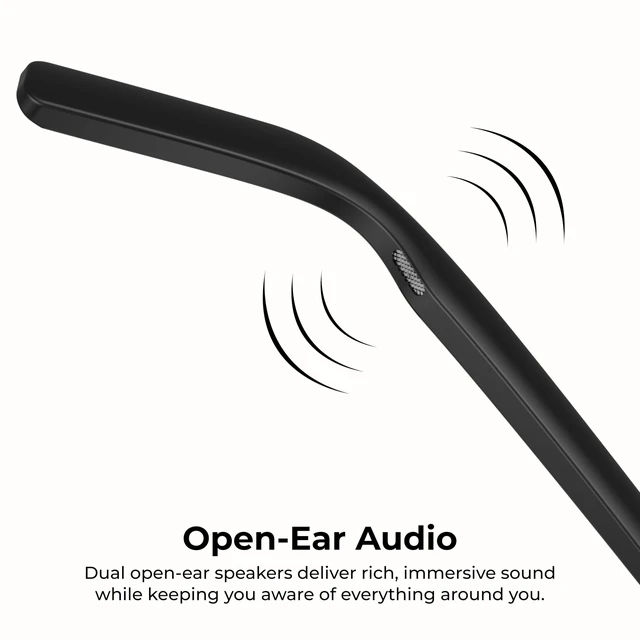
Open Ear Audio
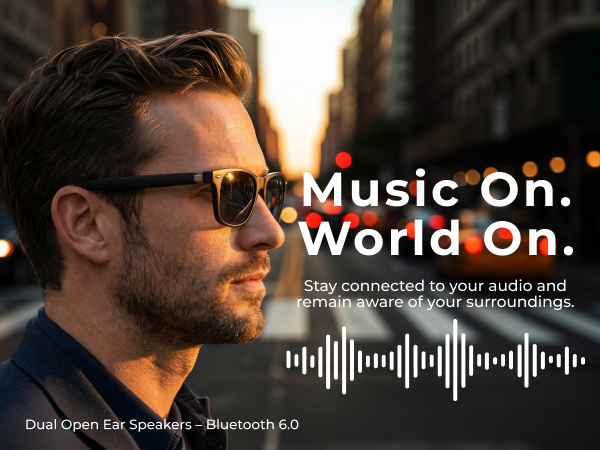
Enjoy immersive audio while staying aware of your surroundings.
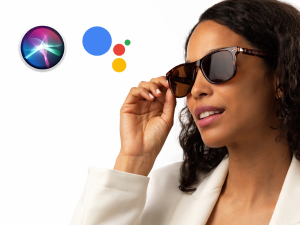
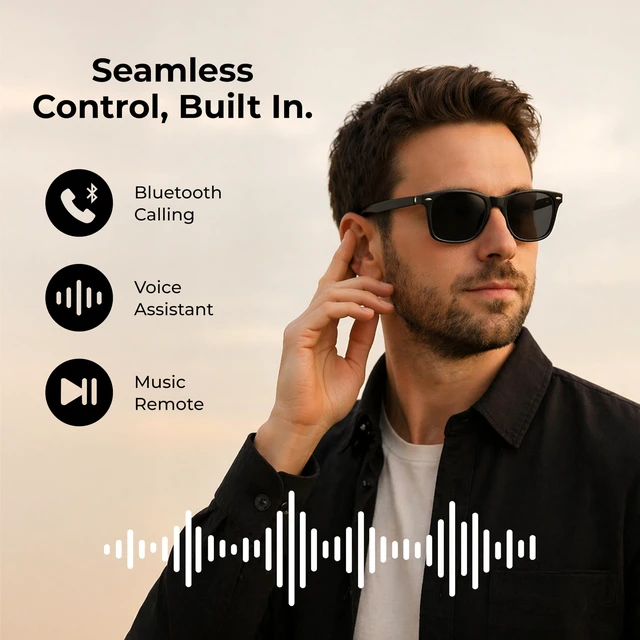
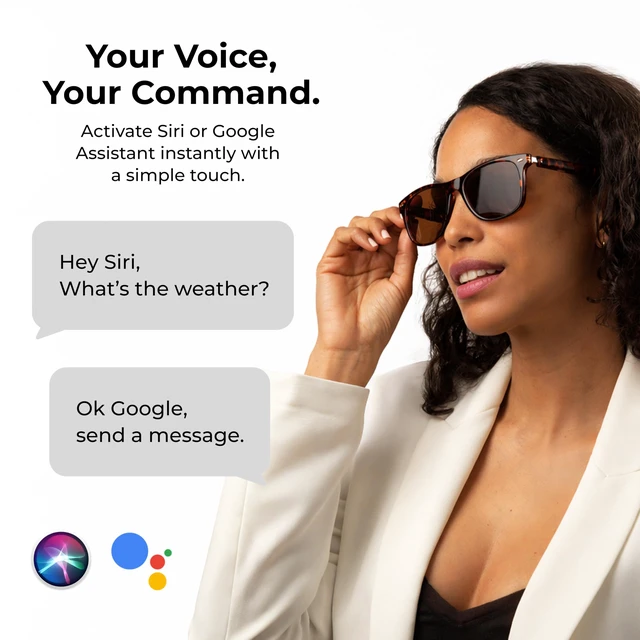
Voice Assistant
Access your device's voice assistant for quick, hands-free help on the go.

Auto Reconnect
Put them on and reconnect to your previously paired device.

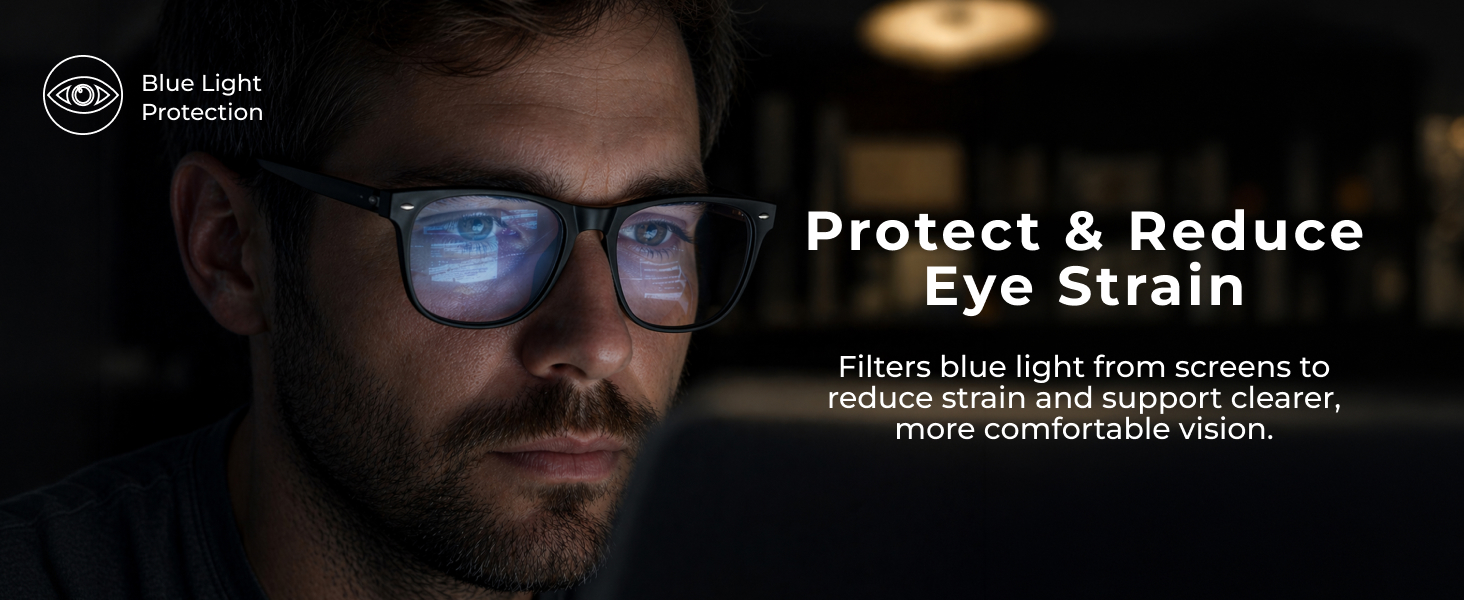

How do I adjust the volume on my iTOUCH AURA Smart Glasses?
Use the touch area on the left temple. Slide forward (away from your ear) to increase volume and backward (toward your ear) to decrease it. Volume is adjusted with a sliding gesture, not by tapping.
Why isn't the audio as loud as my earbuds?
iTOUCH AURA features an open-ear design, so it won't sound as loud as in-ear earbuds. Outside noise can affect volume. For best results, ensure proper fit, increase volume on both your phone and glasses, and use in quieter settings.
How do I control music and calls using the touch controls?
Tap either touch area once to play/pause music or answer/end calls. Double-tap the left touch area for the previous track and the right for the next track. You can also slide the right temple backward for previous and forward for next.
Why can't I pair or stay connected to my phone?
Ensure Bluetooth is on, the glasses are powered on, and not connected to another device. Keep your phone within 33 ft (10 m). If connection issues occur, forget the glasses in Bluetooth settings, restart both devices, and pair again.
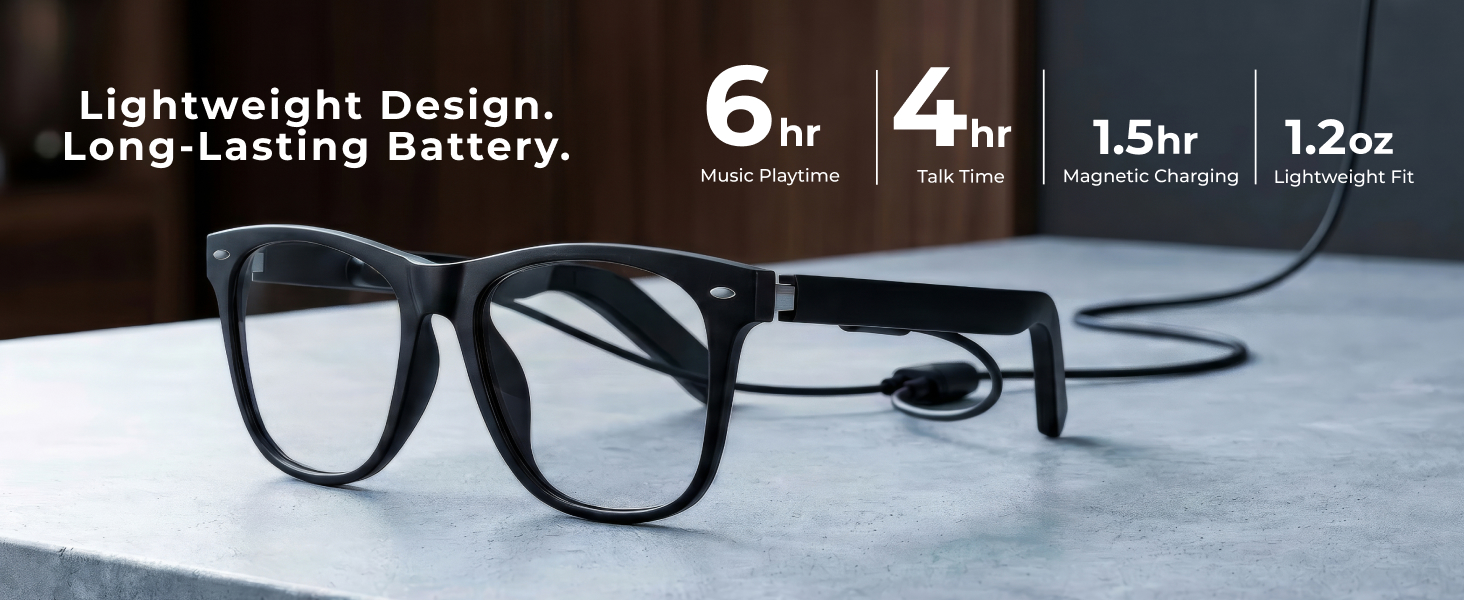
How long does the battery last and how long does charging take?
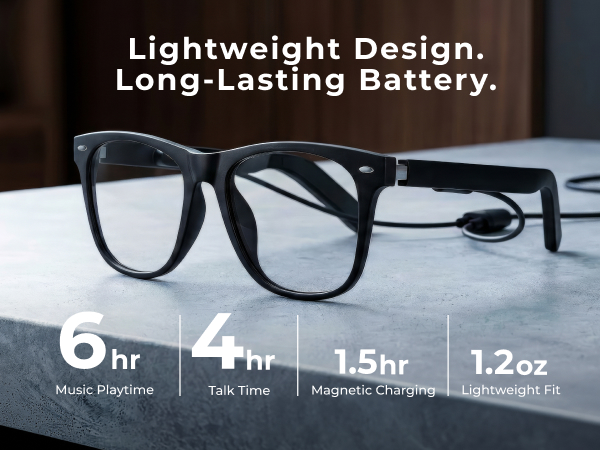
Battery life varies by usage. Enjoy up to 6 hours of music playback, up to 4 hours of talk time, and up to 80 hours of standby time. Fully charges in about 1.5-2.5 hours using the included magnetic charging cable.
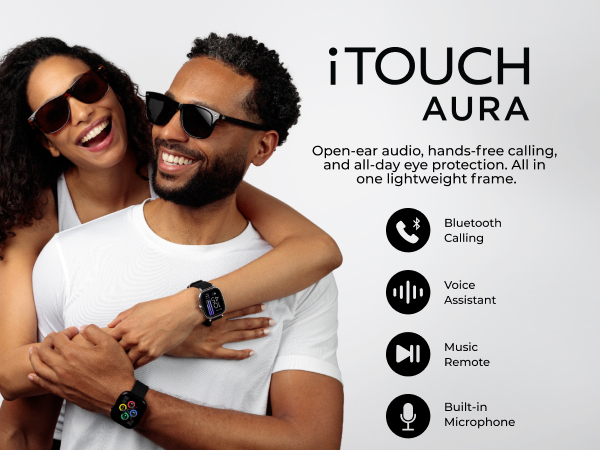
Touch Control
Seamless touch control for quick, convenient access.
Open Ear Audio
Enjoy immersive audio while staying aware of your surroundings.
Voice Assistant
Access your device's voice assistant for quick, hands-free help on the go.
Auto Reconnect
Put them on and reconnect to your previously paired device.



How do I adjust the volume on my iTOUCH AURA Smart Glasses?
Use the touch area on the left temple. Slide forward (away from your ear) to increase volume and backward (toward your ear) to decrease it. Volume is adjusted with a sliding gesture, not by tapping.
Why isn't the audio as loud as my earbuds?
iTOUCH AURA features an open-ear design, so it won't sound as loud as in-ear earbuds. Outside noise can affect volume. For best results, ensure proper fit, increase volume on both your phone and glasses, and use in quieter settings.
How do I control music and calls using the touch controls?
Tap either touch area once to play/pause music or answer/end calls. Double-tap the left touch area for the previous track and the right for the next track. You can also slide the right temple backward for previous and forward for next.
Why can't I pair or stay connected to my phone?
Ensure Bluetooth is on, the glasses are powered on, and not connected to another device. Keep your phone within 33 ft (10 m). If connection issues occur, forget the glasses in Bluetooth settings, restart both devices, and pair again.
How long does the battery last and how long does charging take?
Battery life varies by usage. Enjoy up to 6 hours of music playback, up to 4 hours of talk time, and up to 80 hours of standby time. Fully charges in about 1.5-2.5 hours using the included magnetic charging cable.