




 here!
here!
I’m your shopping assistant for PC builds, upgrades, and everything tech.
Got questions? Ask away!
Start a conversation
here!
I’m your shopping assistant for PC builds, upgrades, and everything tech.
Got questions? Ask away!
Start a conversation




Any questions? Ask CelesteSM will help you find out quickly.
LCD Power Supply Tester Introduction
Overview:
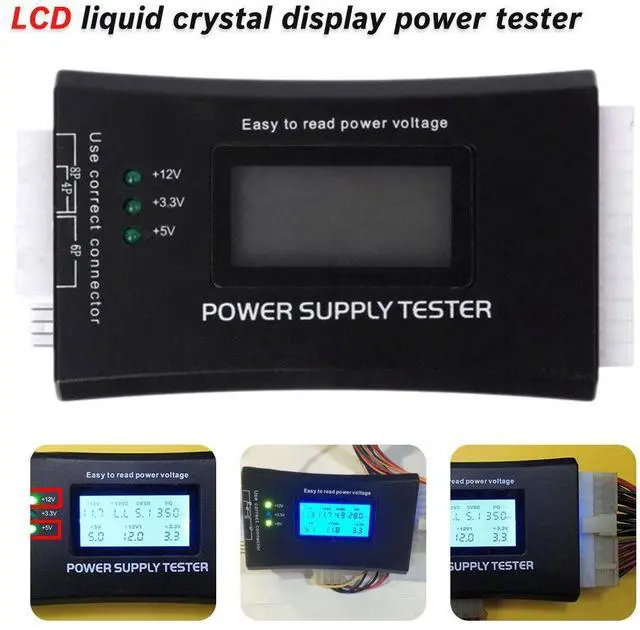
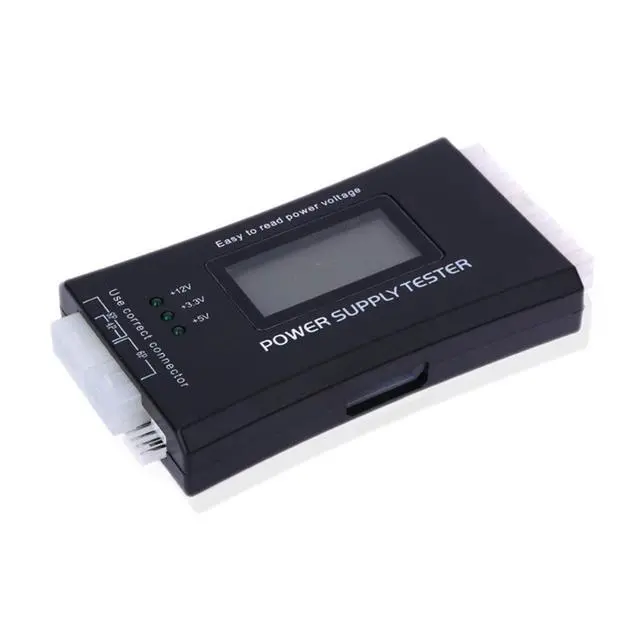
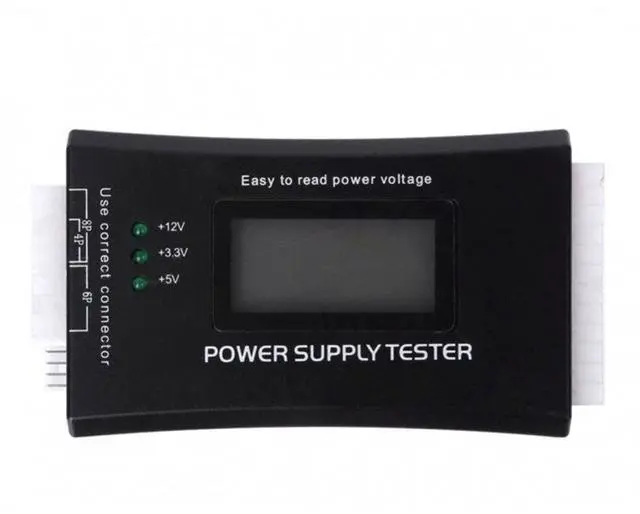
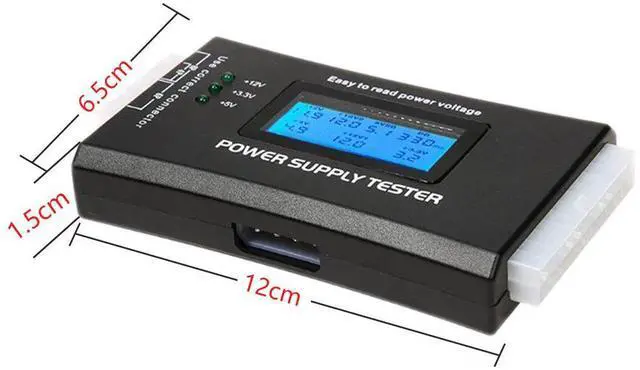
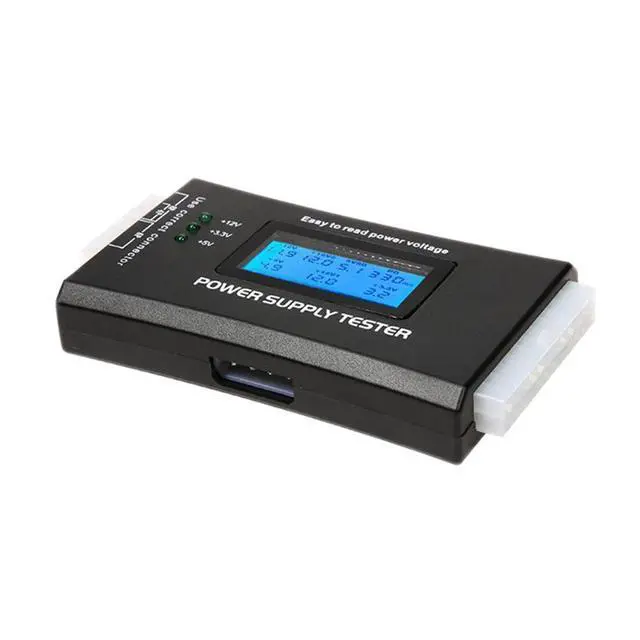
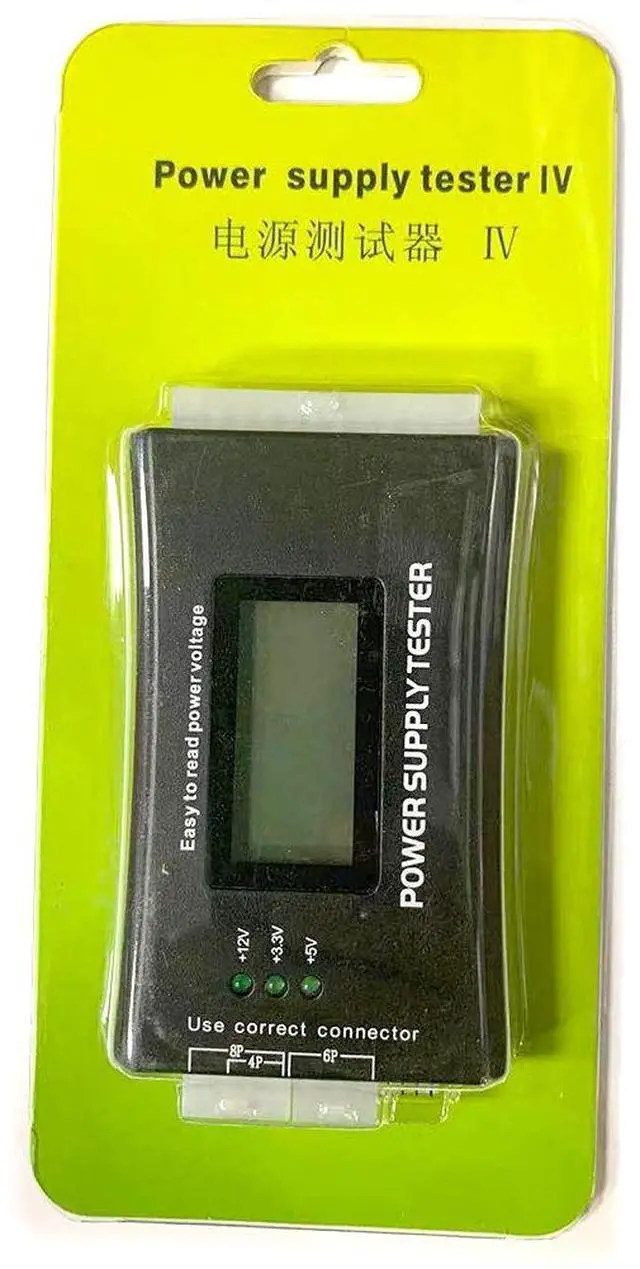
The LCD Power Supply Tester is a powerful diagnostic tool for PC power supplies. Simply connect the ATX connector from the power supply under test, and the LCD screen will clearly display whether each output voltage is within normal range. It supports ATX, BTX, ITX, and TFX power supplies, and can quickly test key parameters including individual voltages and PG (Power Good) values.
Supported Interfaces:
Tested Voltages:
+3.3V, -12V, +5VSB, +12V1, +12V2, +5V, and PG timing value
Materials & Dimensions:
Key Features:
3rd Generation LCD Display Features:
Compact & Practical Design:
Modern power supplies have multiple output rails if just one rail fails, system hardware may malfunction or even become damaged. Enthusiasts often use multimeters to check voltage stability, but for most users this is inconvenient. Our portable PC power supply tester solves this problem with:
It is your most reliable tool for quick PC power supply diagnostics.
Supported Connectors:
Alternative Model Specifications (Aluminum Version):
Operating Instructions:
A. Insert the power supply's 20-pin or 24-pin main connector, along with the P4, P6, or P8 connector, into the corresponding sockets on the tester. (Note: If the tester alarms and displays "LL" when only the 20/24-pin connector is plugged in, you must also connect the 4-pin connector ensure it is plugged into the correct 4-pin position!)
B. Turn on the power supply you should hear two short "beep" sounds. If no values are flashing, the power supply is functioning normally.
C. If a voltage rail is not detected (e.g., from the 20/24-pin connector) or a reading is outside normal range, the buzzer will emit a continuous "beep" alarm and the corresponding voltage or PG value will flash on the display indicating a faulty power supply.
Specifications:
Important Notes:
SATA Interface Note: Some users report that the +3.3V LED does not light up when connecting a SATA connector. Please note that SATA power connectors on the market come in both 4-wire and 5-wire versions. A 4-wire SATA connector does not provide +3.3V output only the 5-wire version does.
Special Reminder: Do NOT hot-plug (connect or disconnect) while the power supply is energized this is a basic safety rule!
Summary:
Any voltage or PG abnormality will trigger an alarm and display the corresponding voltage value, addressing the issue found in earlier testers where low-voltage conditions could go undetected. Extremely convenient an indispensable diagnostic tool for power supply sellers and PC professionals alike!


