







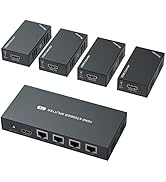
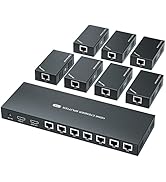
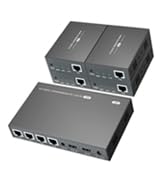
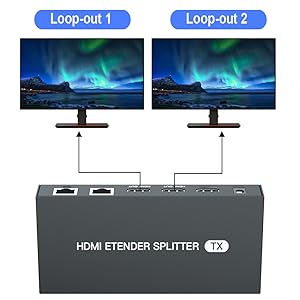
Loop Out
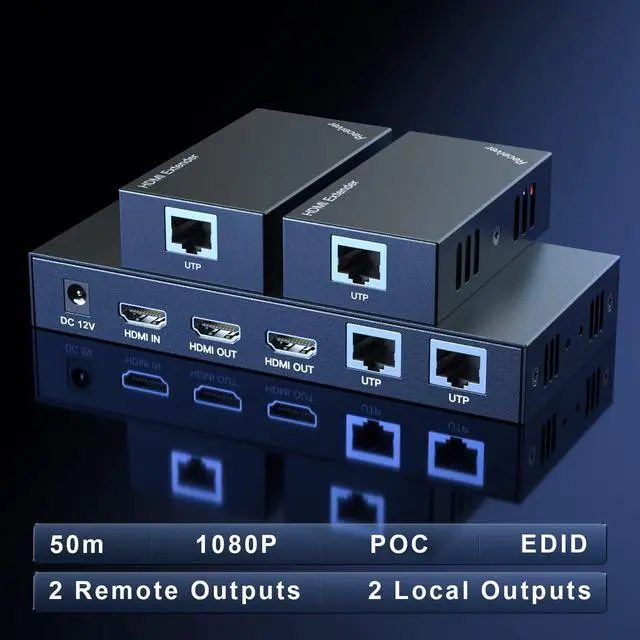
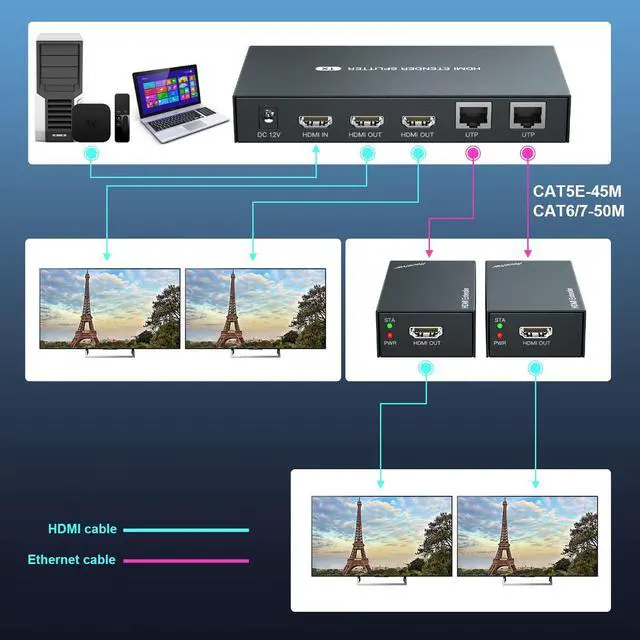
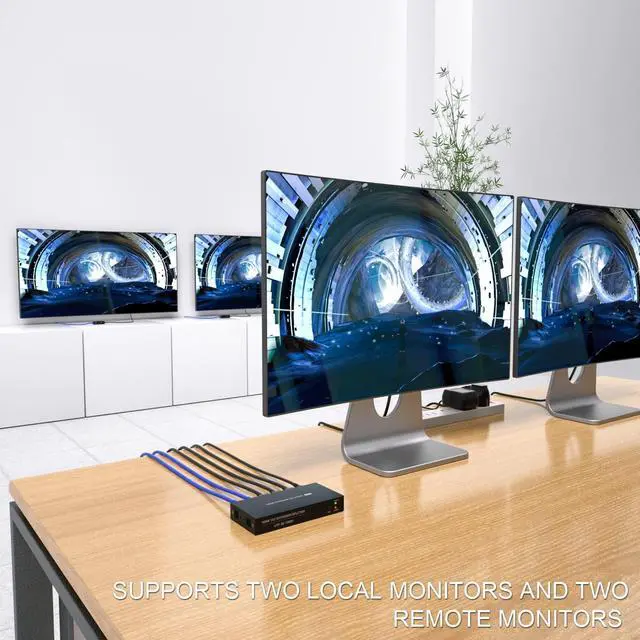
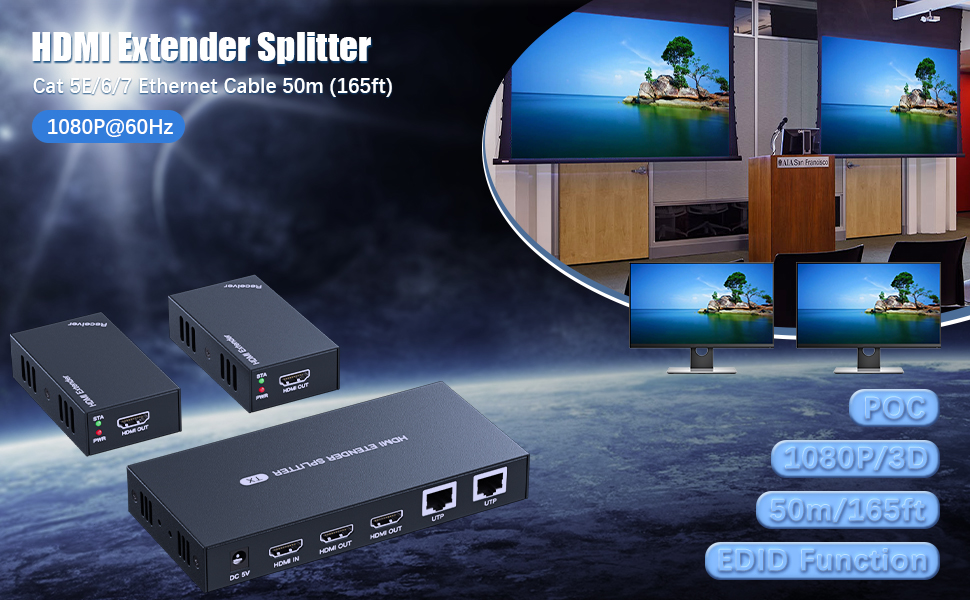
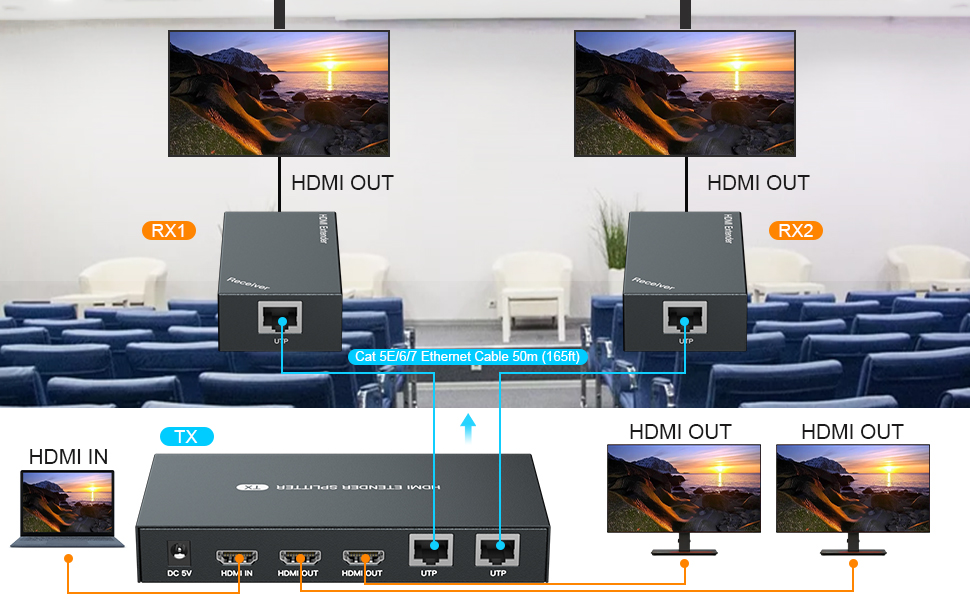
Supports connecting 2 local monitors
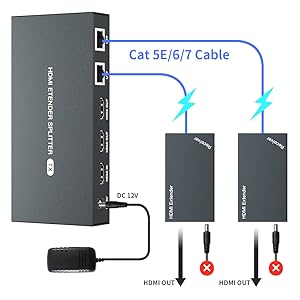
POC
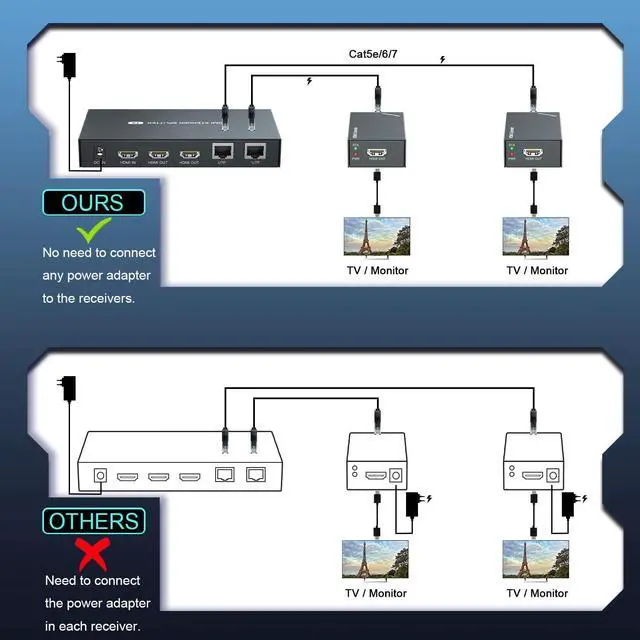
Receivers does not require power supply
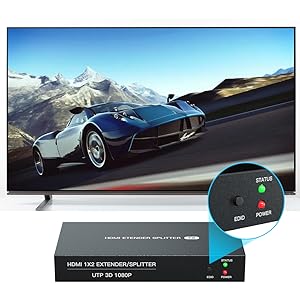
EDID
Suitable for various monitors
HDMI EXTENDER/SPLITTER
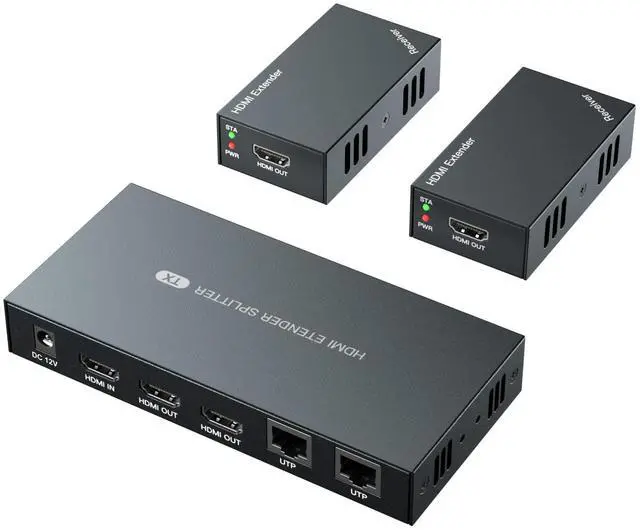
Change the mode of audio and video signals for longer distance transmission, HDMI IN --- CAT X --- HDMI OUT. 2-channel simultaneous transmission.
Specifications:
1.Video
? Standards --- HDMI 1.3
? Maximum pixel clock---165MHz
? Maximum data rate---6.75Gbps
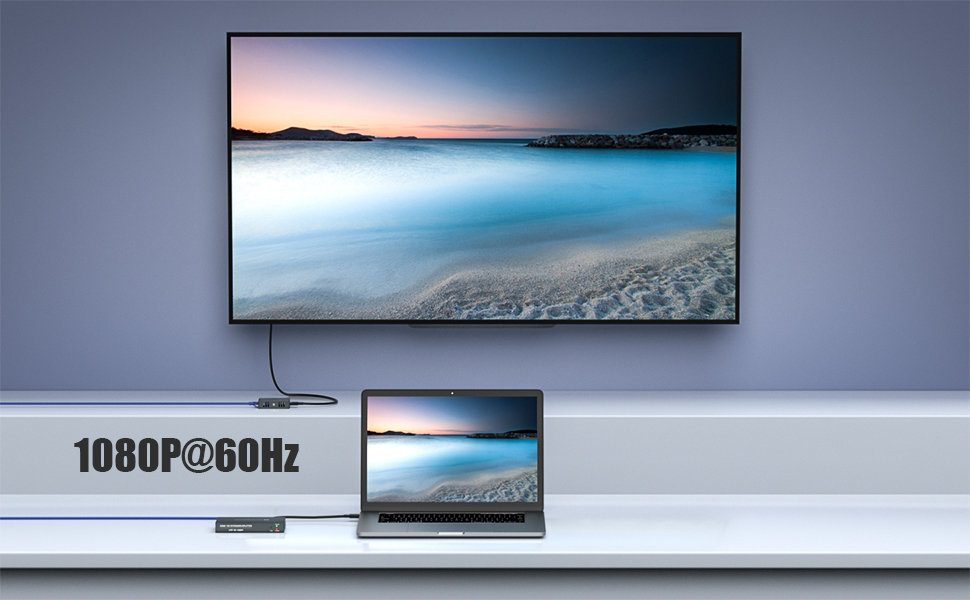
? Resolution ---1920X1080@60Hz, 3D
? Connector --- HDMI-A
2.Ethernet
? Interface --- RJ45
? Transmission distance --- CAT6---50m/164ft; CAT5E---40m/130ft; CAT5-30m/100ft. When the Ethernet cable is between 1~10 feet, it may have no image, please try another longer cable.
3.Others
? Power supply---Input: 110~220V; Output: 12V
? Power dissipation---MAX 12W
? Temperature---Operating: -5? ~ +70?
? Humidity---Operating: 5% ~ 90%
? Dimension---TX:150*71*23mm / RX:81*45*23
4. Packing list
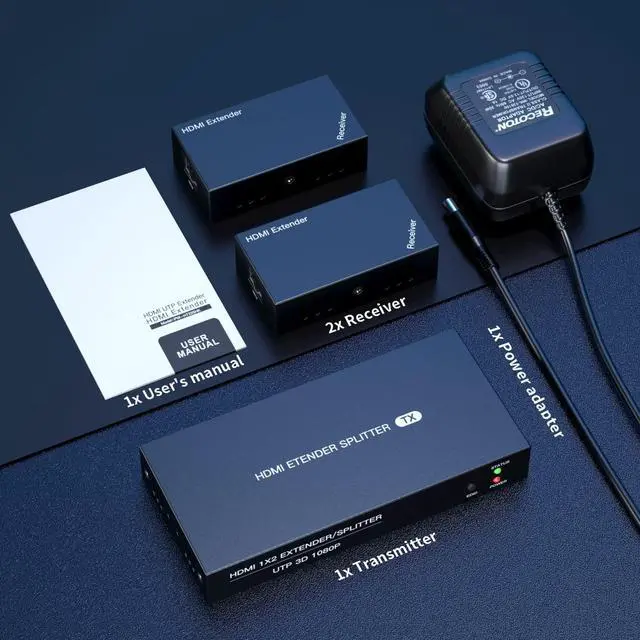
? HDMI transmitter---1 pcs
? HDMI receiver---2 pcs
? Power adapter---1 pcs
? User manual---1 pcs
About EDID
When the EDID cannot automatically identify the monitor parameters, the image may not be displayed, please perform the following steps.
(1) Connect the monitor to the HDMI IN on transmitter.
(2) Connect the power supply to transmitter.
(3) Press and hold the EDID button for 3-5 seconds. The green light on transmitter side stops flashing, indicating EDID copy is complete.
Loop Out
Supports connecting 2 local monitors
POC
Receivers does not require power supply
EDID
Suitable for various monitors
HDMI EXTENDER/SPLITTER
Change the mode of audio and video signals for longer distance transmission, HDMI IN --- CAT X --- HDMI OUT. 2-channel simultaneous transmission.
Specifications:
1.Video
? Standards --- HDMI 1.3
? Maximum pixel clock---165MHz
? Maximum data rate---6.75Gbps
? Resolution ---1920X1080@60Hz, 3D
? Connector --- HDMI-A
2.Ethernet
? Interface --- RJ45
? Transmission distance --- CAT6---50m/164ft; CAT5E---40m/130ft; CAT5-30m/100ft. When the Ethernet cable is between 1~10 feet, it may have no image, please try another longer cable.
3.Others
? Power supply---Input: 110~220V; Output: 12V
? Power dissipation---MAX 12W
? Temperature---Operating: -5? ~ +70?
? Humidity---Operating: 5% ~ 90%
? Dimension---TX:150*71*23mm / RX:81*45*23
4. Packing list
? HDMI transmitter---1 pcs
? HDMI receiver---2 pcs
? Power adapter---1 pcs
? User manual---1 pcs
About EDID
When the EDID cannot automatically identify the monitor parameters, the image may not be displayed, please perform the following steps.
(1) Connect the monitor to the HDMI IN on transmitter.
(2) Connect the power supply to transmitter.
(3) Press and hold the EDID button for 3-5 seconds. The green light on transmitter side stops flashing, indicating EDID copy is complete.
PWAYTEK – Reliable Connections
PWAYTEK delivers stable and easy-to-use HDMI extenders and AV solutions. Our mission is to provide clear video, long-distance transmission, and dependable performance for home, office, and professional use.
HDMI Extender Splitter
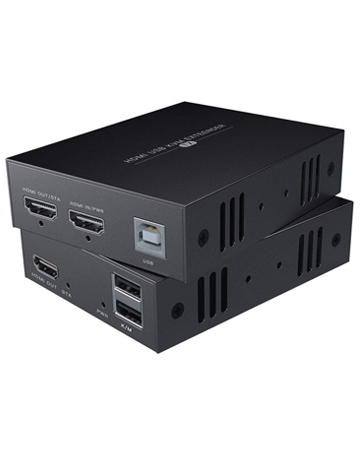
HDMI Extender with USB