




wireless HDMI
Merchant Video


How do I fix unstable wireless connections between the transmitter and receiver?
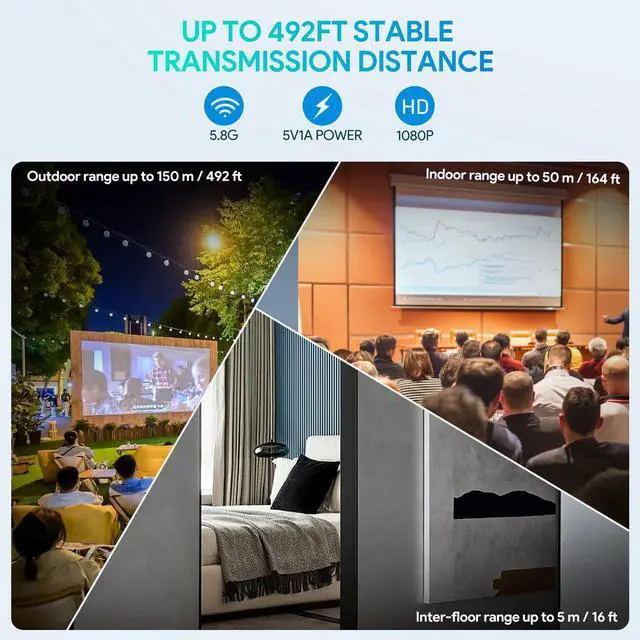
1, Ensure your devices are within the 150M range.
2, Remove any large metal objects or electronic devices that may cause interference.
3, Reset both the transmitter and receiver by pressing the reset button for 10 seconds.
I can't seem to pair the transmitter and receiver using the HDMI dual female adapter, what should I do?
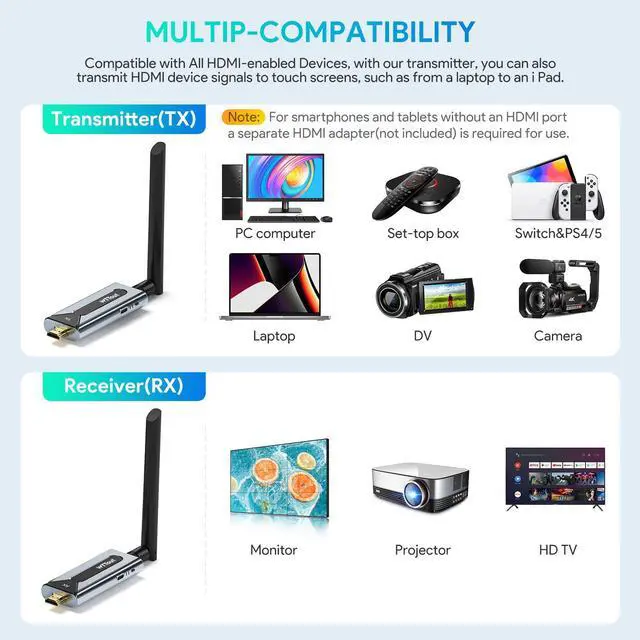
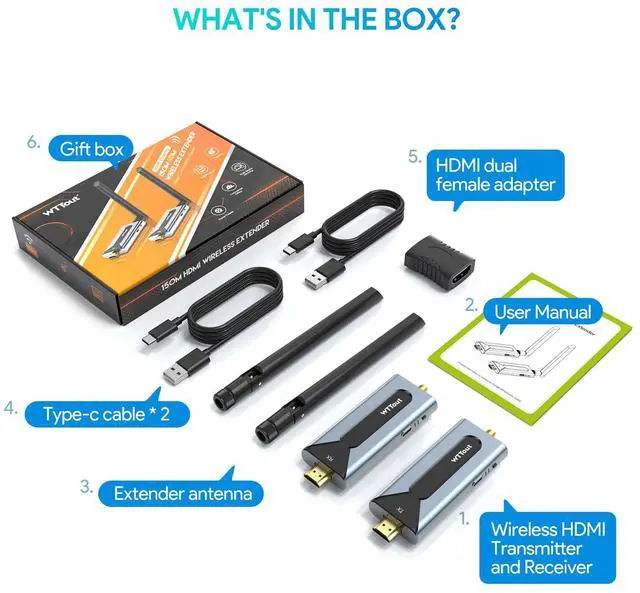
If pairing issues occur, ensure the HDMI dual female adapter is connected to both devices. Power off and restart the receiver and transmitter. Sequential LED flashing confirms successful pairing. For further assistance, refer to the user manual.
My power adapter isn't working with the transmitter/receiver, what are the compatible power requirements?
The transmitter and receiver require a 5V/1A power adapter. Check that your adapter meets these specifications. If the devices still aren't powering on, try using a different USB port or wall socket to rule out any issues with the power source.
There's signal interference when using the wireless extender, how can I minimize it?
To minimize signal interference, place the transmitter and receiver as far away from other electronic devices as possible. Avoid placing them near Wi-Fi routers, or other wireless devices that emit strong signals.
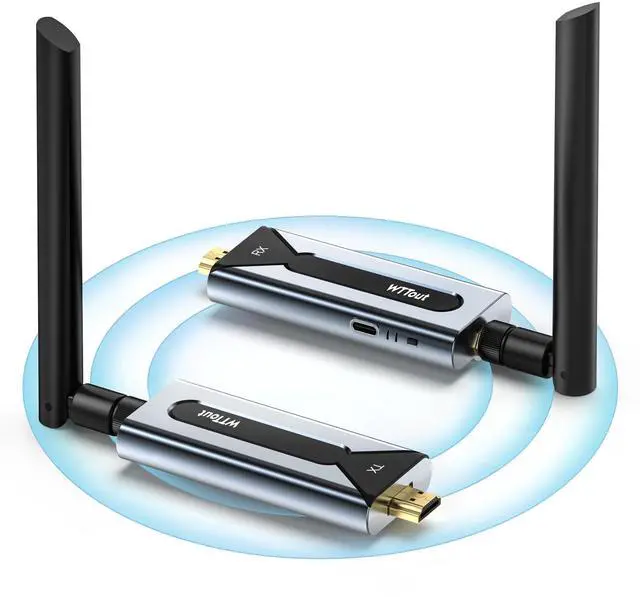
Wireless HDMI Transmitter and Receiver
 Wireless HDMI Transmitter | 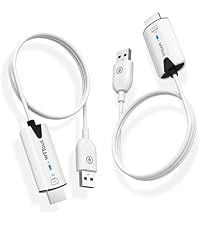 Wireless HDMI Transmitter | 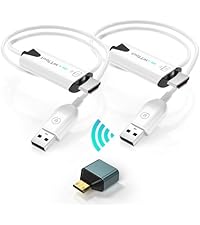 Wireless HDMI Transmitter | 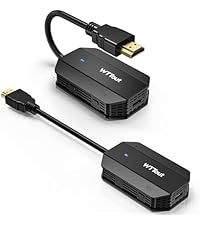 Wireless HDMI Transmitter |  Wireless HDMI Transmitter | 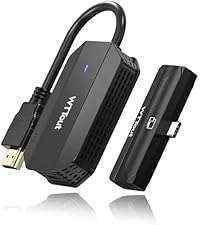 Wireless HDMI Transmitter | 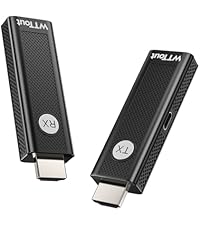 Wireless HDMI Transmitter | |
|---|---|---|---|---|---|---|---|
Customer Reviews | — | — | — | — | — | — | — |
Price | — | — | — | — | — | — | — |
Resolution | 1080P@60Hz / 720P | 1080P@60Hz / 720P | 1080P@60Hz / 720P | 1080P@60Hz / 720P | 1080P@60Hz / 720P | 1080P@60Hz / 720P | 1080P@60Hz / 720P |
Transmission Range | 492FT/150M | 165FT/50M | 165FT/50M | 165FT/50M | 165FT/50M | 165FT/50M | 165FT/50M |
Frequency | 5.8GHz / 2.4GHz | 5GHz / 2.4GHz | 5GHz / 2.4GHz | 5GHz / 2.4GHz | 5GHz / 2.4GHz | 5GHz / 2.4GHz | 5GHz / 2.4GHz |
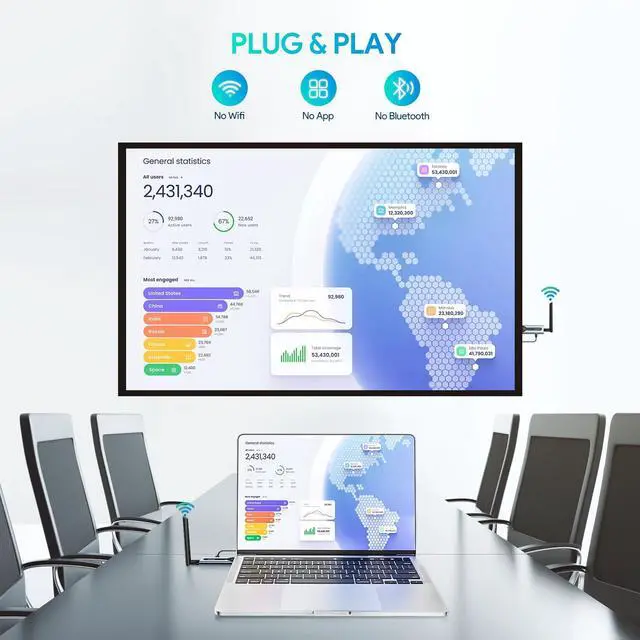
Setup | Plug and Play | Plug and Play | Plug and Play | Plug and Play | Plug and Play | Plug and Play | Plug and Play |
Converter Provided | None | None | Mini HDMI adapter | None | Mini HDMI adapter | None | None |
Youtube, Spotify,Photo,Gaming | ? | ? | ? | ? | ? | ? | ? |

At EPISTOLARY, we're dedicated to elevating the accessory experience with our premium range of wireless hdmi and phone case. Quality You Can Trust: Each EPISTOLARY accessory undergoes rigorous testing to provide optimal performance and longevity. Your satisfaction is our priority. We back our products with exceptional sevice, ensuring that you have a positive experience with every EPISTOLARY accessory
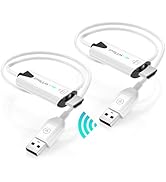
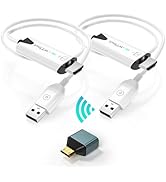
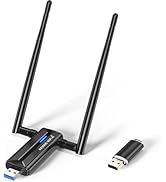
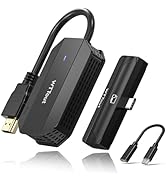
Wireless HDMI Extender
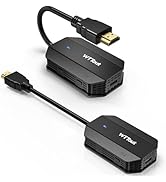
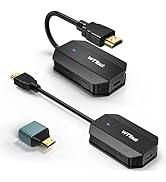
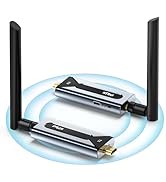
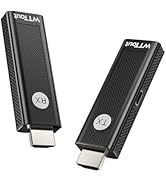
Wireless HDMI Transmitter

wireless HDMI
Merchant Video


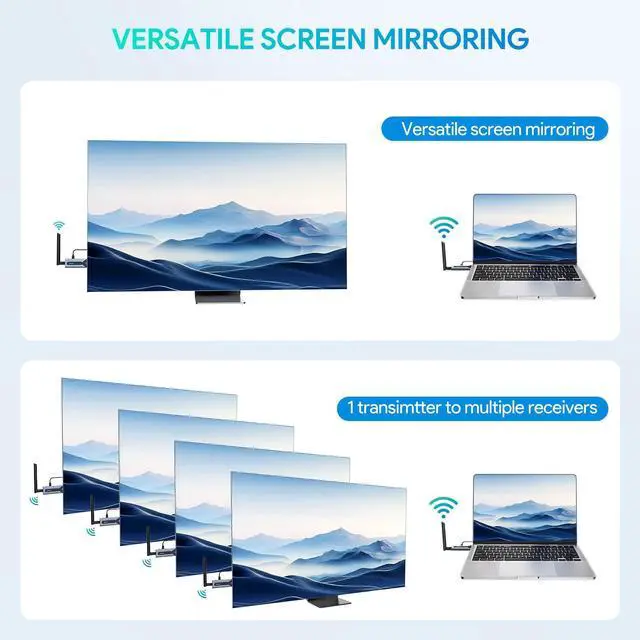
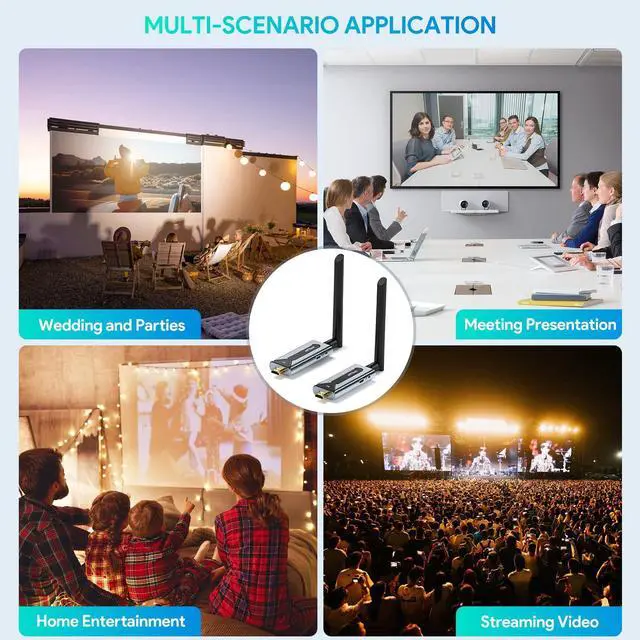
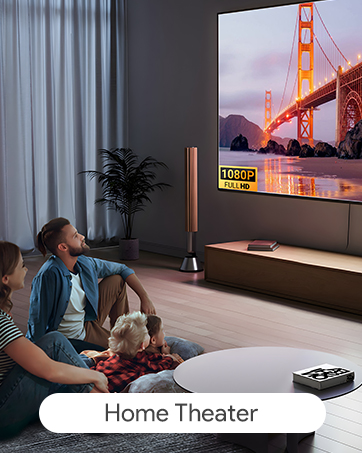
Bring the magic of cinema to any space with effortless screen projection
Streamline video conferences with a wireless and seamless screen sharing experience.
Enrich classroom lessons with clear screen mirroring for all to see.
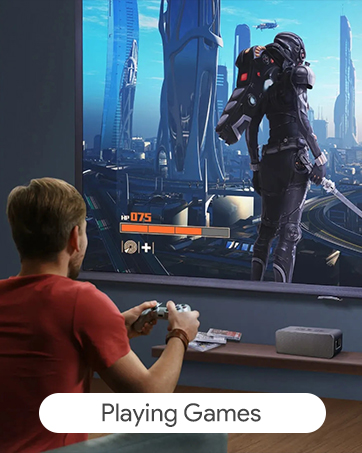
Elevate your gaming sessions with instant big-screen mirroring.


How do I fix unstable wireless connections between the transmitter and receiver?
1, Ensure your devices are within the 150M range.
2, Remove any large metal objects or electronic devices that may cause interference.
3, Reset both the transmitter and receiver by pressing the reset button for 10 seconds.
I can't seem to pair the transmitter and receiver using the HDMI dual female adapter, what should I do?
If pairing issues occur, ensure the HDMI dual female adapter is connected to both devices. Power off and restart the receiver and transmitter. Sequential LED flashing confirms successful pairing. For further assistance, refer to the user manual.
My power adapter isn't working with the transmitter/receiver, what are the compatible power requirements?
The transmitter and receiver require a 5V/1A power adapter. Check that your adapter meets these specifications. If the devices still aren't powering on, try using a different USB port or wall socket to rule out any issues with the power source.
There's signal interference when using the wireless extender, how can I minimize it?
To minimize signal interference, place the transmitter and receiver as far away from other electronic devices as possible. Avoid placing them near Wi-Fi routers, or other wireless devices that emit strong signals.
Wireless HDMI Transmitter and Receiver
Wireless HDMI Transmitter | Wireless HDMI Transmitter | Wireless HDMI Transmitter | Wireless HDMI Transmitter | Wireless HDMI Transmitter | Wireless HDMI Transmitter | Wireless HDMI Transmitter |
|---|---|---|---|---|---|---|
| Customer Reviews | ||||||
| — | — | — | — | — | — | — |
| Price | ||||||
| — | — | — | — | — | — | — |
| Resolution | ||||||
| 1080P@60Hz / 720P | 1080P@60Hz / 720P | 1080P@60Hz / 720P | 1080P@60Hz / 720P | 1080P@60Hz / 720P | 1080P@60Hz / 720P | 1080P@60Hz / 720P |
| Transmission Range | ||||||
| 492FT/150M | 165FT/50M | 165FT/50M | 165FT/50M | 165FT/50M | 165FT/50M | 165FT/50M |
| Frequency | ||||||
| 5.8GHz / 2.4GHz | 5GHz / 2.4GHz | 5GHz / 2.4GHz | 5GHz / 2.4GHz | 5GHz / 2.4GHz | 5GHz / 2.4GHz | 5GHz / 2.4GHz |
| Setup | ||||||
| Plug and Play | Plug and Play | Plug and Play | Plug and Play | Plug and Play | Plug and Play | Plug and Play |
| Converter Provided | ||||||
| None | None | Mini HDMI adapter | None | Mini HDMI adapter | None | None |
| Youtube, Spotify,Photo,Gaming | ||||||
| ? | ? | ? | ? | ? | ? | ? |
At EPISTOLARY, we're dedicated to elevating the accessory experience with our premium range of wireless hdmi and phone case. Quality You Can Trust: Each EPISTOLARY accessory undergoes rigorous testing to provide optimal performance and longevity. Your satisfaction is our priority. We back our products with exceptional sevice, ensuring that you have a positive experience with every EPISTOLARY accessory
Wireless HDMI Extender
Wireless HDMI Transmitter