



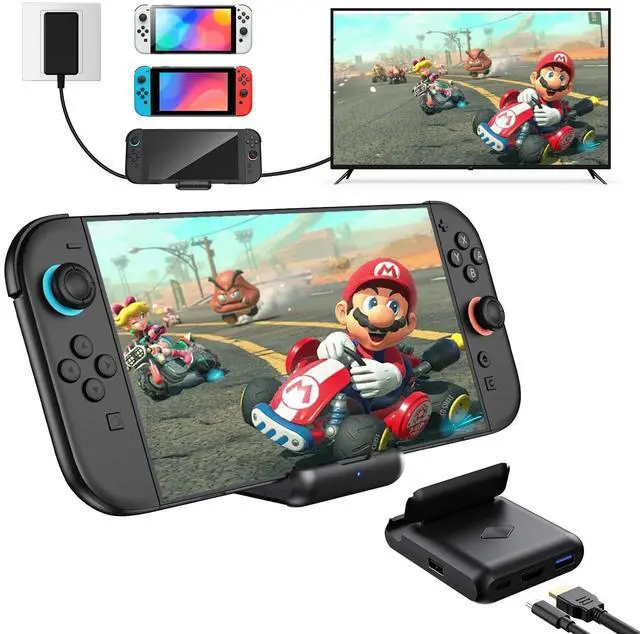


BOXPSII Switch 2 TV Dock Compatible with the updated Switch Version 21.2.0


TV dock station doesn't work, what should I do?
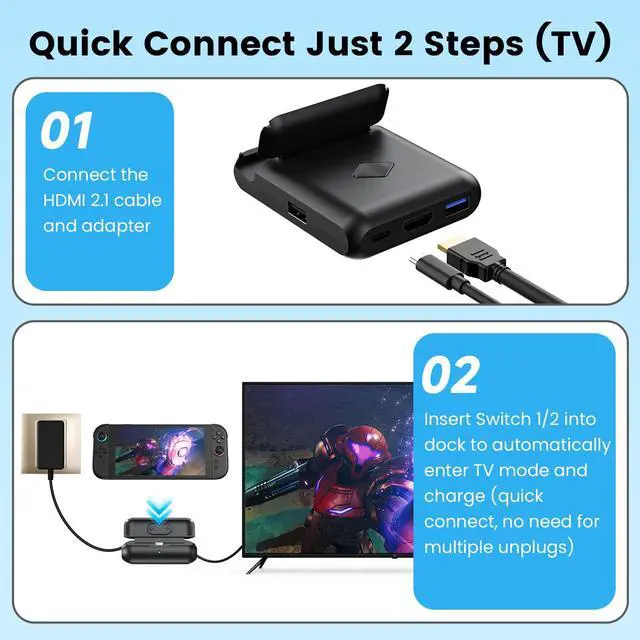
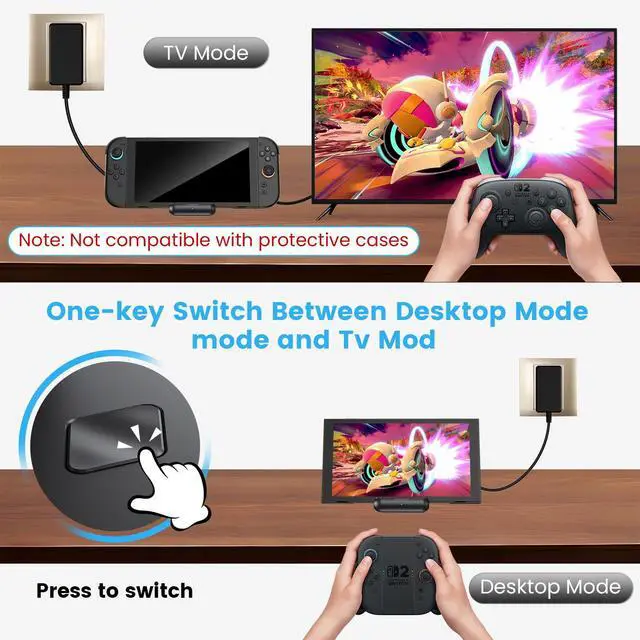
Remove the Switch protective cover. Ensure the Switch is fully inserted into the dock. Reinsert the original power adapter, HDMI 2.1 cable, and Switch console to ensure a perfect fit. (Please ensure you are using the HDMI 2.1 cable)
Does the switch 2 dock come with a 60w power adapter and HDMI cable?
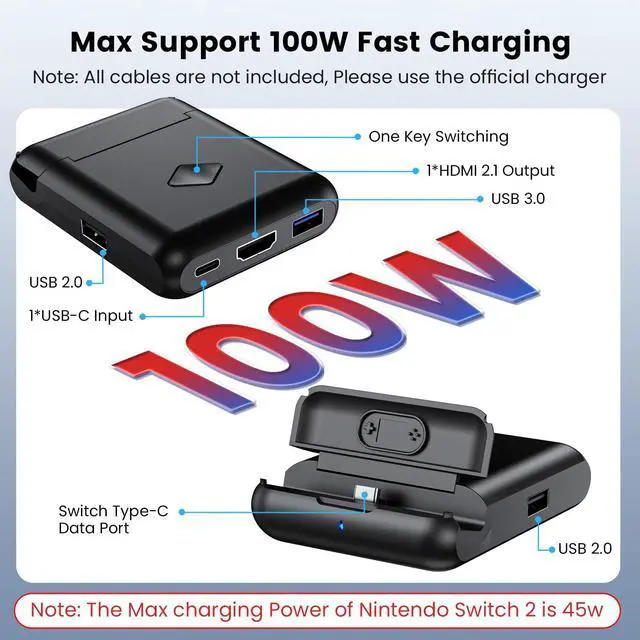
This package includes only the dock and instruction manual, but does not include any cables and power adapter.(Remove the protective case before use)
The switch 2 dock can be charged, but the content cannot be transferred to the TV for display?
The HDMI port on the TV is not matched with the HDMI signal source settings on the TV, or another device is occupying the HDMI port signal source on the TV. Please unplug and replug the cable, then select the corresponding HDMI signal source to match
What should I do if the colors not correct when connected to the TV?
If your TV does not support HDR, try enabling HDR on the Switch and configuring HDR settings. If your display has built-in HDR, it is recommended to disable HDR on the Switch to avoid interference caused by both being active simultaneously.
Do I need to remove the protective case from Switch when using this dock?
Yes, before use, you need to remove the switch protective cover to ensure that the switch dock can function properly.

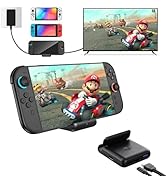
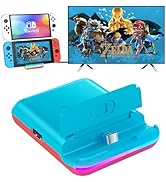
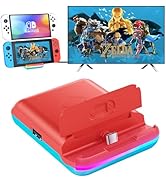
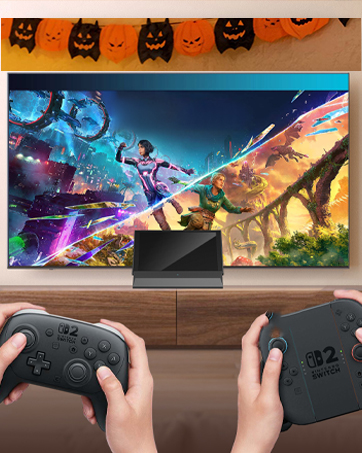
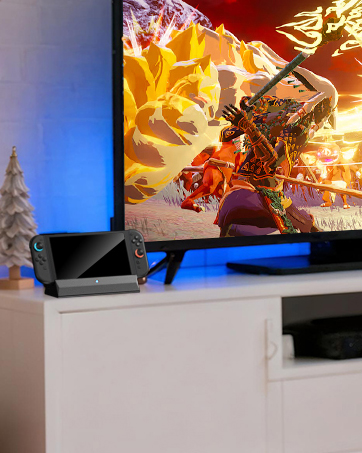

BOXPSII Switch 2 TV Dock Compatible with the updated Switch Version 21.2.0


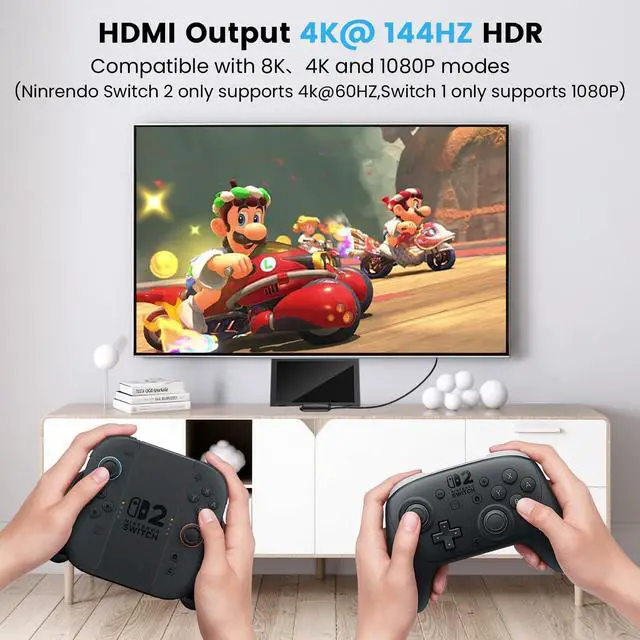
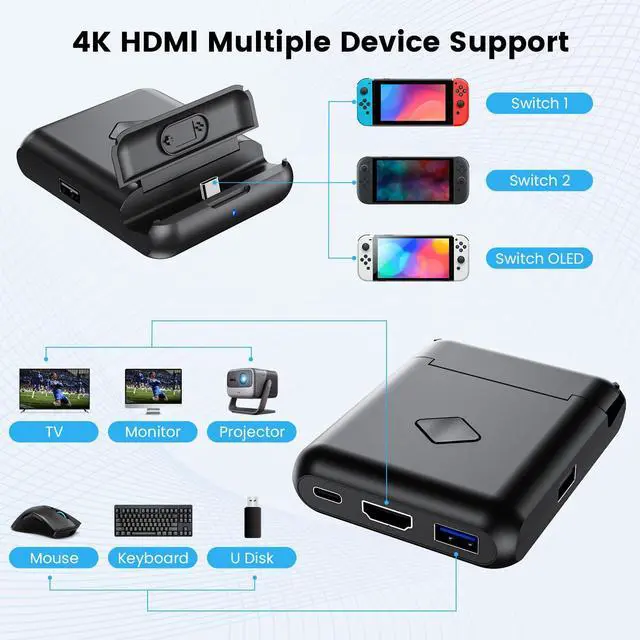
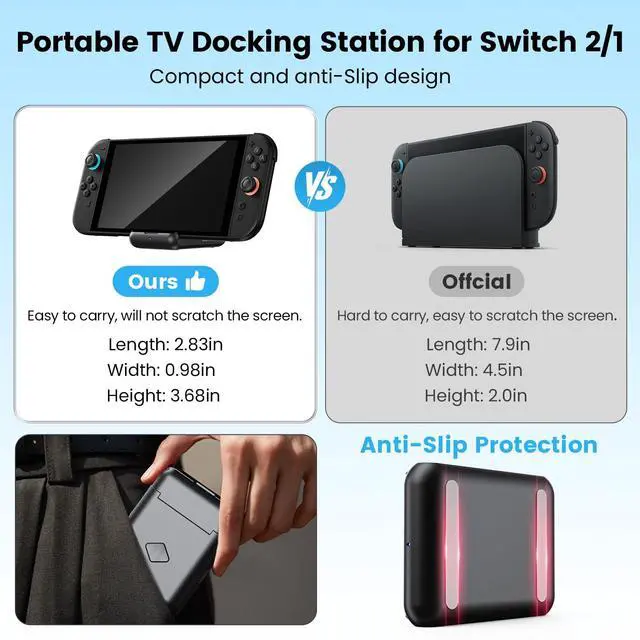
Portable TV Docking Station Supports 4K, 1080P and 720P for Switch 2/1/OLED


TV dock station doesn't work, what should I do?
Remove the Switch protective cover. Ensure the Switch is fully inserted into the dock. Reinsert the original power adapter, HDMI 2.1 cable, and Switch console to ensure a perfect fit. (Please ensure you are using the HDMI 2.1 cable)
Does the switch 2 dock come with a 60w power adapter and HDMI cable?
This package includes only the dock and instruction manual, but does not include any cables and power adapter.(Remove the protective case before use)
The switch 2 dock can be charged, but the content cannot be transferred to the TV for display?
The HDMI port on the TV is not matched with the HDMI signal source settings on the TV, or another device is occupying the HDMI port signal source on the TV. Please unplug and replug the cable, then select the corresponding HDMI signal source to match
What should I do if the colors not correct when connected to the TV?
If your TV does not support HDR, try enabling HDR on the Switch and configuring HDR settings. If your display has built-in HDR, it is recommended to disable HDR on the Switch to avoid interference caused by both being active simultaneously.
Do I need to remove the protective case from Switch when using this dock?
Yes, before use, you need to remove the switch protective cover to ensure that the switch dock can function properly.
BOXPSII is committed to providing high quality gaming products for every gamer! Only to provide a better gaming experience.
BOXPSII Switch Docking Station
Switch 2 Dock Station
TV Dock Station for Switch 2/1
Switch 2 Dock
Switch 2 TV Docking Station
Switch Docking Station
Switch 2 Docking Station