• $74.99
  • Free 30-day Returns
  • Sold by Music Street

    Shipped by Music Street

    Price alert
    Shop it at NeweggBusiness.

    Meet Your Seller

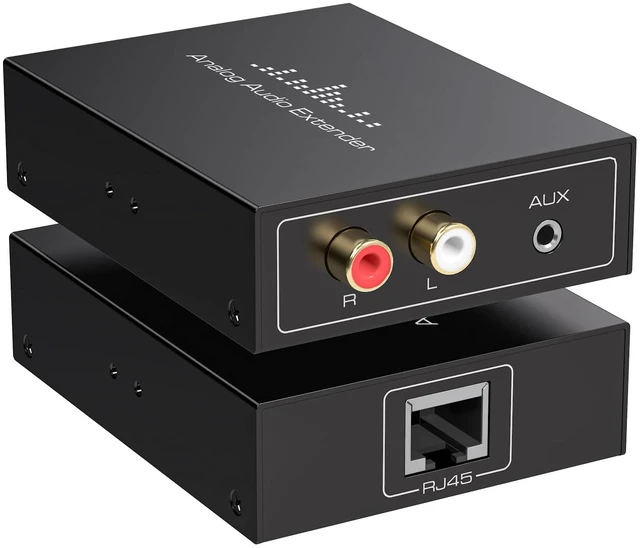
    Analog Audio Extender RCA 3.5MM Stereo Over Ethernet LAN Single Cat5e/6 Cable, up to 1640FT/500M No External Power Required for Home Theater Church AMP Long Distance Audio Transmission

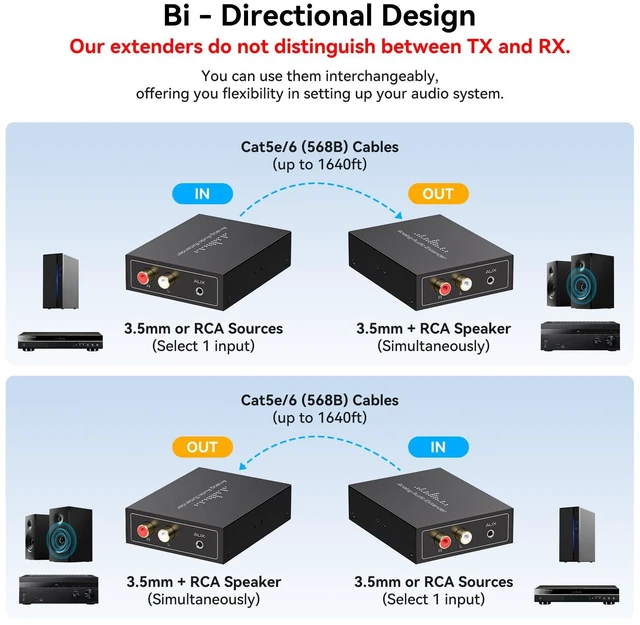
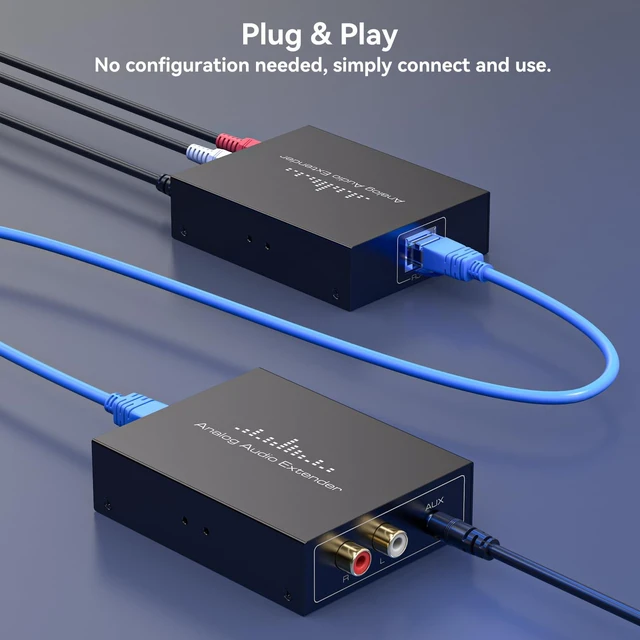
    • Important Note 1.CAT5E/6 cable must be a lEEE 568B standard connection method or the product will be damaged,2.Connect to the audio source equipment such as a PC/Laptop or an Hi-Fi equipment with 3.5mm audio cables or RCA cables(Don't support connecting L/R input and AUX input inputs simultaneously),3.Both L/R output and AUX Outputs can be connected and produce sound simultaneously
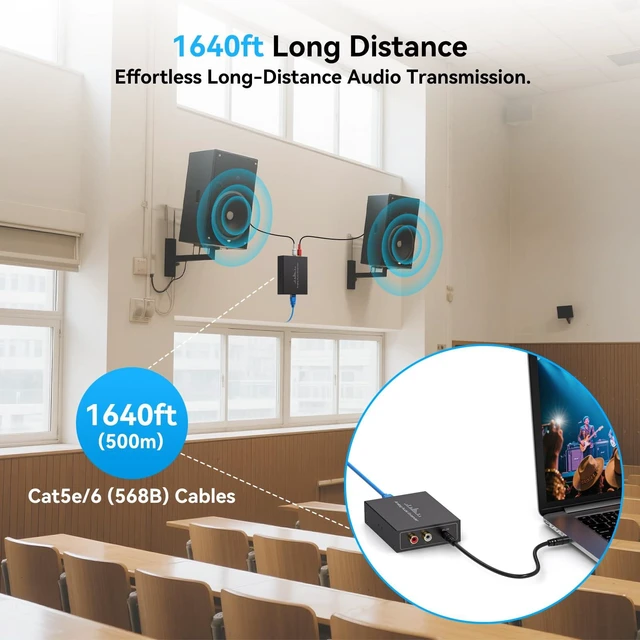
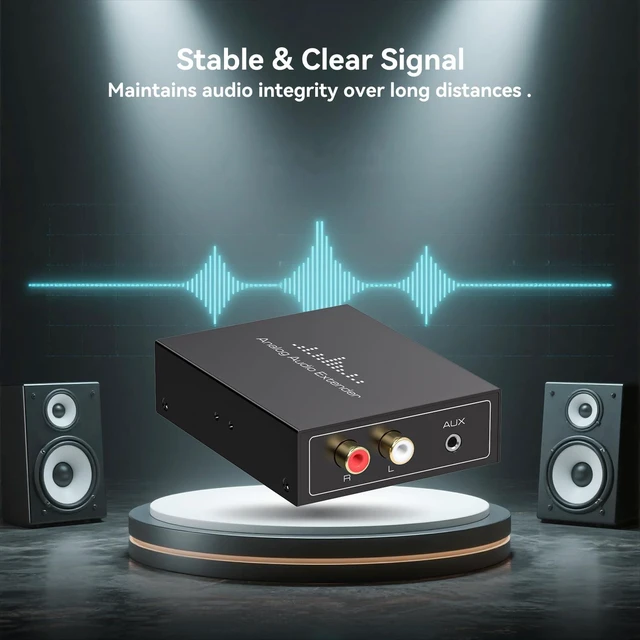
    • Analog Audio Extender Up To 1640ft/500mThis analog audio extender transmits high-fidelity stereo audio from RCA or 3.5mm interfaces over a single network cable (Cat5e/6) up to 1640ft (500m), making it an ideal long-distance audio transmission solution for large venues such as churches, schools, and conference rooms. Enjoy crystal-clear sound without signal lossor quality degradation
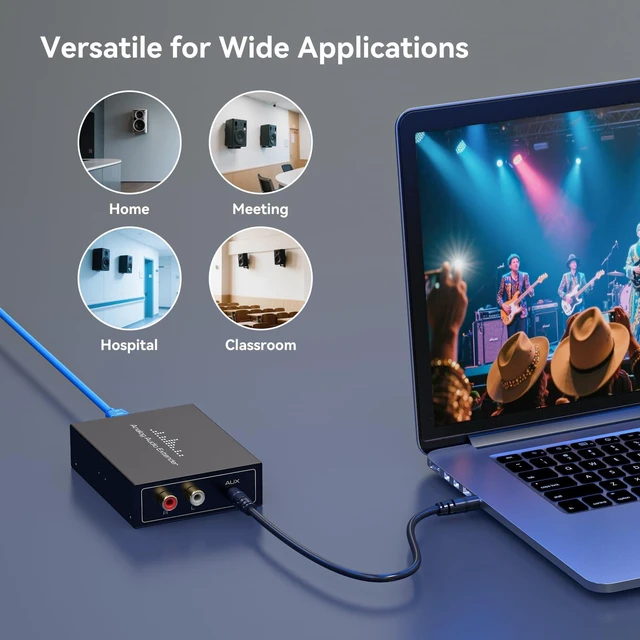
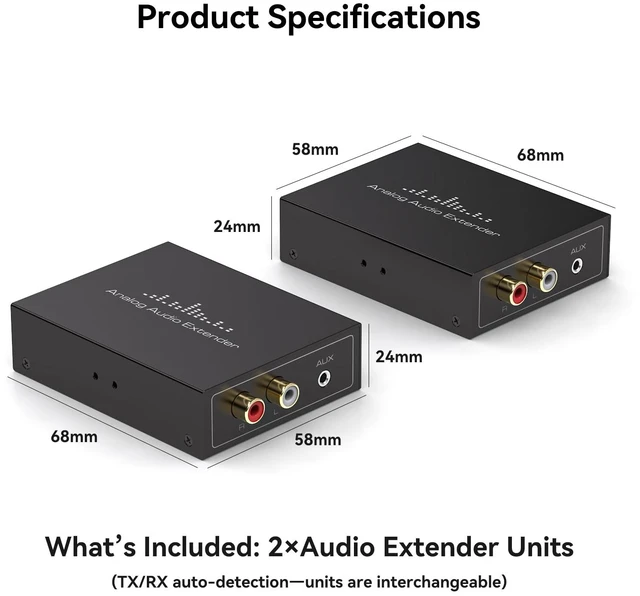
    • No Transmitter/Receiver Distinction RequiredThis universal audio extender eliminates the need to differentiate between transmitter and receiver units. Simply connect your audio source to one of device using RCA (L+R) or 3.5mm cable, connect to other device with Cat5e/6 Ethernet cable, and route the output to your amplifiers or speakers
    • Reliable & Clear Audio DeliveryThis professional audio balun enables long-distance stereo audio transmission over Cat5e/6 cable, effectively eliminating interference and delivering clear sound for home theater, commercial audio, and surveillance system applications. Its streamlined design simplifies professional installation by routing audio through walls and ceilings
    +
    +
    Overview
    Specs
    Reviews

    Any questions? Ask CelesteSM will help you find out quickly.

    Important Note 1.CAT5E/6 cable must be a lEEE 568B standard connection method or the product will be damaged,2.Connect to the audio source equipment such as a PC/Laptop or an Hi-Fi equipment with 3.5mm audio cables or RCA cables(Don't support connecting L/R input and AUX input inputs simultaneously),3.Both L/R output and AUX Outputs can be connected and produce sound simultaneously

    Warranty & Returns

    Warranty, Returns, And Additional Information

    Warranty

    • Please contact the Seller directly for warranty information. Warranty information may also be found on the Manufacturer's website.
    • CONTACT

    Return Policies

    Manufacturer Contact Info

    LOADING...