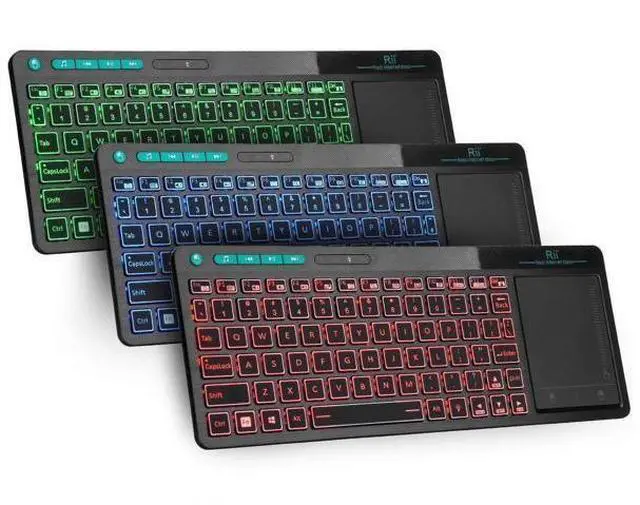
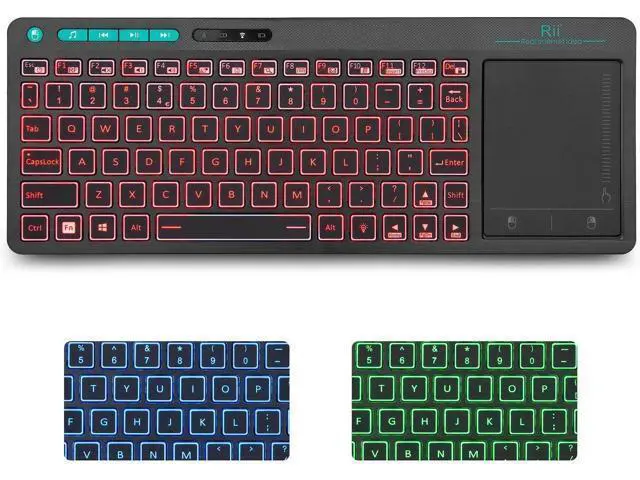
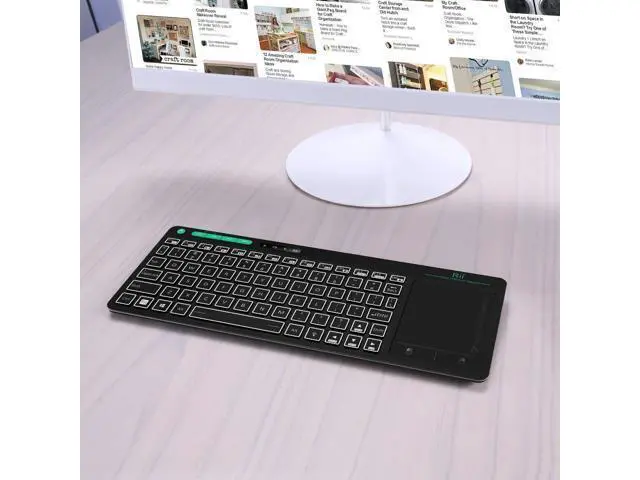
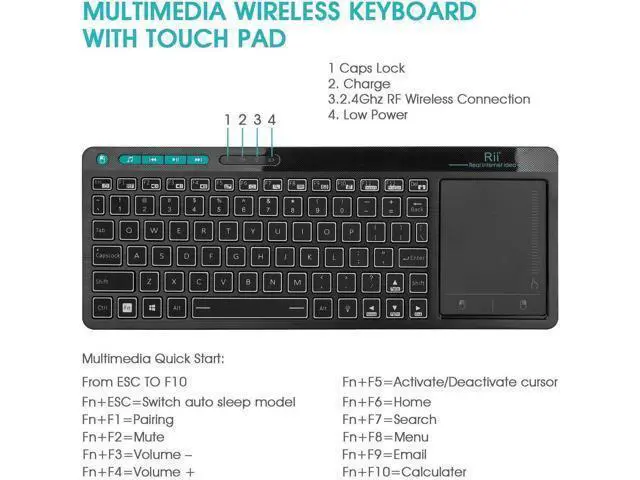
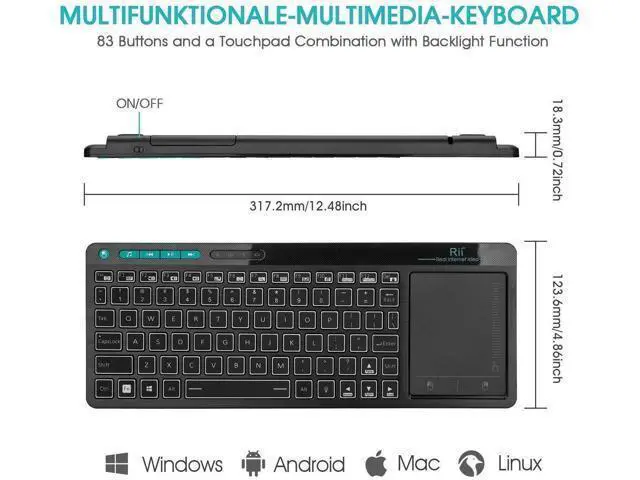
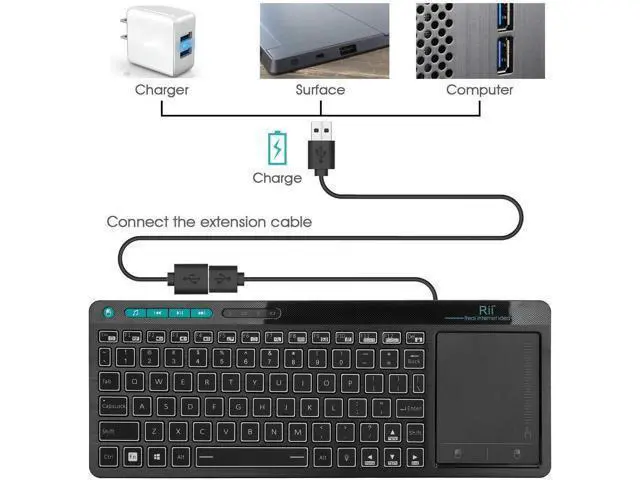
Quickview Rii as the first mini keyboard brand, all keyboards designed by RiitekTeam. Wireless Touch Keyboard, 3-Colors Backlight Keyboard, First Multi-Touch Big Size Trackpad, Rechargeable keyboard for Android TV BOX, SmartTV, Xbox, RaspberryPi, PC, Tablet, HTPC, Android, Windows, MacS. Product Operation USB Receiver Location; The USB Receiver locates the back bottom; Open the back case, you will find the USB receiver and the Recharge Cable together. 3-Colors Backlight Control 1. The Bulb button at the rigth bottom side as the Backlight control button, 2.
Backlight colors: Red, Green, Blue. Trackpad Operation 1.
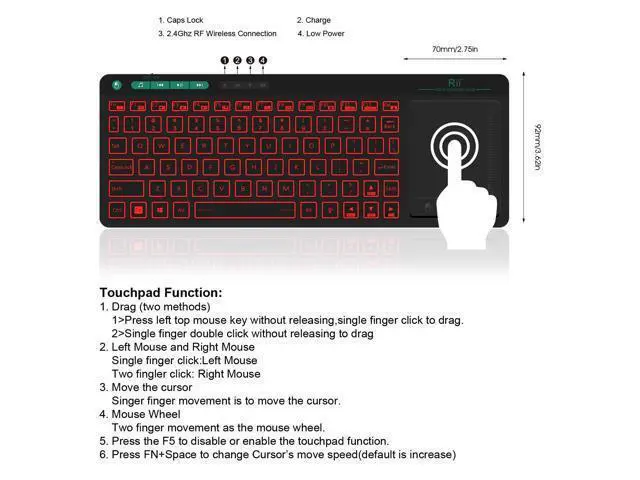
Single finger click: Left Mouse; 2.
Two fingles click: Right Mouse; 3.
Two fingles slid: Zoom in/out; Rechargeable Wireless Keyboard Built-in Rechargeable keyboard. Once recharge last about 2 weeks.
The Touchpad was not responding: Please make sure that the keyboard have been charged fully, when mode indicator keeps fast blinking, it means that the battery power is low, you need to charge; the red indicator will be lighted during charging and off after charging fully, it requires about 3 hours to charge the battery fully; Please know that Press the FN+F5 to enable/disable the touchpad function; the keyboard will not respond: 1. Please make sure the keyboard have been charged fully, charge the keyboard for at least 15 minutes, you can use the USB charging cable located in the bottom to charge; 2. Please check if the switch selected to the ON position; 3. Please plug the USB receiver (placed in t





 here!
here!