

Your Browsing History

Meet Your Seller

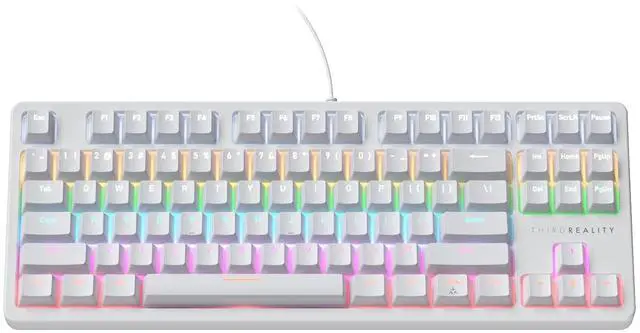
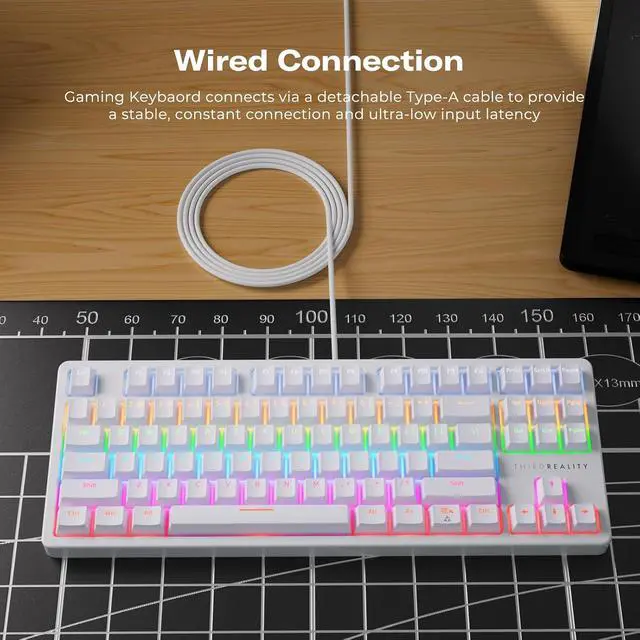


Smart Mechanical Keyboard MK1, Matter Over WiFi, 87-Key Wired Gaming Keyboard/USB-A, 44 Customizable RGB Lighting, Work with Home Assistant, SmartThings, Apple Home (White)
Limited time offer, ends 10/15 By Truespan Living
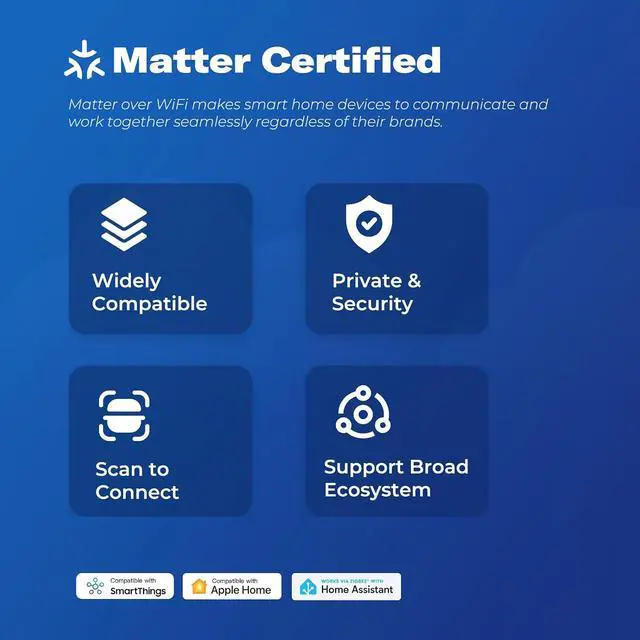
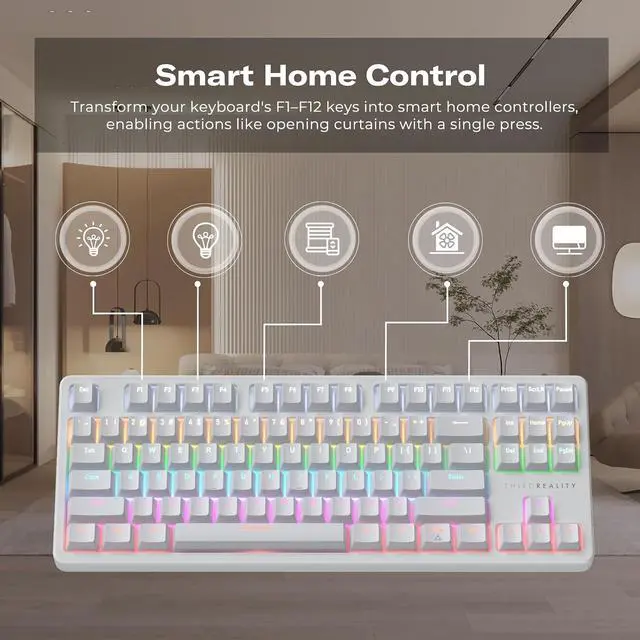
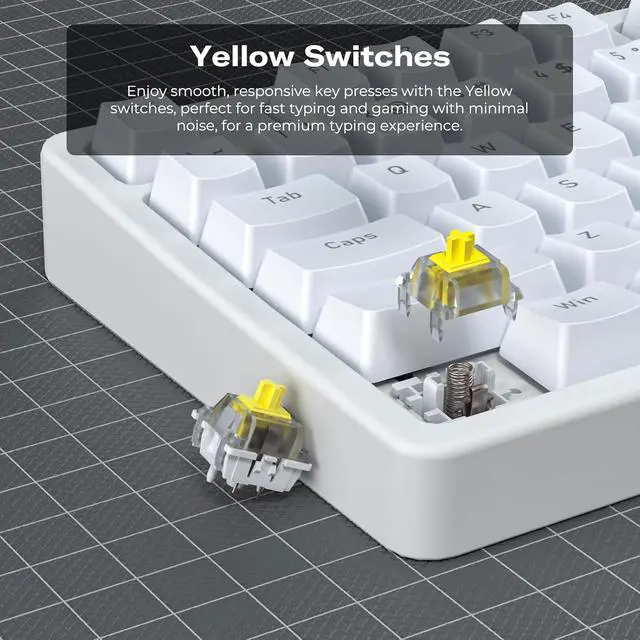
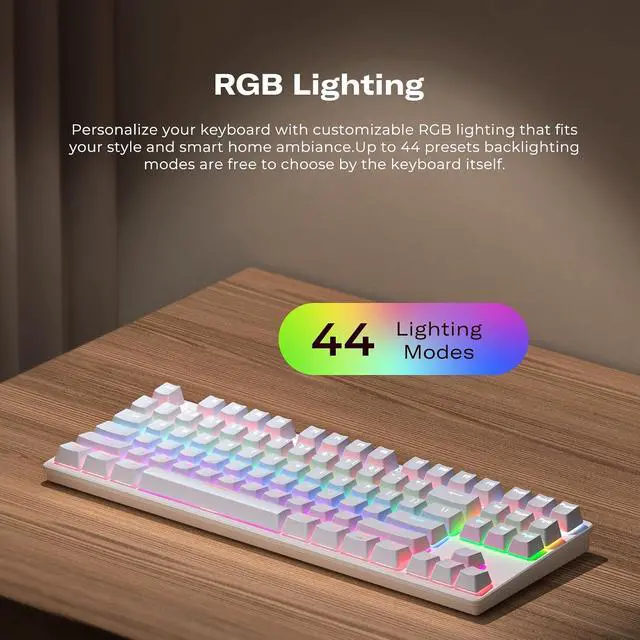
- Note: The THIRDREALITY Smart Mechanical Keyboard MK1 utilizes the US-ANSI standard layout. Please note that some symbol placements and key positions may differ from other regional keyboard configurations.; Matter Certified Compatibility: THIRDREALITY's Smart Mechanical Keyboard MK1 has been certified by the Matter protocol. Utilize Wi-Fi Matter to seamlessly connect with your local Matter Controller, such as Apple HomePod Mini. This ensures seamless connection and simplifies the setup process, eliminating compatibility issues. Note: 2.4 GHz Wi-Fi and Matter Controller Required.; Smart Home Control with F1F12 Keys: Turn your keyboard's F1-F12 keys into smart home controllers, allowing actions like turning on lights with F1+Matter or activating fans with F2+Matter. This setup enables personalized and efficient smart home management. By integrating traditional keyboard inputs with modern smart home control, it transforms your desk into an intelligent command center.; 44 RGB Lighting Effects: Customize your keyboard with dynamic RGB lighting to match your personal style and smart home ambiance. With up to 44 built-in backlighting modes, freely switch between options to bring your desk to life with vibrant colors.The keyboard comes with a dedicated website, allowing users to adjust RGB lighting colors, brightness, effect modes, and other functional settings through the site, enabling personalized customization and convenient control.; Yellow Switches: Experience smooth and respo
+
+
Overview
Specs
Reviews

Any questions? Our AI mode will help you find out quickly.
Try me now
Product description 12 Smart Button Shortcut Settings The F1-F12 keys on this keyboard can be customized to control your smart home devices with ease. Set F1+Matter to turn on lights, F2+Matter to activate the humidifier, or F3+Matter to play musicall with a single press. Turn your desk into a smart hub for effortless control. Entertainment Mode Want a cinema-like vibe for movie night? Press F1+Matter to dim lights and close curtains. Switch to entertainment mode instantly and enjoy an immersive experience. Reading Mode Need soft light for reading? Press F2+Matter to switch to reading mode, offering eye-friendly brightness.
Protect your eyes and enjoy reading with one keystroke. Energy-Saving Mode Finish work and save energy by turning off devices. Press F3+Matter to turn off lights and sleep your PC. Achieve energy efficiency with one keystroke. Work Mode When preparing for a meeting, if the lighting feels too dim, simply press the F4+Matter key to automatically adjust your smart lights, creating a bright and comfortable workspace. Unlock Keyboard's Full Potential with the mk 1.3 reality Management Platform mk 1.3 reality platform The (mk 1.3 reality) features a dedicated Keyboard Management Platform, allowing you to customize lighting effects, key mappings, macros, and moreall in one place.
Effortlessly tailor your keyboard to suit your unique needs and preferences. Ergonomic Kickstand The Ergonomic Kickstand provides adjustable angles to suit your preferred viewing or typing p
Protect your eyes and enjoy reading with one keystroke. Energy-Saving Mode Finish work and save energy by turning off devices. Press F3+Matter to turn off lights and sleep your PC. Achieve energy efficiency with one keystroke. Work Mode When preparing for a meeting, if the lighting feels too dim, simply press the F4+Matter key to automatically adjust your smart lights, creating a bright and comfortable workspace. Unlock Keyboard's Full Potential with the mk 1.3 reality Management Platform mk 1.3 reality platform The (mk 1.3 reality) features a dedicated Keyboard Management Platform, allowing you to customize lighting effects, key mappings, macros, and moreall in one place.
Effortlessly tailor your keyboard to suit your unique needs and preferences. Ergonomic Kickstand The Ergonomic Kickstand provides adjustable angles to suit your preferred viewing or typing p
Warranty & Returns
Warranty, Returns, And Additional Information
Warranty
- Please contact the Seller directly for warranty information. Warranty information may also be found on the Manufacturer's website.
- CONTACT
Return Policies
- Return for refund within: 30 days
- Return for replacement within: non-replaceable
- This item is covered by Truespan Living Return Policy
Manufacturer Contact Info
- For a directory of all our manufacturers, please click below.
- Manufacturers Directory
LOADING...