• $399.99
  • Free 30-day Returns
  • Price alert
    Newegg PC Builder
    Shop it at NeweggBusiness.

    Meet Your Seller

    Get Educated

    Make informed decisions with expert advice. Learn More

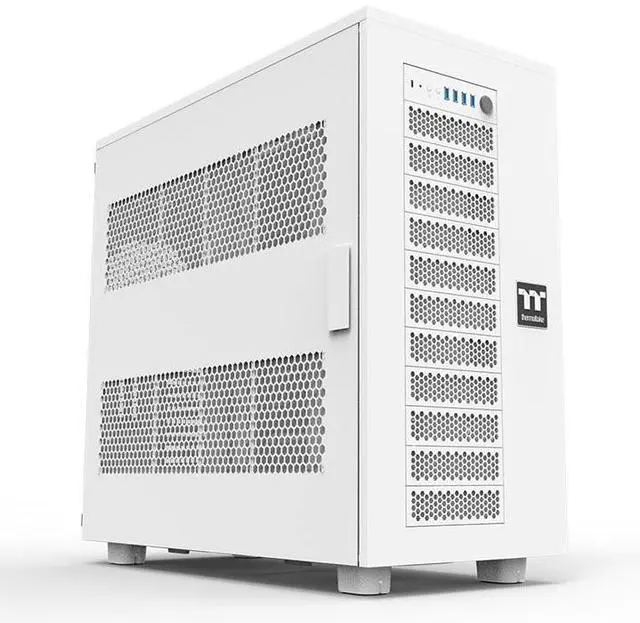
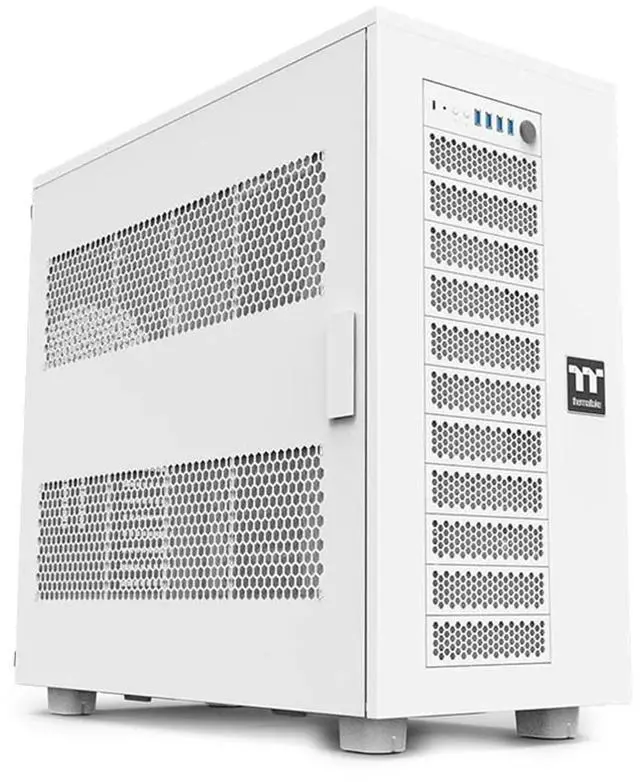
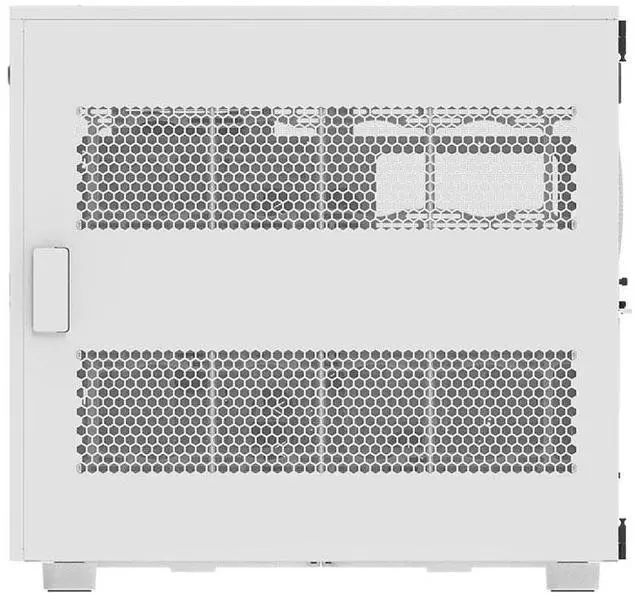
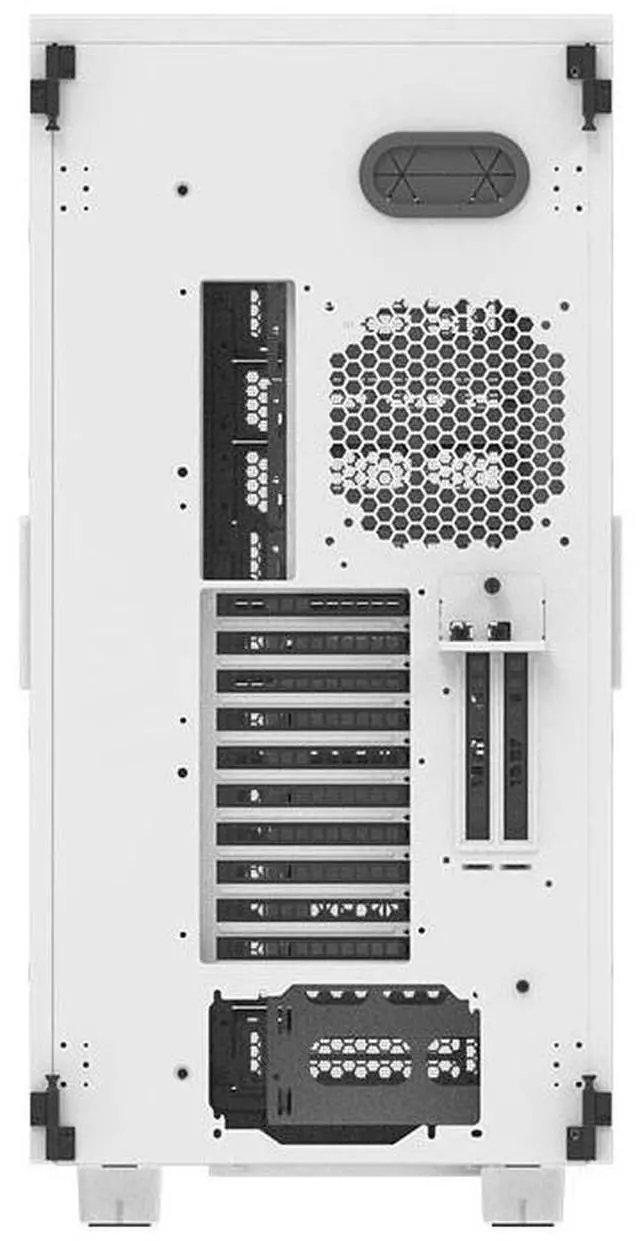
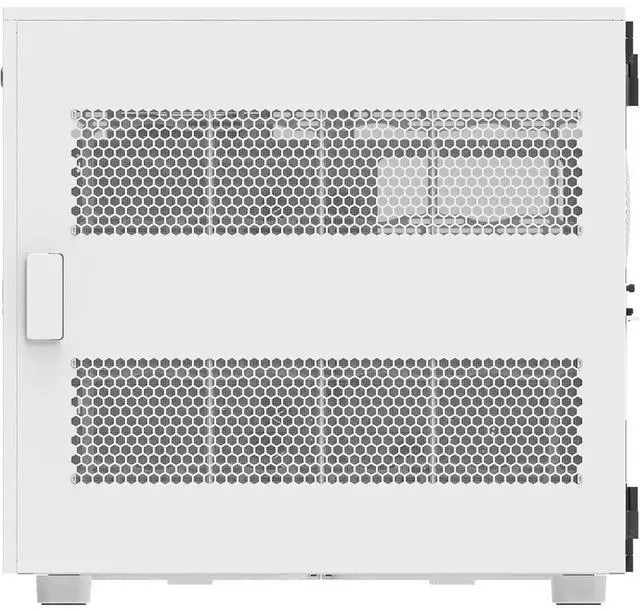
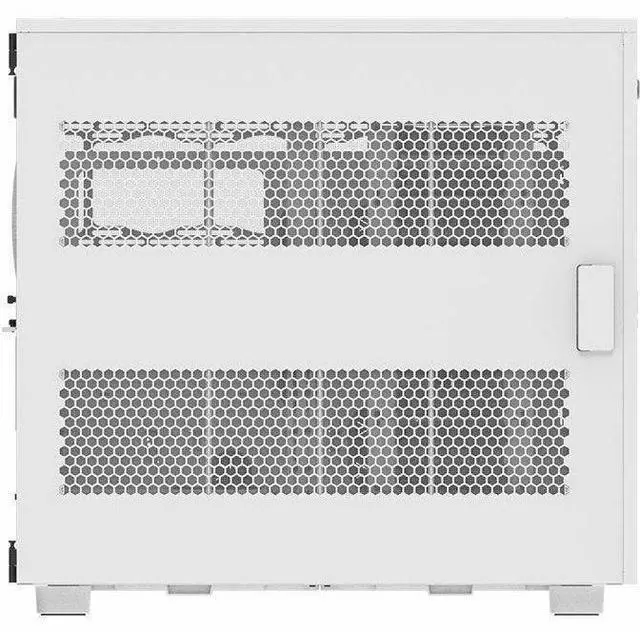
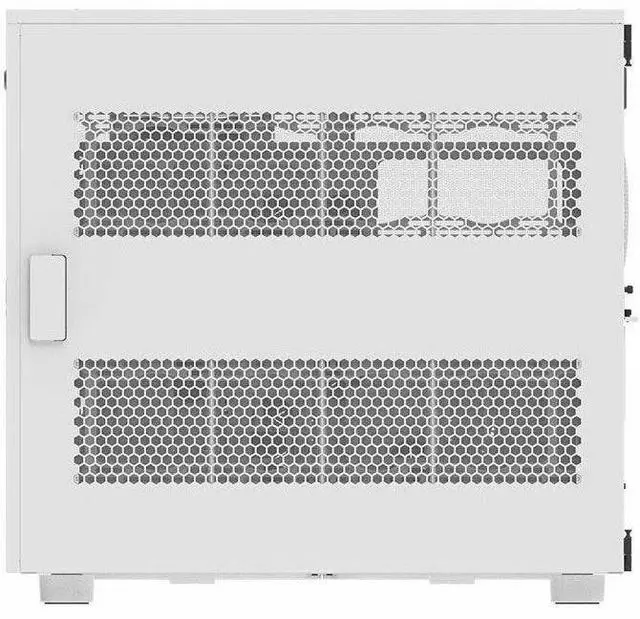
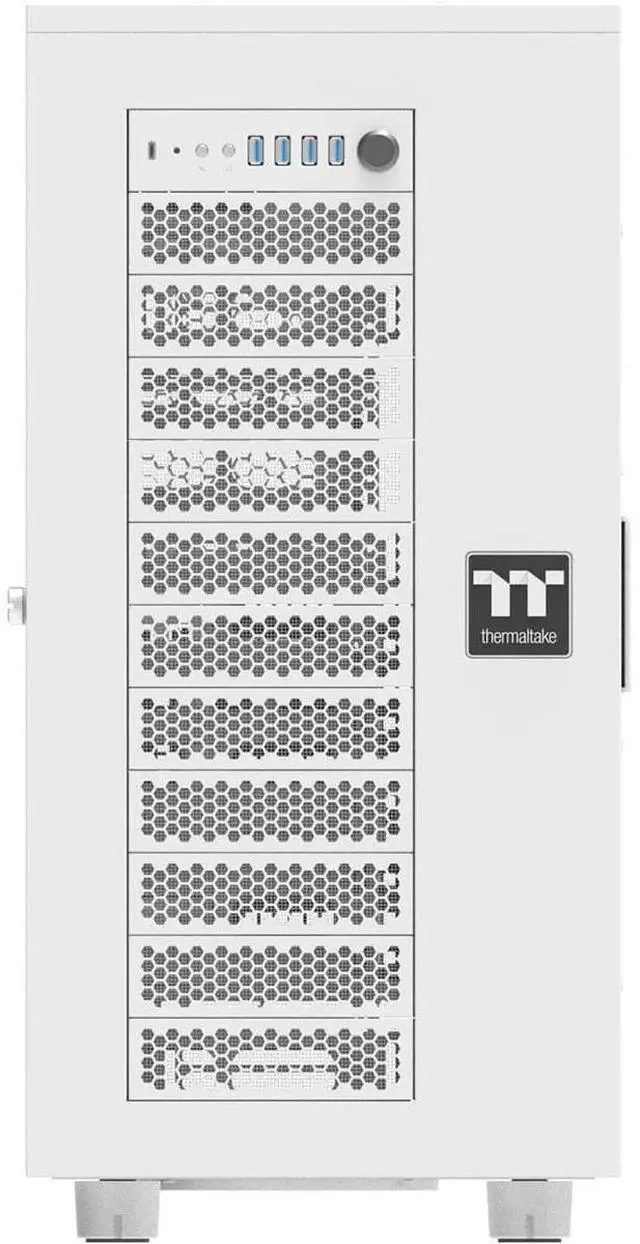
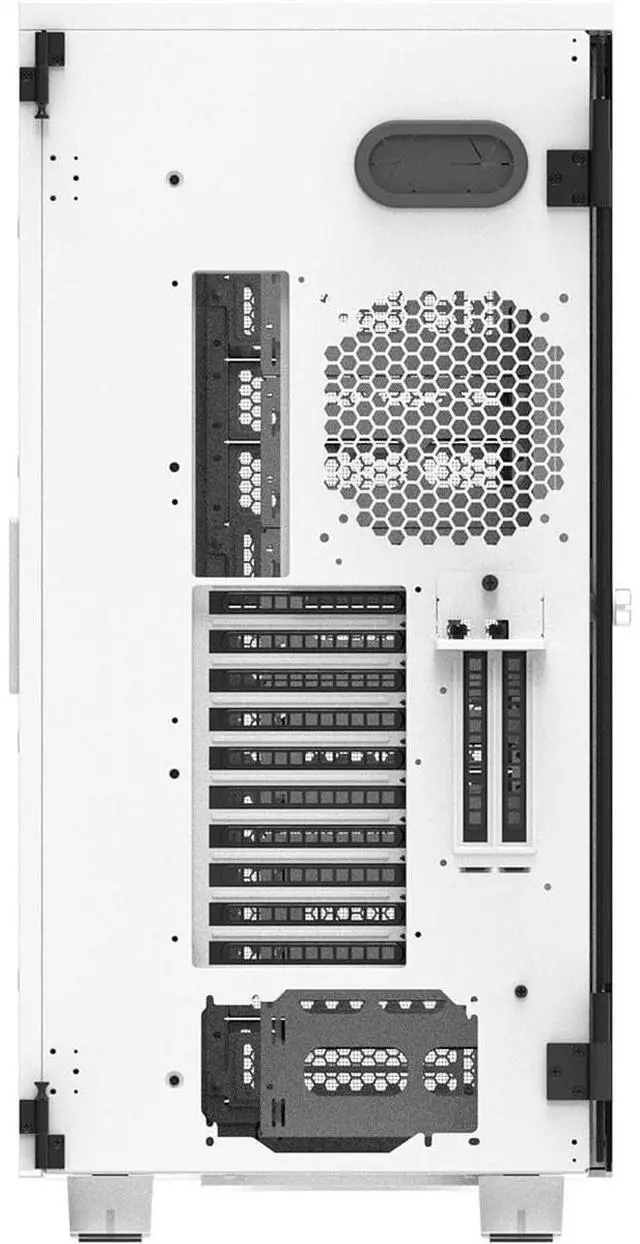
    Thermaltake AX700 Snow Super Tower; SSI-CEB/SSI-EEB/XL-ATX/E-ATX; 560mm Radiator Support; 360mm-630mm GPU Clearance; Support for up to 18x 3.5 or 2.5"; Supports 2X 5.25; CA-11B-00F6NN-00

    • Workstation or GamingSupports both SSI-CEB/SSI-EEB server boards as well as ATX boards such as XL-ATX/E-ATX/ATX/mATX/mITX for versatile build options.
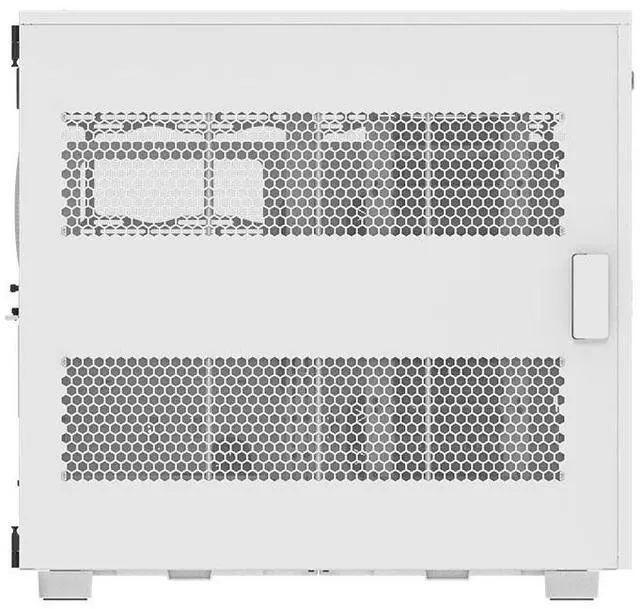
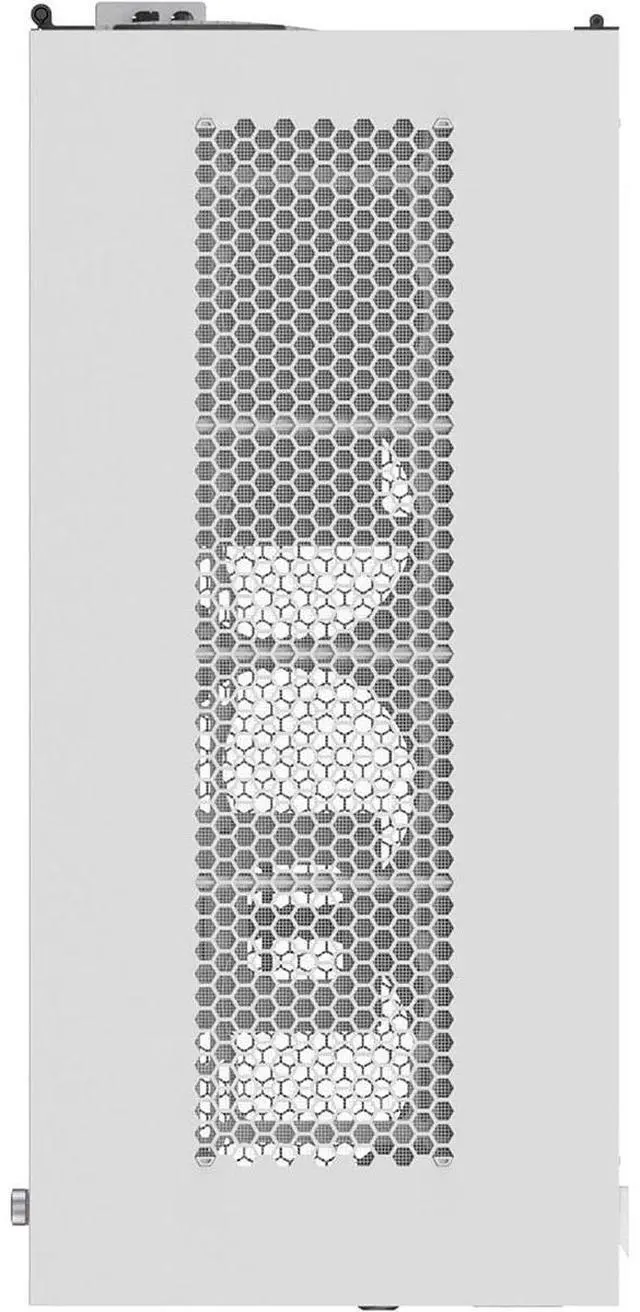
    • Cooling SupportFans: 18x140mm/120mm, Radiators: AIO up to 420mm/DIY up to 560mm, Air Coolers up to 190mm.
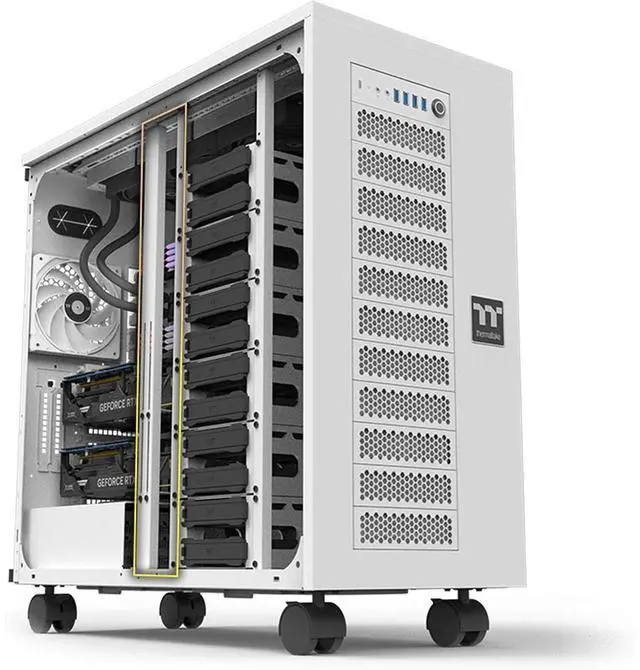
    • Multi-GPU Expandability8+2 PCIe Expansion Slots for multi-GPU up to 360mm (with HDD Rack) 630mm (without HDD Rack) in length. GPU Brace included with 4 adjustable supports.
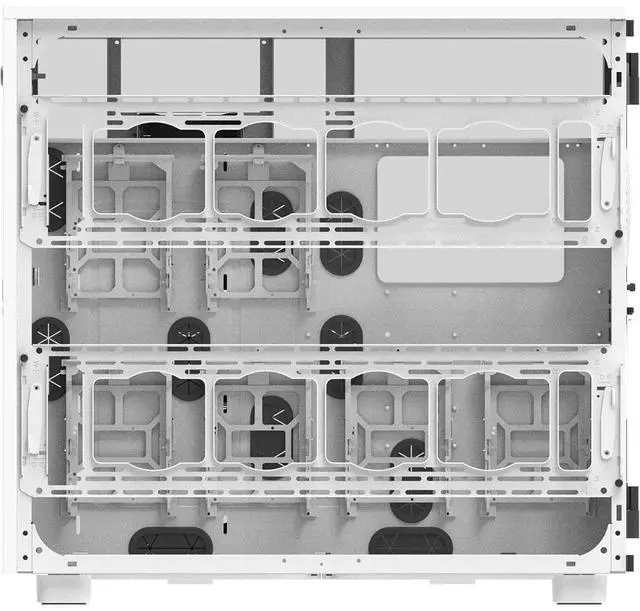
    • Plentiful Storage Up to 18 HDD Trays for drives 3.5" or 2.5" in size. Twelve located in main chamber cages and an additional 6 trays behind the M/B Tray.
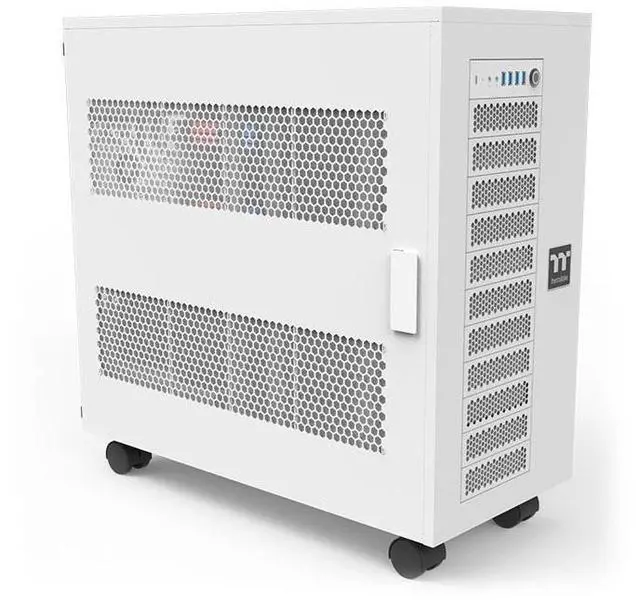
    • Stackable ExpansionIncrease Storage, Cooling and Power options with the AX100 Pedestal which can be mounted on the bottom and/or top of the chassis. (AX100 Sold Separately)
    🔥Don't forget your OS, we have Windows 11 OEM, Download and USB versions available
    +
    +
    Overview
    Specs
    Reviews
    See all Q & A

    Any questions? Ask CelesteSM will help you find out quickly.

    Thermaltake AX700 Snow Super Tower Computer Case
    Thermaltake AX700 Snow Super Tower Computer Case
    Thermaltake AX700 Snow Super Tower Computer Case
    Thermaltake AX700 Snow Super Tower Computer Case
    Thermaltake AX700 Snow Super Tower Computer Case
    Thermaltake AX700 Snow Super Tower Computer Case
    Thermaltake AX700 Snow Super Tower Computer Case
    Thermaltake AX700 Snow Super Tower Computer Case
    Thermaltake AX700 Snow Super Tower Computer Case
    Thermaltake AX700 Snow Super Tower Computer Case
    Thermaltake AX700 Snow Super Tower Computer Case
    Thermaltake AX700 Snow Super Tower Computer Case
    Thermaltake AX700 Snow Super Tower Computer Case
    Thermaltake AX700 Snow Super Tower Computer Case
    Thermaltake AX700 Snow Super Tower Computer Case
    Thermaltake AX700 Snow Super Tower Computer Case
    Thermaltake AX700 Snow Super Tower Computer Case
    Thermaltake AX700 Snow Super Tower Computer Case
    Thermaltake AX700 Snow Super Tower Computer Case
    Thermaltake AX700 Snow Super Tower Computer Case
    Thermaltake AX700 Snow Super Tower Computer Case
    Thermaltake AX700 Snow Super Tower Computer Case
    Thermaltake AX700 Snow Super Tower Computer Case
    Thermaltake AX700 Snow Super Tower Computer Case
    Thermaltake AX700 Snow Super Tower Computer Case
    Thermaltake AX700 Snow Super Tower Computer Case
    Thermaltake AX700 Snow Super Tower Computer Case
    Thermaltake AX700 Snow Super Tower Computer Case
    Thermaltake AX700 Snow Super Tower Computer Case
    Thermaltake AX700 Snow Super Tower Computer Case
    Thermaltake AX700 Snow Super Tower Computer Case
    Thermaltake AX700 Snow Super Tower Computer Case
    Thermaltake AX700 Snow Super Tower Computer Case
    Thermaltake AX700 Snow Super Tower Computer Case
    Thermaltake AX700 Snow Super Tower Computer Case
    AX700 Snow

    Warranty & Returns

    Warranty, Returns, And Additional Information

    Warranty

    • Please contact the Seller directly for warranty information. Warranty information may also be found on the Manufacturer's website.
    • Read full details
    • CONTACT

    Return Policies

    • Return for refund within: 30 days
    • Return for replacement within: non-replaceable
    • This item is covered by Thermaltake Return Policy

    Manufacturer Contact Info

    LOADING...

    The Thermaltake AX700 Snow is a super-tower PC case for workstation and high-end gaming builds that need broad motherboard compatibility, multi-GPU expansion, or extensive storage, with support for up to 18 drive trays and GPUs up to 630mm without the HDD rack.

    Recommended For

    • Home-server and data-hoarding builders who need space for many internal drives and are willing to plan the drive layout and cable routing; the AX700 is designed for up to 18 drives, though owners report that wiring a densely populated build can take careful work.
    • Custom-loop builders planning a large workstation or gaming system who want room for oversized radiators, numerous fans, and long graphics cards; Thermaltake positions the case for extensive cooling and large-component builds.
    • Workstation builders using SSI-CEB, SSI-EEB, XL-ATX, or E-ATX motherboards who need a tower chassis rather than a rackmount enclosure; the AX700 officially supports these oversized board formats.
    • Builders who still use multiple front-mounted 5.25-inch devices, such as optical drives, and are prepared to check mounting hardware and layout before assembly; owners discuss using the AX700 for builds with several DVD drives.

    Real-World Use Scenarios

    • For a home server or storage-heavy workstation, a builder can install multiple internal drives while keeping the system in a tower rather than a rack; drive cabling and fit should be planned, since the case does not provide hot-swap bays.
    • For a workstation built around an SSI-EEB or SSI-CEB motherboard, the AX700 gives the builder room to use a server-class board and multiple expansion cards in one chassis; confirm the board and card layout before assembly.
    • For a custom water-cooled build, a user can plan a large radiator loop inside the case, with additional expansion options available through a separately sold AX100 pedestal; radiator placement and component clearances still need to be checked for the specific loop.
    • For a large gaming PC with a long graphics card, the builder can keep the drive cages installed for a shorter GPU or remove the cages to make room for a longer card; the trade-off is less internal drive capacity when prioritizing GPU space.
    • For a build that still uses front-accessible optical or other 5.25-inch devices, the two supported bays provide a place to install them; check the accessory mounting and cable arrangement before buying, especially if the build also uses many internal drives.