


 LIAN LI




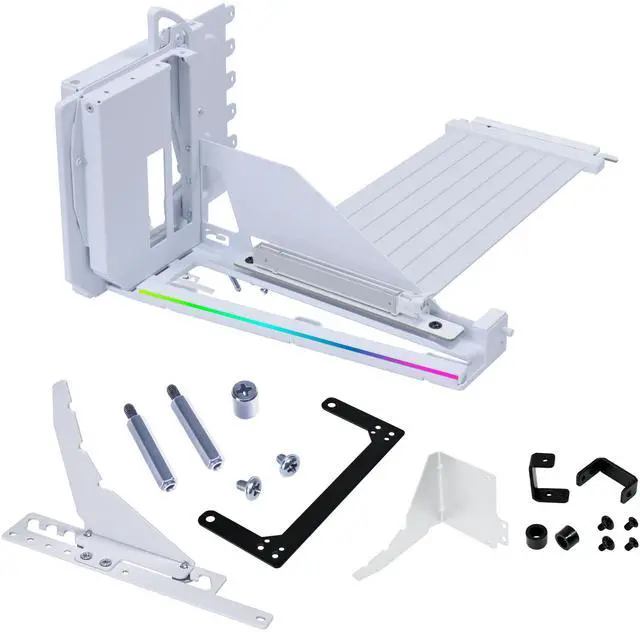
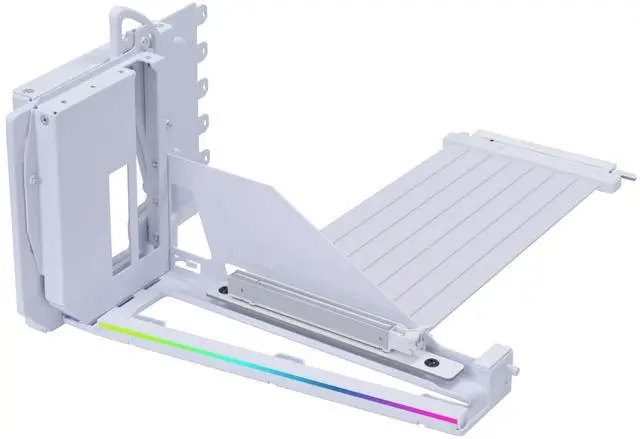
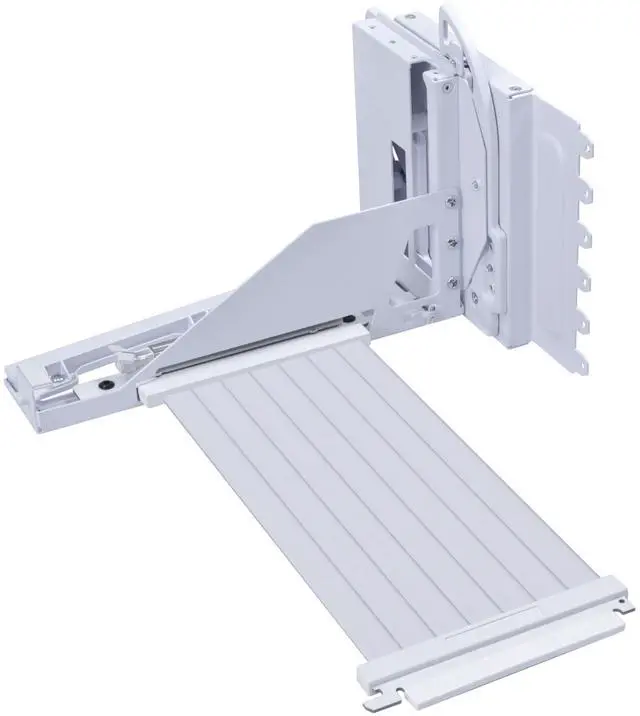
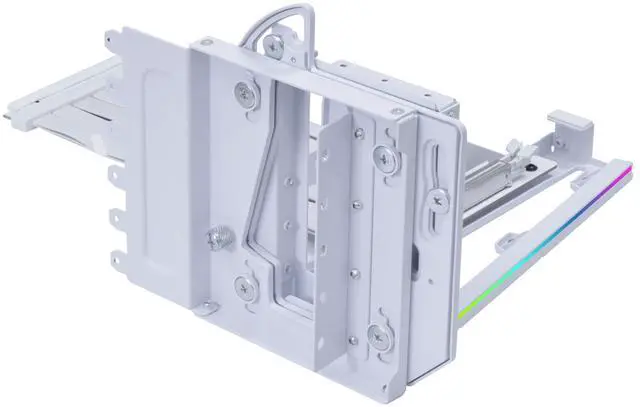
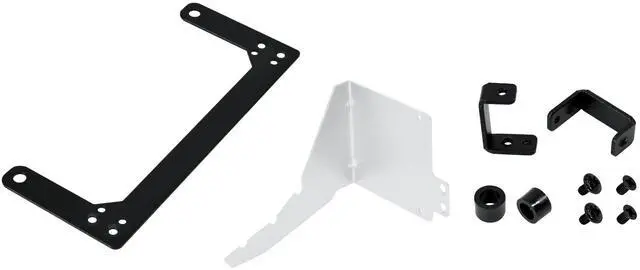
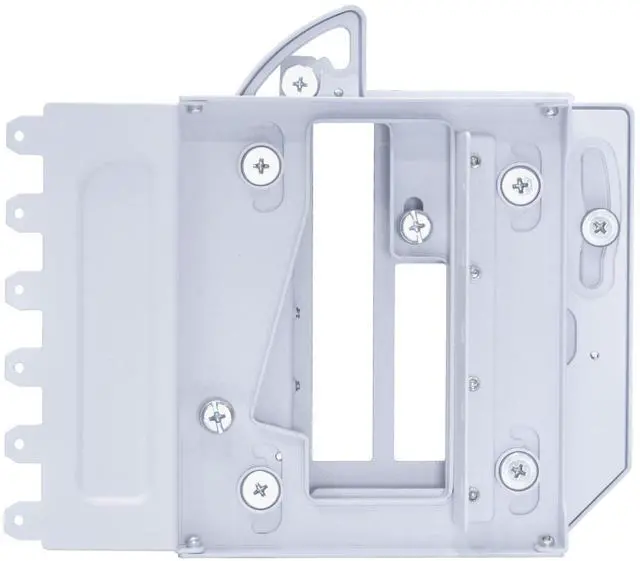
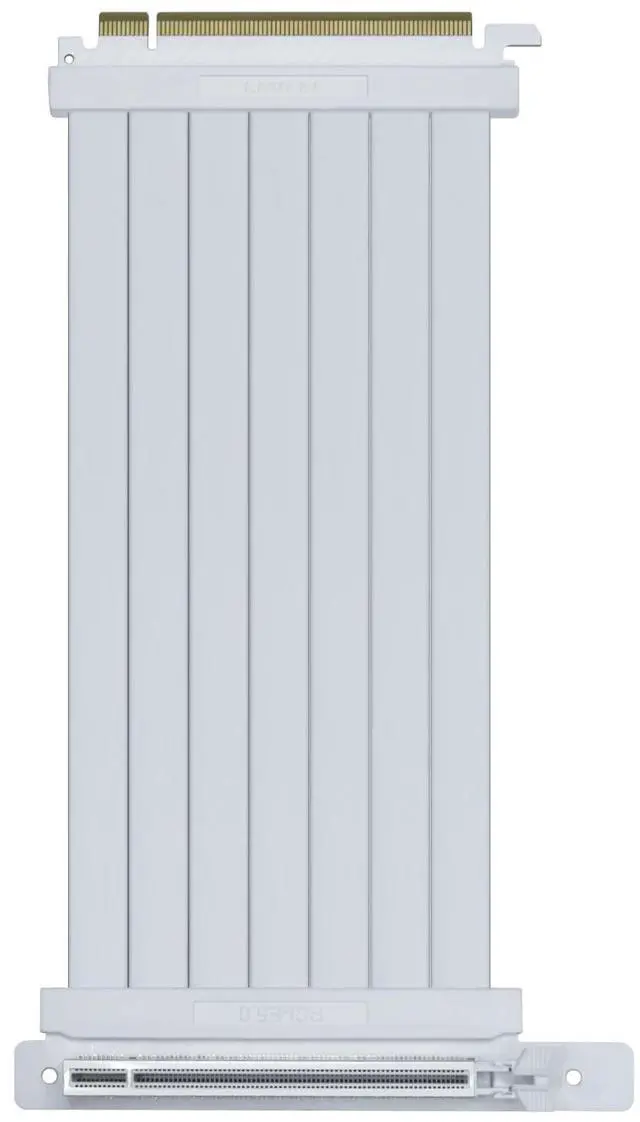


- GPU Installation Tip: Press the GPU downward during installation so the side latch automatically locks into the PCIe slot. When removing the GPU, be sure to continuously press the release tab beside the PCIe slot while lifting the card. Failure to do so may cause the latch to spring back and damage the graphics card or slot if pulled out by force.
- GPUs featuring an overclocking button may conflict with the adjustable structure of the GPU support bracket. Please remove the overclocking button prior to installation to avoid interference. GPUs equipped with three full-size DisplayPorts may contact the slot when the mount is installed at a slight angle.


