



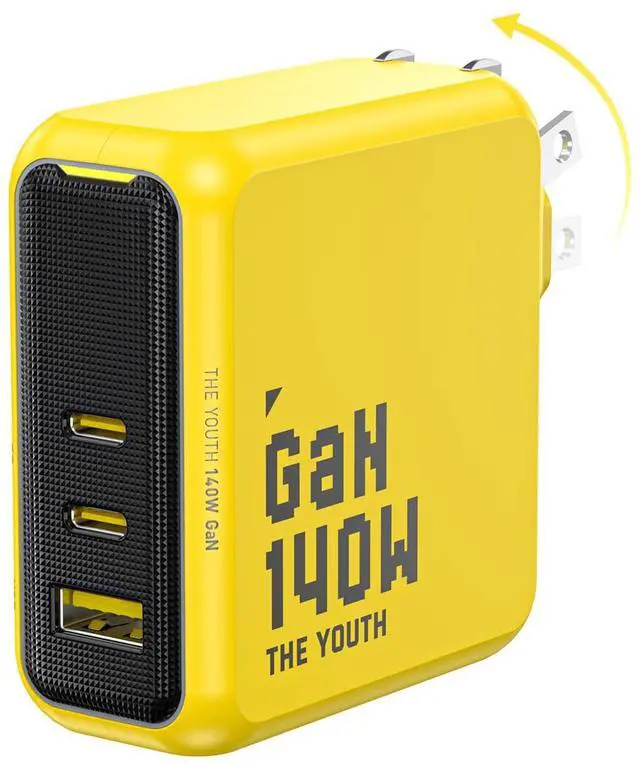


AOHI Youth 140W GaN USB C Wall Charger Yellow
Merchant Video


AOHI Youth140W PD3.1 Wall Charger
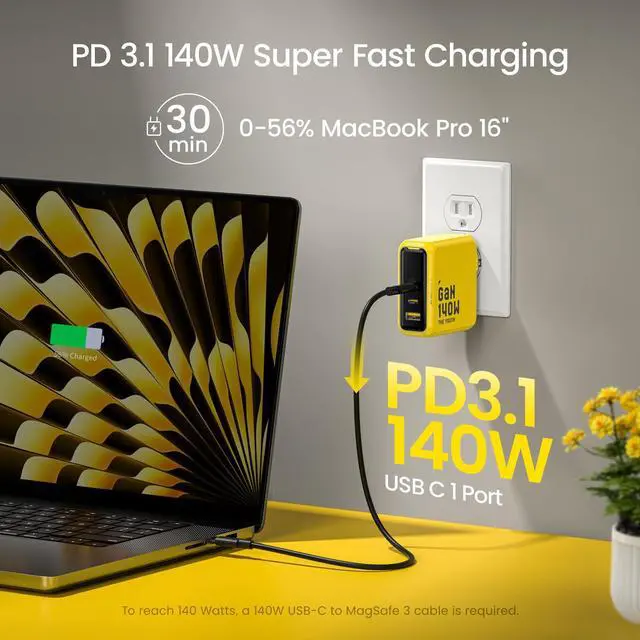
How do I charge my device at 140W with this charger?
To charge at 140W, your charging device needs to support 140W input&Power Delivery 3.1, be connected to the charger's USB C1 port only, and use a USB-C cable rated at 140W or higher(For the MacBook Pro 16'', a 140W USB-C MagSafe 3 cable is required)
What’s Power Delivery 3.1(PD3.1)?
PD3.1, USB-IF's latest standard, is fully backward compatible with PD3.0, increasing maximum charging power from 100W to 240W, extending beyond just phone and laptop charging and will support fast charging for a wider array of future digital devices.
Can I charge my Dell laptop at full speed with this 140W wall charger?
Due to Dell's proprietary charging protocol, Dell XPS 15 (9500/9510), Dell Alienware X14, and Dell Mobile Precision Workstation 5570 can not be charged at full speed with this charger.
Why the AOHI Youth 140W charger is heavier than other chargers?
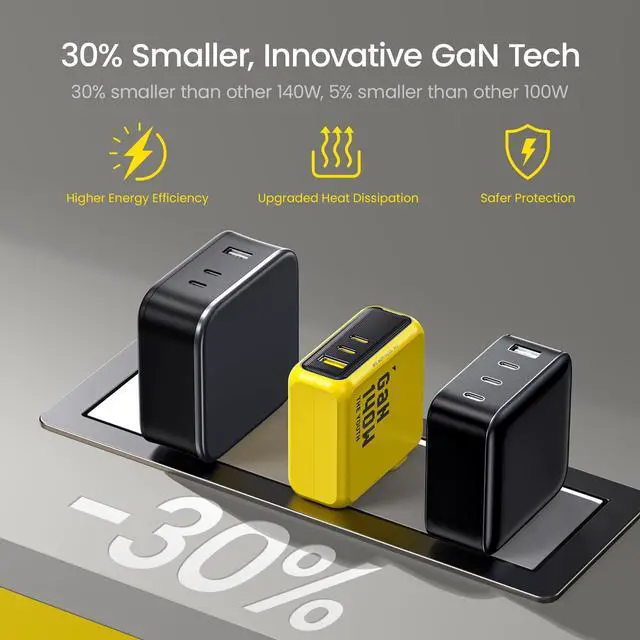
To achieve effective heat dissipation and consistent output in a smaller size, a more robust internal structure is necessary, along with high-end chips and technology. This rugged internal structure makes the device slightly heavier than others.
AOHI Fast Chargers & Cable Set
 Youth 100W USB C Charger |  Youth 65W USB C Charger |  240W Power Bank 27600mAh |  Power Bank & Desk Charger |  240W USB C Cable Set |  240W USB 4 2.0 Cable |  140W USB C Display Cable | |
|---|---|---|---|---|---|---|---|
Customer Reviews | — | — | — | — | — | — | — |
Maximum Wattage | 100W | 65W | 240W | 140W | 240W | 240W | 140W |
Charging Port | 2 USB-C + 1 USB-A | 2 USB-C + 1 USB-A | 2 USB-C + 1 USB-A | 3 USB-C + 1 USB-A | - | - | - |
Cable Included | - | - | 140W USB C to USB Cable | 140W USB C to USB Cable | USB C to USB Cable(USB 4) | USB C to USB C Cable(USB4) | USB C to USB C Cable |
iPhone Fast Charging | ? | ? | ? | ? | ? | ? | ? |
Samsung Fast Charging | ? | ? | ? | ? | ? | ? | ? |
Macbook Compatible | ? | ? | ? | ? | ? | ? | ? |


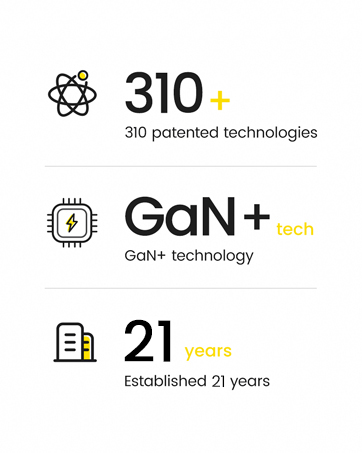
Since 2004, AOHi has focused on smart portable energy products. Refining for 21 years, AOHi now boasts an industry-leading CNAS lab and produces over 300 million chargers annually. As one of the drafting units for China's CCC certification reports , AOHi also serves as a core research and production partner for original chargers of mobile phone brands such as Google, Xiaomi, Huawei, Oppo, Vivo, Moto, and more.


iPhone 17 Magnetic Case


Future Laptop Power Bank


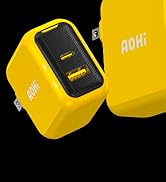
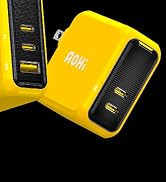
Magcube USB Fast Chargers

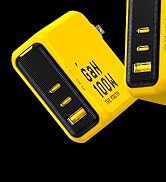
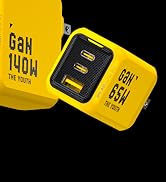
Youth USB Fast Charger
240W USB4 2.0 Cable
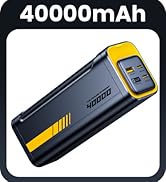
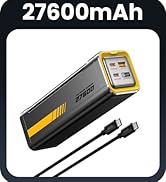
140W Charger & Power Bank
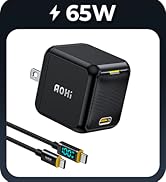
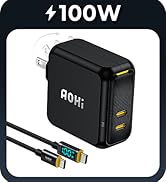
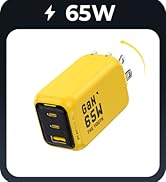
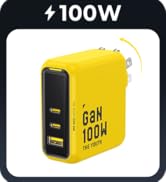
USB C Fast Charger
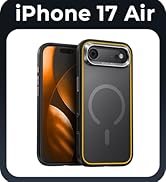
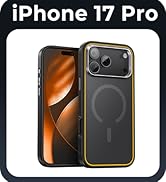
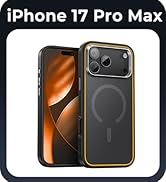
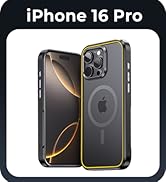
iPhone 17 Magnetic Case
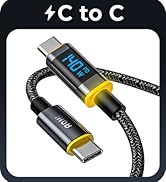
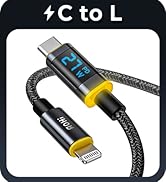
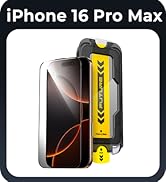
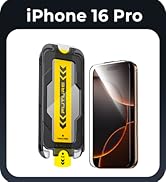
Display Cable&Screen Protector
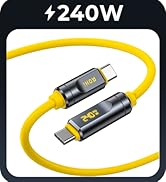
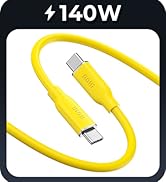
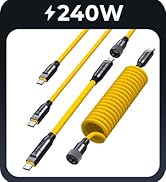
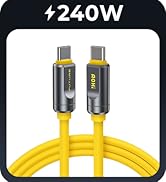
140W&240W Fast Charging Cables
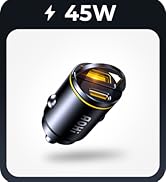
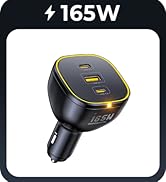
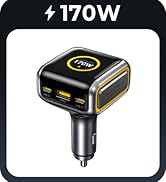

Superauto Car Charger Series


AOHI Youth 140W GaN USB C Wall Charger Yellow
Merchant Video


AOHI Youth140W PD3.1 Wall Charger
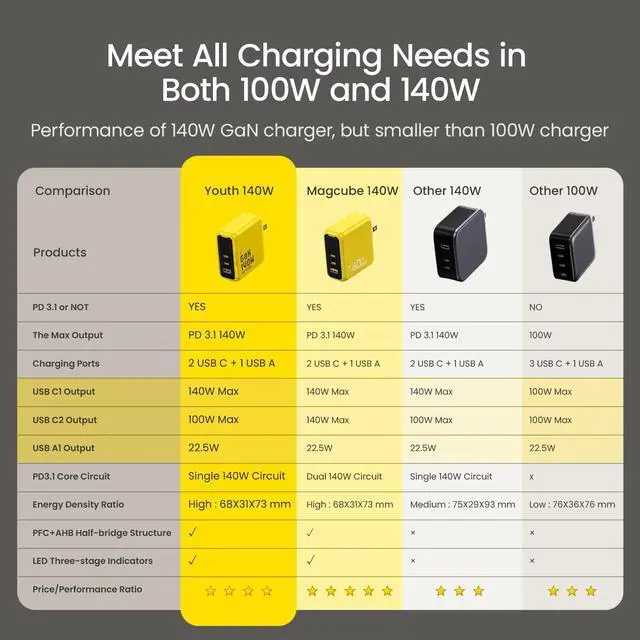
| Input | 100-240V~ 50/60Hz 3A Max |
|---|---|
| Total Output | 140W Max |
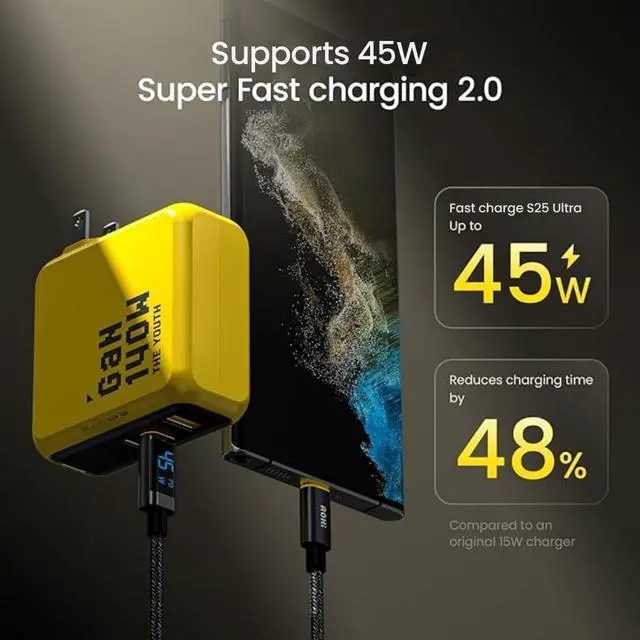
| USB-C1 Output | 140W Max; 5V/3A, 9V/3A, 12V/3A, 15V/3A, 20V/5A, 28V/5A, PPS 3.3-21V/5A |
| USB-C2 Output | 100W Max; 5V/3A, 9V/3A, 12V/3A, 15V/3A, 20V/5A, PPS 3.3-20V/5A |
| USB-A Output | 22.5W Max; 5V/3A, 9V/2A, 12V/1.5A, 10V/2.25A |
| Protection | Input Overvoltage Protection, Output Overcurrent/Overvoltage/Over Temperature/Short Circuit Protection |
| Protocol | PD3.1(PD3.0\PD2.0), QC4+(QC4.0\QC3.0\QC2.0), PPS, APPLE 2.4A, AFC, FCP,SCP |
| Laptops | Compatible with MacBook Pro 16", MacBook Pro 14", MacBook Pro 13", MacBook Air, Dell XPS/Inspiron, HP Elite, Google Pixelbook, Microsoft Surface Book 2, ThinkPad, etc. |
| Tablet | Compatible with iPad 12.9", iPad Pro 11", iPad mini 5, iPad Air 3, etc. |
| Phones | Compatible with iPhone 17/iPhone 17 Pro/iPhone 17 Pro Max/iPhone Air/iPhone 16 Pro Max/iPhone 16 Pro / iPhone 16 Plus/iPhone 16/ iPhone 15 Pro/ iPhone 15 Plus/ iPhone 15 /iPhone 14 Pro Max / iPhone 14 Pro/ iPhone 14 Plus/ iPhone 14/ iPhone 13 /13 Mini / 13 Pro/13 Pro Max/ iPhone 12/11/ 11 Pro /11 Pro Max, Galaxy S23/S23 Ultra/ S22 / S22+ / S22 Ultra / S21 / S21+ / S21 Ultra / Galaxy S10 / S10+ / S10e/ S9 / S9+/ S8/ S8+, Note 20 / 20 Ultra / 10 / 9 / 8 and More |
| Other | Compatible with Switch,Smartwatchs, AirPods etc. |
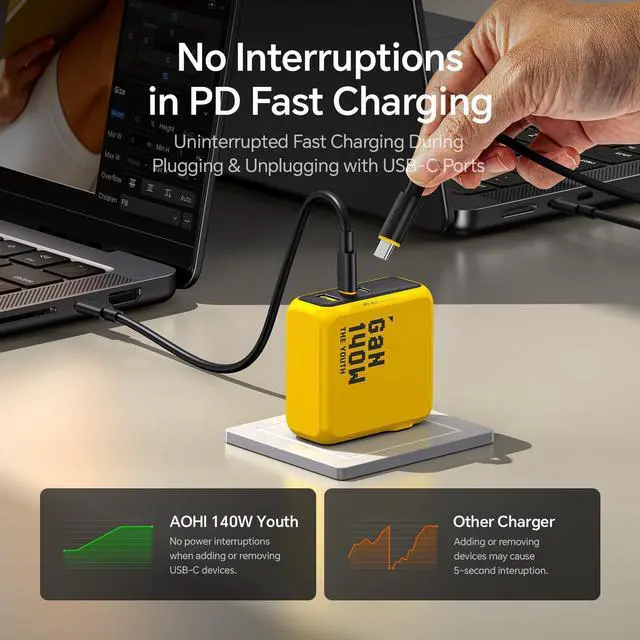
| Note 1 | When multiple devices are connected at the same time, plugging a new device in or unplugging any of the devices from the charger will render a short charging pause for other devices. This short pause is due to the power redistribution of the charger. |
| Note 2 | Please unplug the cable if it is not in use in case the max output power of other ports is restricted. |
| Note 3 | Due to Dells proprietary charging protocl, De XPS 15 (9500/9510) will not be charged at full speed. Only supports up to 5A current. |
How do I charge my device at 140W with this charger?
To charge at 140W, your charging device needs to support 140W input&Power Delivery 3.1, be connected to the charger's USB C1 port only, and use a USB-C cable rated at 140W or higher(For the MacBook Pro 16'', a 140W USB-C MagSafe 3 cable is required)
What’s Power Delivery 3.1(PD3.1)?
PD3.1, USB-IF's latest standard, is fully backward compatible with PD3.0, increasing maximum charging power from 100W to 240W, extending beyond just phone and laptop charging and will support fast charging for a wider array of future digital devices.
Can I charge my Dell laptop at full speed with this 140W wall charger?
Due to Dell's proprietary charging protocol, Dell XPS 15 (9500/9510), Dell Alienware X14, and Dell Mobile Precision Workstation 5570 can not be charged at full speed with this charger.
Why the AOHI Youth 140W charger is heavier than other chargers?
To achieve effective heat dissipation and consistent output in a smaller size, a more robust internal structure is necessary, along with high-end chips and technology. This rugged internal structure makes the device slightly heavier than others.
AOHI Fast Chargers & Cable Set
Youth 100W USB C Charger | Youth 65W USB C Charger | 240W Power Bank 27600mAh | Power Bank & Desk Charger | 240W USB C Cable Set | 240W USB 4 2.0 Cable | 140W USB C Display Cable |
|---|---|---|---|---|---|---|
| Customer Reviews | ||||||
| — | — | — | — | — | — | — |
| Maximum Wattage | ||||||
| 100W | 65W | 240W | 140W | 240W | 240W | 140W |
| Charging Port | ||||||
| 2 USB-C + 1 USB-A | 2 USB-C + 1 USB-A | 2 USB-C + 1 USB-A | 3 USB-C + 1 USB-A | - | - | - |
| Cable Included | ||||||
| - | - | 140W USB C to USB Cable | 140W USB C to USB Cable | USB C to USB Cable(USB 4) | USB C to USB C Cable(USB4) | USB C to USB C Cable |
| iPhone Fast Charging | ||||||
| ? | ? | ? | ? | ? | ? | ? |
| Samsung Fast Charging | ||||||
| ? | ? | ? | ? | ? | ? | ? |
| Macbook Compatible | ||||||
| ? | ? | ? | ? | ? | ? | ? |
Since 2004, AOHi has focused on smart portable energy products. Refining for 21 years, AOHi now boasts an industry-leading CNAS lab and produces over 300 million chargers annually. As one of the drafting units for China's CCC certification reports , AOHi also serves as a core research and production partner for original chargers of mobile phone brands such as Google, Xiaomi, Huawei, Oppo, Vivo, Moto, and more.
iPhone 17 Magnetic Case
Future Laptop Power Bank
Magcube USB Fast Chargers
Youth USB Fast Charger
240W USB4 2.0 Cable
140W Charger & Power Bank
USB C Fast Charger
iPhone 17 Magnetic Case
Display Cable&Screen Protector
140W&240W Fast Charging Cables
Superauto Car Charger Series