




Why can't I connect the headset with controller?/Headset doesn’t work?
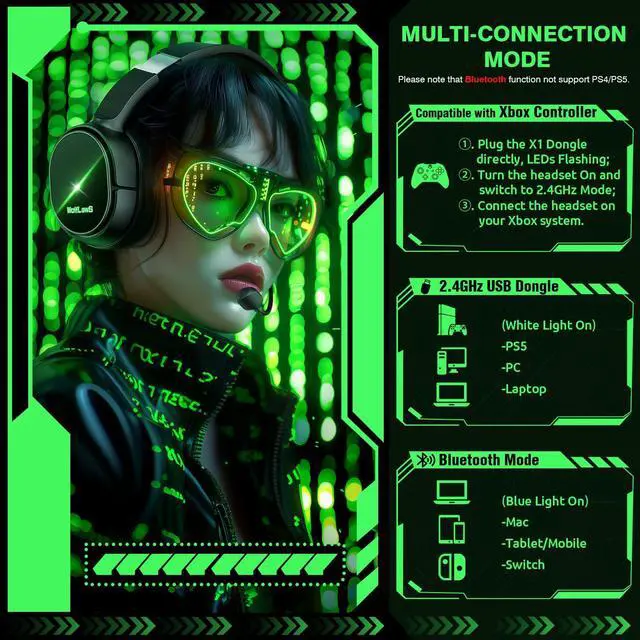
Confirm if you are in Bluetooth Mode or 2.4GHz Mode. The 2.4GHz dongle cannot be connected in Bluetooth mode. You need to switch to 2.4GHz mode.
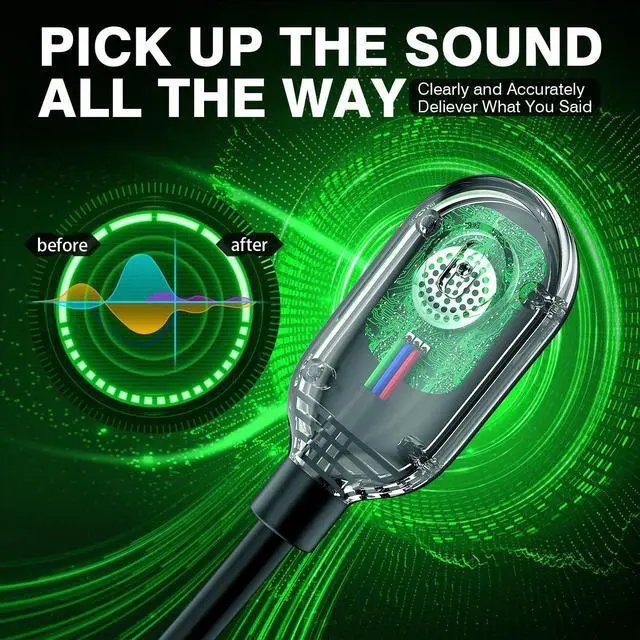
No sound from the microphone? Microphone sound too low?Mic doesn’t work?
Confirm the settings on the Xbox console, whether the microphone sound is turned up to the maximum at the (Headset chat mixer)? Adjust the game sound and chat sound to the center to make them be balanced. Assure the microphone is properly plugged in
Why the volume is low while connect to the Xbox?
Make sure the (Headset Volume) on the Xbox console is set to maximum. When using the headset for the first time, the default volume on the console is 80%. And please insert the dongle tightly and fully.
Echo from the microphone?
Turn off monitoring mode in the Xbox console settings.
While connecting, headset sound got noise or echoes?
Make sure the transmitter is fully inserted into the controller. If the transmitter is not fully inserted, there will be significant electrical noise in the headset.


Please confirm the receiver is inserted to the controller or devices tightly and fully, to avoid the noise or echoes caused by the poor contact.
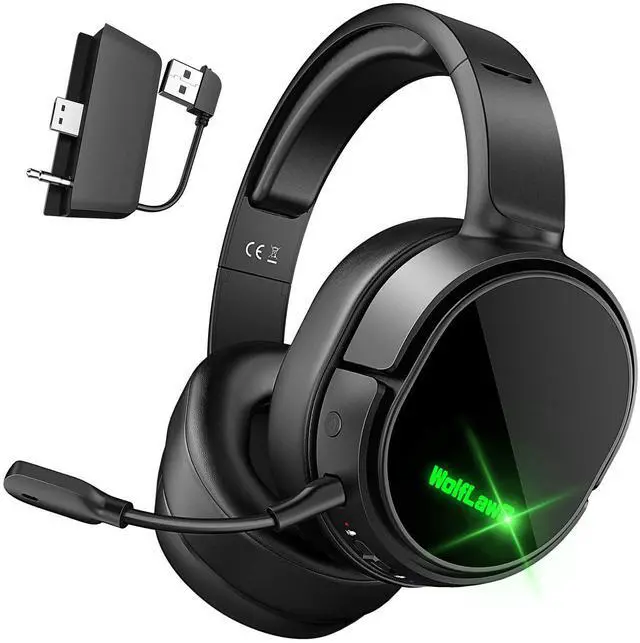
Troubleshootings for X1 Gaming Headset
Detailed demonstration for the X1 operations
1. Why can't I connect the headset with controller?
2. No sound from the microphone? Microphone sound too low?/Why can't my teammates hear me?
3. Echo from the microphone?
4. Why is there a lot of noise?/Headset volume too low?
Plug the dongle tightly and fully
How to plug the dongle to controller correctly?
× The dongle not plugged in tightly (there is a gap) It may cause noise, static, low volume, or no sound in the headphones.
v The dongle plugged in tightly and fully (no gap) Please plug the dongle fully and tightly,so that could avoid noise, static, low volume, or no sound in the headphones.
Plug the X1 Dongle to the Xbox Controller directly
How to connect the Headset to Xbox Controller?
1. Plug the X1 Dongle to the Xbox Controller directly. (Not support the 3rd parties' controller)
2. While the Leds of the dongle flashing, please turn the headset power on.
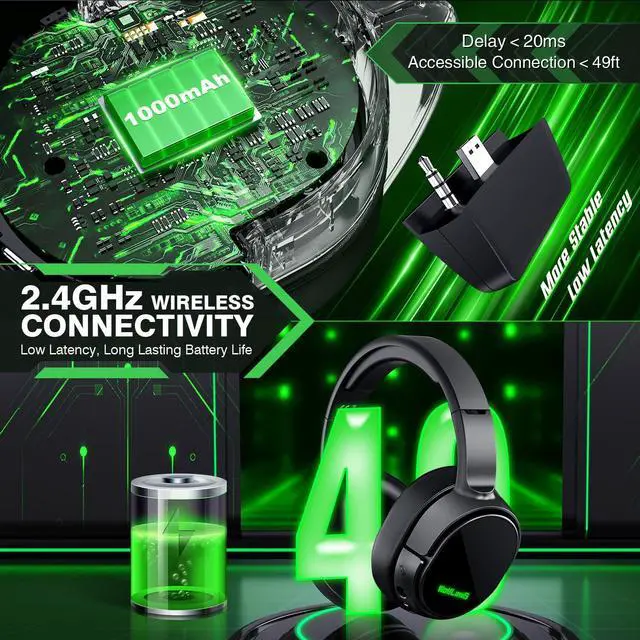
3. Please keep the headset on 2.4GHz mode. (You could hold the Light Button to swith it to 2.4GHz or BT Mode)
4. Click the 'Xbox Accessories' option on your xbox device, makes the headset connect to it. Choose the 'Volume' option and enter into the 'Audio and Music' interface to turn the headset volume and mic on.


Why can't I connect the headset with controller?/Headset doesn’t work?
Confirm if you are in Bluetooth Mode or 2.4GHz Mode. The 2.4GHz dongle cannot be connected in Bluetooth mode. You need to switch to 2.4GHz mode.
No sound from the microphone? Microphone sound too low?Mic doesn’t work?
Confirm the settings on the Xbox console, whether the microphone sound is turned up to the maximum at the (Headset chat mixer)? Adjust the game sound and chat sound to the center to make them be balanced. Assure the microphone is properly plugged in
Why the volume is low while connect to the Xbox?
Make sure the (Headset Volume) on the Xbox console is set to maximum. When using the headset for the first time, the default volume on the console is 80%. And please insert the dongle tightly and fully.
Echo from the microphone?
Turn off monitoring mode in the Xbox console settings.
While connecting, headset sound got noise or echoes?
Make sure the transmitter is fully inserted into the controller. If the transmitter is not fully inserted, there will be significant electrical noise in the headset.