




One Headset For Every Gamer

How to set up with my devices?
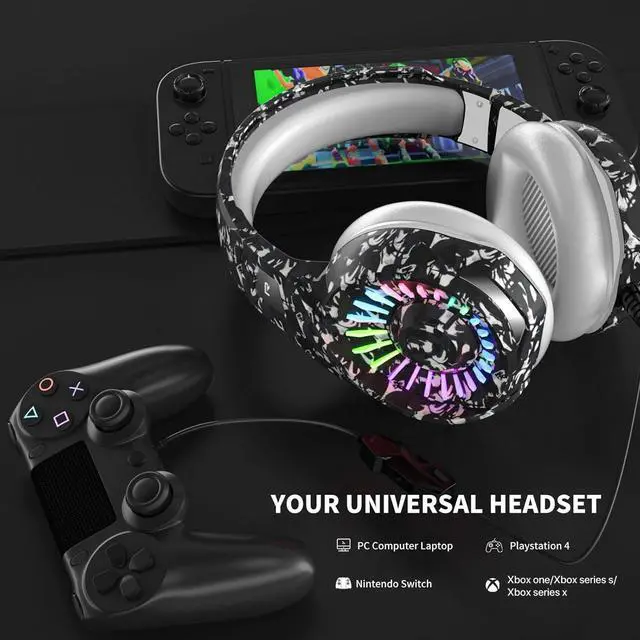
[PC]: Our headset comes with an extra 1-to-2 audio/mic cable and is designed for PC. Plug 1-to-2 audio/mic cable into the audio input and microphone input separately on the back of the host computer
[PS4]:
1. Insert a 3.5mm plug cable into the controller.
2. Long press the PS4 button and go to the system setting.
3. Go to ‘PERIPHERAL MACHINE’, ‘ADJUST SOUND AND DEVICES, and Change ‘Output to the headphones’ to ‘All Audio’.
[Xbox One]: The gaming headset with a microphone can be used directly if your Xbox one / Xbox series s / Xbox series x controller has a 3.5mm audio interface. Otherwise, a ‘MICROSOFT ADAPTER’ will be needed.(Not included)
Product Feature

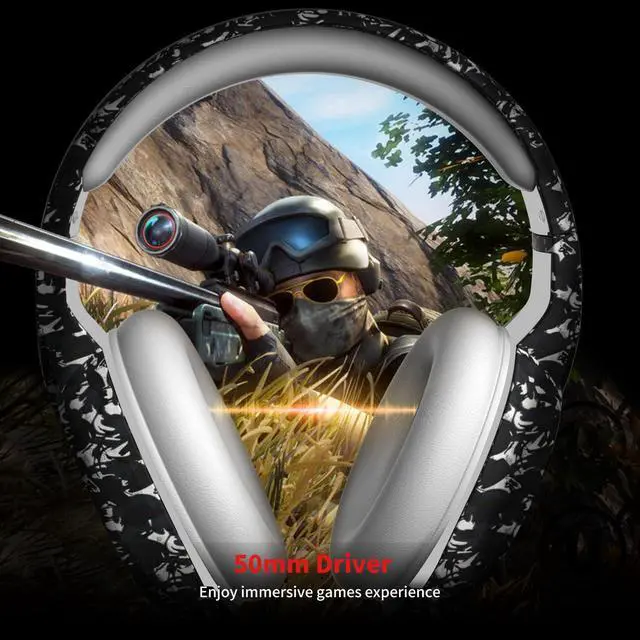
50MM Dynamic Sound Driver
50MM Dynamic Sound Driver
Circumaural design with dual 50mm Driver Units providing crystal clear audio. There is frequency of a clear equalization, you can hear the deep lows like they were intended, plus get clear mids and trebles as well.

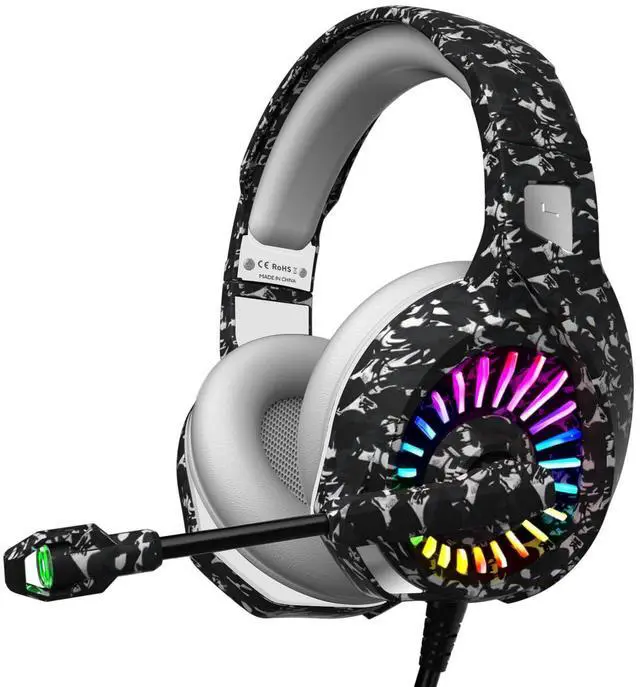
Glowing RGB LED LIGHT
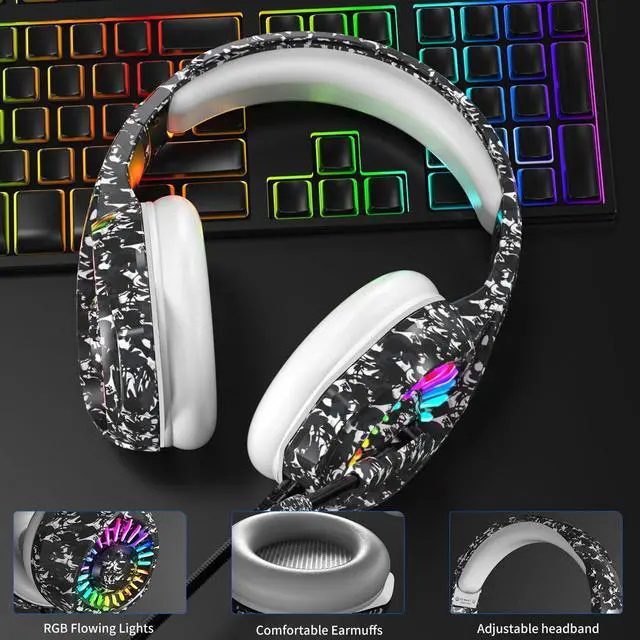
This PS4 gaming headset turns your gaming up a notch with exclusive RGB light. True RGB is engineered to provide stunning illumination lighting and vibration effects. please make sure the USB cable is plugged in the power port.

Noise Cancelling Microphone
Noise Cancelling Microphone
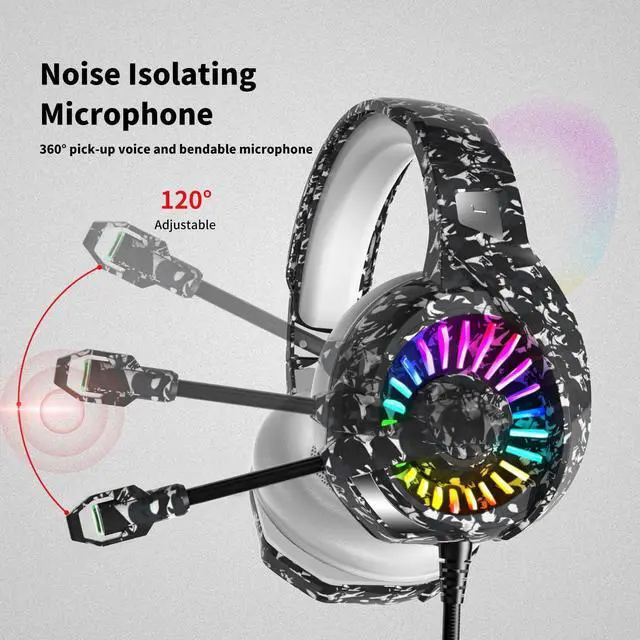
A flexible and highly sensitive mic can be fixed at any perfect angle to pick up your voice clearly without background noise and hiss and enjoy smooth in-game communication with your teammates.
Product Feature

Comfortable Protein Earmuffs
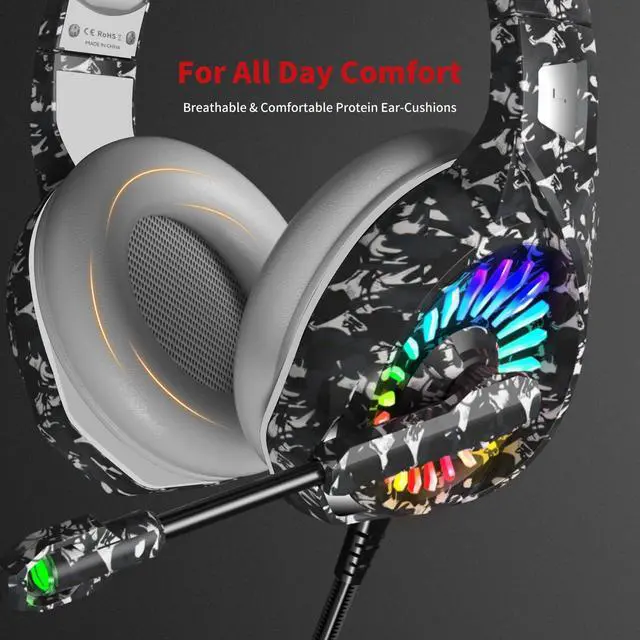
ZIUMIER gaming headset is fitted with large-diameter breathable protein ear cushions which fit completely around the ears, but with no direct pressure on soft tissues and provide passive noise isolation

Plug and Play
Gold-plated 3.5mm plugs for the mic and headset, and The USB plug for lights, more fully ensure the stability of the sound.

MIC Mute Button and Volume Controller
Anti-winding braided cable with rotary volume controller & mute button for the microphone. You can easily switch off the microphone if the mic is not in use. Scroll the volume dial to control the gaming volume easily.
One Headset For Every Gamer
How to set up with my devices?
[PC]: Our headset comes with an extra 1-to-2 audio/mic cable and is designed for PC. Plug 1-to-2 audio/mic cable into the audio input and microphone input separately on the back of the host computer
[PS4]:
1. Insert a 3.5mm plug cable into the controller.
2. Long press the PS4 button and go to the system setting.
3. Go to ‘PERIPHERAL MACHINE’, ‘ADJUST SOUND AND DEVICES, and Change ‘Output to the headphones’ to ‘All Audio’.
[Xbox One]: The gaming headset with a microphone can be used directly if your Xbox one / Xbox series s / Xbox series x controller has a 3.5mm audio interface. Otherwise, a ‘MICROSOFT ADAPTER’ will be needed.(Not included)
Product Feature
50MM Dynamic Sound Driver
50MM Dynamic Sound Driver
Circumaural design with dual 50mm Driver Units providing crystal clear audio. There is frequency of a clear equalization, you can hear the deep lows like they were intended, plus get clear mids and trebles as well.
Glowing RGB LED LIGHT
This PS4 gaming headset turns your gaming up a notch with exclusive RGB light. True RGB is engineered to provide stunning illumination lighting and vibration effects. please make sure the USB cable is plugged in the power port.
Noise Cancelling Microphone
Noise Cancelling Microphone
A flexible and highly sensitive mic can be fixed at any perfect angle to pick up your voice clearly without background noise and hiss and enjoy smooth in-game communication with your teammates.
Product Feature
Comfortable Protein Earmuffs
ZIUMIER gaming headset is fitted with large-diameter breathable protein ear cushions which fit completely around the ears, but with no direct pressure on soft tissues and provide passive noise isolation
Plug and Play
Gold-plated 3.5mm plugs for the mic and headset, and The USB plug for lights, more fully ensure the stability of the sound.
MIC Mute Button and Volume Controller
Anti-winding braided cable with rotary volume controller & mute button for the microphone. You can easily switch off the microphone if the mic is not in use. Scroll the volume dial to control the gaming volume easily.