


• $23.89
  • Price alert
    Shop it at NeweggBusiness.

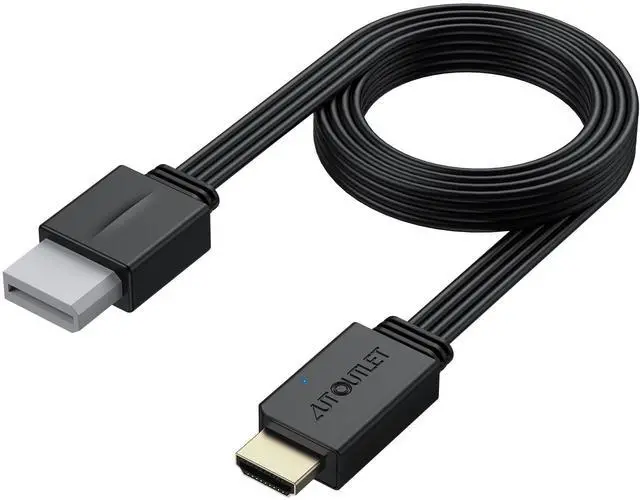
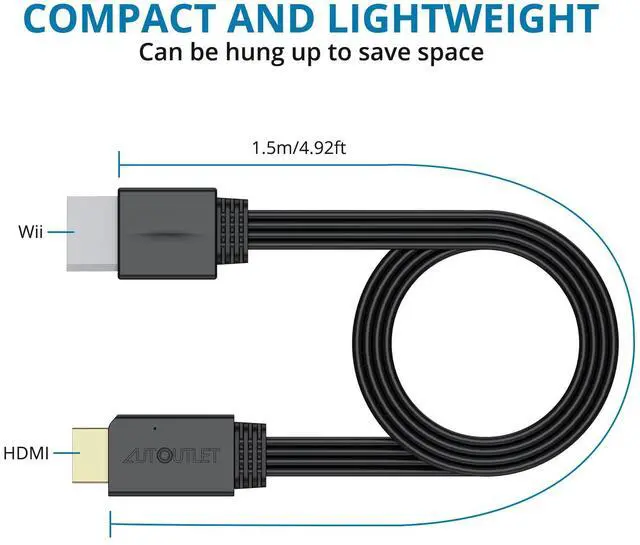
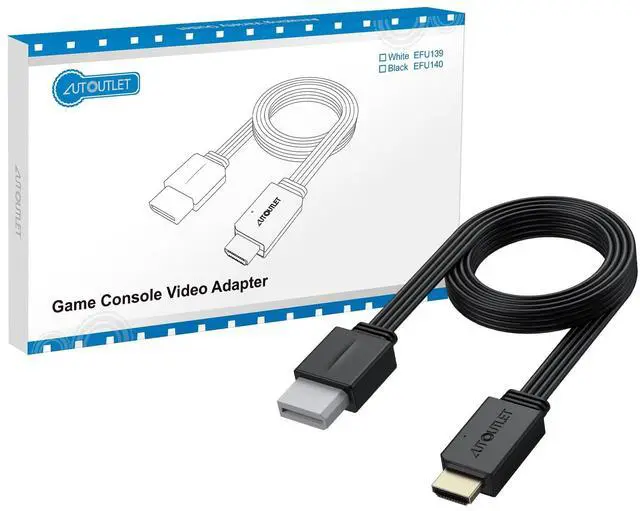
    Wii to HDMI Converter 1080P 5ft/150cm for Full HD Device, Adapter with HDMI Male Cable Output Compatible with Wii, Wii U, HDTV, Monitor-Supports All Wii Display Modes

    • HD Output CompatibilityThis Wii to HDMI converter supports 1080P full HD output, allowing you to connect your Wii console to any HDMI-compatible device, such as HDTVs, monitors, and projectors, providing clear, lossless video and audio quality
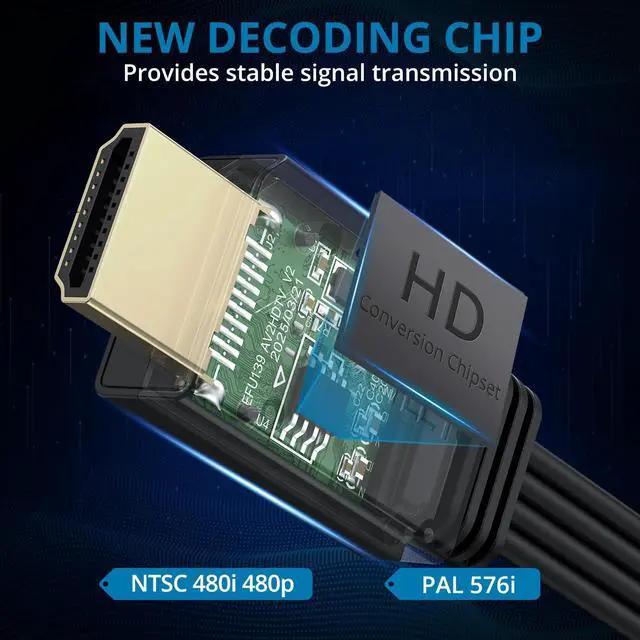
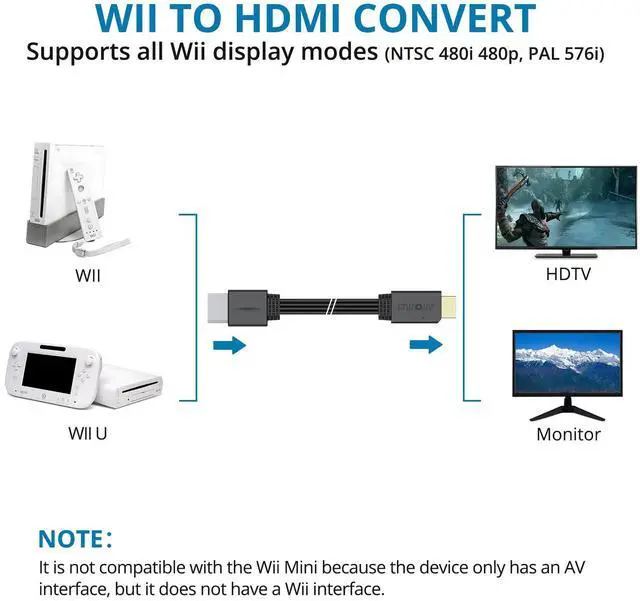
    • Full Support for All Wii Display ModesThe converter supports all Wii display modes, including NTSC 480i, 480p, and PAL 576i. Whether you're playing in standard resolution or high definition, it ensures the best gaming experience
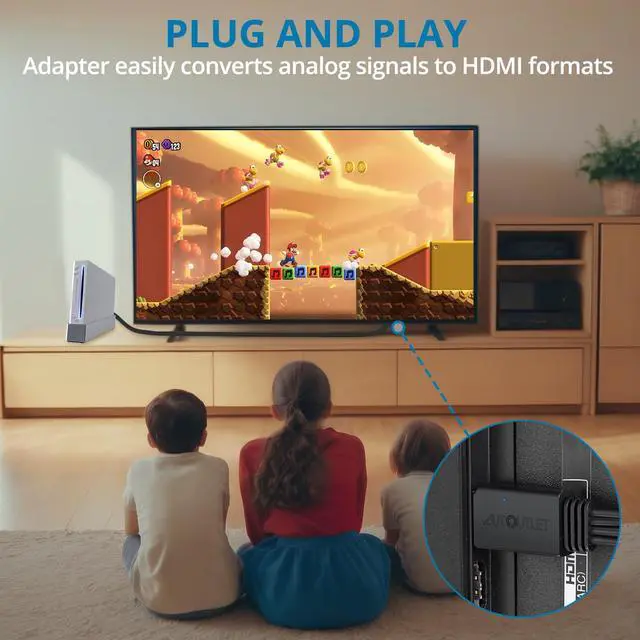
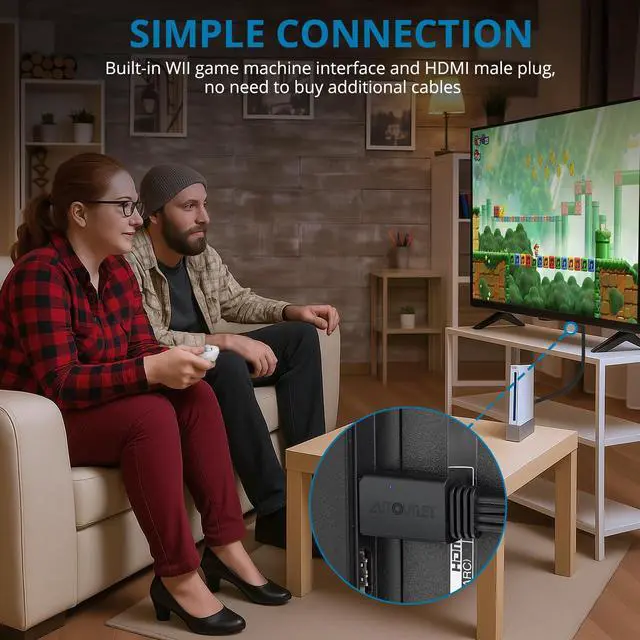
    • Plug and PlayThe converter is designed for simplicity, fully supporting plug-and-play functionality with no additional drivers or complex settings required. Simply connect your Wii console to your HDMI device and start gaming immediately
    • Full Digital HDMI Video and Audio OutputThis converter transforms analog signals into full digital HDMI format, ensuring no transmission loss for both video and audio signals, providing you with clear and interference-free content
    • Wide CompatibilityIn addition to supporting the Wii console, this HDMI adapter is also compatible with Wii U, HDTVs, monitors, and projectors, making it a versatile solution for various home entertainment devices
    +
    +
    Overview
    Specs
    Reviews
    avatar

    Any questions? Our AI beta will help you find out quickly.

    Wii to HDMI converter cable with 150cm cord. Black cable with blue-lit connectors. Product features include plug-and-play functionality, no transmission loss, and premium cord design.
    HDMI cable connector with illuminated blue logo. Features new professional chip for faster signal transmission, clearer sound, and stable image quality. Supports multiple display modes.
    Connect devices
    plug and play
    package
    • No. It converts Wii's analog 480i/480p signal to HDMI for HDTVs, but doesn't enhance resolution.

    • Plug and play with just an HDMI cable. No external power adapter required.

    • Yes. It's truly plug-and-play—no drivers or external power needed. Note: Ensure TV is on the correct HDMI input. If 480i games fail, set Wii to 480p in system settings.

    • The AUTOUTLET Wii to HDMI Converter supports all Wii games and display modes, though some 240p/480i titles require switching the system to 480p for optimal HDMI performance.

    • Yes, AUTOUTLET wii hdmi cable works with projectors, TVs, and monitors. Connect directly to the display’s HDMI port—avoid splitters or switches for best results.

    WII to HDMI
    HDMI cable with visible chip, highlighting excellent audio/video quality and support for Wii display modes. Features new professional chip for faster signal transmission and clearer sound.
    Connect devices
    plug and play
    package
    • No. It converts Wii's analog 480i/480p signal to HDMI for HDTVs, but doesn't enhance resolution.

    • Plug and play with just an HDMI cable. No external power adapter required.

    • Yes. It's truly plug-and-play—no drivers or external power needed. Note: Ensure TV is on the correct HDMI input. If 480i games fail, set Wii to 480p in system settings.

    • The AUTOUTLET Wii to HDMI Converter supports all Wii games and display modes, though some 240p/480i titles require switching the system to 480p for optimal HDMI performance.

    • Yes, AUTOUTLET wii hdmi cable works with projectors, TVs, and monitors. Connect directly to the display’s HDMI port—avoid splitters or switches for best results.

    Wii to HDMI Converter 1080P 5ft/150cm for Full HD Device, Adapter with HDMI Male Cable Output Compatible with Wii, Wii U, HDTV, Monitor-Supports All Wii Display Modes

    Warranty & Returns

    Warranty, Returns, And Additional Information

    Warranty

    • Please contact the Seller directly for warranty information. Warranty information may also be found on the Manufacturer's website.
    • CONTACT

    Return Policies

    Manufacturer Contact Info

    LOADING...