



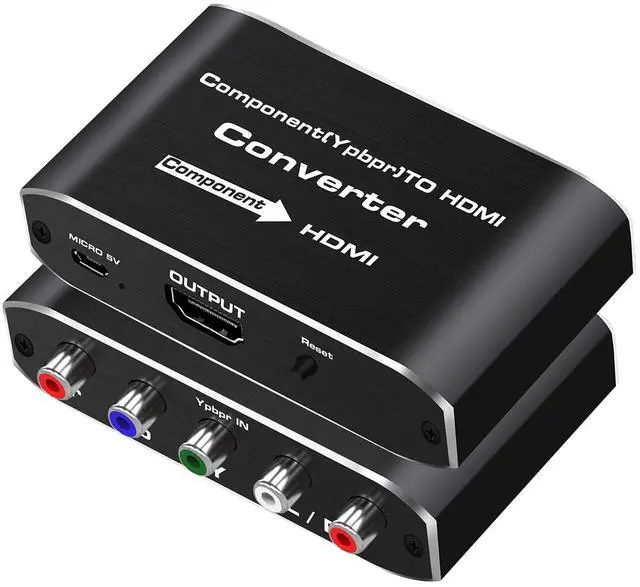


Koopman-Tech Component to HDMI Converter
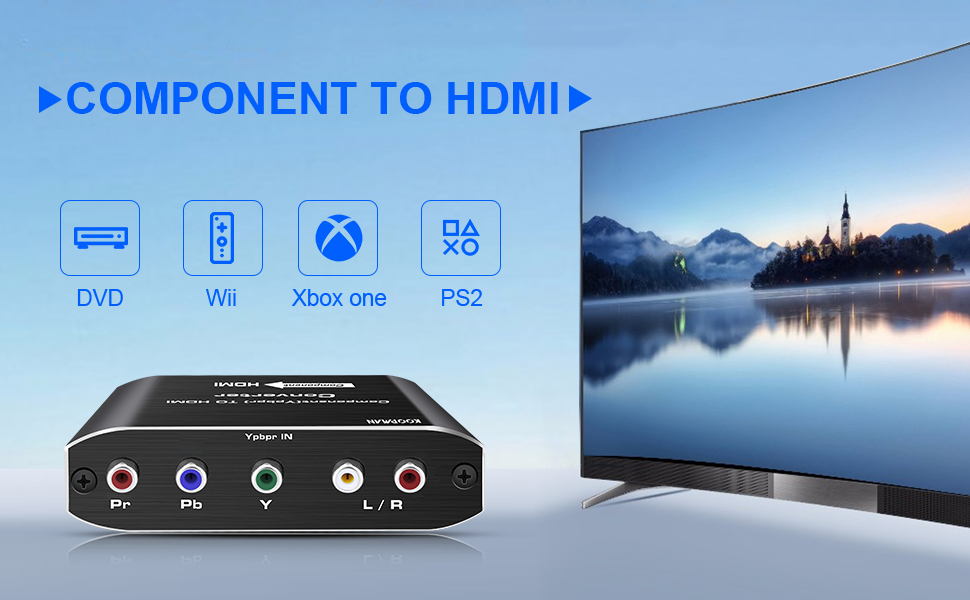
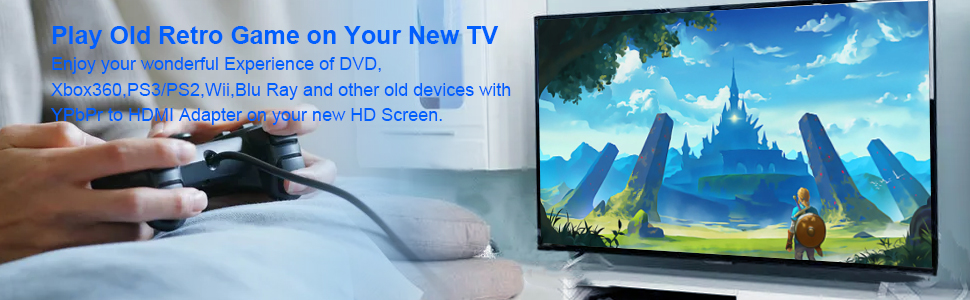
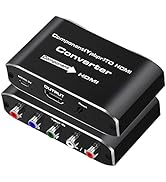
Component to HDMI Converter
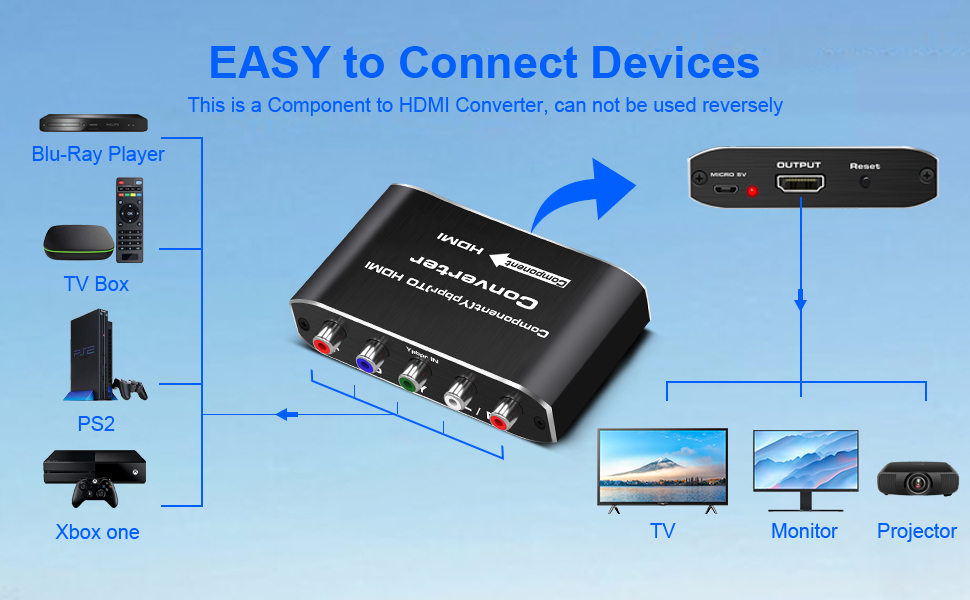
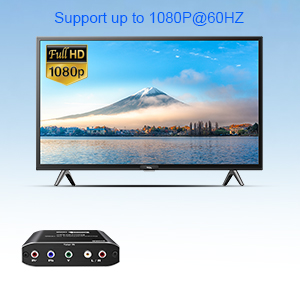
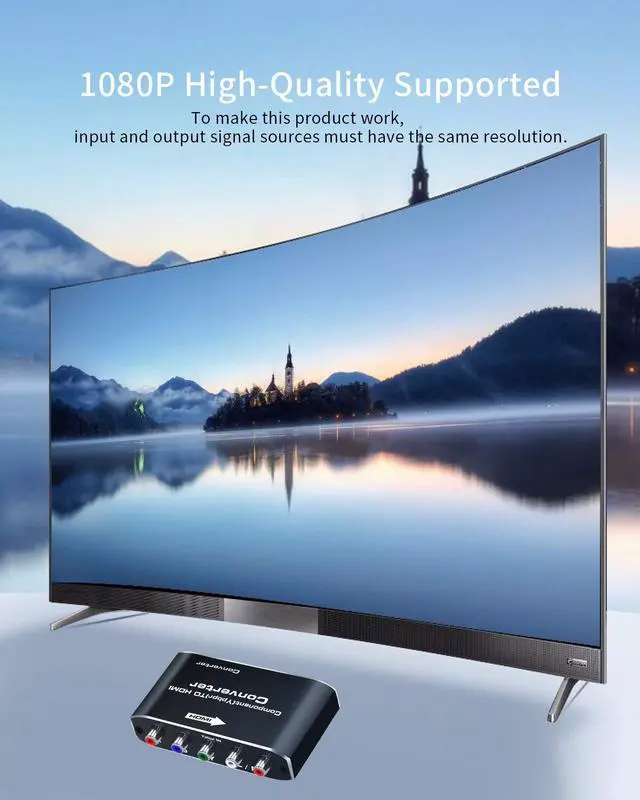
Support up to 1080P@60HZ
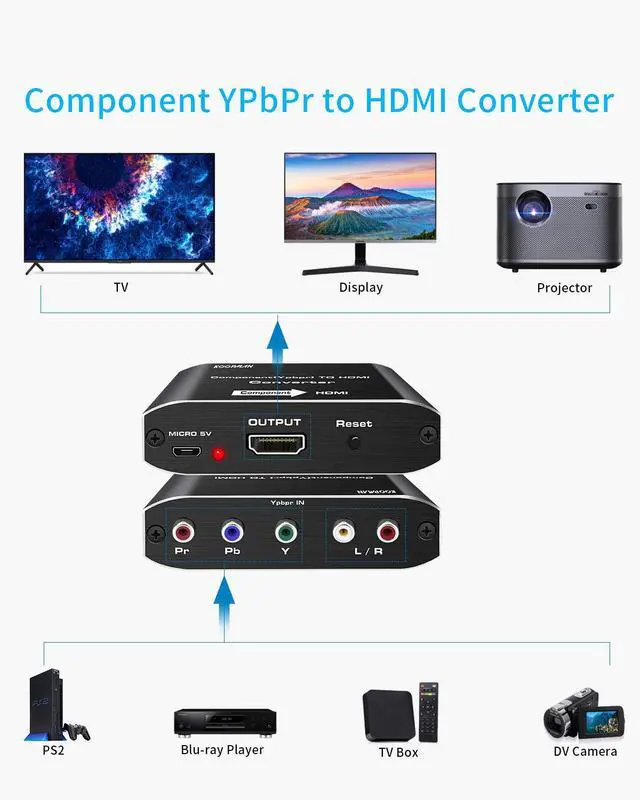
Enjoy your retro video game on your smart TV! Ypbpr to HDMI Converter supports up to 1080P@60Hz.
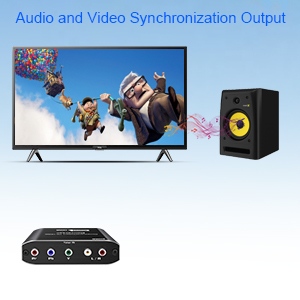
Audio and Video Synchronization Output
Transmit High-fidelity sound and picture simultaneously with no lag.

Plug and Play
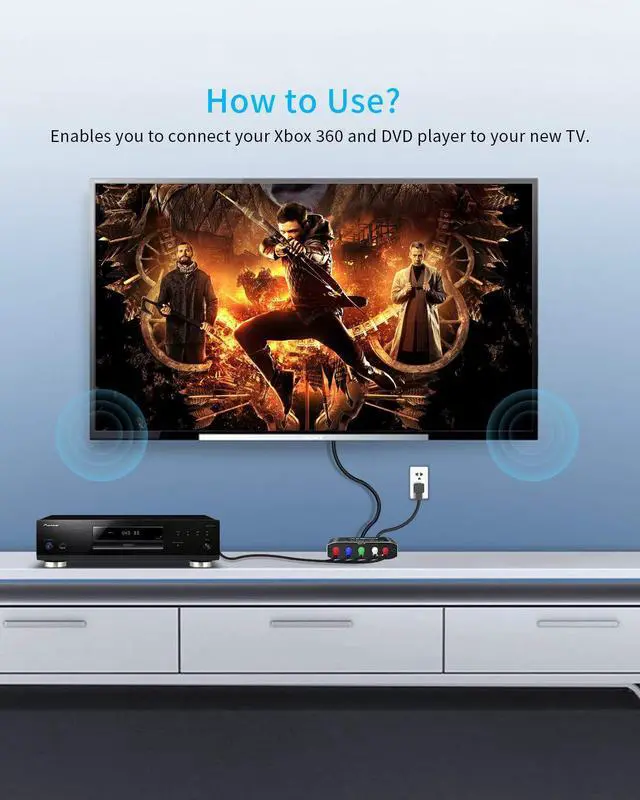
No extra setup on your TV or input devices. You don't even need the instructions as it was simple to install
Note:
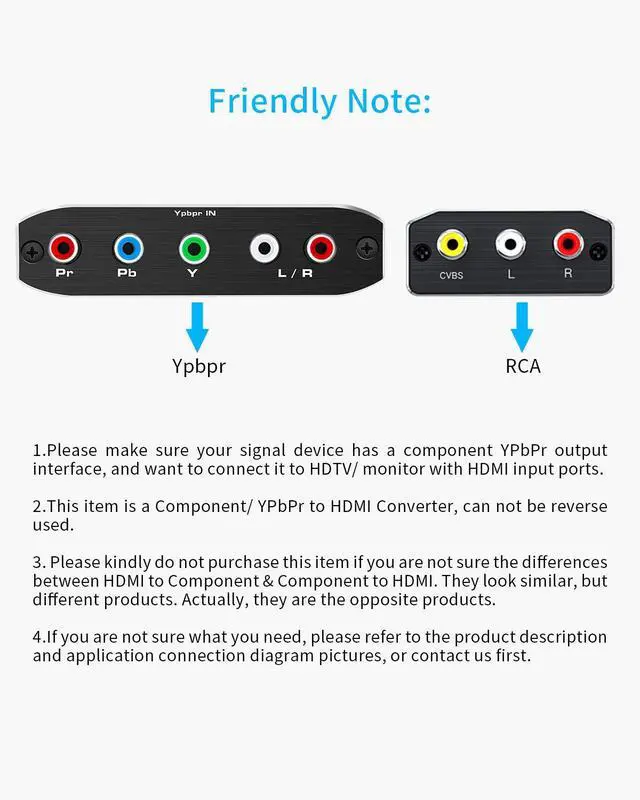
1. This is an Component to HDMI Adapter not an HDMI to Component Converter, it can not be used reversely!
2. You'd better use 4K High-Speed HDMI 2.0 cables(26/28/30 AWG) within 16ft.
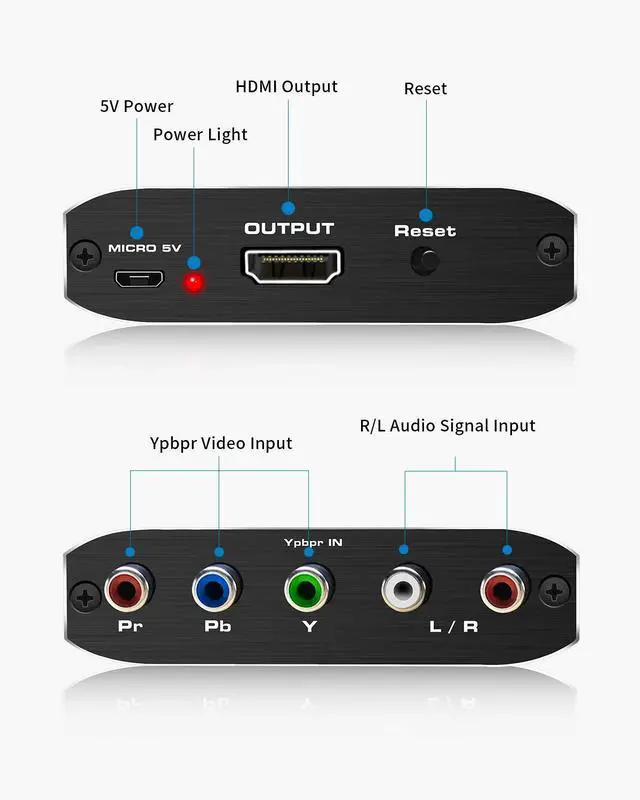
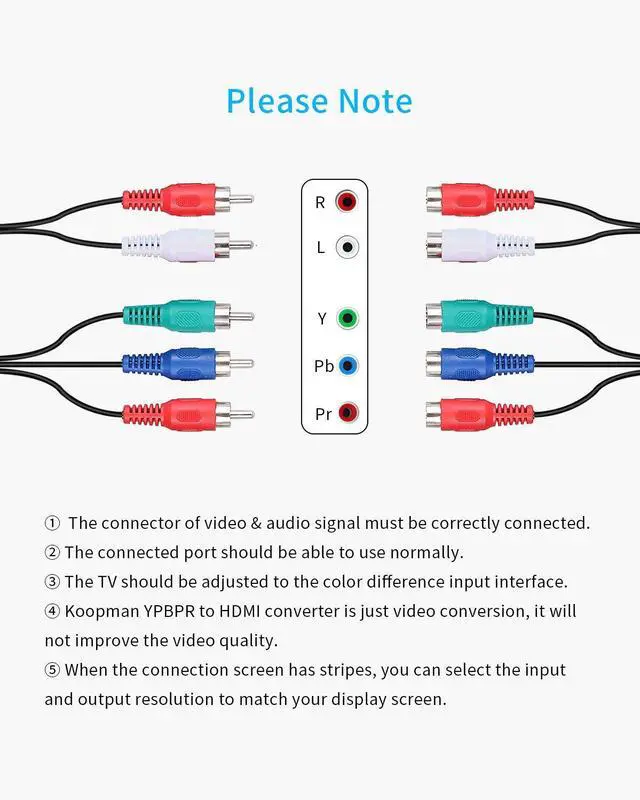
3. When you got a Blank and White screen, check your set up first, 5 ports all should be connected correctly.
4. If your DVD player can't work when you put a DVD in, try to turn off the HDCP function first.
5. Additional HDMI cables are required.
 Component to HDMI Converter | 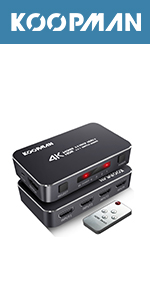 4 Port HDMI Switch |  5 Port HDMI Splitter |  HDMI to DisplayPort Adapter |  HDMI Splitter 5 in 1 out | |
|---|---|---|---|---|---|
| Customer Reviews | — | — | — | — | — |
| Price | — | — | — | — no data | — no data |
| Resolution | 1080P | 4K | 4K | 4K | 4K |
| Refresh Rate | 60Hz | 60Hz | 60Hz | 144Hz | 60Hz |
| Material | Aluminum | Aluminum | Aluminum | Plastic | Silicone |
| Led Indicator | ? | ? | ? | X | ? |


About Koopman
Koopman is committed to creating high
Quality AV accessories.
Such as HDMI splitter, HDMI switcher, HDMI matrix, HDMI extender, KVM switch, Component to HDMI Converter, etc.
Koopman is willing to strive for a lifetime to bring global customers for the ultimate user experience!
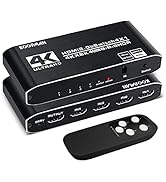
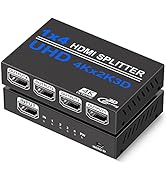
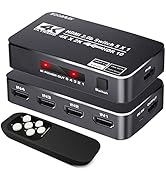
HDMI Switch and Others
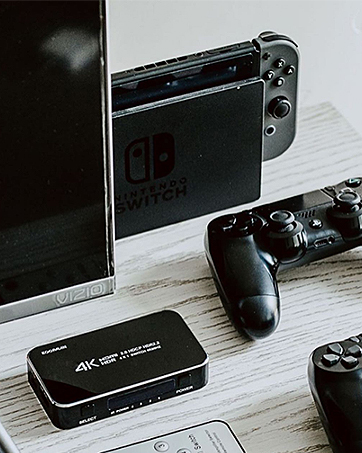

Koopman-Tech Component to HDMI Converter
Component to HDMI Converter
Support up to 1080P@60HZ
Enjoy your retro video game on your smart TV! Ypbpr to HDMI Converter supports up to 1080P@60Hz.
Audio and Video Synchronization Output
Transmit High-fidelity sound and picture simultaneously with no lag.
Plug and Play
No extra setup on your TV or input devices. You don't even need the instructions as it was simple to install
Note:
1. This is an Component to HDMI Adapter not an HDMI to Component Converter, it can not be used reversely!
2. You'd better use 4K High-Speed HDMI 2.0 cables(26/28/30 AWG) within 16ft.
3. When you got a Blank and White screen, check your set up first, 5 ports all should be connected correctly.
4. If your DVD player can't work when you put a DVD in, try to turn off the HDCP function first.
5. Additional HDMI cables are required.
Component to HDMI Converter | 4 Port HDMI Switch | 5 Port HDMI Splitter | HDMI to DisplayPort Adapter | HDMI Splitter 5 in 1 out | |
|---|---|---|---|---|---|
| Customer Reviews | — | — | — | — | — |
| Price | — | — | — | — no data | — no data |
| Resolution | 1080P | 4K | 4K | 4K | 4K |
| Refresh Rate | 60Hz | 60Hz | 60Hz | 144Hz | 60Hz |
| Material | Aluminum | Aluminum | Aluminum | Plastic | Silicone |
| Led Indicator | ? | ? | ? | X | ? |
About Koopman
Koopman is committed to creating high
Quality AV accessories.
Such as HDMI splitter, HDMI switcher, HDMI matrix, HDMI extender, KVM switch, Component to HDMI Converter, etc.
Koopman is willing to strive for a lifetime to bring global customers for the ultimate user experience!
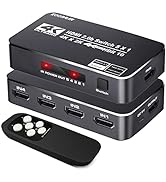
HDMI Switch and Others
