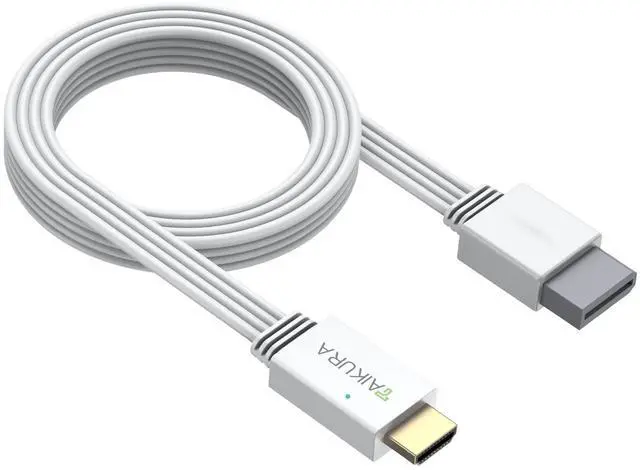
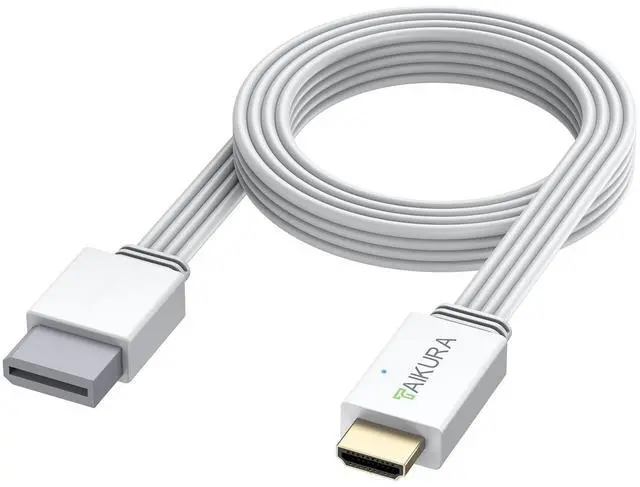
Wii to HDMI Adapter and Converter in White for Wii with Built-in Cable Plug and Play Supports All Wii Display Modes Digital HDMI Output with Zero Loss for Full HD 1080P TV, Monitor, Projector
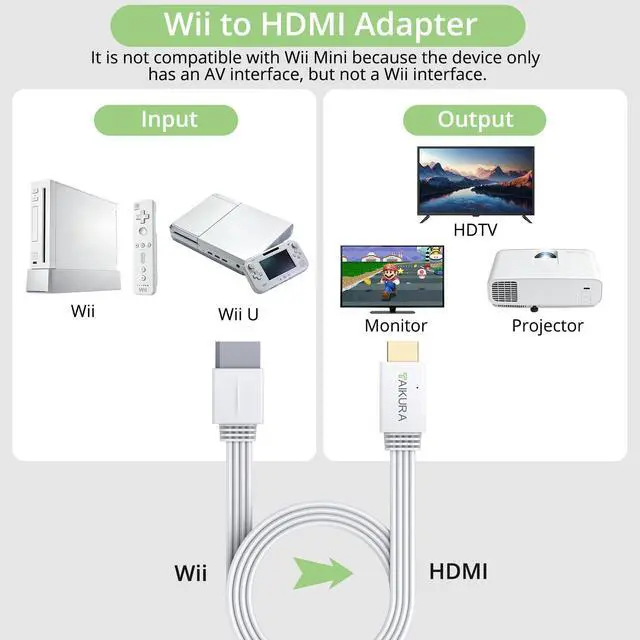
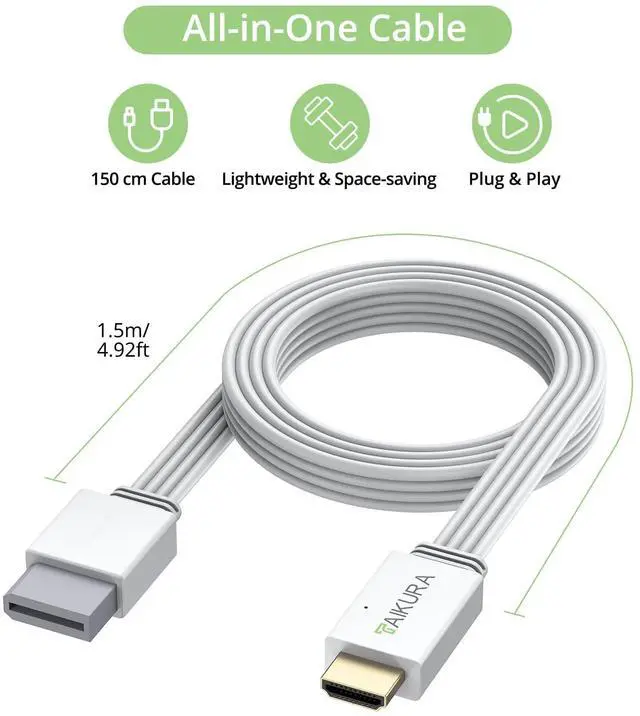
Plug and Play Simplicity: TAIKURA all-in-one white Wii to HDMI adapter requires no extra cables or power, connect your Wii to your TV's HDMI port to start playing classic games, and please note it is not compatible with the Wii Mini model
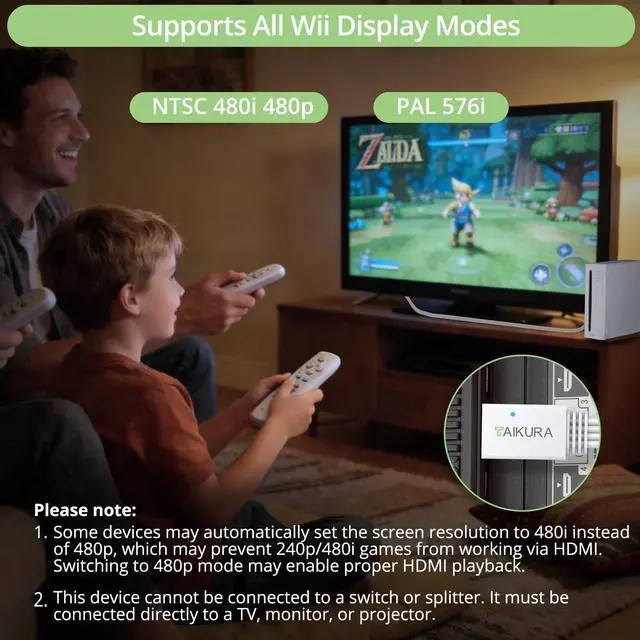
Lossless Digital Conversion: Enjoy a crisp, stable picture as this adapter converts your Wii's analog signal to a pure digital HDMI format with zero signal loss, supporting 480p 480i 576i output for a cleaner image free from static compared to old AV cables
Broad Modern Compatibility: Works with most HDTVs, monitors, and projectors featuring an HDMI port, and includes a 1.5-meter built-in cable for flexible setup
Your Family Game Night Hub: Easily play classic wii games on your big screen, creating the perfect centerpiece for fun with kids, date nights, or hosting friends to relive nostalgic memories
Optimal Setup Guidance: For the best experience, please set your Wii console's video output to 480p mode in the system settings to ensure full compatibility over HDMI, as some displays may default to 480i
+
+
Overview
Specs
Reviews
Any questions? Our AI beta will help you find out quickly.
Try me now
Wii to HDMI Adapter and Converter in White for Wii with Built-in Cable Plug and Play Supports All Wii Display Modes Digital HDMI Output with Zero Loss for Full HD 1080P TV, Monitor, Projector
Learn more about the Generic Brand TKL043
Model
Brand
AVer
Model
TKL043
Performance
Color
Black
Video
HDMI
Connection
HDMI
2 In
Serial Interface
HDMI
Network Interface
HDMI
Component
2 In
Composite
1 In
Other Connector
HDMI
Compatibility
Compatibility
Gaming Console
System Requirements
Gaming Console, false
Additional Information
First Listed on Newegg
June 08, 2026
Customer Reviews of the Generic Brand TKL043
There are no reviews yet.
Do you own this product?
Warranty & Returns
Warranty, Returns, And Additional Information
Warranty
Please contact the Seller directly for warranty information. Warranty information may also be found on the Manufacturer's website.