• $25.99
  • Free 30-day Returns
  • Shipped by BrightMart Shop

    Price alert
    Shop it at NeweggBusiness.

    Meet Your Seller

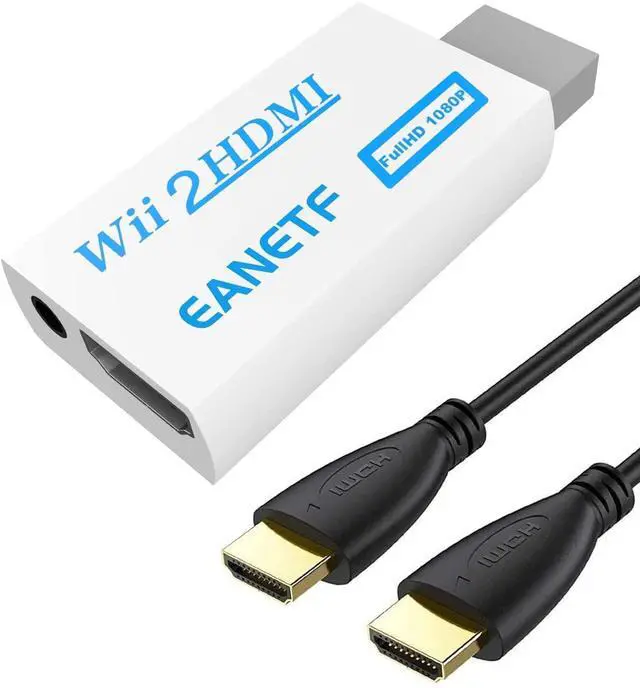
    Wii to HDMI Converter 1080P 5ft with Audio for Wii Console

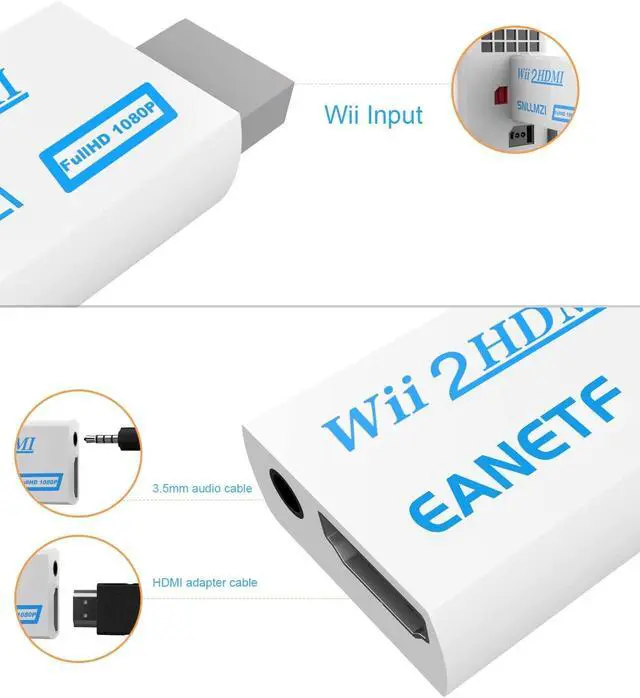
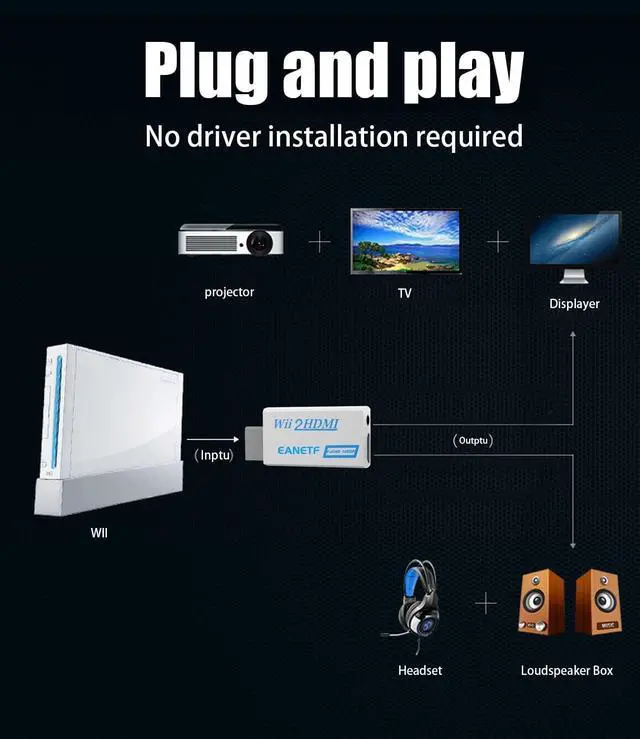
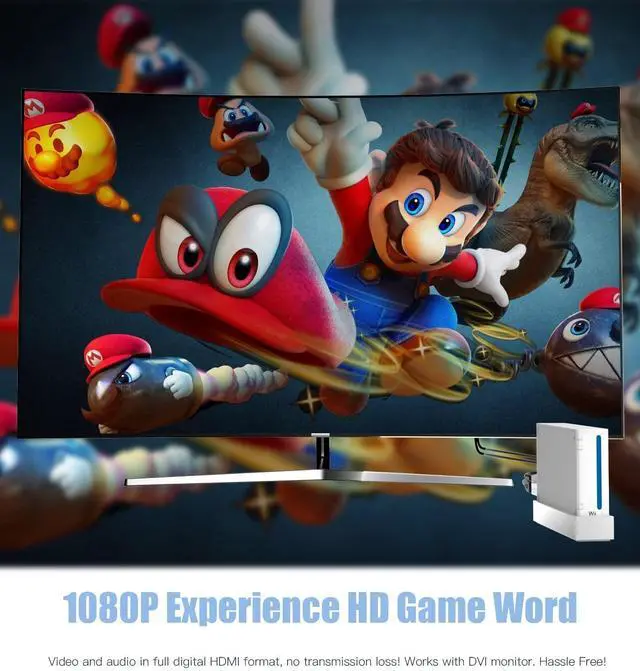
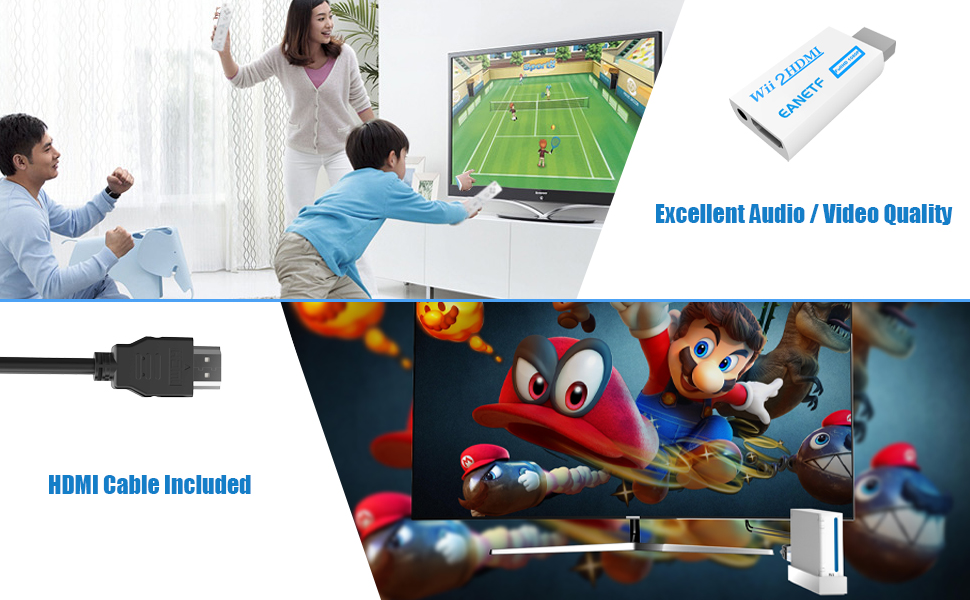
    • WII TO HDMI CONVERTER 1080P WITH AUDIO OUTPUT Converts your Wii console signal to HDMI format with 1080P upscaling. Includes a 5ft HDMI cable and audio output jack. Plug and play no extra adapters needed.
    • SUPPORTS ALL WII DISPLAY MODES Works with NTSC 480i, 480p, and PAL 576i. LED indicator shows current display mode. For best performance, switch your Wii settings from 480i to 480p for sharper, clearer picture quality.
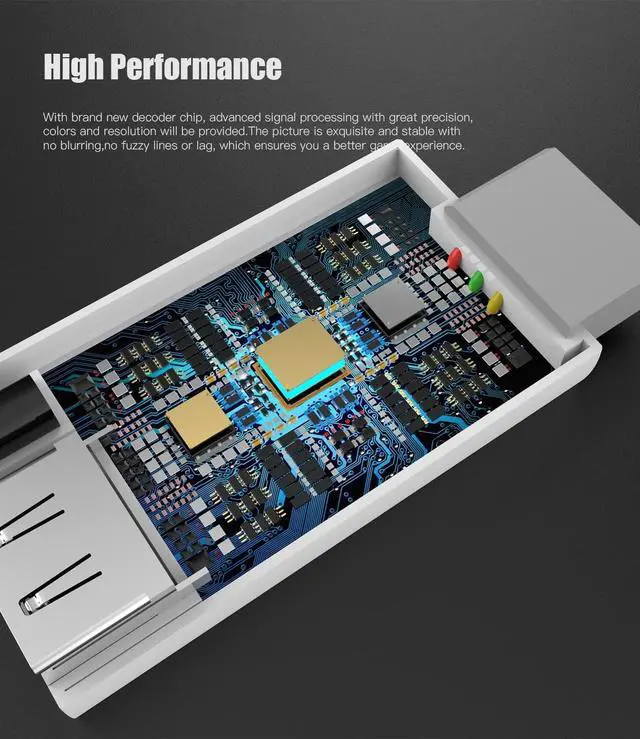
    • CRISP PICTURE NO LAG OR BLUR Built-in decoder chip delivers stable, vivid colors with no blurring, no fuzzy lines, and no lag. Enjoy your favorite Wii games with enhanced clarity on modern HDTVs and monitors.
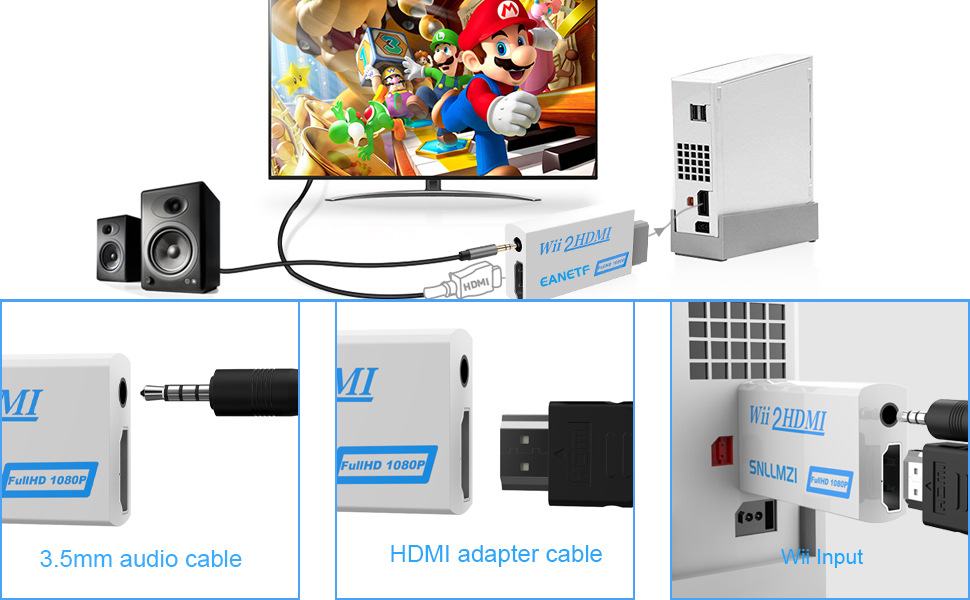
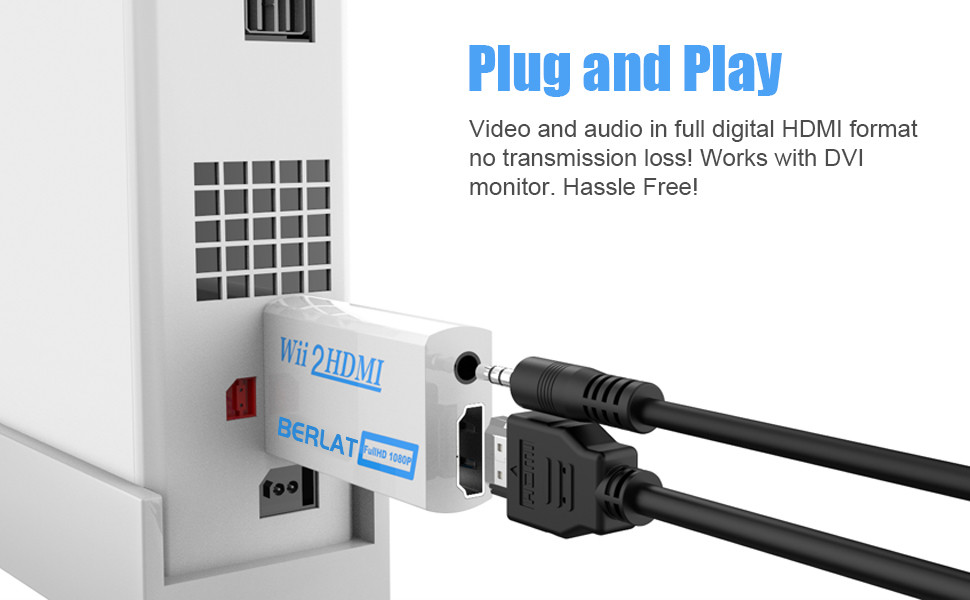
    • EASY SETUP PLUG AND PLAY No drivers, no software, no complicated setup. Simply connect the converter to your Wii, plug the HDMI cable into your TV or monitor, and power on. Audio and video transmit in full digital HDMI format with zero signal loss.
    • IMPORTANT NOTES For best results, set your Wii to 480p mode in system settings. Some HDTVs do not support 240p/480i over HDMI. This converter cannot be used with HDMI switches or splitters connect directly to your TV, monitor, or projector.
    +
    +
    Overview
    Specs
    Reviews
    avatar

    Any questions? Our AI mode will help you find out quickly.

    Eanetf Wii to HDMI Converter

    Eanetf Wii to HDMI Converter – Play Your Wii on Modern HDTVs

    Bring Your Wii Back to Life

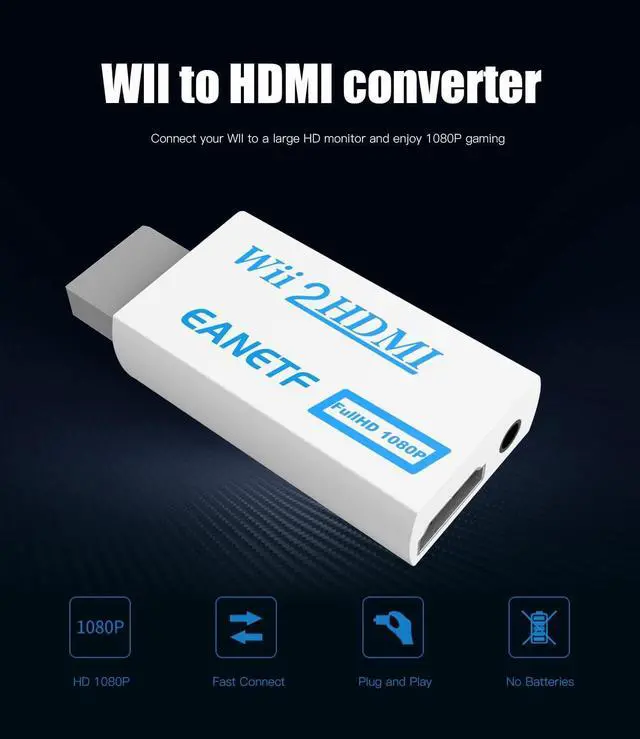
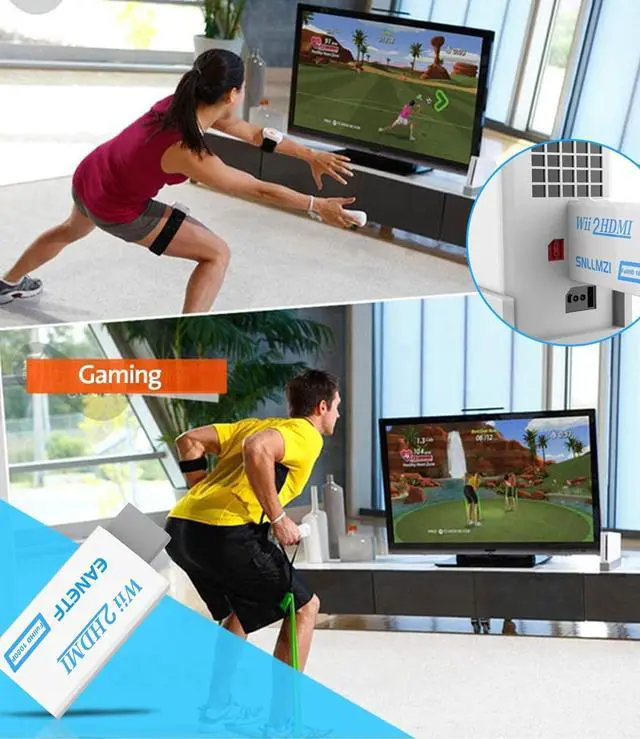
    • The Eanetf Wii to HDMI Converter lets you connect your classic Wii console to modern HDTVs, monitors, and projectors. No more hunting for older TVs with composite inputs – this converter upscales your Wii signal to 1080P HDMI for crisp, clear picture quality on today's displays.

    What's Included

    1 x Wii to HDMI Converter

    1 x 3.3ft HDMI Cable (built-in)

    Eanetf Wii to HDMI Converter

    Key Features

    • Converts Wii to HDMI with 1080P upscaling
    • Supports 480i, 480p (NTSC) and 576i (PAL)
    • Built-in 5ft HDMI cable
    • Audio output included
    • Plug and play – no drivers needed
    • Stable, lag-free video transmission

    Easy Setup

    1. Connect the converter to your Wii console
    2. Plug the HDMI cable into your TV or monitor
    3. Power on and switch to the correct HDMI input
    4. For best results, set Wii display to 480p mode

    Eanetf Wii to HDMI Converter

    Important Compatibility Notes

    • For best picture quality, change your Wii system settings from 480i to 480p
    • Some HDTVs do not support 240p/480i over HDMI – 480p mode is recommended
    • This converter CANNOT be used with HDMI switches or splitters – connect directly to your display
    • Compatible with most HDTVs, monitors, and projectors

    Perfect For

    • Retro gaming enthusiasts
    • Revisiting classic Wii games
    • Connecting Wii to modern home theater systems
    • Gaming rooms and entertainment setups

    Eanetf Wii to HDMI Converter

    Eanetf Wii to HDMI Converter – Play Your Wii on Modern HDTVs

    Bring Your Wii Back to Life

    • The Eanetf Wii to HDMI Converter lets you connect your classic Wii console to modern HDTVs, monitors, and projectors. No more hunting for older TVs with composite inputs – this converter upscales your Wii signal to 1080P HDMI for crisp, clear picture quality on today's displays.

    What's Included

    1 x Wii to HDMI Converter

    1 x 3.3ft HDMI Cable (built-in)

    Eanetf Wii to HDMI Converter

    Key Features

    • Converts Wii to HDMI with 1080P upscaling
    • Supports 480i, 480p (NTSC) and 576i (PAL)
    • Built-in 5ft HDMI cable
    • Audio output included
    • Plug and play – no drivers needed
    • Stable, lag-free video transmission

    Easy Setup

    1. Connect the converter to your Wii console
    2. Plug the HDMI cable into your TV or monitor
    3. Power on and switch to the correct HDMI input
    4. For best results, set Wii display to 480p mode

    Eanetf Wii to HDMI Converter

    Important Compatibility Notes

    • For best picture quality, change your Wii system settings from 480i to 480p
    • Some HDTVs do not support 240p/480i over HDMI – 480p mode is recommended
    • This converter CANNOT be used with HDMI switches or splitters – connect directly to your display
    • Compatible with most HDTVs, monitors, and projectors

    Perfect For

    • Retro gaming enthusiasts
    • Revisiting classic Wii games
    • Connecting Wii to modern home theater systems
    • Gaming rooms and entertainment setups

    Wii to HDMI Converter 1080P 5ft with Audio for Wii Console

    Warranty & Returns

    Warranty, Returns, And Additional Information

    Warranty

    • Please contact the Seller directly for warranty information. Warranty information may also be found on the Manufacturer's website.
    • CONTACT

    Return Policies

    Manufacturer Contact Info

    LOADING...