

Your Browsing History
- Free 30-day Returns
$59.12
Ships from China.


Meet Your Seller


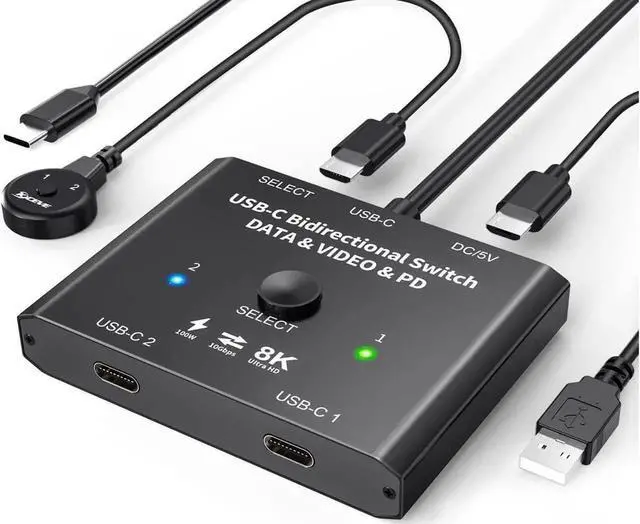
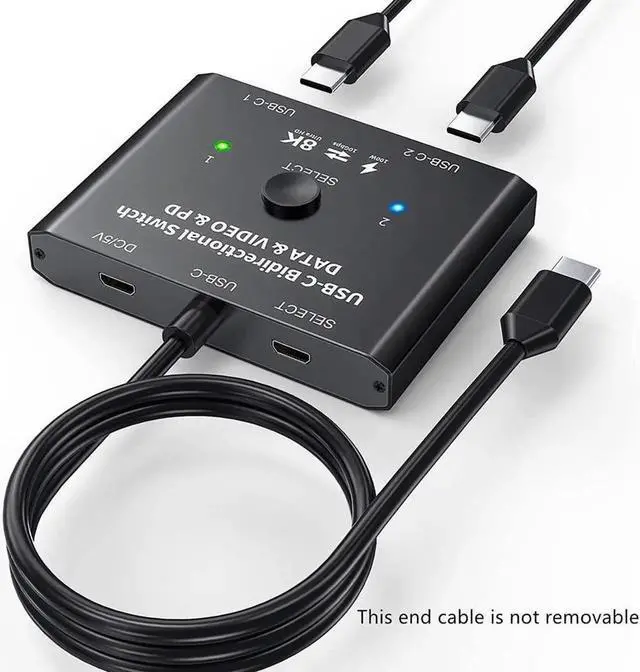
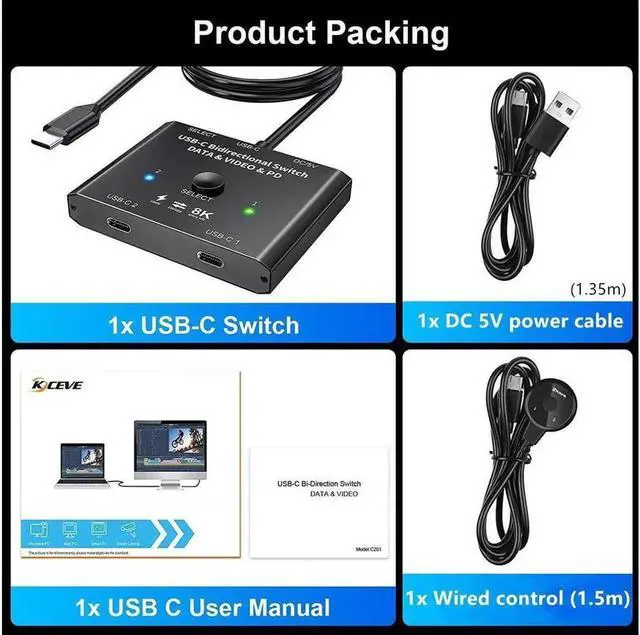


USB C Switch 2 in 1 Out or 1 in 2 Out, Type-C Bi-directional Switcher Box for 2 Computers with C Port, Supports 4K @120Hz 8K @60Hz Video / 10Gbps Data Transfer, Notes: No Splitter Function
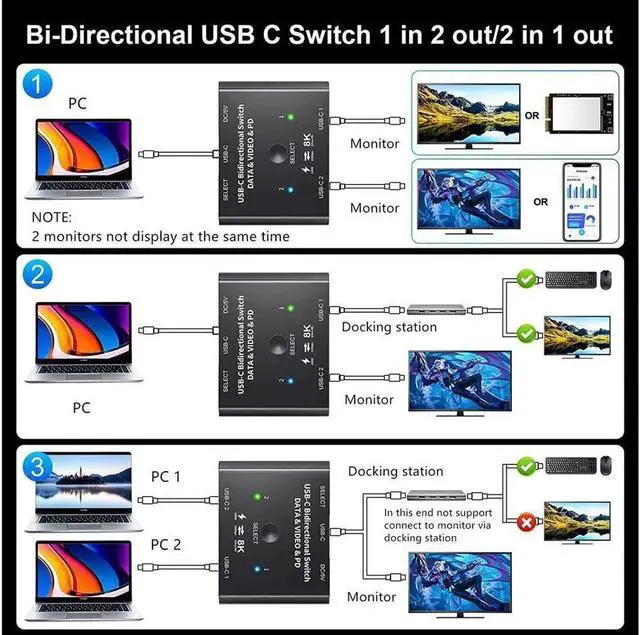
- [8K UHD USB-C video switcher bidirectional[ USB-C switch 2 in and 1 out, use for 2 computer inputs, 1 monitor output, or 1 computer input, 2 monitor outputs. Support output resolution up to 8K@30Hz 4K@120Hz, backward compatibility 1080P.
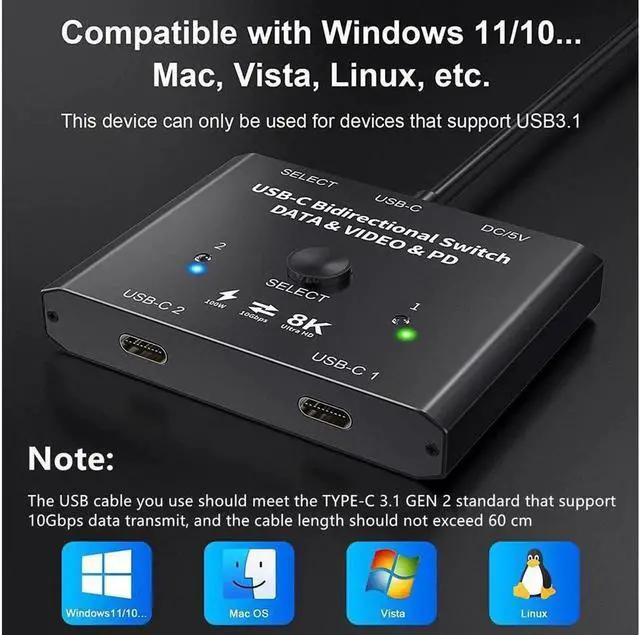
- [Max 10Gbps Data Transfer Rate] It supports transmission speed up to 10Gbps(USB3.1 Gen2). You can read video signal from source devices such as computers, tablets if only your devices support video transmission.
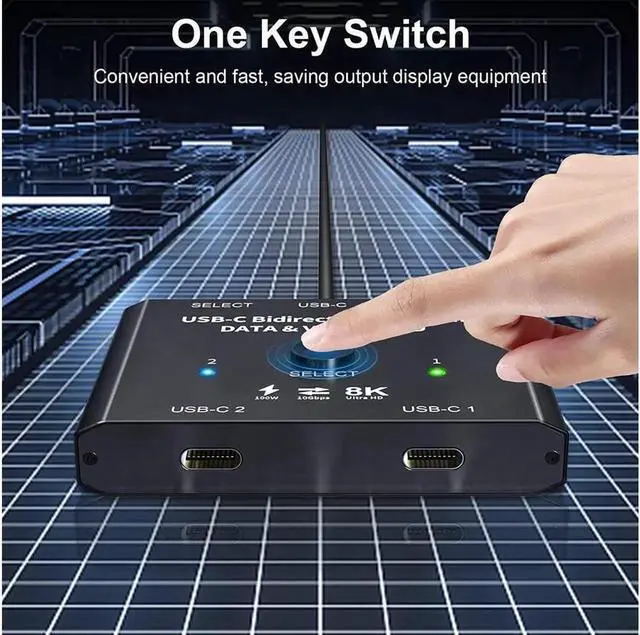
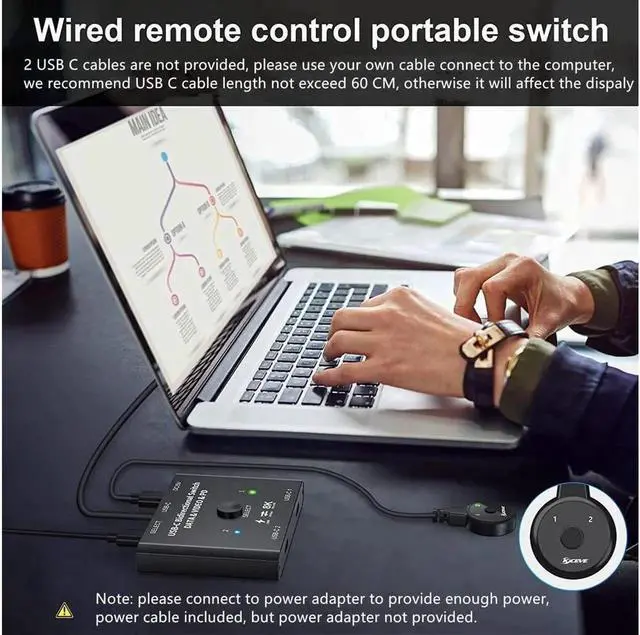
- [Support PD charging] This USB C switch with PD 3.0 charging function, rated power 100w, use reach 87W . Press"Select"button to switch between two displays or PC. Note: Do not use too long cable for connection between the switcher and your devices, otherwise it will flicker.
- [Very Important] USB-C docking station or USB HUB are not recommend connect to this USB C switch. It may appear flicker or the screen will turn black if use with docking station together. It is not compatible with Ma-c-b-ook Pro or Mac series devices and L-G monitor.
+
+
Overview
Specs
Reviews

Any questions? Our AI mode will help you find out quickly.
Try me now
[8K UHD USB-C video switcher bidirectional[ USB-C switch 2 in and 1 out, use for 2 computer inputs, 1 monitor output, or 1 computer input, 2 monitor outputs. Support output resolution up to 8K@30Hz 4K@120Hz, backward compatibility 1080P.
[Max 10Gbps Data Transfer Rate] It supports transmission speed up to 10Gbps(USB 3.1 Gen2). You can read video signal from source devices such as computers, tablets if only your devices support video transmission.
[Support PD charging] This USB C switch with PD 3.0 charging function, rated power 100w, use reach 87W. Press"Select"button to switch between two displays or PC.
Note: Do not use too long cable for connection between the switcher and your devices, otherwise it will flicker.
[Very Important] USB-C docking station or USB HUB are not recommend connect to this USB C switch. It may appear flicker or the screen will turn black if use with docking station together. It is not compatible with Ma-c-b-ook Pro or Mac series devices and L-G monitor.
[Max 10Gbps Data Transfer Rate] It supports transmission speed up to 10Gbps(USB 3.1 Gen2). You can read video signal from source devices such as computers, tablets if only your devices support video transmission.
[Support PD charging] This USB C switch with PD 3.0 charging function, rated power 100w, use reach 87W. Press"Select"button to switch between two displays or PC.
Note: Do not use too long cable for connection between the switcher and your devices, otherwise it will flicker.
[Very Important] USB-C docking station or USB HUB are not recommend connect to this USB C switch. It may appear flicker or the screen will turn black if use with docking station together. It is not compatible with Ma-c-b-ook Pro or Mac series devices and L-G monitor.
Warranty & Returns
Warranty, Returns, And Additional Information
Warranty
- Please contact the Seller directly for warranty information. Warranty information may also be found on the Manufacturer's website.
- CONTACT
Return Policies
- Return for refund within: 30 days
- Return for replacement within: 30 days
- This item is covered by Yz Electronic Store Return Policy
Manufacturer Contact Info
- For a directory of all our manufacturers, please click below.
- Manufacturers Directory
LOADING...