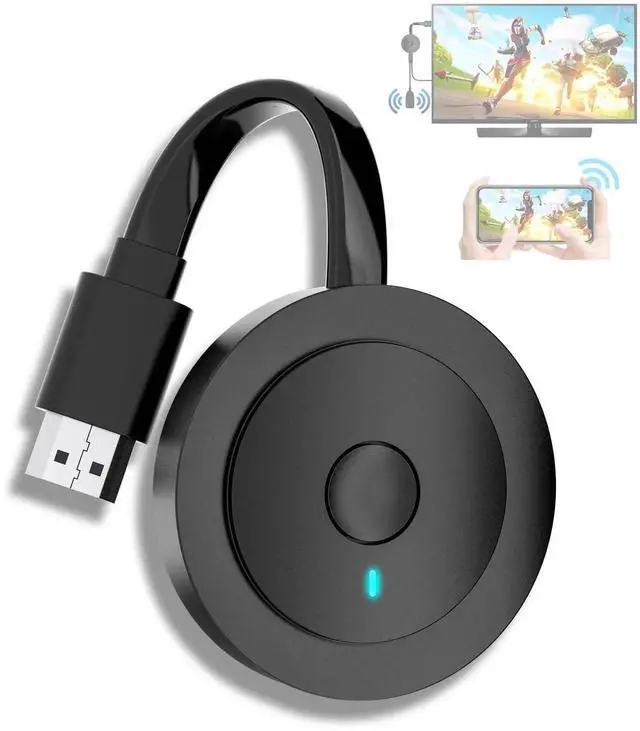
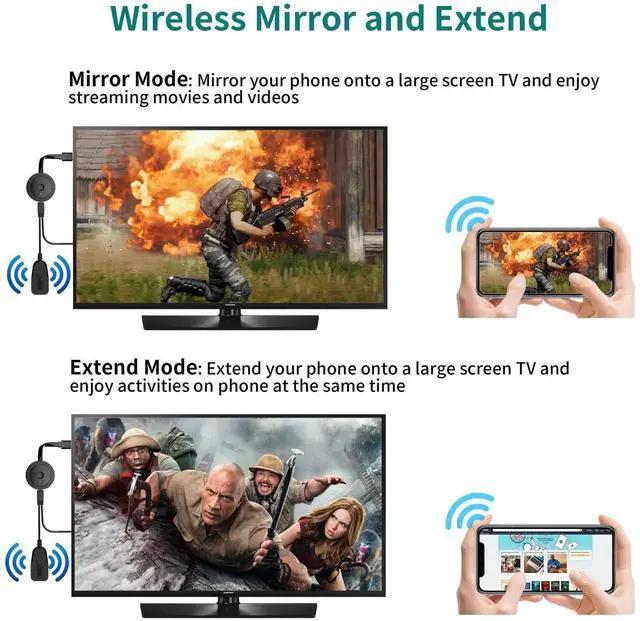
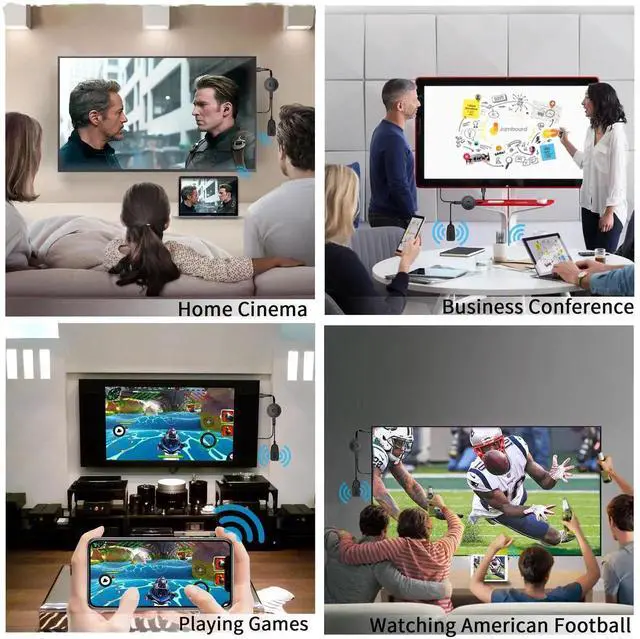
4K Wireless HDMI Display Dongle Adapter 1080P, WiFi Casting Movies, Shows Receiver for i-Phone, i-Pad, iOS, Android, Tablet, Laptop, Windows to HDTV/Monitor/Projector, Support Miracast Air Play DLNA
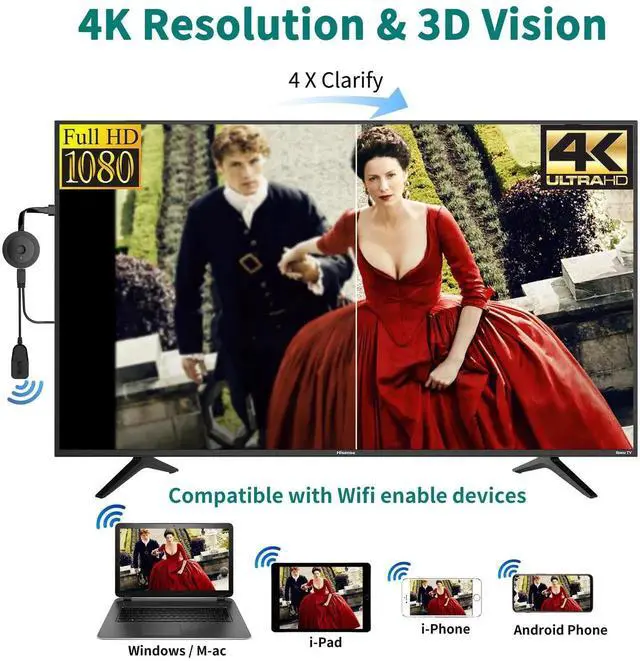
4K Cast without Cable This Wireless HDMI Adapter allow you watch audio or video from small screen (i-Phone, i-Pad, Ma,cbook, Android smartphones, tablet, laptop) to large-screen devices (TV / monitor / projector). You can enjoy 4K HD movies in the living room without the long and messy cable
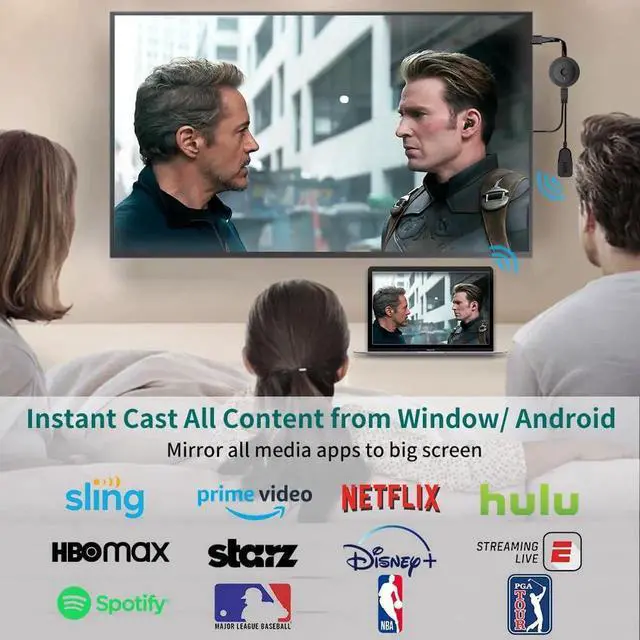
Instant Cast All Content From Window or Android Our wireless display adapter allow you to cast all the contents you love to the big screen from Windows or Android devices, including Neflix, P,rime video, HBO, DYouTube, Hulu plug, Spotify, etc. Its so interesting to turn your HDTV into a PC monitor or cinema screen
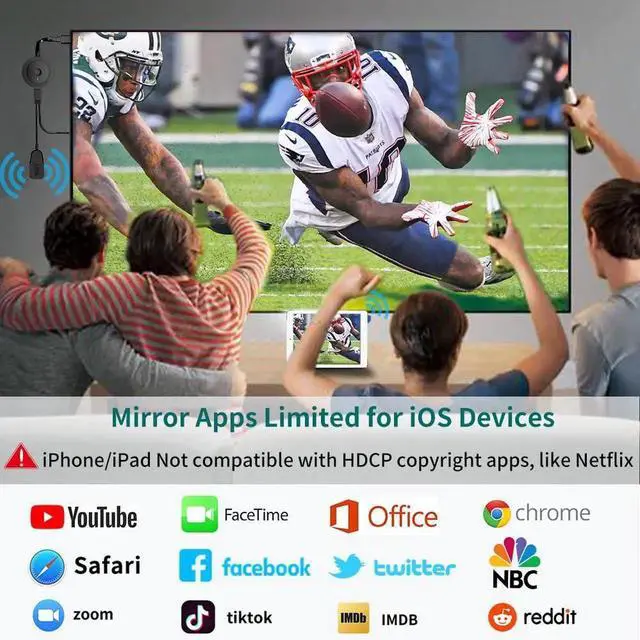
Mirror Apps Limited for iOS DevicesPlug the HDMI wireless dongle into your TV and cast most media you want from i-Phone(including i-Phone 17/16/15), i-Pad, Ma,cbook, including movies, photos, music, Safari, Office apps, Youtube, Whatsapp, Skype, Twitter, Reddit, etc. Note: For iOS devices not compatible with Neflix, Hulu plus, or other HDCP copyright apps
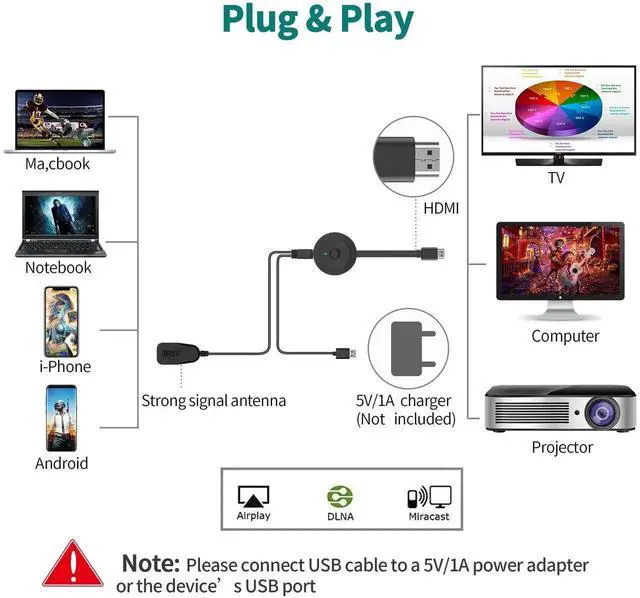
Wireless & Easy Connection No apps, no bluetooth needed. Get connected and casting in minutes. Simply connect it to your TV and power it, find mirror function on your device to cast. You will enjoy HD video and audio from your device to any TV. Making your HDMI wireless
+
+
Overview
Specs
Reviews
Any questions? Our AI beta will help you find out quickly.
Try me now
Plug external antenna into this dongle, then connect it to TV and plug USB cable to a USB charger or TV's USB port.
Go to your phone (tablet or Macbook) network setting, choose Wifi name 'Mira-Screen-xxx', and enter password: 12345678.
Open browser on your phone (tablet or Macbook) to access the IP address "192.168.203.1", click "Internet", and choose your router, enter its password.
When the TV's upper corner shows your router name, please go back to your phone (tablet or Macbook) network setting, and choose your router this time.
Tap AirPlay or screen mirror function on your phone (tablet or Macbook), select 'Mira-Screen-xxx', then you can cast your screen to TV.
After the initial setup, you can directly click Airplay or screen mirror function to cast.
For Windows devices: Don't need the above steps, Press "win+K," find the mirror function, and then you can cast your screen to TV.
Learn more about the Detailed Specifications
Additional Information
First Listed on Newegg
June 11, 2026
There are no reviews yet.
Do you own this product?
Warranty & Returns
Warranty, Returns, And Additional Information
Warranty
Please contact the Seller directly for warranty information. Warranty information may also be found on the Manufacturer's website.