




 here!
here!
I’m your shopping assistant for PC builds, upgrades, and everything tech.
Got questions? Ask away!
Start a conversation
here!
I’m your shopping assistant for PC builds, upgrades, and everything tech.
Got questions? Ask away!
Start a conversation



Any questions? Ask CelesteSM will help you find out quickly.
Overview
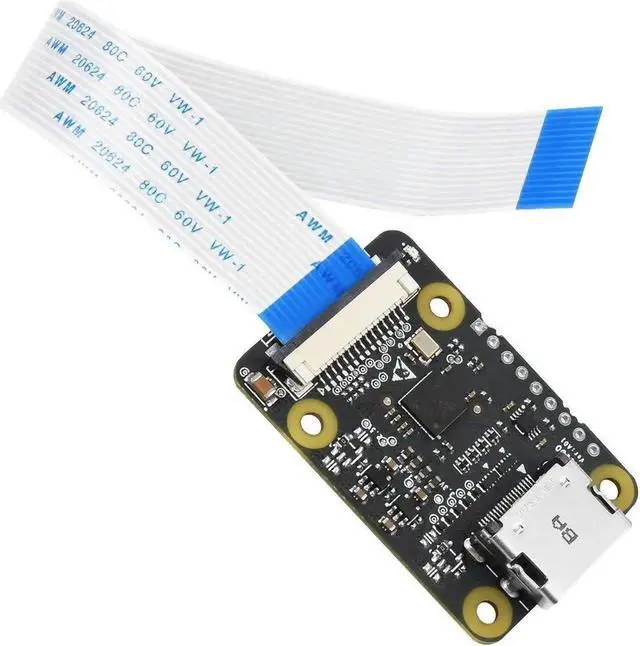
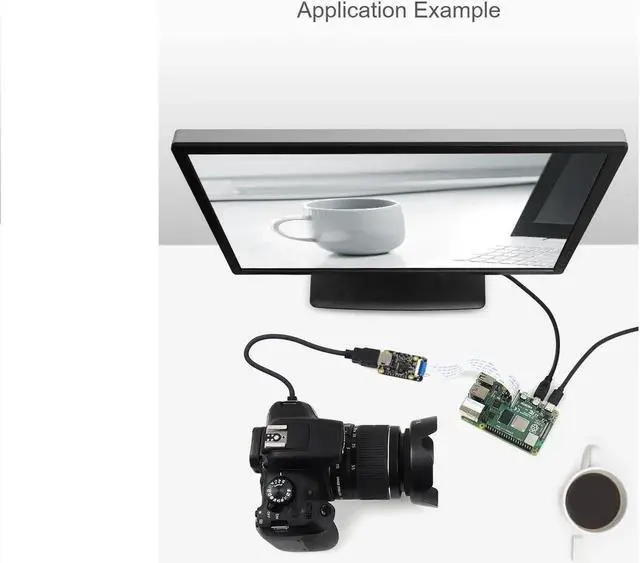
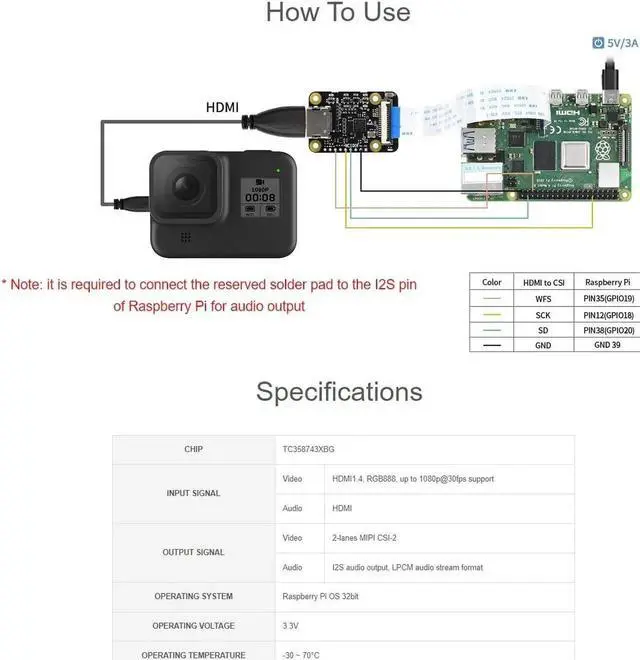
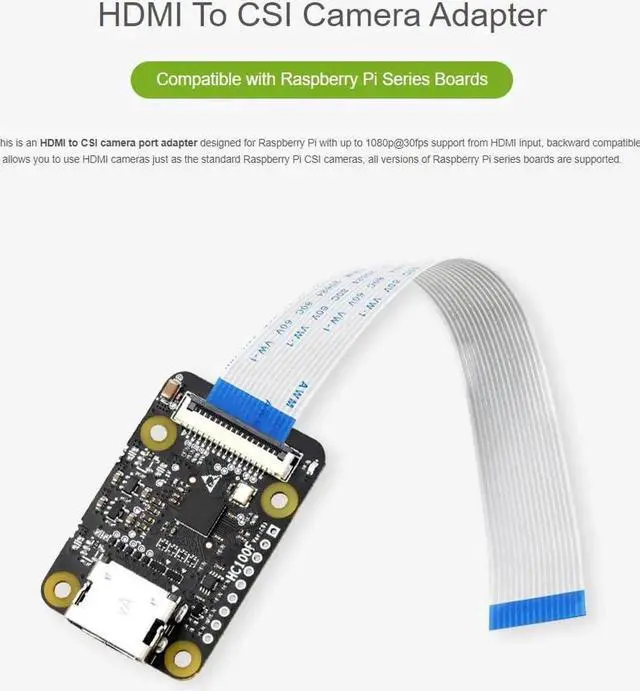
This is an HDMI to CSI camera port adapter designed for Raspberry Pi with up to 1080p@30fps support from HDMI input, backward compatible. It allows
you to use HDMI cameras just as the standard Raspberry Pi CSI cameras, all versions of Raspberry Pi series boards are supported.
Features
PN: HDMI to CSI Adapter
Input signal: HDMI;
Output signal: CSI;
Limitation: HDMI input supports up to 1080p@30fps, backward compatible
Support: Raspberry Pi 4B/3B+/3B/2B/B+/3A+/Pi Zero/Zero W, Raspberry Pi CSI cameras
Connection
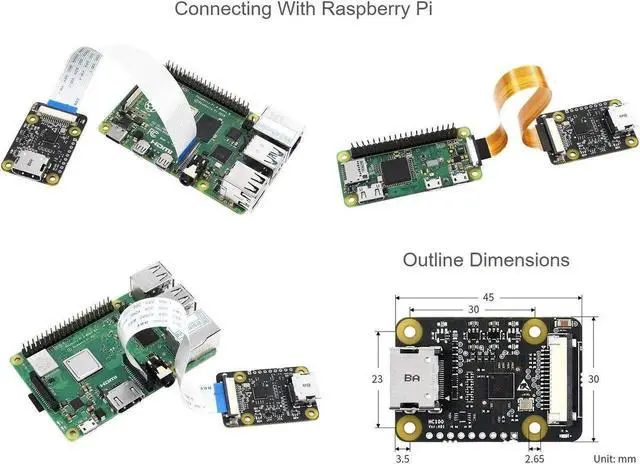
Connect the FPC cable of Raspberry Pi to the CSI interface of Raspberry Pi. The CSI interface of Pi 2B, 3B, 3B+ located between the LAN port and HDMI
port. The CSI interface of Pi 4 is placed between the HDMI1 interface and the audio jack. If you use Pi zero, the CSI interface is beside the
Power port. Here is the diagram of Pi 4. 4B
Note that the silver side (metal side) should toward to the HDMI interface. Release the black buckle, align the FPC cable and insert it tightly, then close the
black buckle.
2. Enable Camera
The camera interface of Raspberry Pi is default disabled. Before you use camera, you should enable it.
Open Raspberry Pi terminal and excute command sudo raspi-config, then choose Interfacing Options -> Camera -> Yes
Reboot Raspberry Pi
sudo reboot
3. Test
Open a terminal and test the adapter
Capturesudo raspistill -o image-01. jpg
Recordsudo raspivid -o video-01. h264 -t 10000
Package Content
HDMI to CSI Adapter x1
Note
The FCC cable is required if using with Raspberry Pi Zero, Zero W
The Raspberry Pi and HDMI Camera are not included in the product package.


