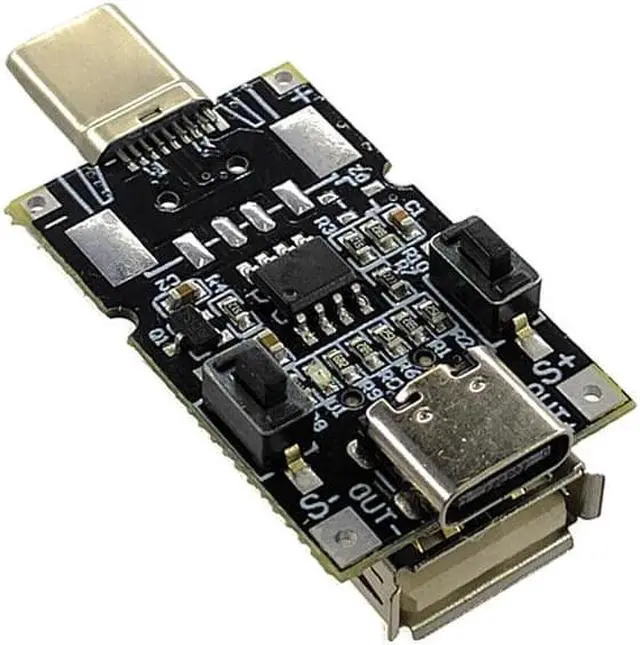
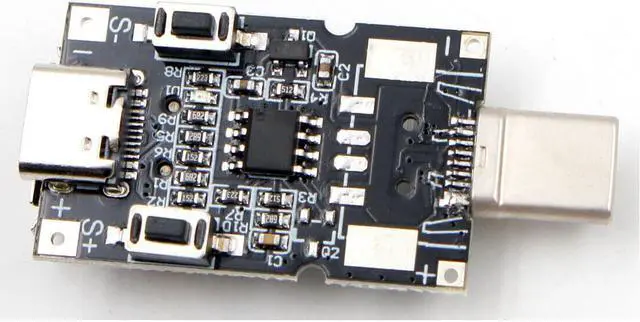
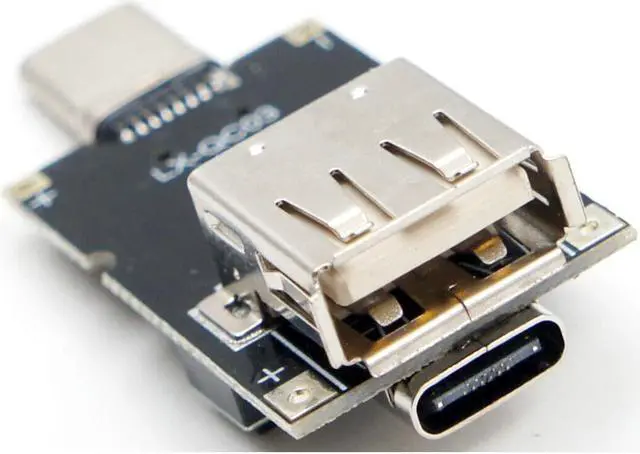
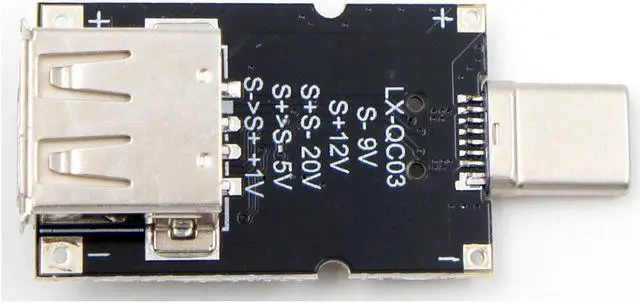
Instructions:
Power supply must support QC protocol
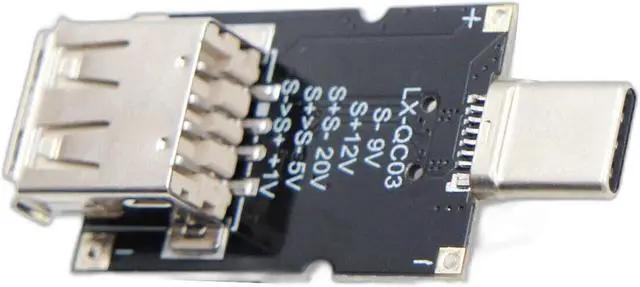
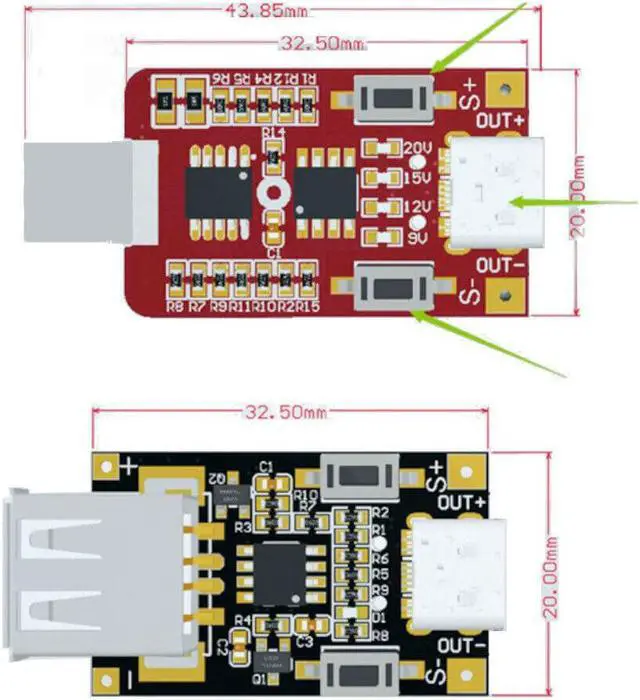
QC 2.0 9V: Press and hold the S- button while connecting the module to the power supply.
QC 2.0 12V: Press and hold the S+ button while connecting the module to the power supply.
QC 2.0 20V: Press and hold the S- and S+ buttons simultaneously while connecting the module to the power supply.
QC 3.0: Connect the module to the power supply, press and hold S+, then press and hold S-. Release S- and S+ in turn after 1 second. The module is unlocked and reset to 5V output. After unlocking, the voltage can be freely adjusted by pressing S+ and S-. Short press to increase or decrease voltage by 0.2V. Press and hold S- and then short press S+ to increase voltage by 1.0V.