








Unleash Your Aura, Illuminate Your Victory!

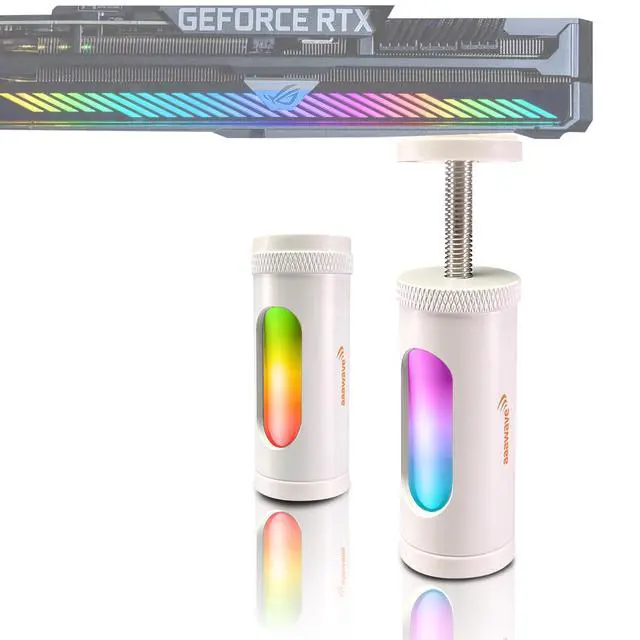
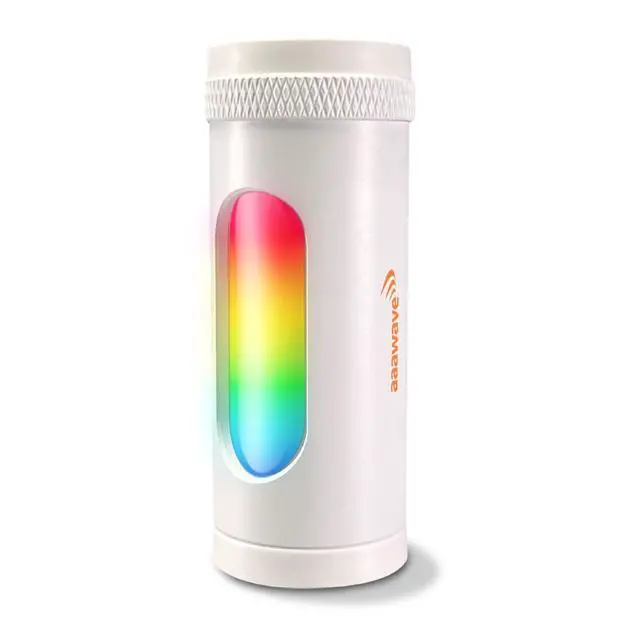
Keep your graphics card safe and secure with the ARGB 3 Pin GPU support bracket. Elevate your gaming experience, prevent GPU sag, and maintain optimal performance with our durable and adjustable solution, where gaming truly shines bright.


AURAWAVE INSTALLATION GUIDE

Position the Bracket
Place the GPU support bracket under your graphics card, ensuring the magnetic side is at the bottom.

Adjust the Height
Twist the top screw counterclockwise to adjust the bracket's height to your desired level.

Secure the Height
Twist the second nut clockwise to lock the height firmly in place.

Connect the ARGB Cable
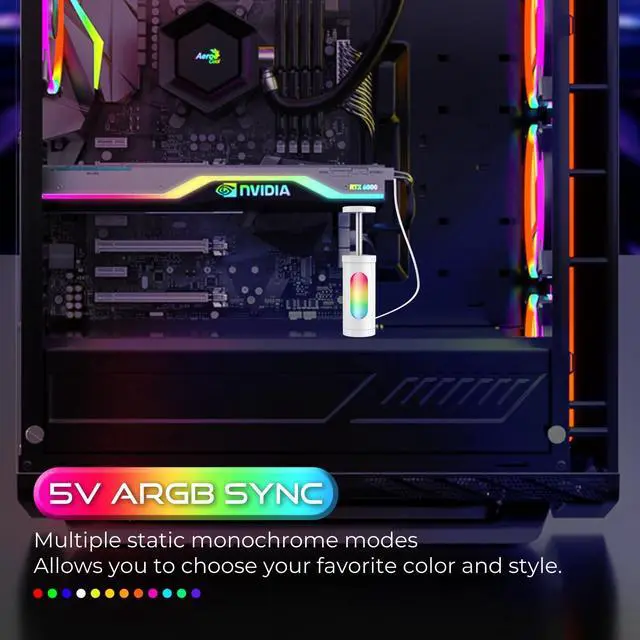
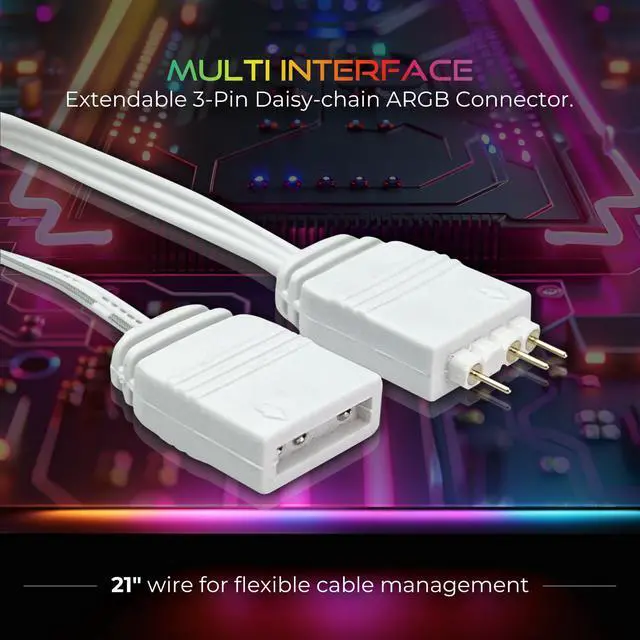
Plug the 3-pin ARGB cable into a compatible 5V 3-pin ARGB header on your motherboard.
SPECIFICATION
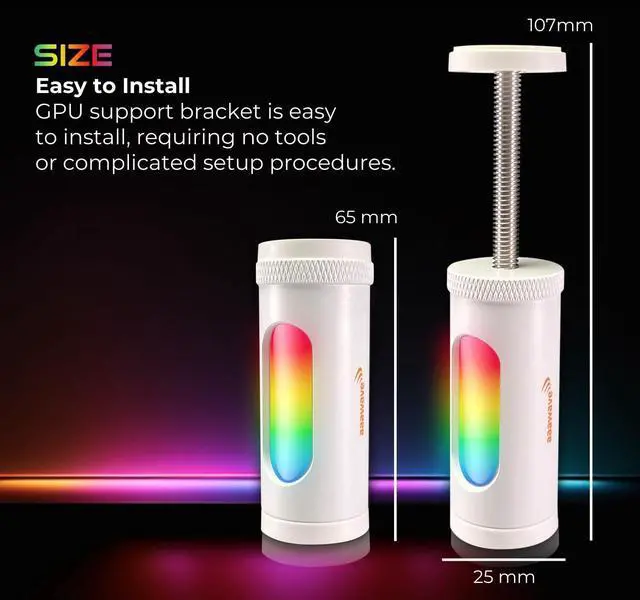
Size: 4.2" x 2.5" x 0.9"
Sliding adjustment height: 4.3", adjustable freely
Color: White, Black
Material: Aluminum alloy
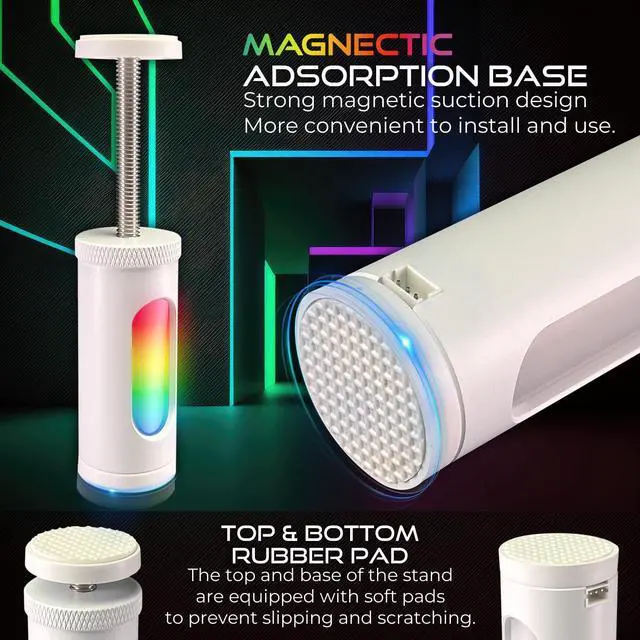
Base: with strong magnet and silicon pad
Motherboard port: 5V 3 pins
Length of cable: 21" wire
Product weight: 59 g
To install the ARGB 3 Pin GPU Support Brace Bracket Holder Stand, start by powering off and unplugging your PC, then open the case to access the graphics card. Position the stand under the GPU and adjust its height from 2.64" to 4.33" using the screw mechanism. The magnetic base will hold the stand firmly in place, while the rubber cushion prevents scratches. Connect the 21" ARGB cable to the ARGB header. Ensure everything is stable, close the case, and power on your PC. Check that the ARGB lights are synchronized and the GPU is securely supported.
Remarks: Ensure your motherboard supports 5V 3-pin ARGB interface equipment before purchasing. Power off your computer during installation to ensure safety.


aaawave, established in 2000 and located in Southern California, is a premium online retailer of computer components, consumer electronics, and other products.
Since its inception, we have acquired a wealth of experience, knowledge, and formed relationships with several of the leading manufacturers.

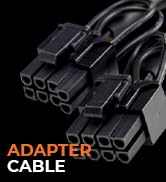
MORE PRODUCTS
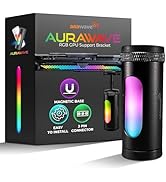
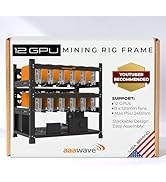
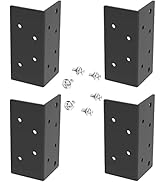
MORE PODUCTS



aaawave, established in 2000 and located in Southern California, is a premium online retailer of computer components, consumer electronics, and other products.
Since its inception, we have acquired a wealth of experience, knowledge, and formed relationships with several of the leading manufacturers.
MORE PRODUCTS
MORE PODUCTS
Unleash Your Aura, Illuminate Your Victory!

Keep your graphics card safe and secure with the ARGB 3 Pin GPU support bracket. Elevate your gaming experience, prevent GPU sag, and maintain optimal performance with our durable and adjustable solution, where gaming truly shines bright.


AURAWAVE INSTALLATION GUIDE
Position the Bracket
Place the GPU support bracket under your graphics card, ensuring the magnetic side is at the bottom.
Adjust the Height
Twist the top screw counterclockwise to adjust the bracket's height to your desired level.
Secure the Height
Twist the second nut clockwise to lock the height firmly in place.
Connect the ARGB Cable
Plug the 3-pin ARGB cable into a compatible 5V 3-pin ARGB header on your motherboard.
SPECIFICATION
Size: 4.2" x 2.5" x 0.9"
Sliding adjustment height: 4.3", adjustable freely
Color: White, Black
Material: Aluminum alloy
Base: with strong magnet and silicon pad
Motherboard port: 5V 3 pins
Length of cable: 21" wire
Product weight: 59 g
To install the ARGB 3 Pin GPU Support Brace Bracket Holder Stand, start by powering off and unplugging your PC, then open the case to access the graphics card. Position the stand under the GPU and adjust its height from 2.64" to 4.33" using the screw mechanism. The magnetic base will hold the stand firmly in place, while the rubber cushion prevents scratches. Connect the 21" ARGB cable to the ARGB header. Ensure everything is stable, close the case, and power on your PC. Check that the ARGB lights are synchronized and the GPU is securely supported.
Remarks: Ensure your motherboard supports 5V 3-pin ARGB interface equipment before purchasing. Power off your computer during installation to ensure safety.