





High-performance Airflow
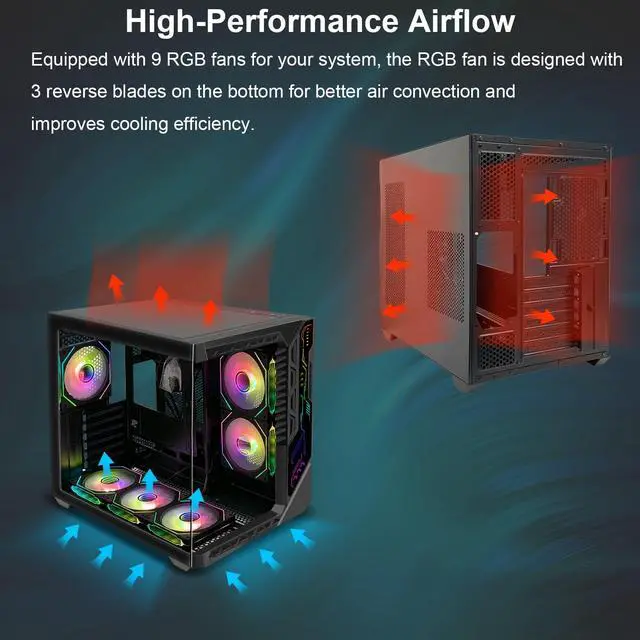
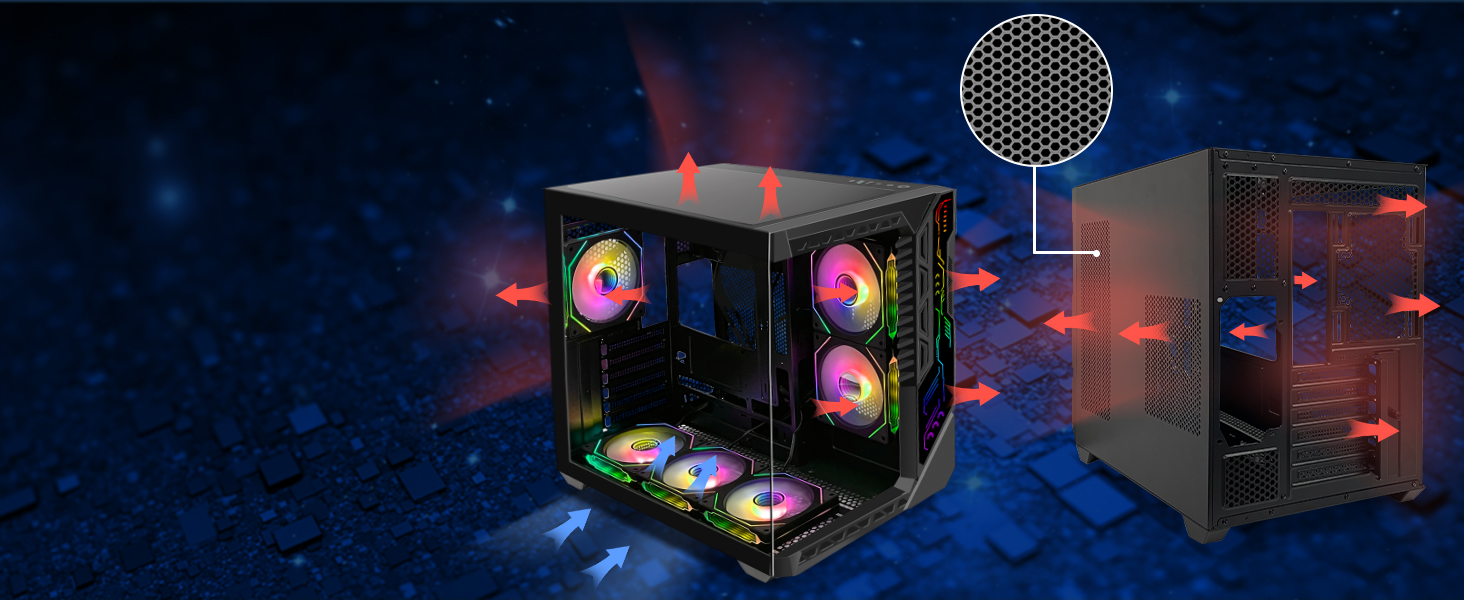
Our gaming PC cases feature a mesh design for maximum airflow. It has multiple ventilation channels and cooling channels to ensure your system stays cool even during intense gaming sessions.
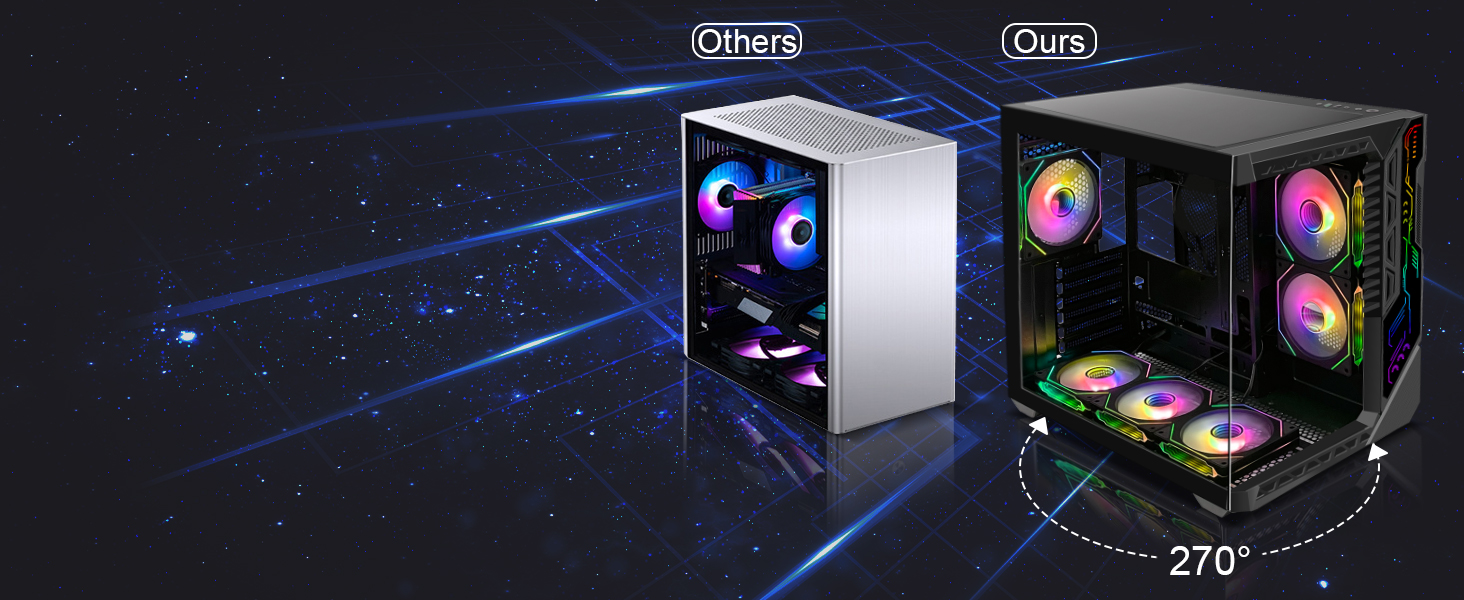
270° Full View Tempered Glass Design
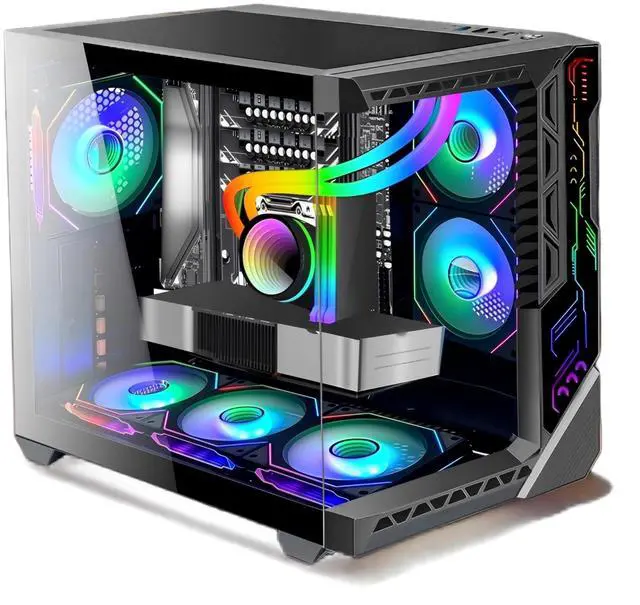
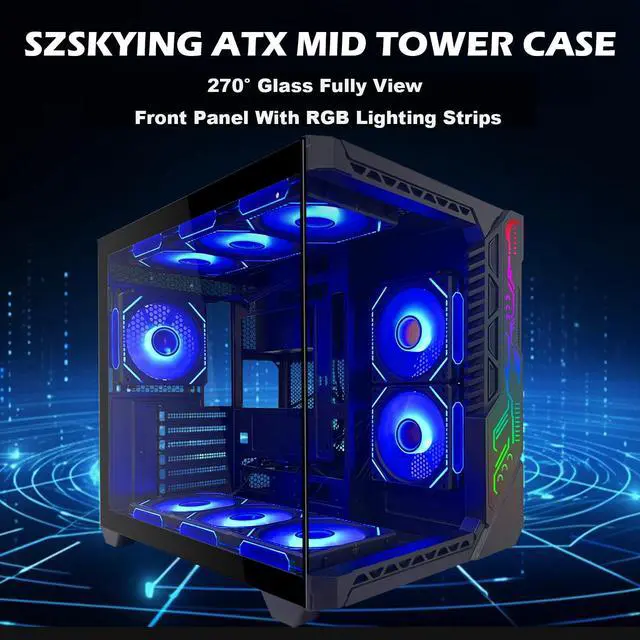
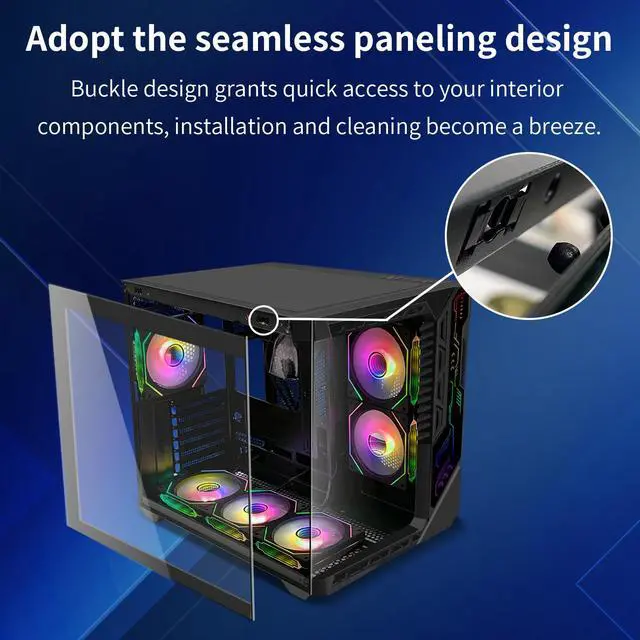
Our computer cases offer stunning 270° panoramic views to easily showcase your high-end PC hardware and captivating lighting effects to give you quick access to your internal components


How to control and change the ARGB fan light color?
Ensure the case controller is connected to the motherboard via the provided wire. To switch control to the motherboard, press and hold the "M/B" button for 2 seconds. To use the remote control, hold the "M/B" button again for 2 seconds.
How many ARGB fans are installed on the computer?
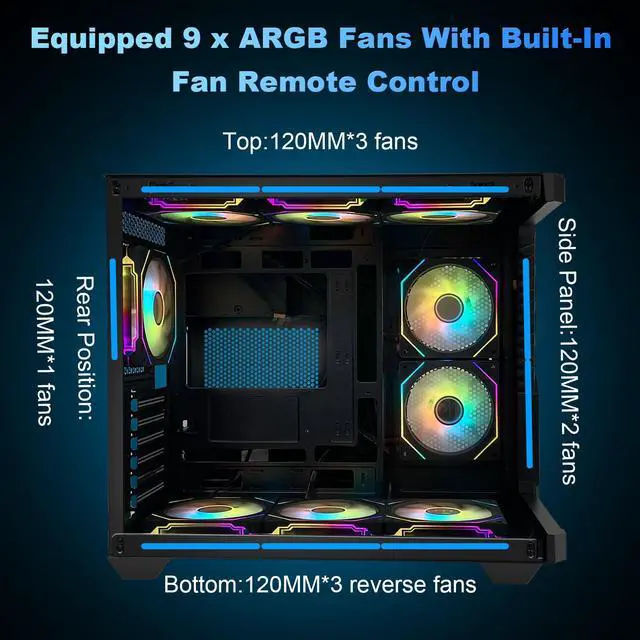
Featuring 9 pre-installed cooling fans, including top 3*120mm, side 2*120mm, rear 1*120mm, and bottom 3*120mm ARGB fans, our case rapidly reduces internal temperatures for optimal performance

High-performance Airflow
270° Full View Tempered Glass Design


Our gaming PC cases feature a mesh design for maximum airflow. It has multiple ventilation channels and cooling channels to ensure your system stays cool even during intense gaming sessions.
Our computer cases offer stunning 270° panoramic views to easily showcase your high-end PC hardware and captivating lighting effects to give you quick access to your internal components
1. Mainstream PC parts fully supported
2. Simple, generous exterior design


How to control and change the ARGB fan light color?
Ensure the case controller is connected to the motherboard via the provided wire. To switch control to the motherboard, press and hold the "M/B" button for 2 seconds. To use the remote control, hold the "M/B" button again for 2 seconds.
How many ARGB fans are installed on the computer?
Featuring 9 pre-installed cooling fans, including top 3*120mm, side 2*120mm, rear 1*120mm, and bottom 3*120mm ARGB fans, our case rapidly reduces internal temperatures for optimal performance