




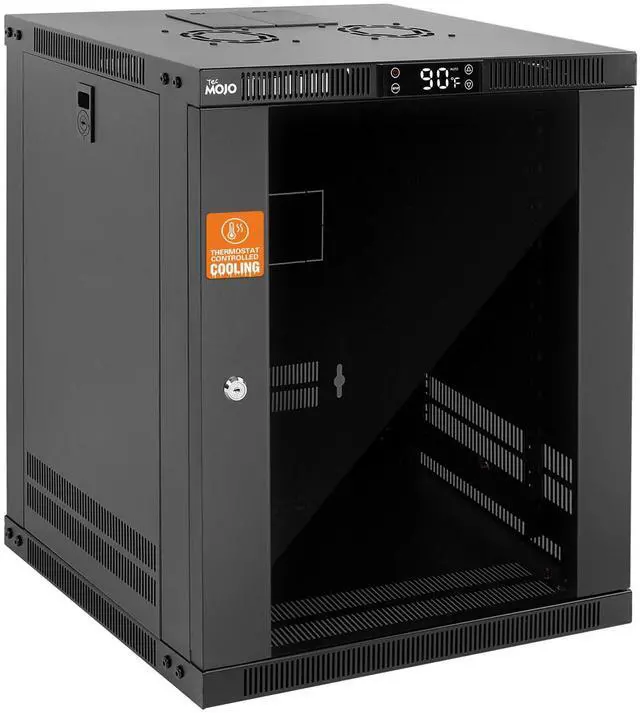
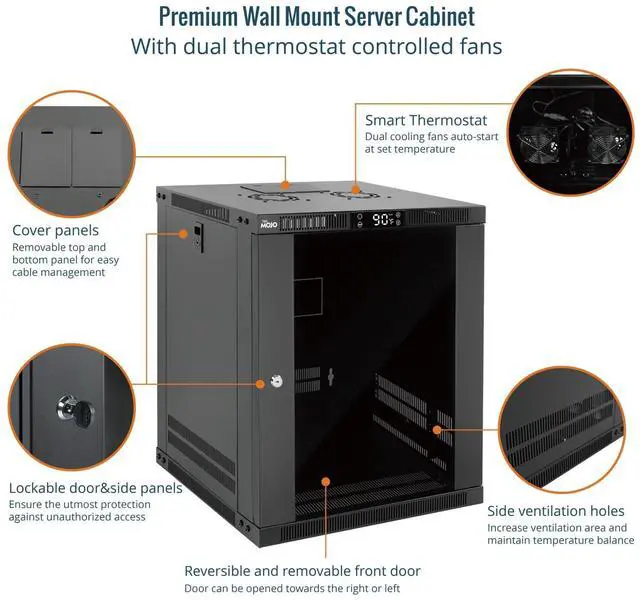
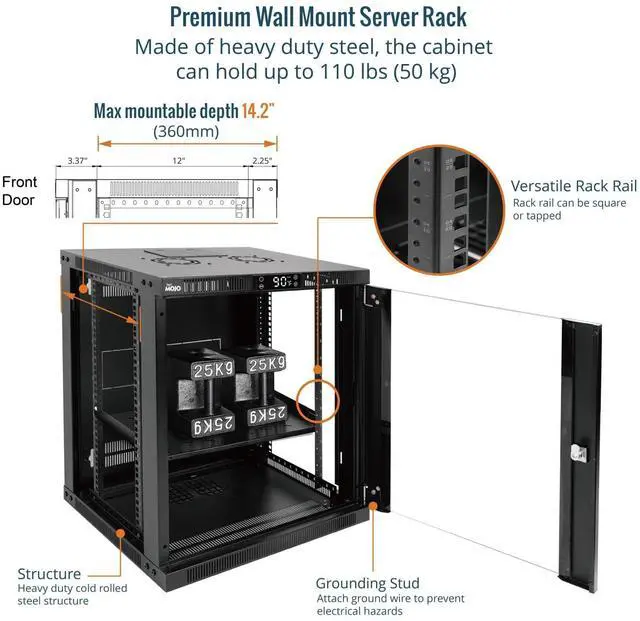
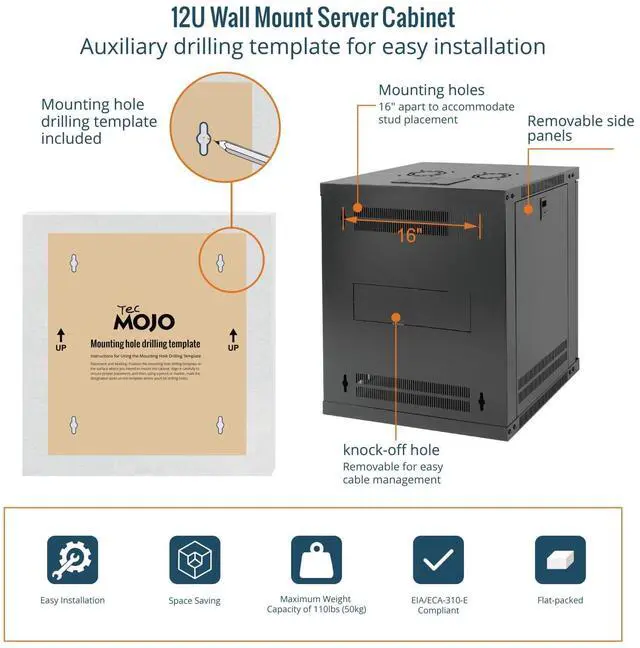
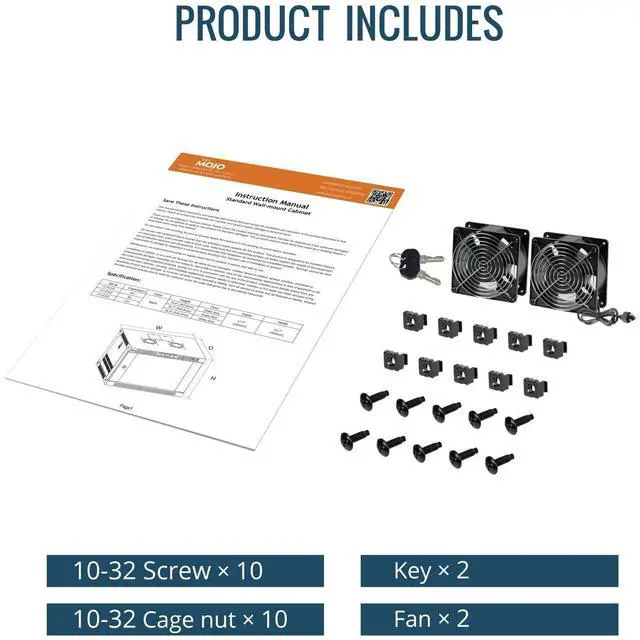




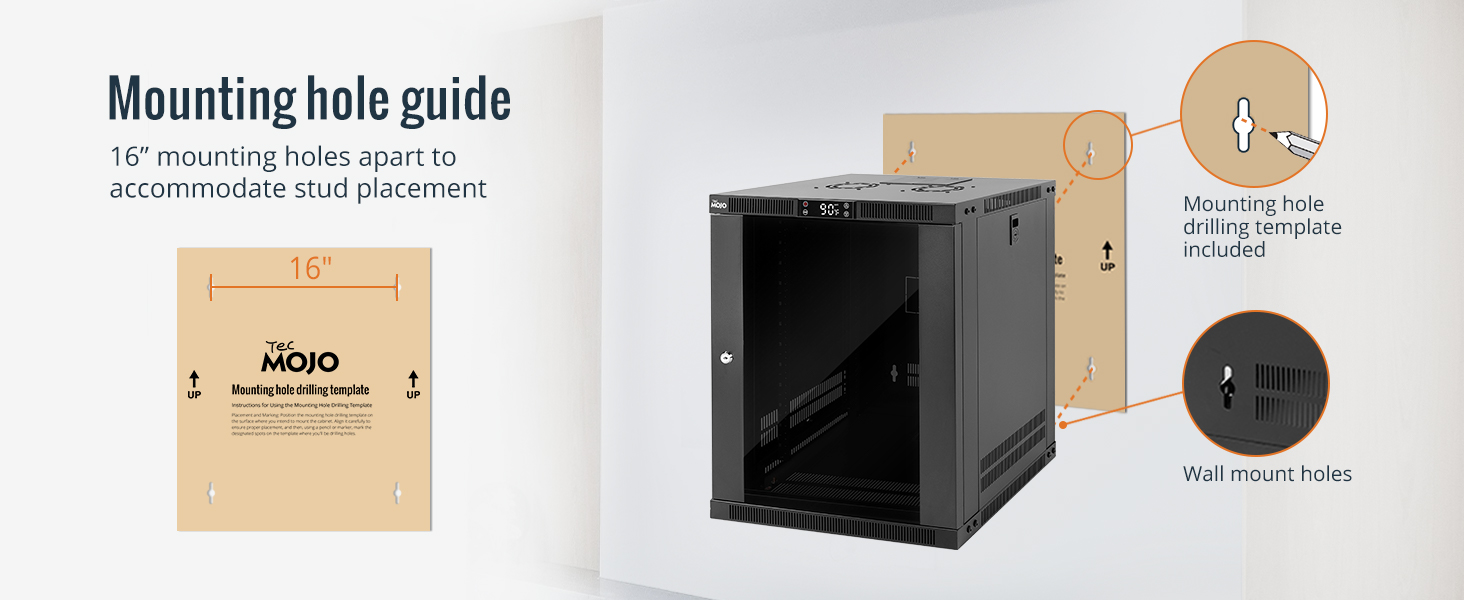
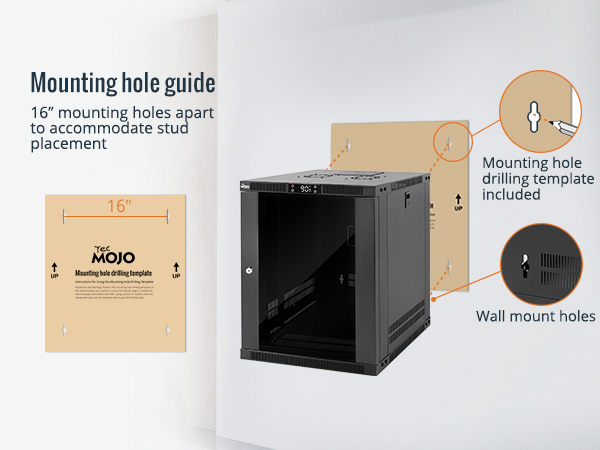
Easy equipment configuration
Tecmojo products are easy to make installations and save your time
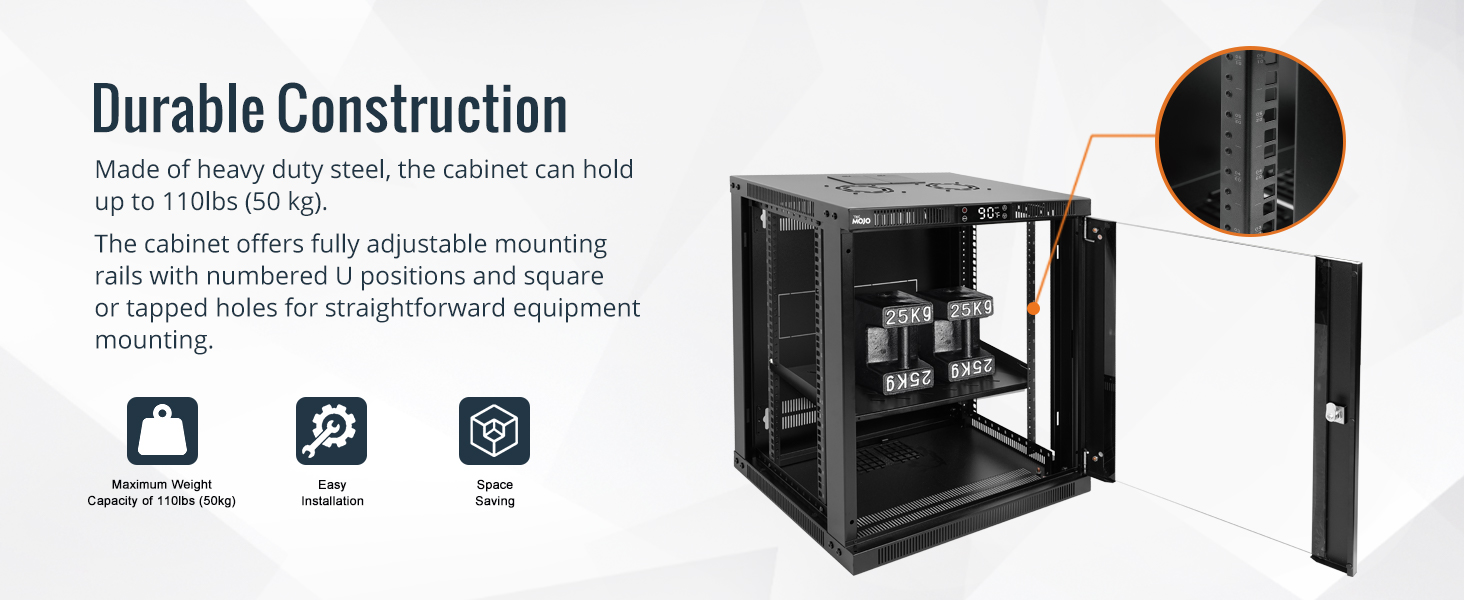
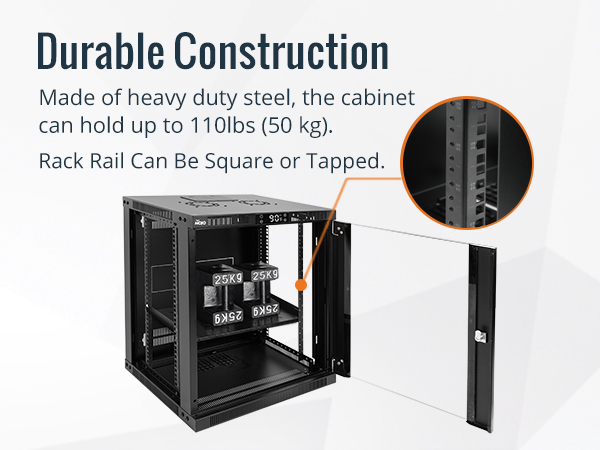
Product durability
Made of high quality cold rolled steel,providing a durable resilent base for your IT equipment
Product Categories
Cabinet & Rack
Server Cabinet
PDU & Accessories
Cable
Networking & cabling
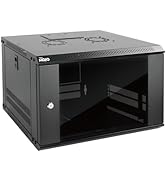
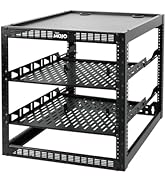
Tecmojo Cabinet & Rack
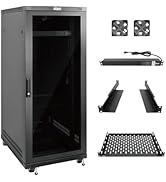
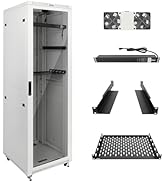
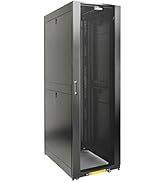
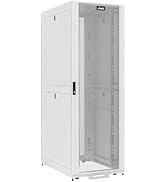
Tecmojo Server Cabinet
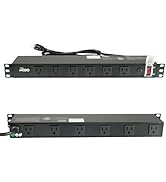
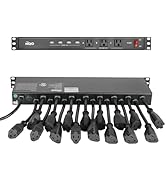
Rack Power & Accessories

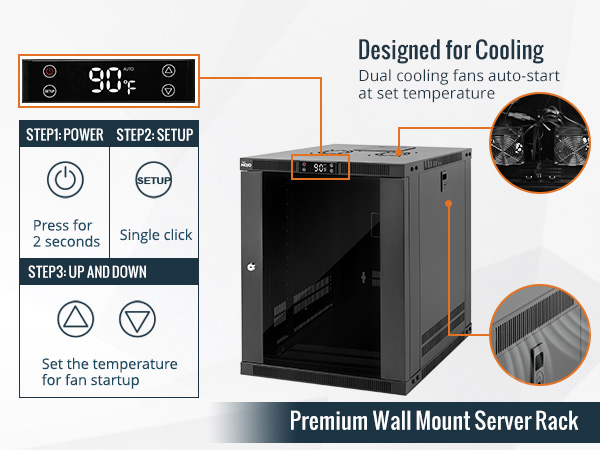
How to set up the thermostat
1. Press the power button for 2 seconds to turn on the thermostat.
2. Press the "Settings" button.
3. Use the "Up/Down" buttons to set the fan's start temperature
4. When the internal temperature reaches the value you set, the fan will automatically turn on.
How to set the temperature
Merchant Video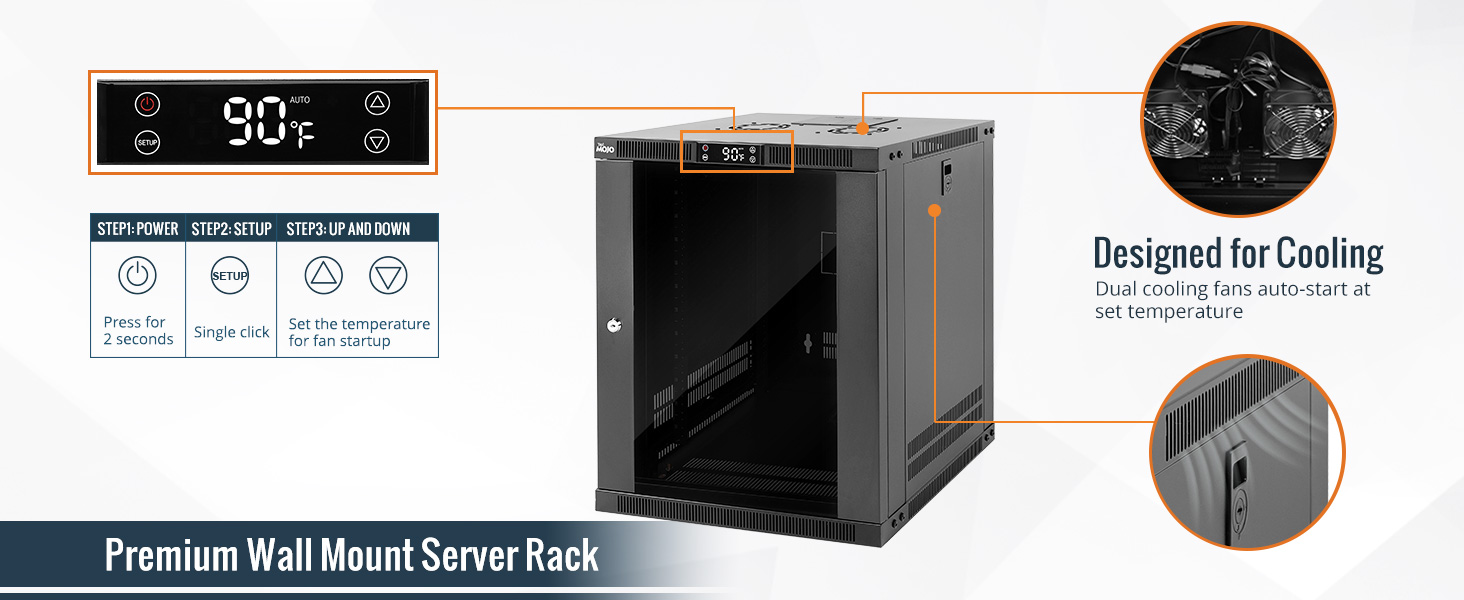
More Product Options
 12U Wall Mount Cabinet |  6U Wall-mount Cabinet |  6U 15.8" Depth Wall Rack |  12U AV Rack |  6U Wall Mount Cabinet |  9U Wall Mount Cabinet | |
|---|---|---|---|---|---|---|
Customer Reviews | — | — | — | — | — | — |
Price | — | — | — | — | — | — |
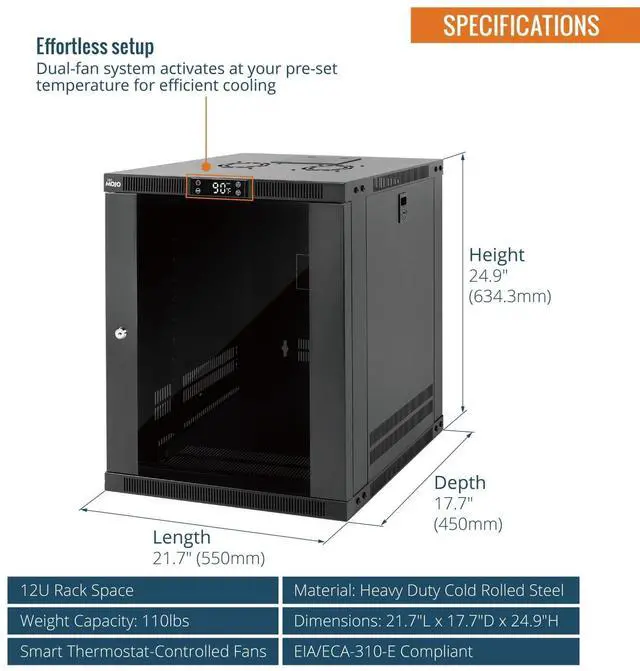
U Height | 12U | 6U | 6U | 12U | 6U | 9U |
Weight Capacity | 110lbs | 110lbs | 110lbs | 260bs(floor),130lbs(wall) | 110lbs | 110lbs |
Product Size (inch) | 21.7"L x 17.7"D x 24.9"H | 21.7"L x 17.7"Dx13.8"H | 15.8"Dx19.92"Wx13.65"H | 20.47"Wx20.15"Dx21.02"H | 21.7"L x 17.7"D x 14.4"H | 21.7"L x 17.7"D x 19.7"H |
Locking door and side panels | ? | ? | ? | ? | ? | ? |
Door Opens 180 Degrees | ? | ? | ? | ? | ? | ? |
Max mounting depth | 360mm | 360mm | — | 360mm | 360mm | 360mm |

How to set the temperature
Merchant VideoHow to set up the thermostat
1. Press the power button for 2 seconds to turn on the thermostat.
2. Press the "Settings" button.
3. Use the "Up/Down" buttons to set the fan's start temperature
4. When the internal temperature reaches the value you set, the fan will automatically turn on.
More Product Options
12U Wall Mount Cabinet | 6U Wall-mount Cabinet | 6U 15.8" Depth Wall Rack | 12U AV Rack | 6U Wall Mount Cabinet | 9U Wall Mount Cabinet |
|---|---|---|---|---|---|
| Customer Reviews | |||||
| — | — | — | — | — | — |
| Price | |||||
| — | — | — | — | — | — |
| U Height | |||||
| 12U | 6U | 6U | 12U | 6U | 9U |
| Weight Capacity | |||||
| 110lbs | 110lbs | 110lbs | 260bs(floor),130lbs(wall) | 110lbs | 110lbs |
| Product Size (inch) | |||||
| 21.7"L x 17.7"D x 24.9"H | 21.7"L x 17.7"Dx13.8"H | 15.8"Dx19.92"Wx13.65"H | 20.47"Wx20.15"Dx21.02"H | 21.7"L x 17.7"D x 14.4"H | 21.7"L x 17.7"D x 19.7"H |
| Locking door and side panels | |||||
| ? | ? | ? | ? | ? | ? |
| Door Opens 180 Degrees | |||||
| ? | ? | ? | ? | ? | ? |
| Max mounting depth | |||||
| 360mm | 360mm | — | 360mm | 360mm | 360mm |
Easy equipment configuration
Tecmojo products are easy to make installations and save your time
Product durability
Made of high quality cold rolled steel,providing a durable resilent base for your IT equipment
Product Categories
Cabinet & Rack
Server Cabinet
PDU & Accessories
Cable
Networking & cabling
Tecmojo Cabinet & Rack
Tecmojo Server Cabinet
Rack Power & Accessories