







Cable Matters, with headquarters in Southborough, Massachusetts, offers a complete line of cables, adapters, docking stations, and networking products for the home, office, and data center. Cable Matters offers first-class, quality, and affordable products backed by an exceptional customer experience.
![[Intel Certified] Cable Matters 40Gbps USB4 Thunderbolt 4 Cable 2.6ft](//c1.neweggimages.com/sellingpilot/modules/product/a-plus/c0b94393747c9f3ec555444df8abaffd85ae384875866c441eb501cf6541080b.jpg)
The Versatile Connectivity
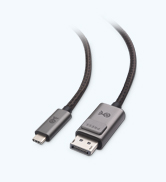
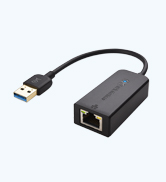
The Reliable Connectivity

![[Intel Certified] Cable Matters 40Gbps USB4 Thunderbolt 4 Cable 2.6ft](http://c1.neweggimages.com/sellingpilot/modules/product/a-plus/c0b94393747c9f3ec555444df8abaffd85ae384875866c441eb501cf6541080b.jpg)

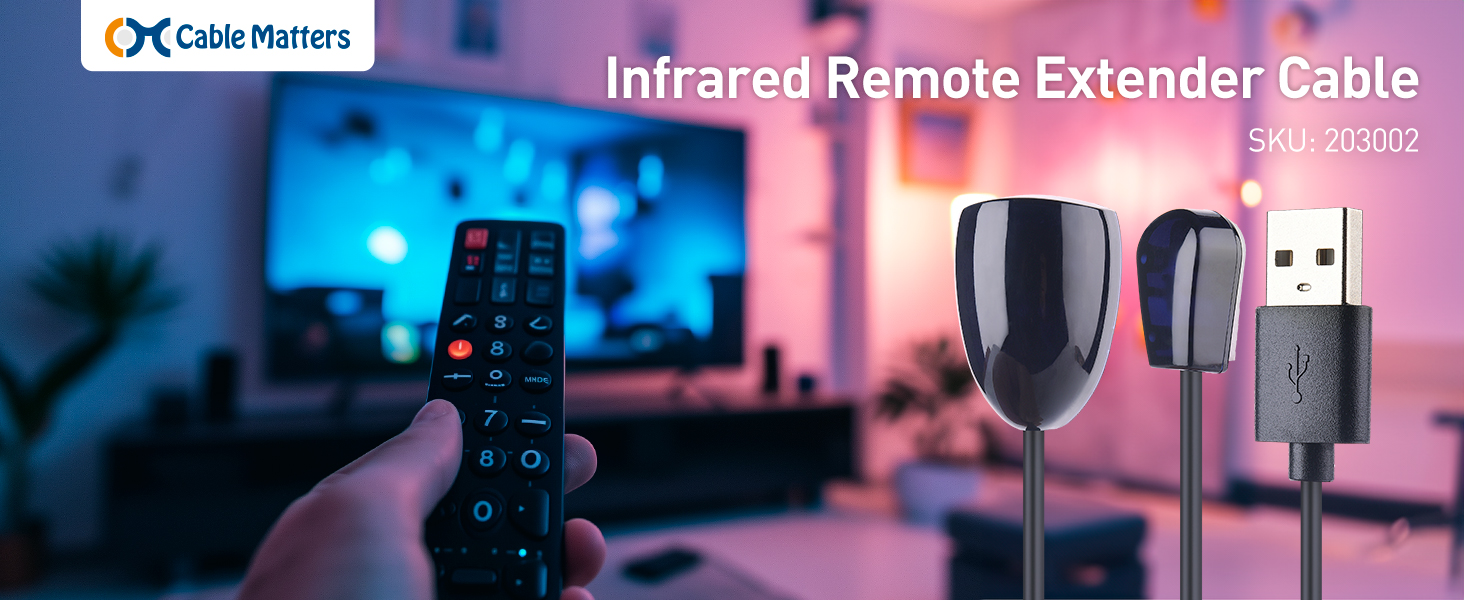
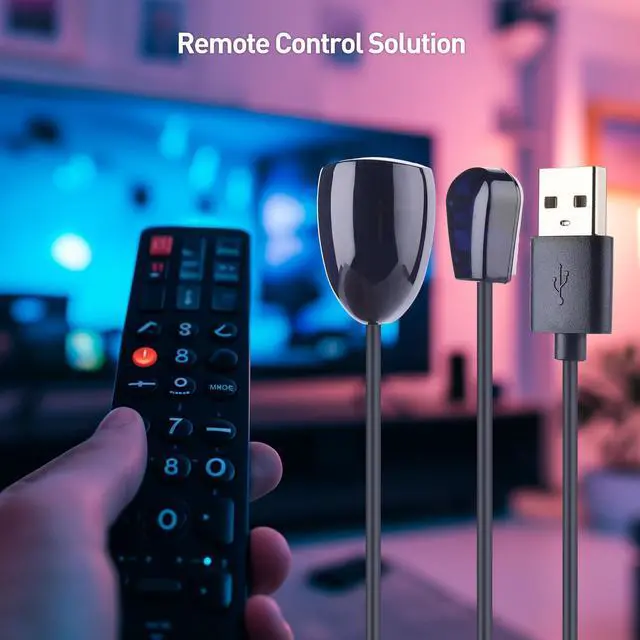
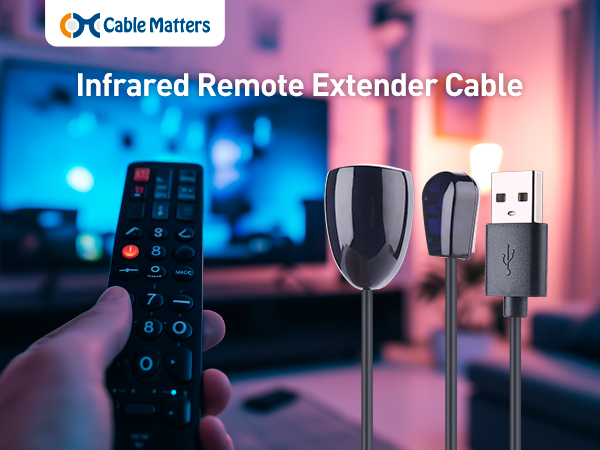
Remote Control Solution
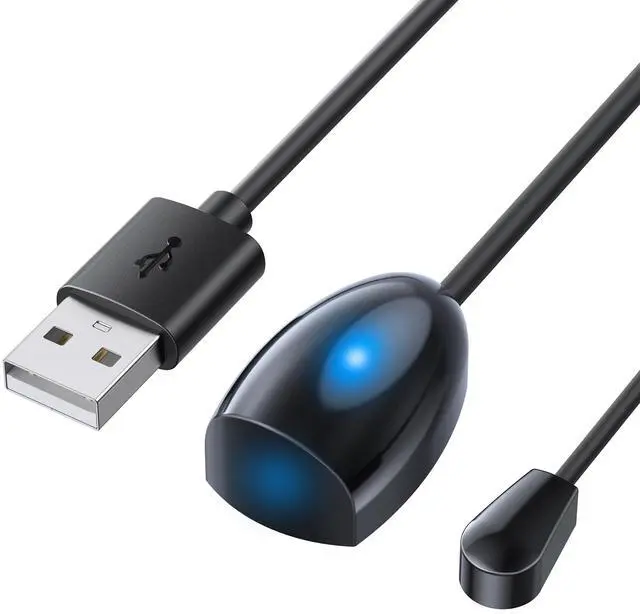
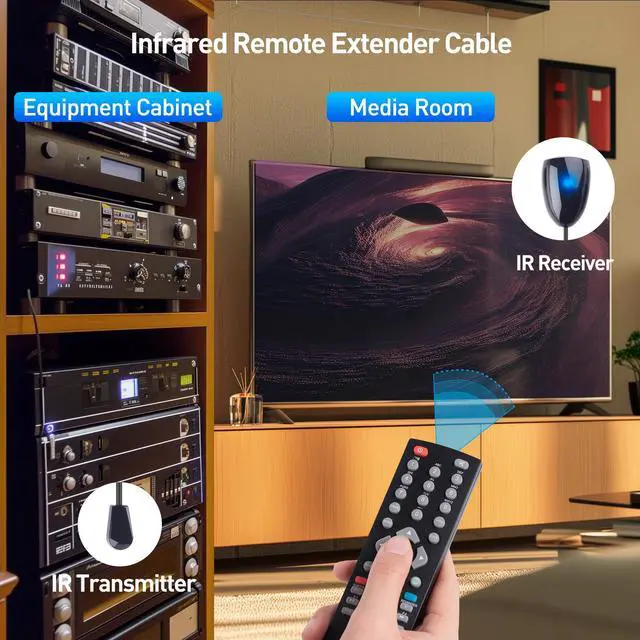
The Cable Matters Infrared Extender Cable allows you to control your Blu-ray player, CATV box, or other video sources from your TV, even if a soundbar is blocking the IR sensor. It's perfect for home theater components hidden in a cabinet or closet.
Important Notes
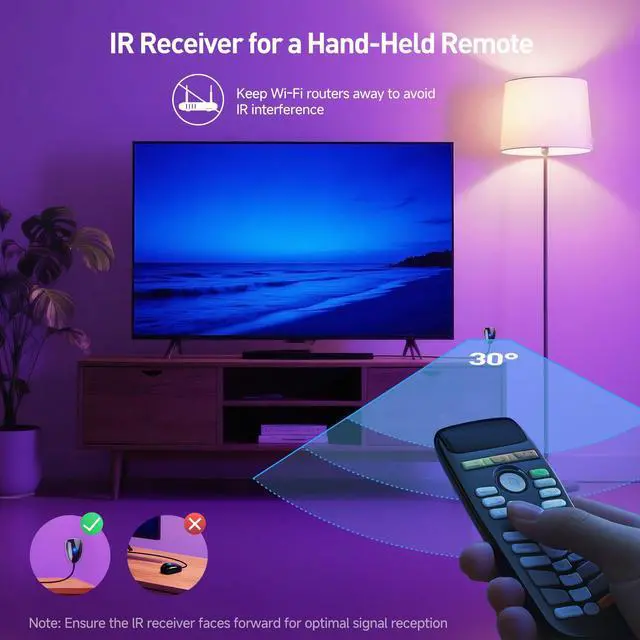
1) Test the cable before securing it with the adhesive backing. 2) Ensure your TV’s USB port provides 5V power even when the TV is off. If not, use a 1A USB wall charger to power the extender. 3) Not compatible with set-top boxes that use RF (radio frequency) signals. 4) Bright sunlight, CFL bulbs, and Wi-Fi routers may interfere with IR signals. Please avoid placing the IR extender near these sources to ensure optimal performance.
Quick Installation Guide
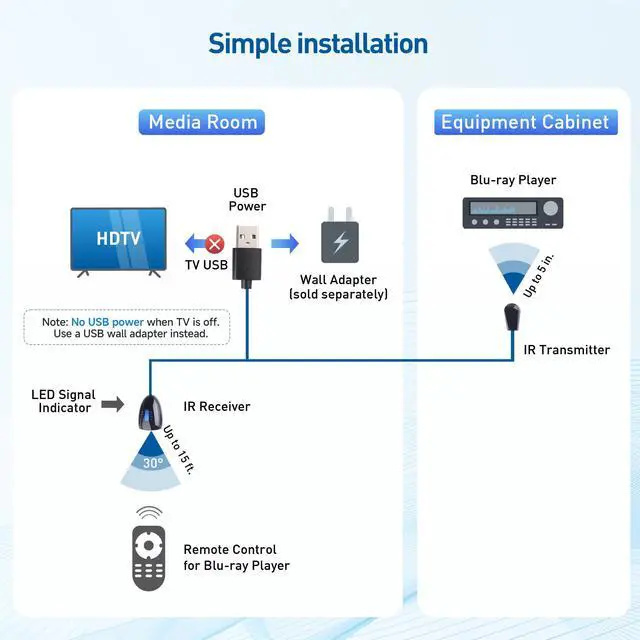
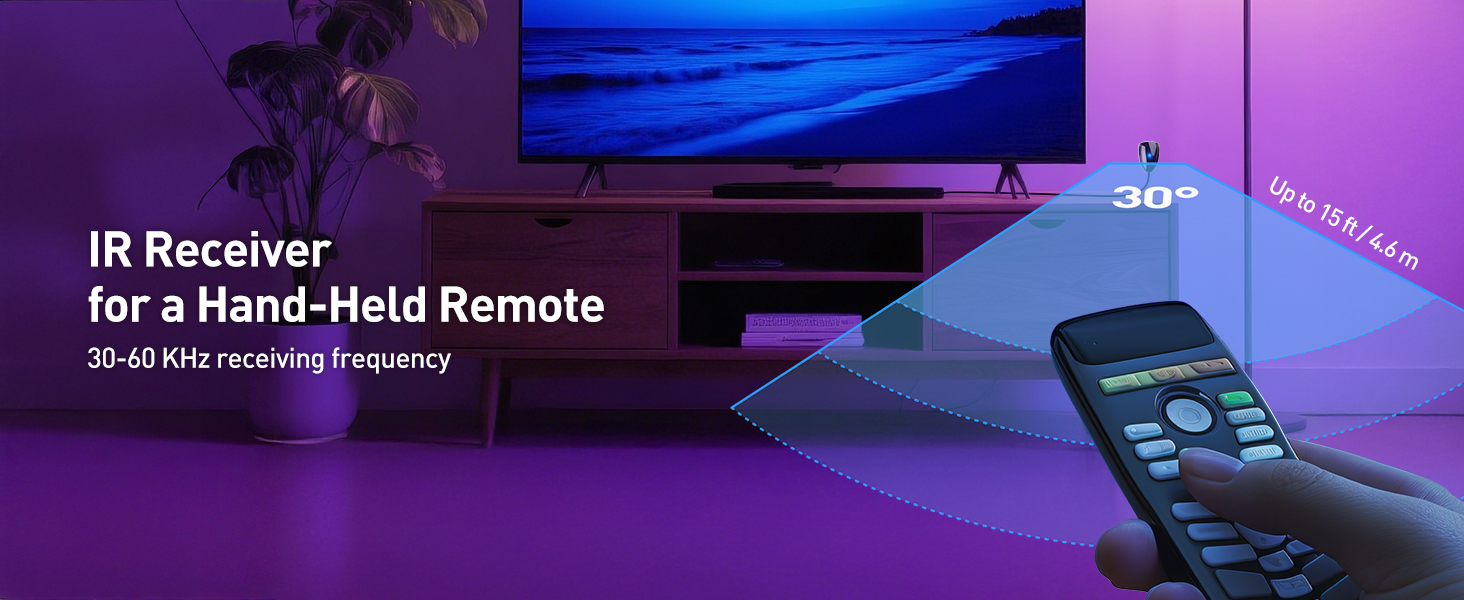
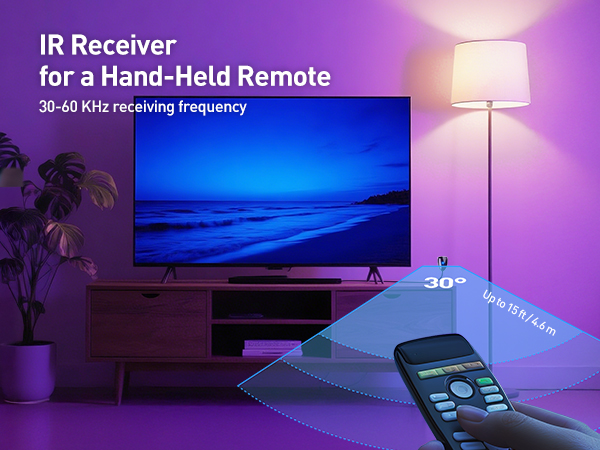
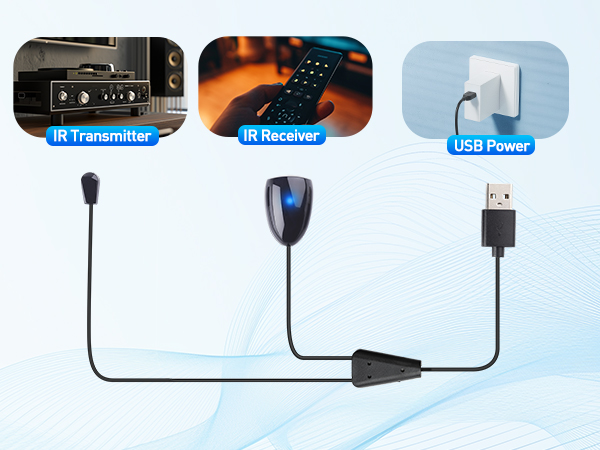
- Place the IR Receiver (Large Head) near the TV within 15 ft of the remote; supports a 30° operating angle and the LED flashes when receiving a signal.
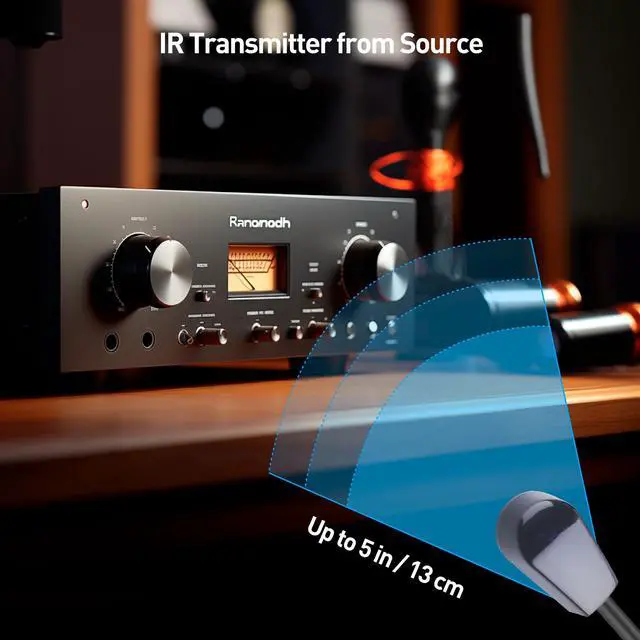
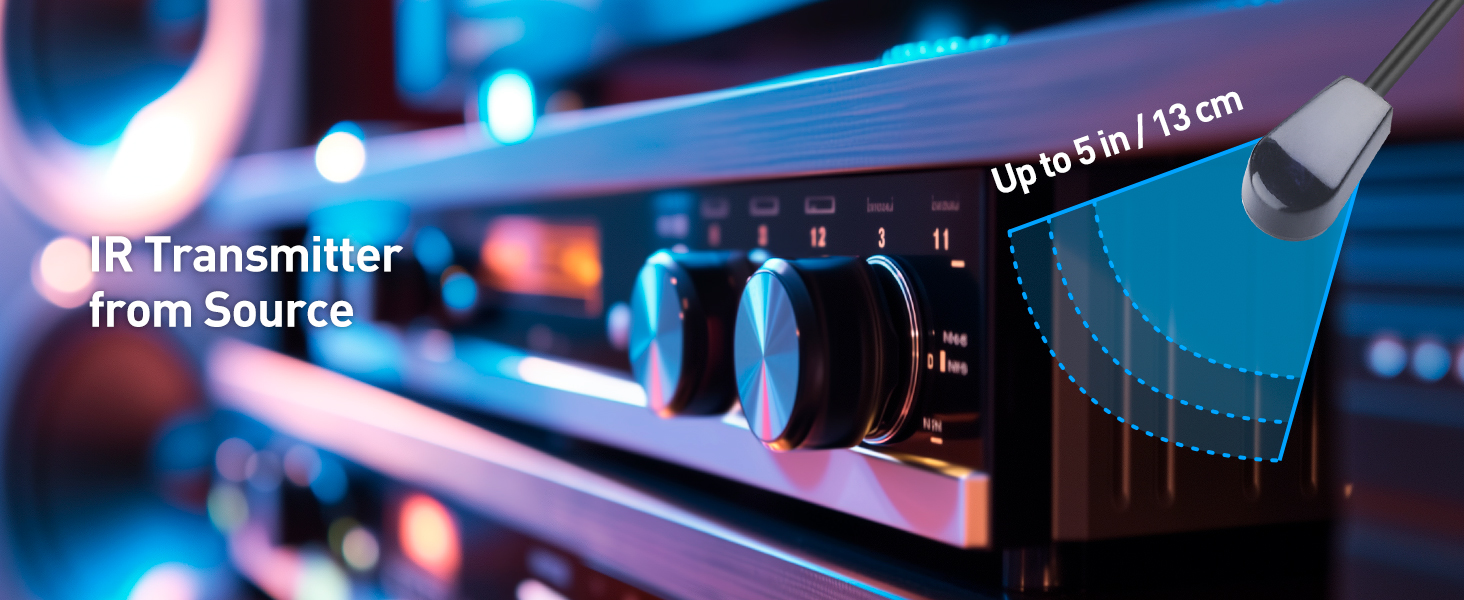
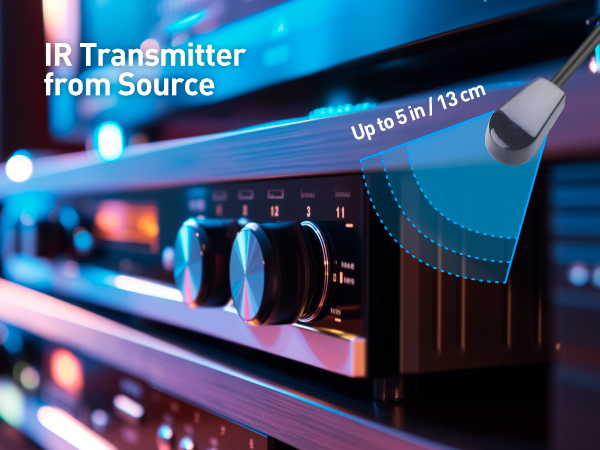
- Place the IR Transmitter (Small Head) within 5 in of the source device IR sensor with a clear line of sight; use a flashlight to help locate the IR sensor if needed.
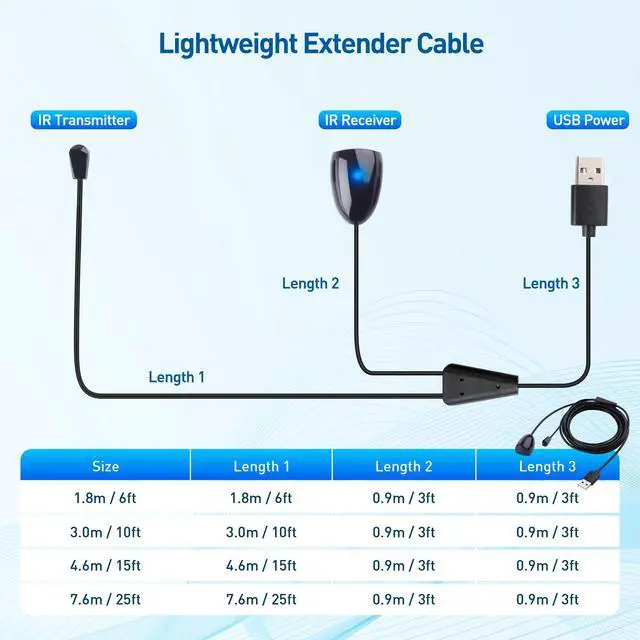
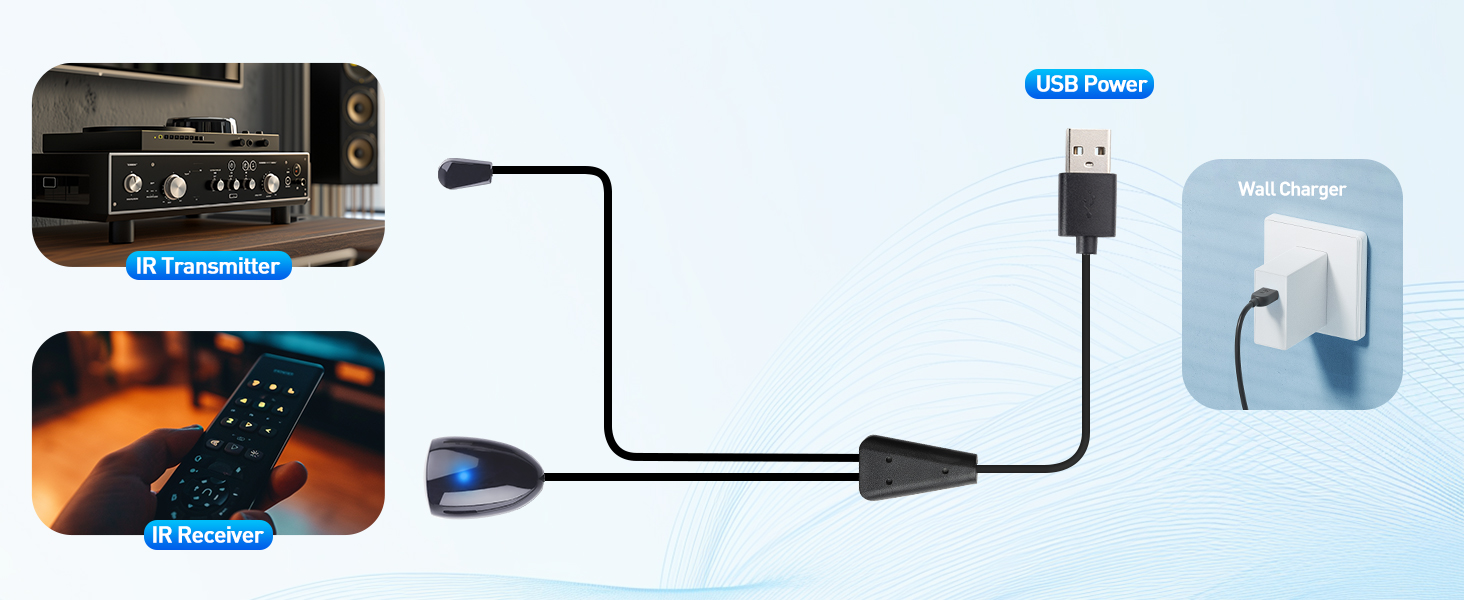
- Use a 5V/1A USB wall charger if the TV USB port does not provide enough power; USB Y-cable length is 6 ft.
- Supports 30–60KHz IR frequency; avoid interference from CFL bulbs or bright light.
- Flexible cable is easy to route and secure with a cable tie.
How far can the IR extender transmit the signal?
The IR extender supports a 15 ft IR signal range, allowing reliable control of your devices even at a distance of up to 15 feet.
What should I avoid to ensure optimal performance of the IR extender?
To ensure optimal performance, avoid placing the IR extender near Wi-Fi routers, bright sunlight, or CFL bulbs, as these may cause interference with the IR signal.
Why doesn’t the IR extender cable work?
Ensure the USB power is working. The USB port on most TVs doesn’t supply power when off. Also, confirm your equipment and remote use IR signals, as this extender is not compatible with RF signals.
Why does the IR extender cable work only at a short distance?
Ensure your IR receiver is positioned correctly. The receiver should face directly toward you (the blue LED should face forward). Avoid placing the receiver with the LED facing upward to achieve better signal strength.
Comparison Products
 IR Extension Cable | 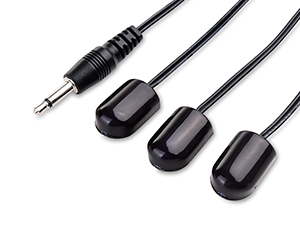 IR Splitter Cable | 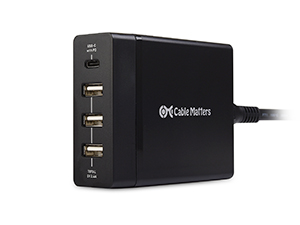 4-Port USB Charger |
|---|---|---|
Length 6 / 10 / 25 Feet | Length 10 Feet | Length 4.5 Feet |
Model Number 203002 | Model Number 203004 | Model Number 201042 |
Remote Control Solution
The Cable Matters Infrared Extender Cable allows you to control your Blu-ray player, CATV box, or other video sources from your TV, even if a soundbar is blocking the IR sensor. It's perfect for home theater components hidden in a cabinet or closet.
Important Notes
1) Test the cable before securing it with the adhesive backing. 2) Ensure your TV’s USB port provides 5V power even when the TV is off. If not, use a 1A USB wall charger to power the extender. 3) Not compatible with set-top boxes that use RF (radio frequency) signals. 4) Bright sunlight, CFL bulbs, and Wi-Fi routers may interfere with IR signals. Please avoid placing the IR extender near these sources to ensure optimal performance.
Quick Installation Guide
- Place the IR Receiver (Large Head) near the TV within 15 ft of the remote; supports a 30° operating angle and the LED flashes when receiving a signal.
- Place the IR Transmitter (Small Head) within 5 in of the source device IR sensor with a clear line of sight; use a flashlight to help locate the IR sensor if needed.
- Use a 5V/1A USB wall charger if the TV USB port does not provide enough power; USB Y-cable length is 6 ft.
- Supports 30–60KHz IR frequency; avoid interference from CFL bulbs or bright light.
- Flexible cable is easy to route and secure with a cable tie.
How far can the IR extender transmit the signal?
The IR extender supports a 15 ft IR signal range, allowing reliable control of your devices even at a distance of up to 15 feet.
What should I avoid to ensure optimal performance of the IR extender?
To ensure optimal performance, avoid placing the IR extender near Wi-Fi routers, bright sunlight, or CFL bulbs, as these may cause interference with the IR signal.
Why doesn’t the IR extender cable work?
Ensure the USB power is working. The USB port on most TVs doesn’t supply power when off. Also, confirm your equipment and remote use IR signals, as this extender is not compatible with RF signals.
Why does the IR extender cable work only at a short distance?
Ensure your IR receiver is positioned correctly. The receiver should face directly toward you (the blue LED should face forward). Avoid placing the receiver with the LED facing upward to achieve better signal strength.
Comparison Products
Cable Matters, with headquarters in Southborough, Massachusetts, offers a complete line of cables, adapters, docking stations, and networking products for the home, office, and data center. Cable Matters offers first-class, quality, and affordable products backed by an exceptional customer experience.
The Versatile Connectivity
The Reliable Connectivity