here!
I’m your shopping assistant for PC builds, upgrades, and everything tech.
Got questions? Ask away!
Start a conversation
here!
I’m your shopping assistant for PC builds, upgrades, and everything tech.
Got questions? Ask away!
Start a conversation
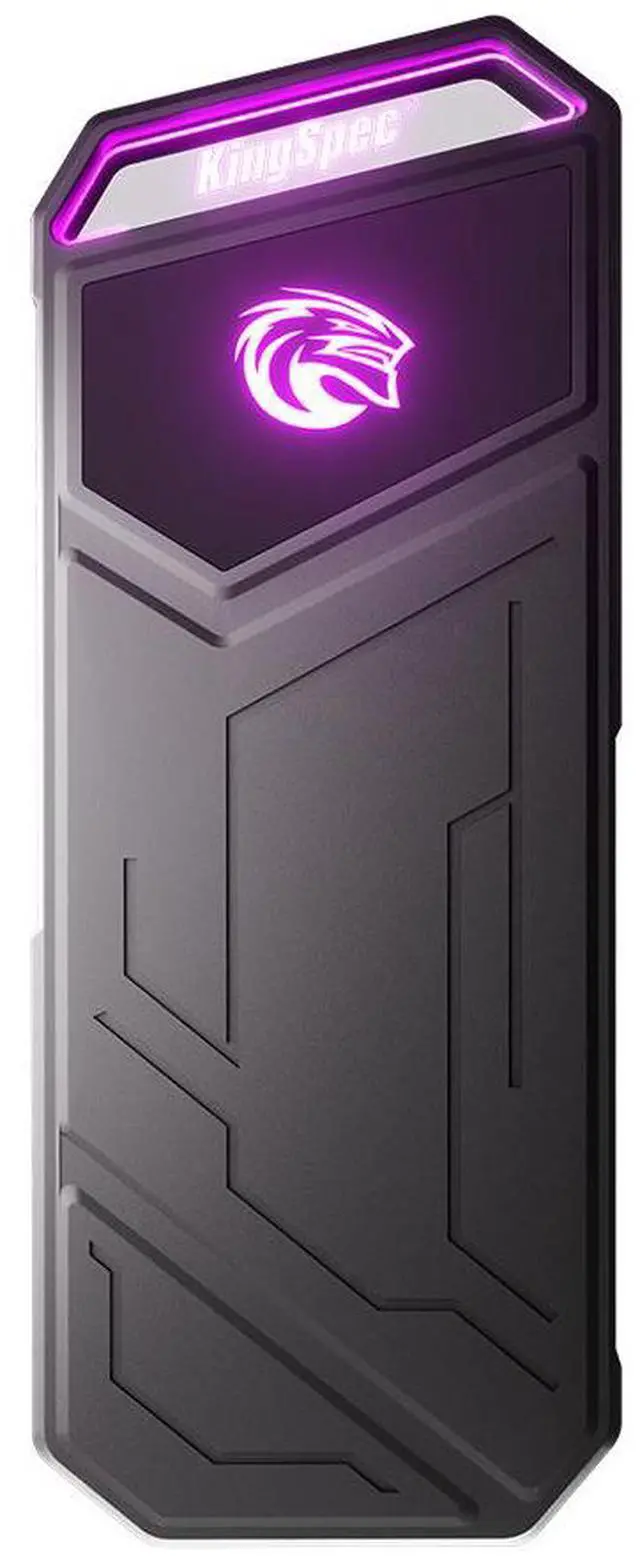
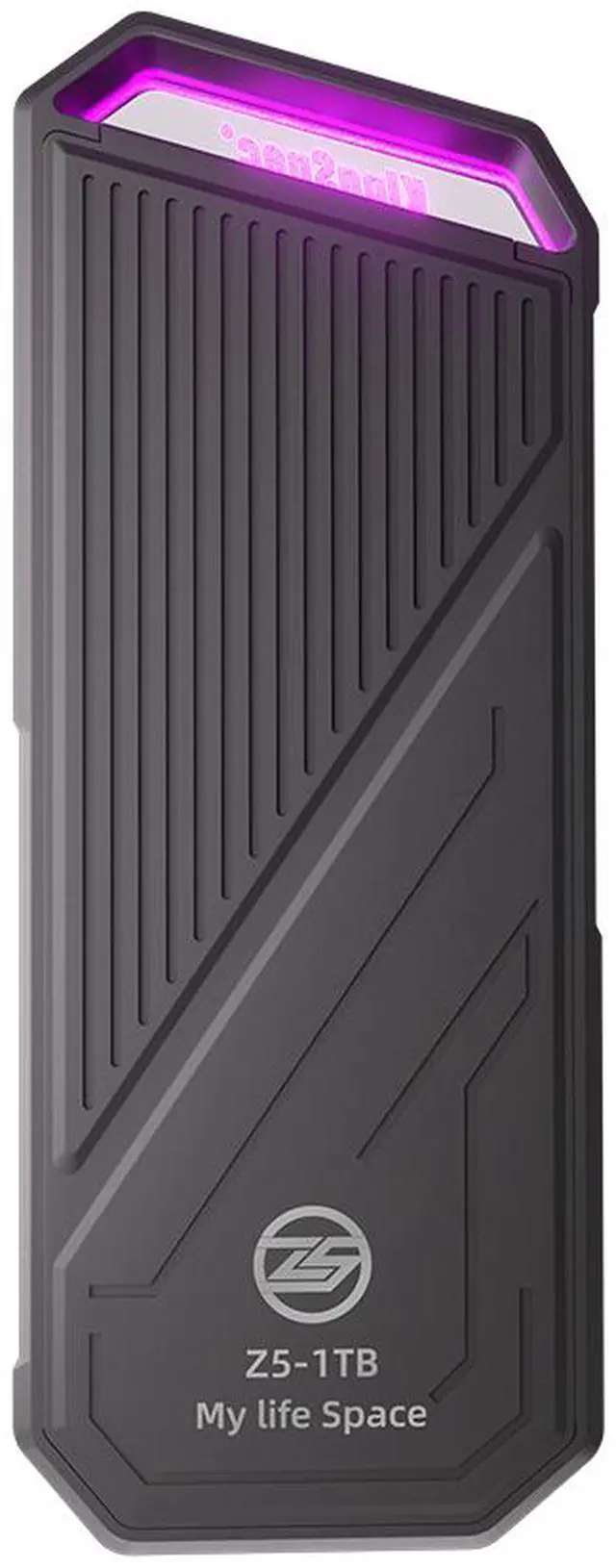
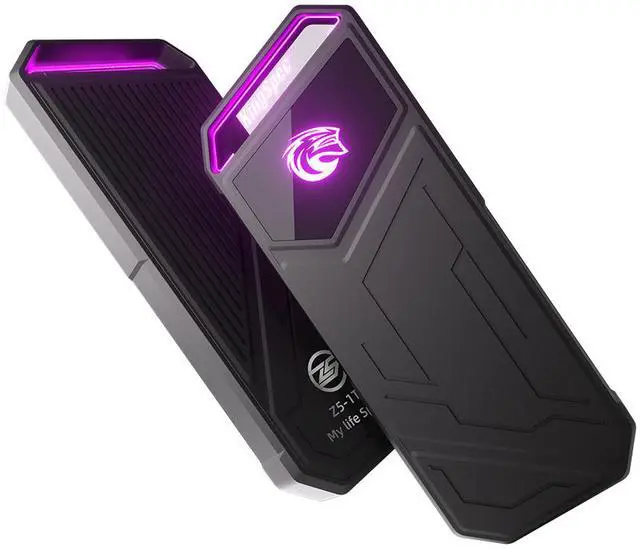



Any questions? Ask CelesteSM will help you find out quickly.


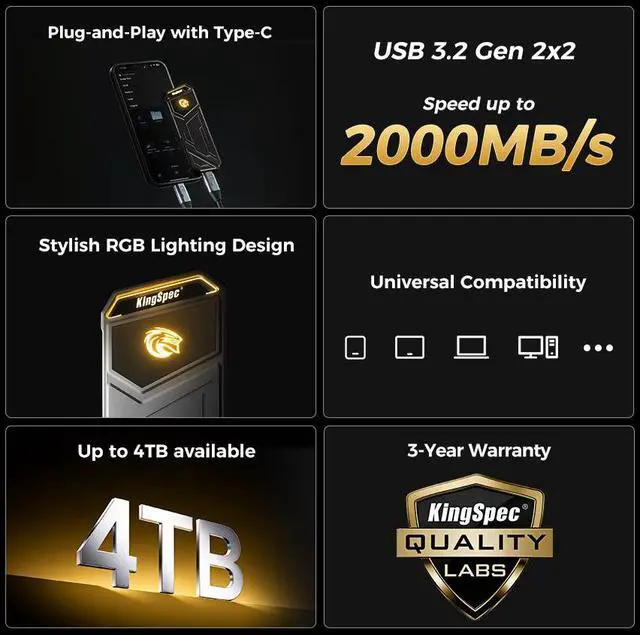
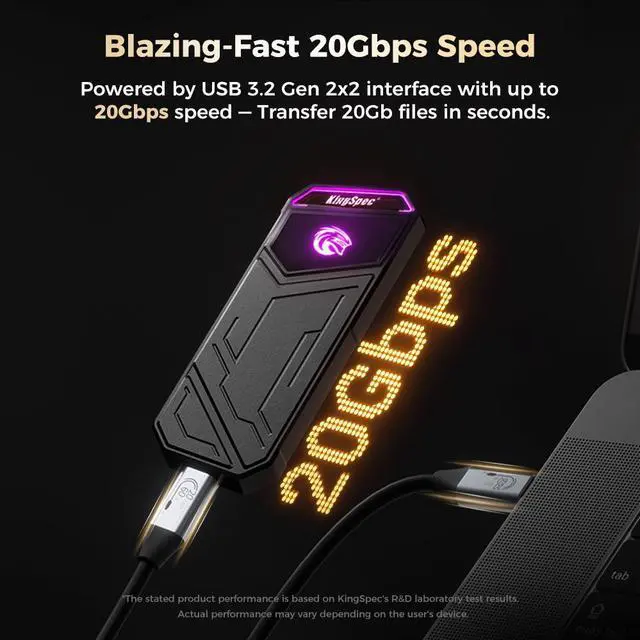
Powered by USB 3.2 Gen 2x2 interface with up to 20Gbps speed — Transfer 20Gb files in seconds.
* The stated product performance is based on KingSpec's R&D laboratory test results. Actual performance may vary depending on the user's device.

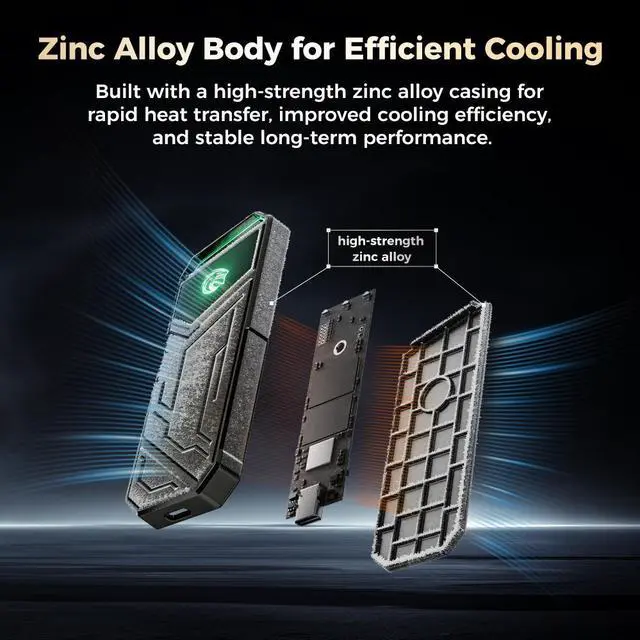
Built with a high-strength zinc alloy casing for rapid heat transfer, improved cooling efficiency, and stable long-term performance.

Tough, pressure-resistant shell with a bold gaming-inspired design that protects and impresses.

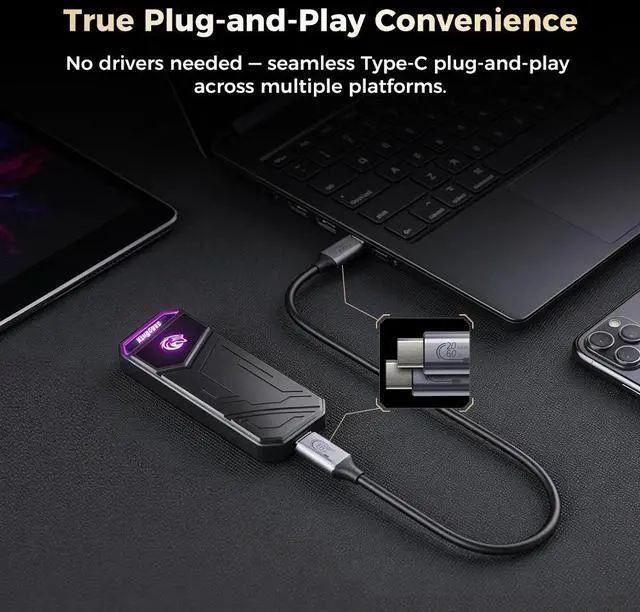
No drivers needed — seamless Type-C plug-and-play across multiple platforms.

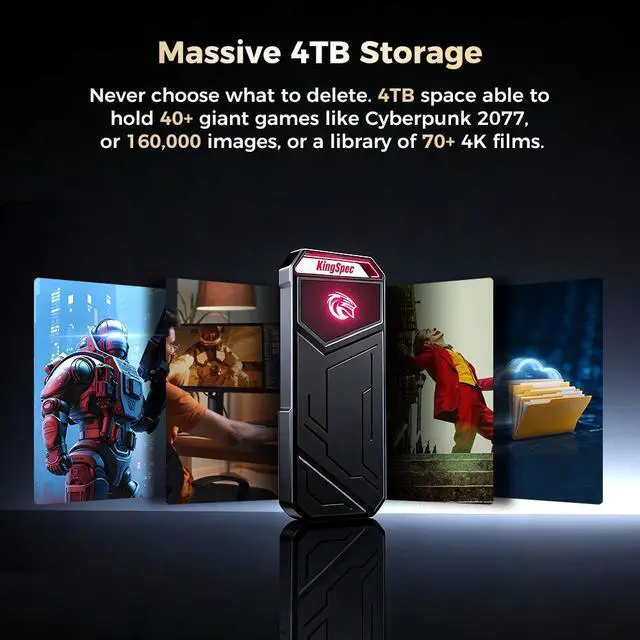
Never choose what to delete. 4TB space able to hold 40+ giant games, or 160,000 images, or a library of 70+ 4K films.

Sleek and compact design makes it easy to carry — perfect for travel, business, or everyday use.

Backed by a 3-year warranty, offering long-term reliability you can count on for everyday use and beyond.

We want to ensure your holiday shopping this year is hassle-free. That’s why we’re automatically extending our return policies on almost every product! For purchases placed between November 1st, 2026 and December 31, 2026 you will have until January 31, 2027 to return your product.
The KingSpec Z5 1TB is a portable external SSD with USB 3.2 Gen 2x2 Type-C connectivity, built for photographers, content creators, and gamers who want fast file transfers up to 2100 MB/s in a compact drive with RGB styling.
| Attribute | Value |
|---|---|
| Best For | Photographers, content creators and gamers who need a portable 1TB external SSD for fast file transfers and on-the-go editing, connecting to laptops, gaming consoles and cameras via USB-C |
| Capacity | 1TB portable external SSD capacity |
| Interface And Form Factor | USB 3.2 Gen 2x2 Type-C external connection (20 Gbps) in a portable form factor; includes a USB Type-C cable and is listed as an external/2.5-inch drive form factor |
| Read Write Performance | Sequential read up to 2100 MBps and sequential write up to 1850 MBps; 4KB random read up to 64,000 IOPS and random write up to 67,000 IOPS, enabled by the USB 3.2 Gen 2x2 interface |
| Endurance And Reliability | 3D TLC NAND with wear-leveling, S.M.A.R.T., TRIM and NCQ; MTBF 1,000,000 hours |
| Power And Environmental | Active power 5.25W, idle 1.0W; no batteries required; operating temperature 0°C to +70°C, storage temperature -20°C to +75°C, operating humidity 5–95% |
| Physical Dimensions And Weight | Compact housing 104.7 x 40.0 x 10.7 mm, weight 116 g |
| Compatibility And Use | Designed to connect over USB-C to laptops, gaming consoles and cameras for external storage and media workflows |
| Package And Accessories | Sold as a single unit and includes a USB Type-C cable; package dimensions 132 x 105 x 16 mm, package weight 0.177 kilograms |
| Model Identifiers | KingSpec Z5 Series — model Z5-1TB (Model Name: Z5; Model Number: Z5-1TB) |
Q: Should I buy the KingSpec Z5 1TB or a 10Gbps portable SSD like the Samsung T7?
A: Choose the KingSpec Z5 1TB if your computer has USB 3.2 Gen 2x2 support and you regularly move large files, because its rated 20Gbps interface and up to 2100MB/s read speed target a higher performance tier than 10Gbps models like the Samsung T7. Choose a 10Gbps drive instead if you want broader plug-and-play speed consistency across laptops, game consoles, and older USB-C ports, since many systems still top out at 10Gbps and will not let a 20Gbps drive reach its full speed.
Q: Is the KingSpec Z5 1TB a better fit than the Crucial X10 Pro for creator workflows?
A: The KingSpec Z5 1TB makes sense if you want a 20Gbps portable SSD in the same speed class as creator-focused models and your priority is high sequential transfer performance at 1TB. The Crucial X10 Pro is the safer choice if you also want premium positioning around durability and data protection features, because Crucial explicitly markets the X10 Pro to creators and adds IP55 protection and hardware encryption. In practice, both target fast external-file workflows, but the X10 Pro has stronger third-party review coverage and clearer positioning for professional use.
Q: Should I step up from a 10Gbps portable SSD to the KingSpec Z5 1TB?
A: Upgrade to the KingSpec Z5 1TB if your current drive is limited to about 1000MB/s class performance and you often transfer large video, photo, or project files on a host that supports 20Gbps USB. Stay with a 10Gbps portable SSD if your typical use is game storage, everyday backups, or mixed-device portability, because those tasks often benefit more from broad compatibility than from the extra interface headroom of Gen 2x2.
Q: Is the KingSpec Z5 1TB enough, or should I buy a higher-tier portable SSD like the Samsung T9?
A: Buy the KingSpec Z5 1TB if 1TB capacity is enough and your main goal is getting into the 20Gbps performance class for fast external transfers. Move up to a higher-tier option like the Samsung T9 if you value stronger brand support, broader reviewer validation, rugged design details, and established extras such as hardware encryption and drop-resistance. Performance targets are similar on paper, so the decision is less about raw interface speed and more about ecosystem, durability, and confidence in long-term support.
Q: For travel and everyday portability, is the KingSpec Z5 1TB the right choice?
A: The KingSpec Z5 1TB is the right choice for portability-first buyers who still want higher-speed 20Gbps transfers, especially for moving files between modern PCs. A more rugged portable SSD may be the better fit if you expect heavier travel use, outdoor use, or frequent device swapping, because established alternatives like the Crucial X10 Pro and Samsung T9 put more emphasis on drop protection, dust or water resistance, and well-documented cross-device support.
Q: Is the KingSpec Z5 1TB a good fit for photographers, creators, or anyone moving large files often?
A: Yes, if your main job is moving large files quickly between modern PCs, this is a strong fit. The listed read speed of up to 2,100MB/s and write speed of up to 1,850MB/s are in the same class as other 20Gbps portable SSDs commonly considered for editing, backup, and media transfer. The main trade-off is that you only get that class of speed on systems that support USB 3.2 Gen 2x2. On slower USB ports, real transfer speed will fall back to the host connection limit.
Q: Will this SSD reach full speed on a MacBook or any USB-C device?
A: Not always. USB-C alone does not guarantee 20Gbps performance. The KingSpec Z5 uses USB 3.2 Gen 2x2, so it performs best on hosts that specifically support that standard. The product data itself warns that speed may drop on MacBook, which matches a common buyer question on comparable portable SSDs. It is still usable on Macs and other USB-C devices, but buyers should expect lower speeds if the port only supports a slower USB mode.
Q: Is the KingSpec Z5 1TB a good external SSD for gaming on PS5 or Xbox?
A: It is a good external game storage drive for transfers, backups, and older-generation games, but it is not the same as internal expansion storage. On PS5, external USB SSDs can store PS5 games, but PS5 titles must be copied back to internal storage before you can play them. PS4 games can run directly from USB storage. On Xbox, external USB SSDs are useful for storage and transfers, but they are not the same as the console-specific expansion cards used for full native current-gen gameplay support.
Q: Is this worth buying as a travel or mobile work SSD?
A: It makes sense for travel if speed and compact external storage matter more than rugged protection. At 116g with plug-and-play support, it should be easy to carry for laptop-based work, backups, and media shuttling. The trade-off is that the provided product data emphasizes speed and compatibility, but does not mention formal water, dust, or drop ratings. Buyers who travel heavily or work outdoors may prefer a more rugged portable SSD, while buyers focused on desk-to-bag portability may find the Z5 sufficient.
Q: Who should choose the KingSpec Z5 1TB over a more established alternative like the Samsung T9 or SanDisk Extreme Pro?
A: Choose the KingSpec Z5 if you want a 20Gbps-class portable SSD with 1TB capacity and the main priority is fast file transfer on a compatible PC. A more established model such as Samsung T9 or SanDisk Extreme Pro may be a safer pick if you care more about mature retail support, broader compatibility messaging, or extra features such as stronger thermal or ruggedness claims. In short: the Z5 looks best for value-oriented buyers chasing high interface speed, while better-known alternatives may be easier choices for buyers who prioritize ecosystem confidence over headline specs.
Q: Is the KingSpec Z5 1TB worth buying if I mainly want fast portable storage?
A: It can make sense if your priority is low-cost, high advertised transfer speed in a compact external SSD. The main trade-off is confidence: Reddit discussions around KingSpec often question long-term reliability, and some users specifically mention concern about the brand even when the speed-per-dollar looks strong. It is a better fit for secondary storage, transfers, and game/media libraries than for irreplaceable primary backups.
Q: Who is the KingSpec Z5 1TB best suited for?
A: It is best suited for users who want a portable SSD for moving large files, carrying media or game files, or using external storage across multiple compatible USB-C devices. Based on the product data, it is more suitable for photographers, creators, and general PC use than for Apple users expecting maximum speed or for iPhone-focused use, since the listing explicitly warns against iPhone-related products and notes MacBook speed can drop.
Q: What are the main trade-offs of the KingSpec Z5 1TB compared with better-known portable SSDs?
A: The main trade-off is price and headline speed versus brand trust and consistency. On paper, the Z5 offers USB 3.2 Gen 2x2, up to 2100 MB/s reads, 3D TLC NAND, and portable dimensions. In community discussions, the recurring hesitation is not the spec sheet but whether reliability, support, and real-world consistency match better-known brands. Buyers choosing this model are usually accepting more uncertainty to get stronger specs for the money.
Q: Is the KingSpec Z5 1TB a good choice for MacBook, phone, or mixed-device use?
A: It is acceptable for mixed-device USB-C use, but not the safest choice if you are specifically buying for Apple hardware. The product listing says MacBook speeds may be lower, which is expected because peak 20Gbps performance depends on host support, and it also says it is not recommended for iPhone-related products. If your main goal is broad plug-and-play compatibility rather than top speed, it can still work, but Apple-focused buyers should expect compromises.
Q: Is the KingSpec Z5 1TB a safe pick for important files or daily heavy use?
A: It is better treated as a value-oriented portable SSD than as the safest place for critical data. A repeated theme in Reddit discussion around KingSpec storage is concern about reliability, and there are also isolated reports of serious usability issues. For routine transfers and non-critical storage it may be reasonable, but for backups or important work files it is safer to keep a second copy elsewhere or choose a more established brand.