





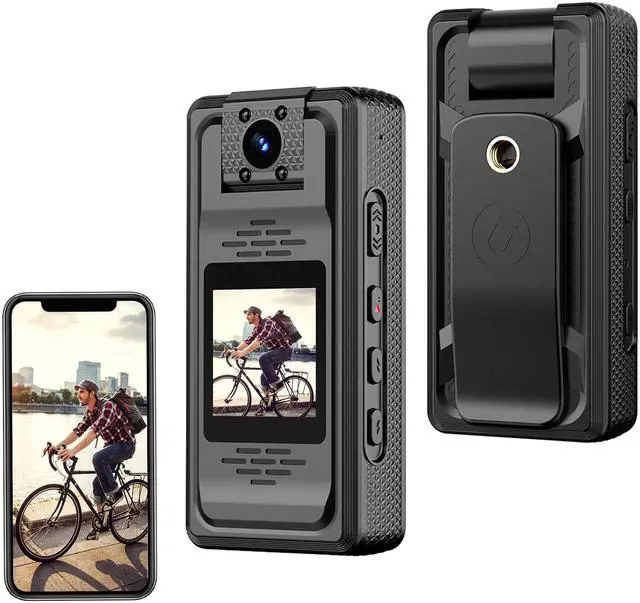
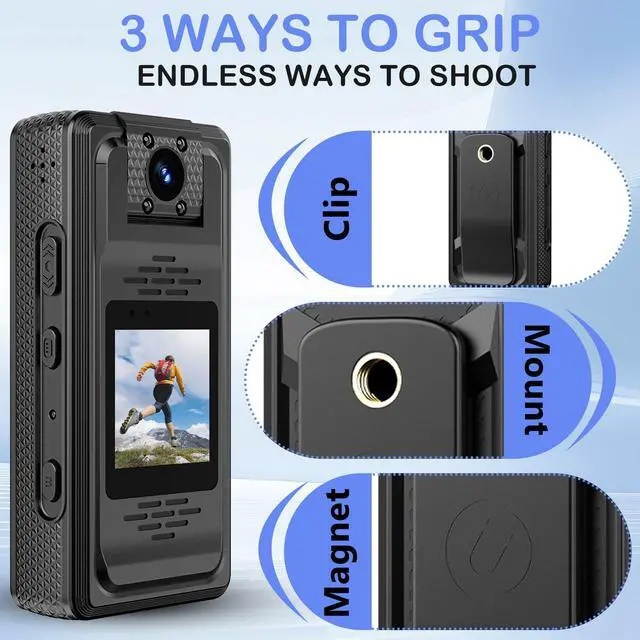







- One-Touch Recording: Simply push the shortcut key upward to power on and start recording instantly. Push downward to save and power off. Perfect for capturing moments quickly and effortlessly.
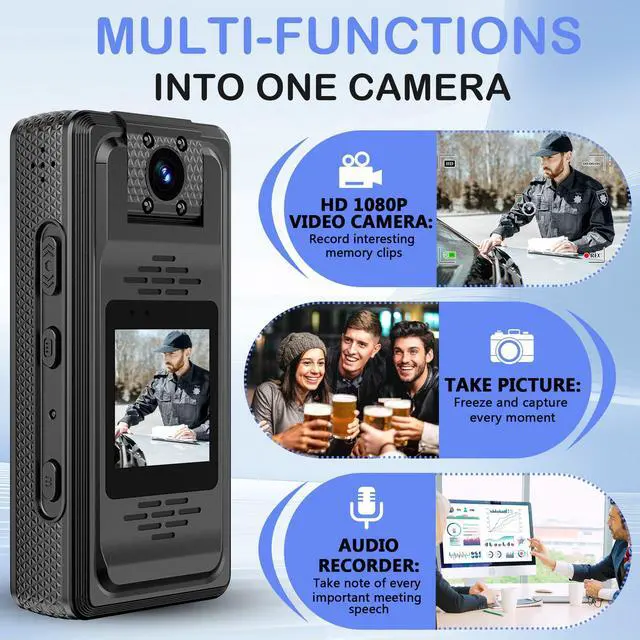
- Multi-Function Design: Seamlessly switch between four modes—Video, Audio, Photo, and Playback—with a single press of the Mode key. A truly versatile device for all your recording needs.
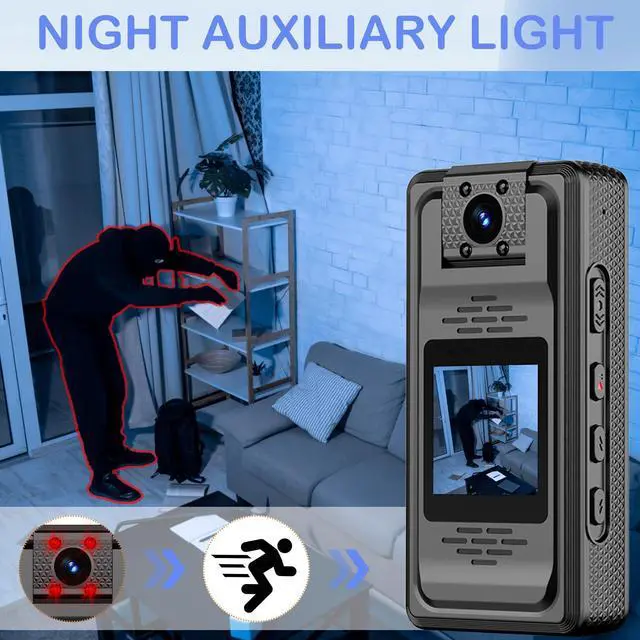
- Discreet Night Vision: The dedicated night vision key allows you to manually turn infrared lights on/off, ensuring clear black-and-white video recording even in complete darkness.

- Full HD 2K Video & Hi-Res Photos: Capture crystal-clear videos in 2K (2720x1520) or 1080p resolution and high-quality photos up to 12 Megapixels. Customize settings like exposure, loop recording, and time watermark for the perfect shot.
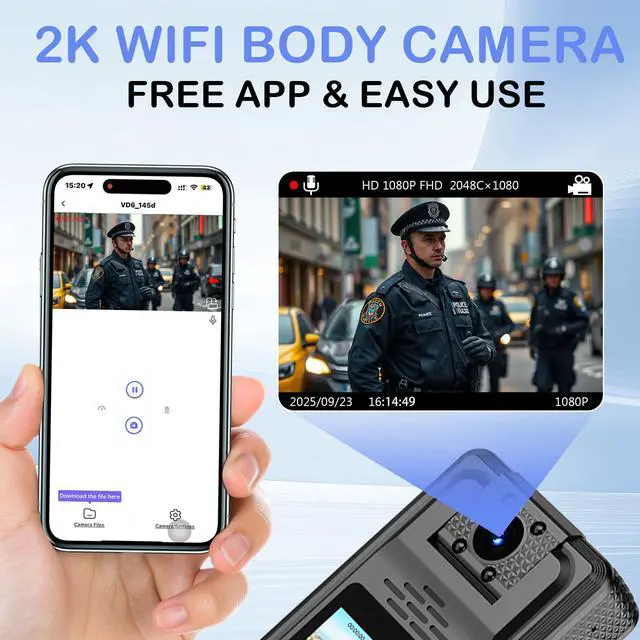
- Built-in Wi-Fi for Easy Monitoring: Connect the camera to your smartphone via Wi-Fi using the free "Viidure" app. Live-stream video, manage files, and download content directly to your phone from anywhere.


How to Use (At a Glance)
- Power On/Off: Long press the Play/Confirm key for 3 seconds.
- Quick Record (Camera Off): Push the Record Shortcut key upward to start recording; push down to save and power off.
- Switch Modes: Short press the Mode key to cycle through Video, Audio, Photo, and File Viewing modes.
- WiFi Connection: Press and hold the Up key for 3 seconds (camera on) for app setup.
- Menu Navigation: Use the Menu key to access settings. Use the Up/Down keys to navigate and the Play key to confirm selections.
Notes & Troubleshooting
- Always format a new SD card to FAT32 on your computer before first use.
- For a frozen camera, use a pin to short press the Reset hole.
- WiFi Tips: For a stable connection, keep your phone close to the camera and do not exit the WiFi interface on the app.
- If you encounter issues, please refer to the detailed Q&A section in the product manual for solutions on connectivity, saving files, and video playback.
- One-Touch Recording: Simply push the shortcut key upward to power on and start recording instantly. Push downward to save and power off. Perfect for capturing moments quickly and effortlessly.
- Multi-Function Design: Seamlessly switch between four modes—Video, Audio, Photo, and Playback—with a single press of the Mode key. A truly versatile device for all your recording needs.
- Discreet Night Vision: The dedicated night vision key allows you to manually turn infrared lights on/off, ensuring clear black-and-white video recording even in complete darkness.
- Full HD 2K Video & Hi-Res Photos: Capture crystal-clear videos in 2K (2720x1520) or 1080p resolution and high-quality photos up to 12 Megapixels. Customize settings like exposure, loop recording, and time watermark for the perfect shot.
- Built-in Wi-Fi for Easy Monitoring: Connect the camera to your smartphone via Wi-Fi using the free "Viidure" app. Live-stream video, manage files, and download content directly to your phone from anywhere.
How to Use (At a Glance)
- Power On/Off: Long press the Play/Confirm key for 3 seconds.
- Quick Record (Camera Off): Push the Record Shortcut key upward to start recording; push down to save and power off.
- Switch Modes: Short press the Mode key to cycle through Video, Audio, Photo, and File Viewing modes.
- WiFi Connection: Press and hold the Up key for 3 seconds (camera on) for app setup.
- Menu Navigation: Use the Menu key to access settings. Use the Up/Down keys to navigate and the Play key to confirm selections.
Notes & Troubleshooting
- Always format a new SD card to FAT32 on your computer before first use.
- For a frozen camera, use a pin to short press the Reset hole.
- WiFi Tips: For a stable connection, keep your phone close to the camera and do not exit the WiFi interface on the app.
- If you encounter issues, please refer to the detailed Q&A section in the product manual for solutions on connectivity, saving files, and video playback.