







Is there anything I should do before using the webcam for the first time?
Please remove the protective film from the camera lens before use to ensure optimal image quality. Also, select the wegear FHD Webcam as the default camera and mic device in your application (such as Zoom or Teams)and make sure the camera is enabled.
How can I configure or control the webcam on Windows?
You can configure in these ways (e.g., Windows 11): A. Settings: Go to Settings > Bluetooth & devices > Cameras and select your webcam, B. Built-in Camera app, C. Third-party tools (OBS Studio or AMCap) provide advanced controls.
Can I use this webcam with a USB hub or docking station?
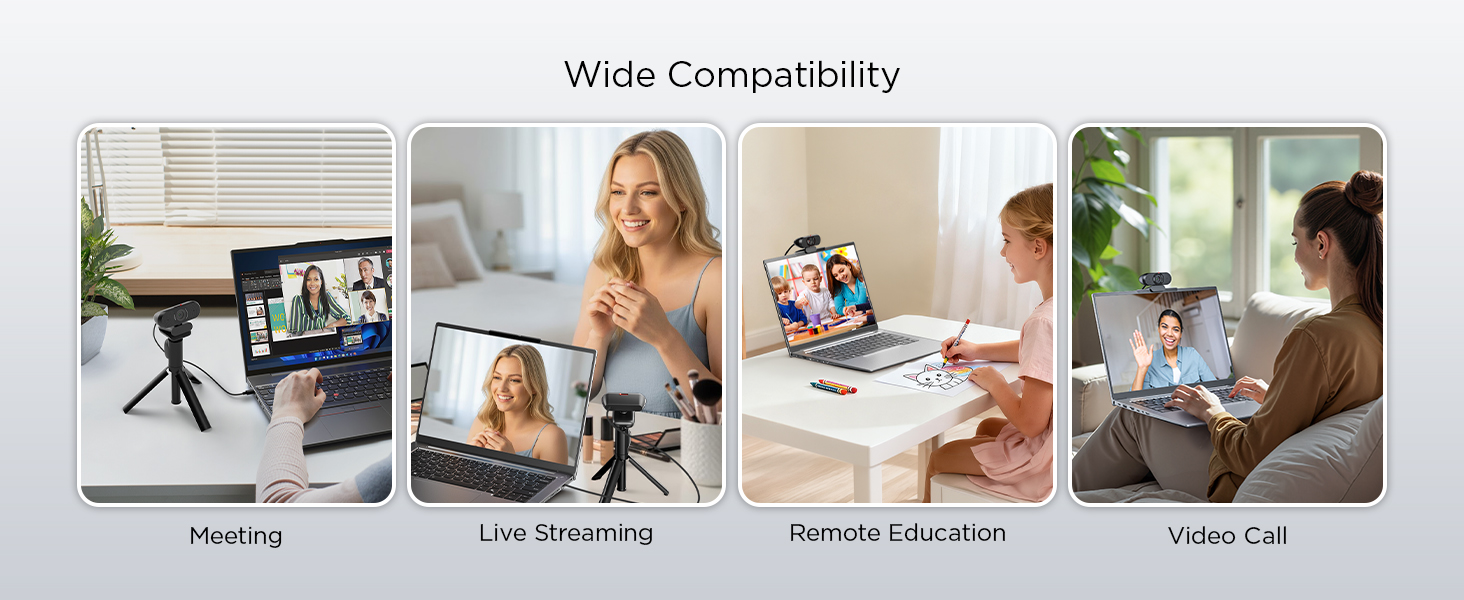
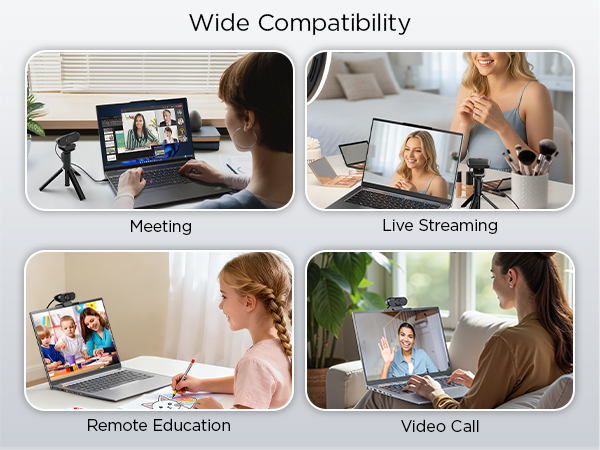
Yes, the webcam works with USB hubs and docking stations. For best performance, connect it directly to your computer’s USB port. If using a hub or dock, ensure it provides stable power and data transfer, as low-power hubs may affect performance.
Are there any devices that are not compatible with this webcam?
Not supported: Windows Hello, TVs, tablets, game consoles or android devices.
Is there anything I should do before using the webcam for the first time?
Please remove the protective film from the camera lens before use to ensure optimal image quality. Also, select the wegear FHD Webcam as the default camera and mic device in your application (such as Zoom or Teams)and make sure the camera is enabled.
How can I configure or control the webcam on Windows?
You can configure in these ways (e.g., Windows 11): A. Settings: Go to Settings > Bluetooth & devices > Cameras and select your webcam, B. Built-in Camera app, C. Third-party tools (OBS Studio or AMCap) provide advanced controls.
Can I use this webcam with a USB hub or docking station?
Yes, the webcam works with USB hubs and docking stations. For best performance, connect it directly to your computer’s USB port. If using a hub or dock, ensure it provides stable power and data transfer, as low-power hubs may affect performance.
Are there any devices that are not compatible with this webcam?
Not supported: Windows Hello, TVs, tablets, game consoles or android devices.