

Your Browsing History
- Free 30-day Returns
$123.99

Meet Your Seller

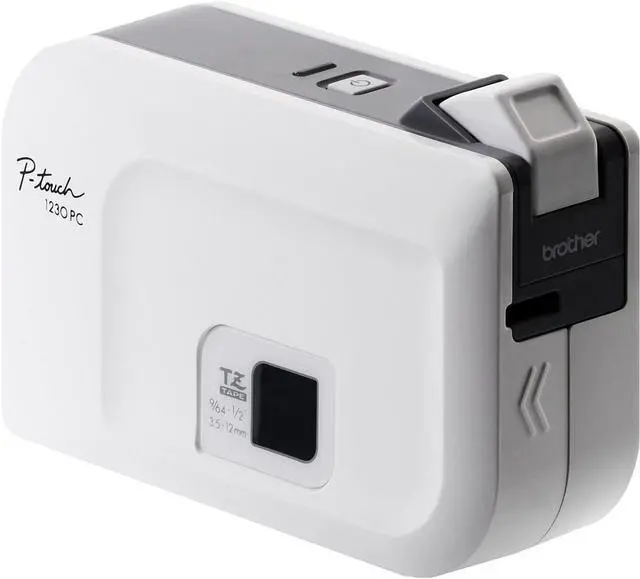
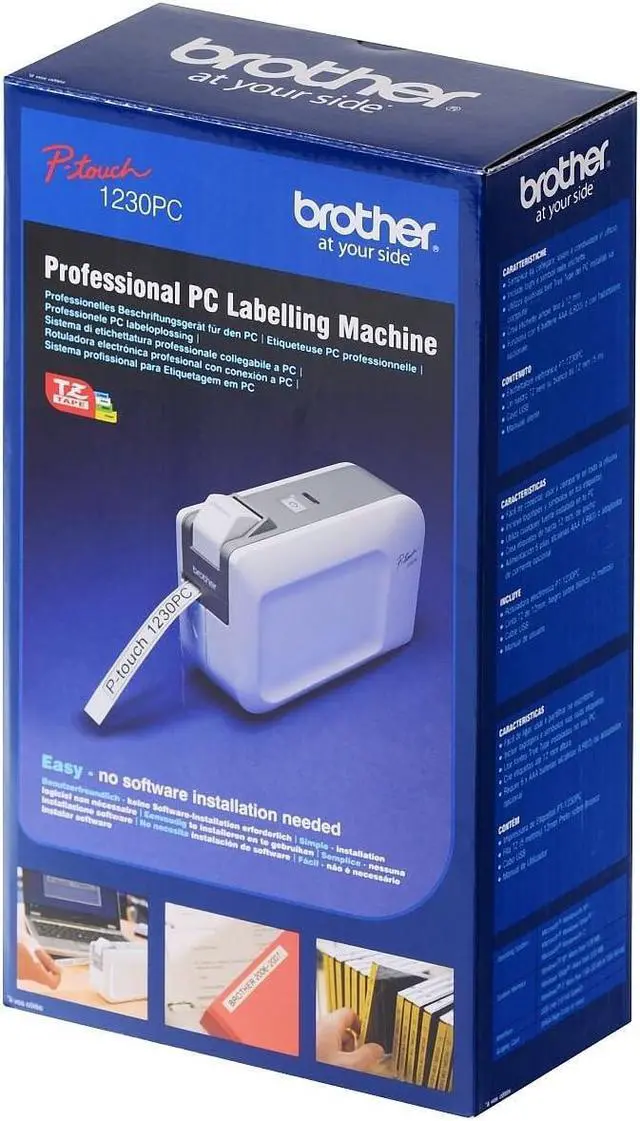
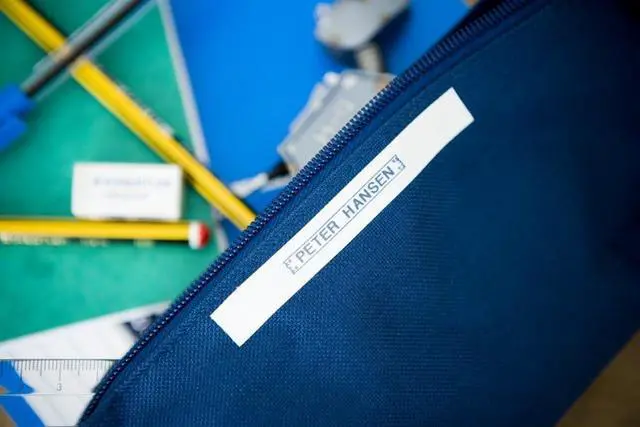
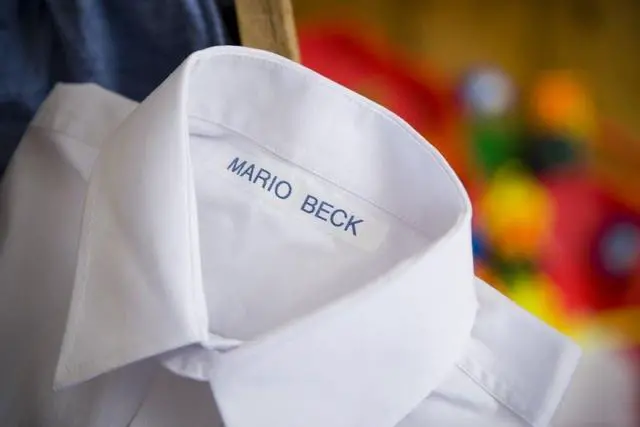



Brother P-Touch, PT1230PC, PC-Connectable Label Maker, No Software Needed, Four Different Label Widths, Compact Design, White/Gray
- Easy - Fast - Secure!
- Easy to Use - No software installation required
- Prints on four different label widths, up to ½ wide (laminated)
- Prints multiple lines of text and graphics
- Compact, with built-in manual cutter
+
+
Overview
Specs
Reviews

Any questions? Our AI mode will help you find out quickly.
Try me now
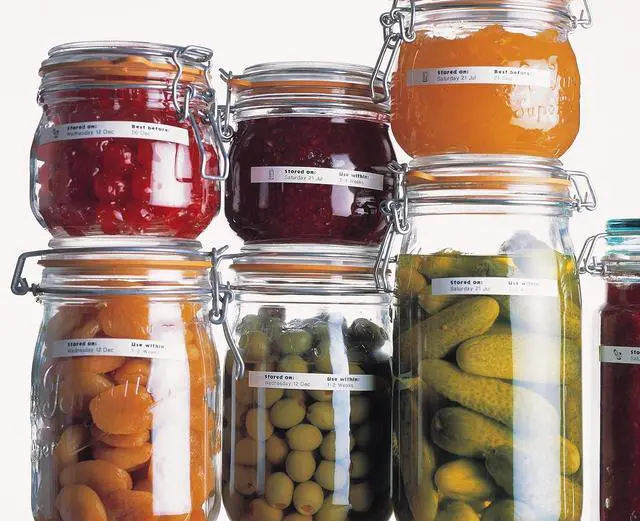
Product Description Great for labeling file folders, storage containers, and much more, the PT-1230PC is an easy-to-use PC-connectable label maker. Its intuitive, pop-up label making program, requires no software installation. Conveniently design durable, laminated labels up to ½ wide using your PC keyboard and monitor. Prints exactly what you see on your screen! Capable of printing multiple lines of text, graphics, and all True Type resident fonts. Its compact footprint and built-in manual cutter supports maximum efficiency. Supports PC USB Connectivity. Includes 1/2 (5m) black on white TZ laminated tape, and USB cable. Uses 6 "AAA" batteries or AD-24 adapter (not included).
Amazon.com The Brother P-Touch PT-1230PC PC-Connectable Label Printer features a simple plug-in design to make it easier than ever to print labels without the need to download any software. This compact, PC-compatible label printer has all of the required software built right in, which makes it a breeze to print labels from any PC quickly and easily.
Create Professional-looking Labels Quickly
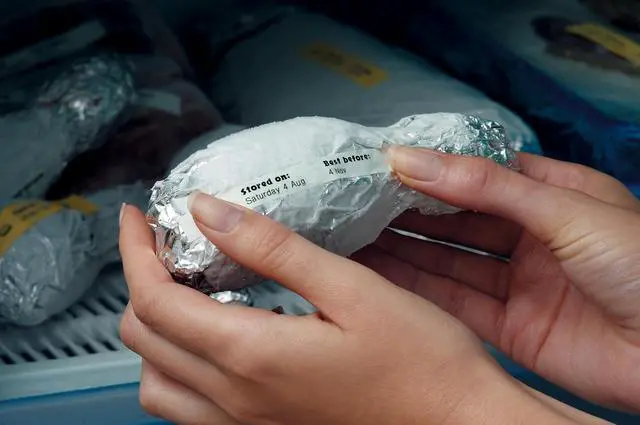
It's never been easier to print high-quality labels and barcodes than it is with the Brother PT-1230PC. The P-touch Editor Lite software is built directly into the printer, so there's no software to install on your computer. Print graphics and text exactly how it appears on your monitor, and the PT-1230PC supports all True Type/Scalable fonts available on your PC. The printer is compatible with four different label widths up to 1/2-inch wide, and you can use TZ laminated tape for both indoor and outdoor use. The built-in manual cutter makes it easy to get perfect cuts each and every time.
Simple Installation
Installing the Brother PT-1230PC label printer is as simple as connecting the included USB cable to any Windows-based computer. The printer also requires 6 AAA batteries or the AD-24 adapter (not included).
Easy Label Printing On-the-Go
Because of the PT-1230PC's compact stature and built-in software, it makes it easier than ever to print while on-the-go from anywhere there's access to a Windows-based computer. Keep sensitive prints secure while traveling since no software is left behind on the computer.
Upgradeable Software for Added Functionality
For added features and functionality, you can download Brother's full version P-touch Editor software and enjoy seamless integration with your PT-1230PC label printer. This added functionality allows for easy barcoding and database printing.
The Brother PT-1230PC label printer is compatible with Windows 2000, Windows XP, and Windows Vista. It measures 2.1 x 6.2 x 4.4 inches (WxDxH) and weighs 0.90 pounds (without batteries). It's backed by a 1-year limited warranty and replacement service.
What's in the Box
Brother PT-1230PC label printer, 1/2 inch (12mm) x 16 foot (5m) black on white laminated TZ starter tape, user's manual, USB cable.
Product Description Amazon.com
Amazon.com The Brother P-Touch PT-1230PC PC-Connectable Label Printer features a simple plug-in design to make it easier than ever to print labels without the need to download any software. This compact, PC-compatible label printer has all of the required software built right in, which makes it a breeze to print labels from any PC quickly and easily.
Create Professional-looking Labels Quickly
It's never been easier to print high-quality labels and barcodes than it is with the Brother PT-1230PC. The P-touch Editor Lite software is built directly into the printer, so there's no software to install on your computer. Print graphics and text exactly how it appears on your monitor, and the PT-1230PC supports all True Type/Scalable fonts available on your PC. The printer is compatible with four different label widths up to 1/2-inch wide, and you can use TZ laminated tape for both indoor and outdoor use. The built-in manual cutter makes it easy to get perfect cuts each and every time.
Simple Installation
Installing the Brother PT-1230PC label printer is as simple as connecting the included USB cable to any Windows-based computer. The printer also requires 6 AAA batteries or the AD-24 adapter (not included).
Easy Label Printing On-the-Go
Because of the PT-1230PC's compact stature and built-in software, it makes it easier than ever to print while on-the-go from anywhere there's access to a Windows-based computer. Keep sensitive prints secure while traveling since no software is left behind on the computer.
Upgradeable Software for Added Functionality
For added features and functionality, you can download Brother's full version P-touch Editor software and enjoy seamless integration with your PT-1230PC label printer. This added functionality allows for easy barcoding and database printing.
The Brother PT-1230PC label printer is compatible with Windows 2000, Windows XP, and Windows Vista. It measures 2.1 x 6.2 x 4.4 inches (WxDxH) and weighs 0.90 pounds (without batteries). It's backed by a 1-year limited warranty and replacement service.
What's in the Box
Brother PT-1230PC label printer, 1/2 inch (12mm) x 16 foot (5m) black on white laminated TZ starter tape, user's manual, USB cable.
Product Description Amazon.com
Warranty & Returns
Warranty, Returns, And Additional Information
Warranty
- Please contact the Seller directly for warranty information. Warranty information may also be found on the Manufacturer's website.
- CONTACT
Return Policies
- Return for refund within: 30 days
- Return for replacement within: 30 days
- This item is covered by Zhanfu Technology Co., Limited Return Policy
Manufacturer Contact Info
- For a directory of all our manufacturers, please click below.
- Manufacturers Directory
LOADING...