Your Browsing History
Meet Your Seller
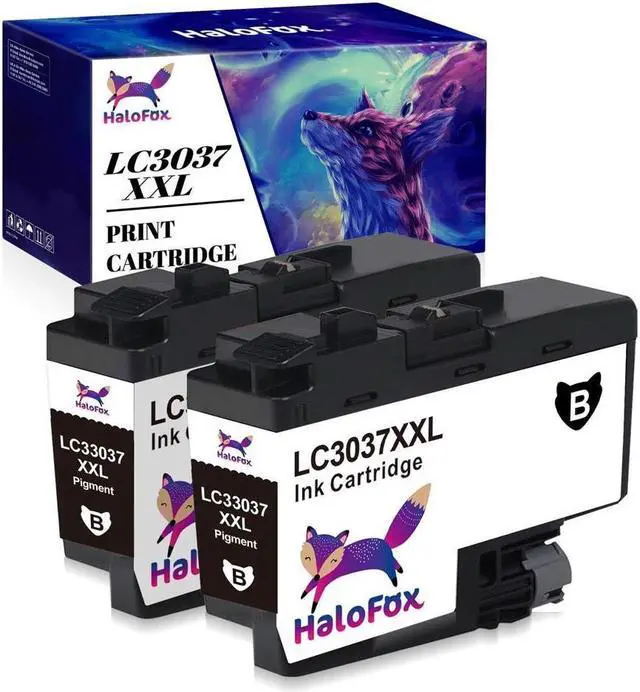
2x Compatible LC3037 Ink Cartridge Replacement for Brother LC3037XXL MFC-J6945DW
- Package Include: 2x Black
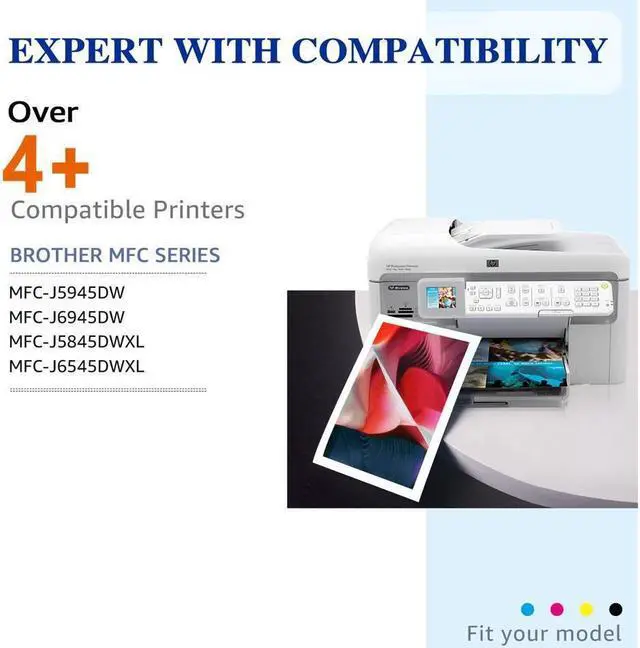
- Compatible for Printers Listed Below:
- For Brother MFC-J5845DW/XL MFC-J6545DW/XL
- For Brother MFC-J5945DW MFC-J6945DW
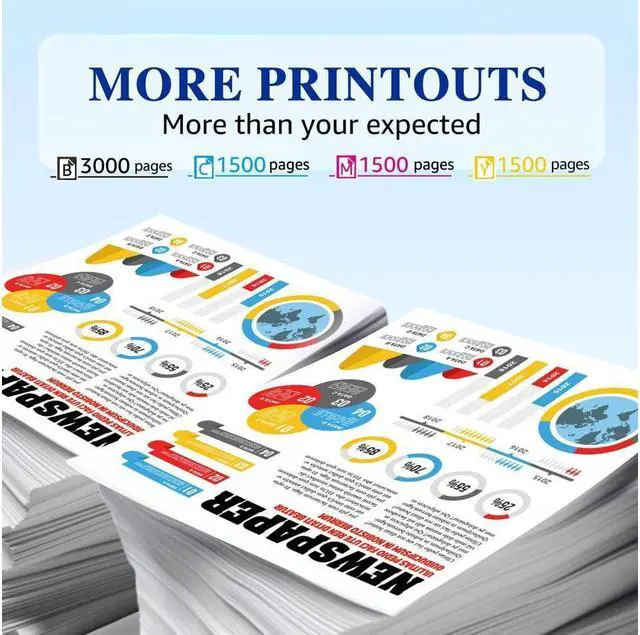
- Page Yield: Up to 3000 pages per Black ink
- Installation guides:
- Step 1: Upside down the cartridge and peel off the yellow seal tape.
- Step 2: Insert the cartridge into corresponding slot until it click into the place.
- Note: Do Not Touch The Chip.
- Tips:
- 1. Please wear gloves to prevent from getting ink on your hand.
- 2. Please clean the printing head before printing.
- 3. These are NON-genuine ink cartridges. Your printer may display an ink alert message such as Non-Original cartridges. Simply press Yes, Continue, Accept or OK to dismiss the prompt.

+
+
Overview
Specs
Reviews
Any questions? Our AI beta will help you find out quickly.
Try me now
Package Include: 2x Black
Compatible for Printers Listed Below:
For Brother MFC-J5845DW/XL MFC-J6545DW/XL
For Brother MFC-J5945DW MFC-J6945DW
Page Yield: Up to 3000 pages per Black ink
Installation guides:
Step 1: Upside down the cartridge and peel off the yellow seal tape.
Step 2: Insert the cartridge into corresponding slot until it click into the place.
Note: Do Not Touch The Chip.
Tips:
1. Please wear gloves to prevent from getting ink on your hand.
2. Please clean the printing head before printing.
3. These are NON-genuine ink cartridges. Your printer may display an ink alert message such as Non-Original cartridges. Simply press Yes, Continue, Accept or OK to dismiss the prompt.
Compatible for Printers Listed Below:
For Brother MFC-J5845DW/XL MFC-J6545DW/XL
For Brother MFC-J5945DW MFC-J6945DW
Page Yield: Up to 3000 pages per Black ink
Installation guides:
Step 1: Upside down the cartridge and peel off the yellow seal tape.
Step 2: Insert the cartridge into corresponding slot until it click into the place.
Note: Do Not Touch The Chip.
Tips:
1. Please wear gloves to prevent from getting ink on your hand.
2. Please clean the printing head before printing.
3. These are NON-genuine ink cartridges. Your printer may display an ink alert message such as Non-Original cartridges. Simply press Yes, Continue, Accept or OK to dismiss the prompt.
Warranty & Returns
Warranty, Returns, And Additional Information
Warranty
- Please contact the Seller directly for warranty information. Warranty information may also be found on the Manufacturer's website.
- CONTACT
Return Policies
- Return for refund within: 30 days
- Return for replacement within: 30 days
- This item is covered by connect7 Return Policy
Manufacturer Contact Info
- For a directory of all our manufacturers, please click below.
- Manufacturers Directory
LOADING...