Previous page
Next page At Smart Ink, we strictly control the printer's firmware updates to provide you the most up-to-date version of the chip. That's why your printer will always work with our cartridges, no matter what firmware version you have.
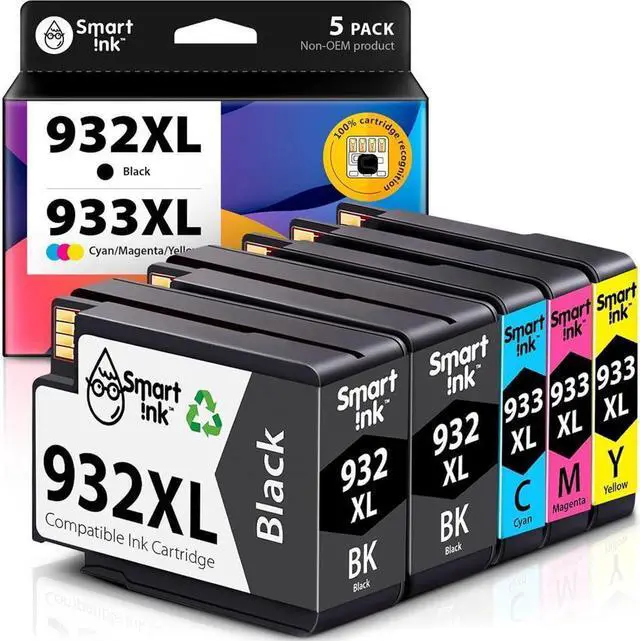
2 x Black 932XL
1 x Cyan 933XL
1 x Magenta 933XL
1 x Yellow 933XL
1 x Easy-to-understand instruction
2 x Gloves
Black: up to 1,000* pages
C/M/Y: up to 825* pages
Type of ink: Pigment for black, Dye for color
* at 5% coverage
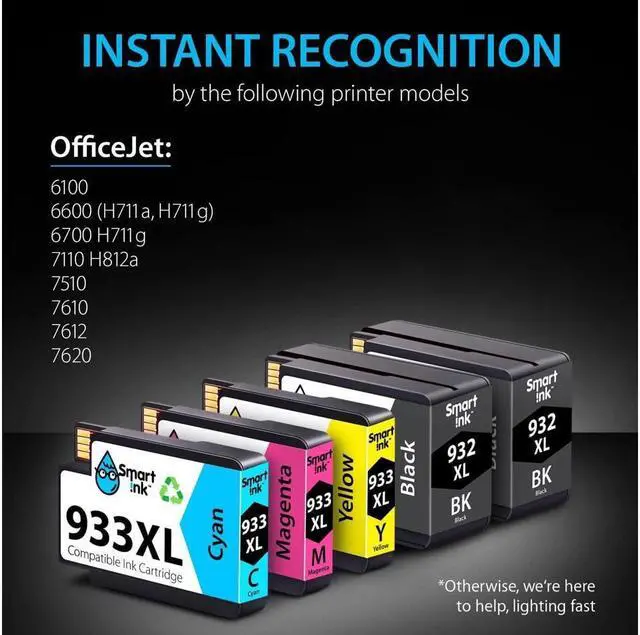
OfficeJet 6100
OfficeJet 6600 (H711a H711g)
OfficeJet 6700 H711g
OfficeJet 7110 H812a
OfficeJet 7510
OfficeJet 7610
OfficeJet 7612
OfficeJet 7620
Take off the yellow tape
Do not remove the protective seal covering the ink port
Install the cartridge into the corresponding slot
Do not touch the chip or the ink port
Your Smart Cartridge Choice! Shop All STEP 1: STEP 2: STEP 3: ATTENTION:





 here!
here!