shipping Holiday Shipping Details & Extended Holiday Returns
  • $76.99
  • Free 30-day Returns
  • Price alert
    Shop it at NeweggBusiness.

    Meet Your Seller

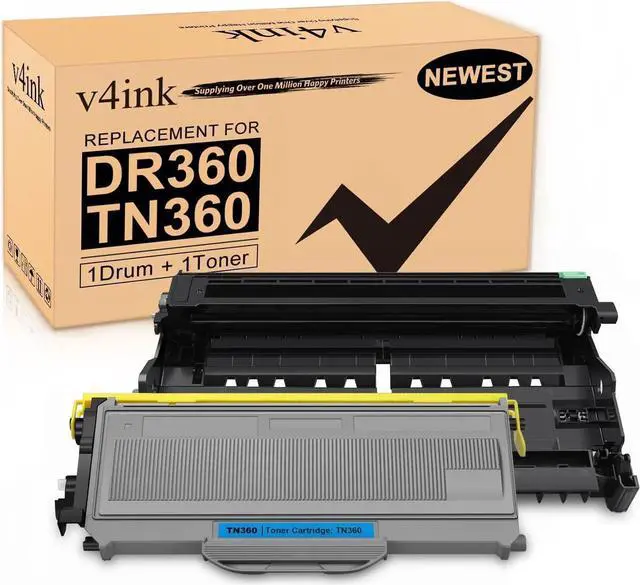
    v4ink Compatible Drum+Toner Replacement for Brother DR360 TN360 (1Drum + 1Toner) Work with DCP7030 DCP7040 DCP7045 HL2120 HL2140 HL2150 HL2170 MFC7320 MFC7340 MFC7345 MFC7440 MFC7445 MFC7450 MFC7840

    • Package Includes: 1 pack of DR360 Drum Unit and 1 pack of TN360 Toner Cartridge v4ink compatible replacement for Brother DR360 DR-360 drum unit and Brother TN360 TN-360 Toner.
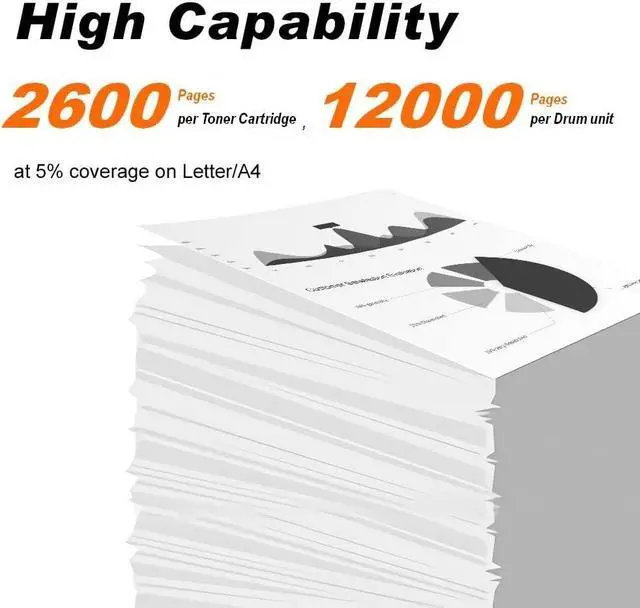
    • Page Yield: 12,000 pages per drum unit based on 5% coverage (letter/A4).
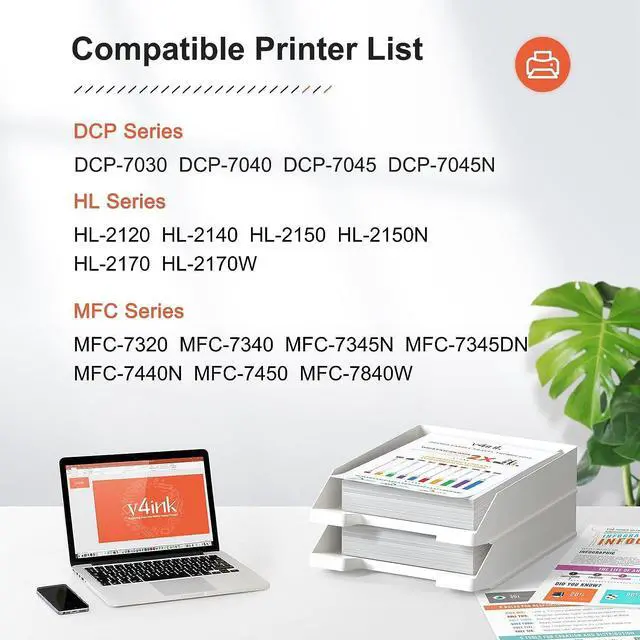
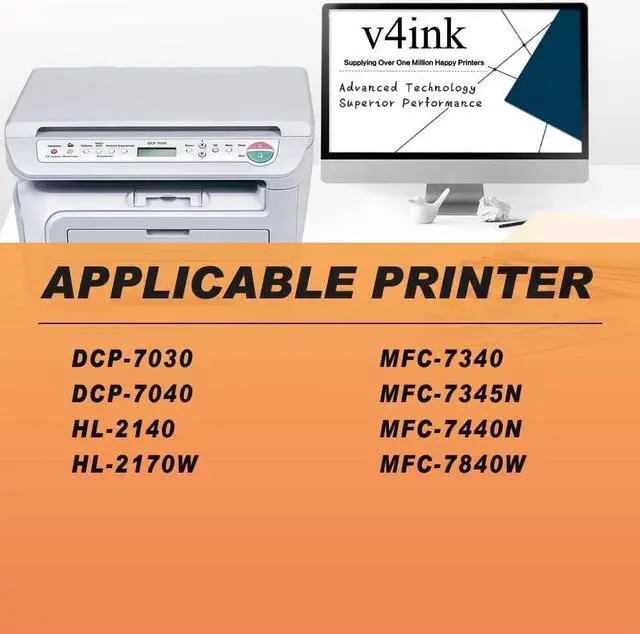
    • Compatible with: Brother DCP-7030, DCP-7040, DCP-7045, HL-2120, HL-2140, HL-2150, HL-2170W, MFC-7320, MFC-7340, MFC-7345N, MFC-7440N, MFC-7445, MFC-7450, MFC-7840W Series Printers.
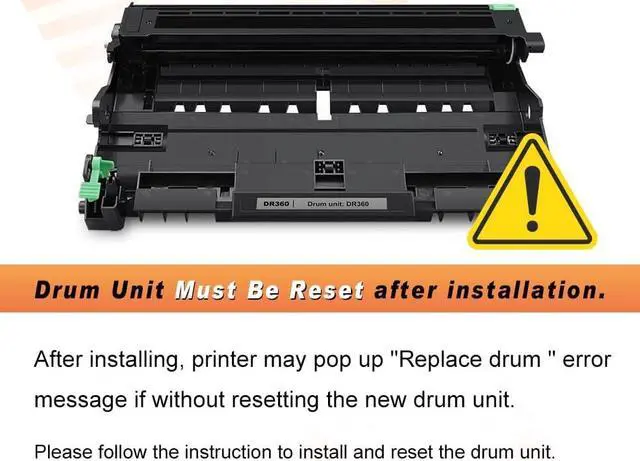
    • If your HL series printer pop up error message after installation, please reset: (a) Open the front cover; (b) Press and hold down the button "Go" for a few seconds until all the LEDs light up; (c) Release the button "Go"; (d) Close the front cover.
    • If your DCP/MFC printer pop up error message after installation, please reset: (a) Open the front cover; (b) Press "Clear/Back" then "Replace Drum" will appear; (c) Press "1" or up arrow button then "Accepted" will apear; (d) Close the front cover.

    +
    +
    Overview
    Specs
    Reviews
    avatar

    Any questions? Our AI beta will help you find out quickly.

    Package Includes: 1 pack of DR360 Drum Unit and 1 pack of TN360 Toner Cartridge v4ink compatible replacement for Brother DR360 DR-360 drum unit and Brother TN360 TN-360 Toner.
    Page Yield: 12,000 pages per drum unit based on 5% coverage (letter/A4).
    Compatible with: Brother DCP-7030, DCP-7040, DCP-7045, HL-2120, HL-2140, HL-2150, HL-2170W, MFC-7320, MFC-7340, MFC-7345N, MFC-7440N, MFC-7445, MFC-7450, MFC-7840W Series Printers.
    If your HL series printer pop up error message after installation, please reset: (a) Open the front cover; (b) Press and hold down the button "Go" for a few seconds until all the LEDs light up; (c) Release the button "Go"; (d) Close the front cover.
    If your DCP/MFC printer pop up error message after installation, please reset: (a) Open the front cover; (b) Press "Clear/Back" then "Replace Drum" will appear; (c) Press "1" or up arrow button then "Accepted" will apear; (d) Close the front cover.

    Warranty & Returns

    Warranty, Returns, And Additional Information

    Warranty

    • Please contact the Seller directly for warranty information. Warranty information may also be found on the Manufacturer's website.
    • CONTACT

    Return Policies

    Manufacturer Contact Info

    LOADING...